Hands-on Cloud Code course teaching project scaffolding, automated audits, testing, autonomous agents, security remediation, and CI CD workflows to accelerate secure software delivery.
Hi — I’m Jeremy Morgan. Welcome to the Cloud Code course.Imagine coding with an AI assistant that can summarize, audit, and even help design your entire project in seconds. Since its launch, Cloud Code has helped thousands of engineers ship faster and more securely — over 80% report fewer bugs and more efficient code reviews. Throughout this course you’ll learn to harness Cloud Code for faster development, stronger security posture, and better team collaboration.What you’ll gain:
Rapid project scaffolding and generator scripts
Automated audits and prioritized remediation todos
Guided unit testing and test-driven development
Autonomous agents for repetitive tasks and CI/CD automation
Practical labs to replicate real-world engineering workflows
Whether your goal is to speed up development, harden security, or improve developer experience, this course will show you how to use Cloud Code to accomplish it.
Scaffold a new project and prepare it for public release
Add reliable unit tests and run audits automatically
Delegate tasks to Cloud agents for autonomous completion
Manage reproducible environments for consistency and security
Master multi-file project navigation, extended sessions, and prompt design
Work through the hands-on labs to apply each concept immediately. These labs mirror real production tasks and are optimized for practical learning.
In this lesson we build a project from scratch: scaffold a codebase, prepare for release, add tests, run security and quality audits, and generate patch files and remediation plans.Below are representative interactive outputs, audit samples, and example sessions you’ll see while working through the course.
Cloud Code provides structured audit outputs and writes files for reviewers and stakeholders:
Copy
● Write(audits/ERROR_HANDLING_COMPREHENSIVE_REVIEW.md)└─ Wrote 596 lines to audits/ERROR_HANDLING_COMPREHENSIVE_REVIEW.md# Error Handling Comprehensive Review## Executive Summary**Status:** ❌ **CRITICAL DEFICIENCIES IDENTIFIED****Overall Score:** 3.5/10The Express Login Demo exhibits severe error handling vulnerabilities that create significant security risks and operational issues. The application lacks centralized error management, exposes sensitive information through verbose error messages, and has inconsistent handling across routes.## Critical Findings Overview+586 lines (ctrl+r to expand)* Whirlpooling... (esc to interrupt)
Cloud Code can also generate remediation todos, patch files, or full security reports you can review and apply from within your editor.
Cloud Code generates concise summaries that help you understand architecture and hotspots quickly:
Copy
- config/database.js - PostgreSQL database connection pool- routes/auth.js - Authentication routes (currently only login)- schema.sql - Database schema definitionRoute-Controller Architecture:Routes are directly connected using Express Router patterns:- Main server mounts auth routes at /api/auth (server.js:11)- Auth router handles /login endpoint with inline controller logic (routes/auth.js:9-96)- No separate controller layer - business logic is embedded in route handlersDatabase:PostgreSQL with:- Connection via pg library with connection pooling (config/database.js:3-9)- Single users table with id, email, name, password, timestamps (schema.sql:8-15)- Email index for performance (schema.sql:18)- Uses bcrypt for password hashing and JWT for authentication tokens
After an audit, Cloud Code creates prioritized tasks to fix vulnerabilities and technical debt:
Copy
Update Todos- Examine codebase structure and identify database files- Analyze database schema and configuration- Review all database queries for SQL injection vulnerabilities- Check connection string and credential security- Verify parameterized queries and ORM usage- Assess database permissions and access controls- Review sensitive data handling and encryption- Check transaction handling and error management- Analyze logging and audit capabilities- Generate comprehensive security reportWrite(audits/DATABASE_SECURITY_AUDIT_REPORT.md)Opened changes in Visual Studio Code ✎Save file to continue...Do you want to make this edit to DATABASE_SECURITY_AUDIT_REPORT.md?1. Yes2. Yes, for this session only (shift+tab)3. No, and tell Cloud what to do differently (esc)
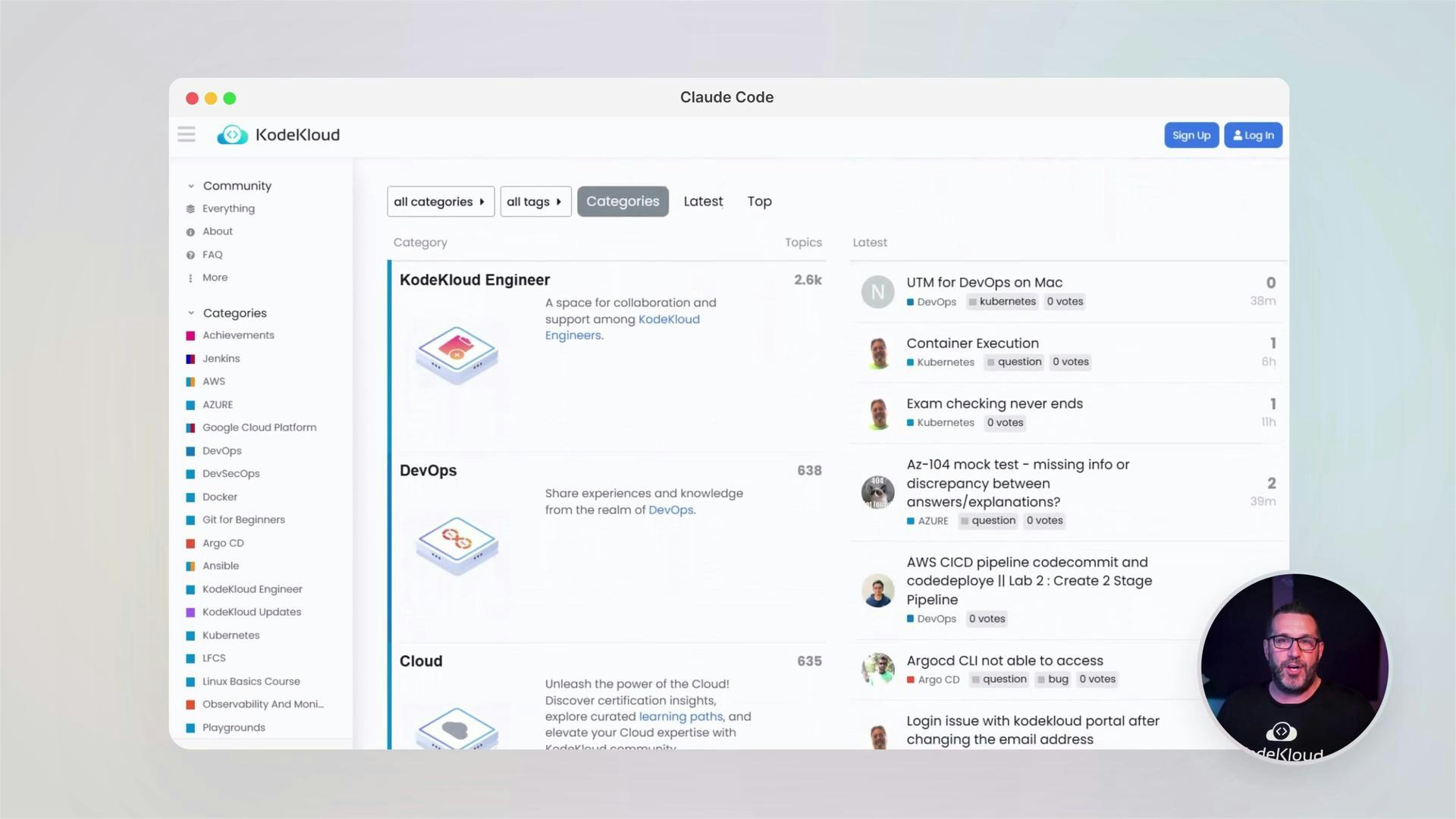
KodeKloud emphasizes community learning. Join the forums to ask questions, share solutions, and learn from peers.
Never commit secrets, API keys, or plaintext credentials to your repository. Use environment variables, vaults, or secrets managers and run scans regularly.