- Do not expose secrets (passwords, tokens, API keys, PII, credit card numbers).
- Capture relevant security events (failed logins, auth failures, validation errors, system errors).
- Are written in a way that prevents log injection and supports structured parsing.
- Are stored and rotated safely, and are integrated with monitoring/alerting.
- Verify no sensitive data is logged (passwords, tokens, PII, credit card numbers, API keys)
- Verify security event logging (failed logins, auth failures, validation failures, system errors)
- Verify log injection prevention and structured logging
- Verify log storage, rotation, and monitoring/alerts
Summary Checklist (what we check)
- Sensitive data not logged: Passwords, tokens, PII, API keys
- Security event logging: Failed login attempts, authorization failures, validation failures, system errors
- Log injection prevention: Input sanitization in logs, structured logging
- Log storage and retention: Secure storage, rotation policy, backup strategy
- Monitoring alerts: Unusual activity detection, error rate monitoring, performance anomalies
Key Findings (high level)
-
Sensitive data exposure in logs (Critical)
- Evidence:
routes/auth.js:69contains a free-form dump of the error object: - Why it matters: Error objects can include stack traces, database connection strings, internal paths, user input and other configuration values that help attackers.
- Evidence:
-
No structured logging framework in use (High)
- The app uses console.* which outputs unstructured text logs that are hard to parse and correlate in production.
-
Missing consistent security event logging (High)
- Failed logins, authorization failures, and other security events are either not logged or are logged without masking, risking user identifier exposure.
-
No log injection prevention (Medium)
- User-controlled fields can include newlines or escape/control characters that corrupt logs and enable injection attacks.
-
No log storage/retention/rotation configured (Medium)
- Without rotation/retention, logs can fill disk space and block application availability.
-
No monitoring/alerting integration observed (Medium)
- No metrics or alerts for unusual activity, increasing the time to detect incidents.
Problem Example and Evidence
Representative problematic code inroutes/auth.js:
Remediation — Practical, drop-in fixes
Below are minimal, practical fixes you can apply to harden logging quickly. Replace ad-hoc console statements with sanitized, structured logging and add masking/sanitization helpers.- Add a structured logger (example using Winston)
lib/logger.js:
- Replace free-form error dumps with sanitized, structured error logs
routes/auth.js:
- Mask PII and never log passwords
req.body.password or other secret fields.
- Sanitize inputs to prevent log injection
sanitizeForLog(...) before logging.
- Add security event logging for important events
- Configure log rotation & retention
- Development: keep local file limits to prevent disk exhaustion (as shown in the logger).
- Production: forward logs to a centralized system (ELK, Splunk, Datadog, Papertrail) and apply retention and access controls.
- Consider
winston-daily-rotate-fileor platform-native rotation (logrotate, systemd-journal).
winston-daily-rotate-file snippet:
- Monitoring and alerting recommendations
- Emit metrics for login failures, error rates, and latency via Prometheus or a hosted metrics client.
- Create alerts for:
- Spike in failed login attempts per minute.
- Elevated 5xx response rate.
- Sudden traffic spikes from unexpected regions.
- Integrate logs and metrics into a SIEM or centralized logging platform to detect suspicious sequences (e.g., account enumeration or brute-force attempts).
Note: Prefer centralized logging and metrics in production. Local file logs are useful in development, but centralization enables alerting, retention policies, secure access controls, and faster forensic analysis. Configure log levels and whether to include stack traces through environment variables to avoid exposing internals in production.
Prioritized Fixes (top 5)
- Sanitize error logging (Critical) — Replace console dumps with structured logging and sanitize error objects.
- Add failed authentication logging with masked identifiers (High) — Enables brute-force detection and audit trails.
- Implement structured logging framework (High) — Use Winston or Pino for consistent, machine-parseable logs.
- Add input sanitization for logs (Medium) — Prevent log injection and malformed log lines.
- Configure log rotation and centralized aggregation (Medium) — Prevent disk exhaustion and enable retention/alerting.
Compliance Checklist (example)
Risk Assessment Summary
- Overall risk score (0-10): 7.5/10 — immediate remediation recommended for error logging and event logging.
- Immediate recommended actions:
- Replace console.* dumps with a logger that sanitizes error data.
- Add masked logging for authentication events.
- Configure basic log rotation and plan for centralized aggregation.
Defense-in-Depth Recommendations
- Use a structured logger (Winston or Pino) with JSON output to enable parsing and correlation.
- Centralize logs (ELK, Datadog, Splunk) and enforce RBAC for log access.
- Emit metrics for security events and configure alert rules in your monitoring system.
- Encrypt log storage at rest and secure transport for log shipping.
- Regularly audit logs for anomalies and confirm retention limits meet compliance needs.
Resources & References
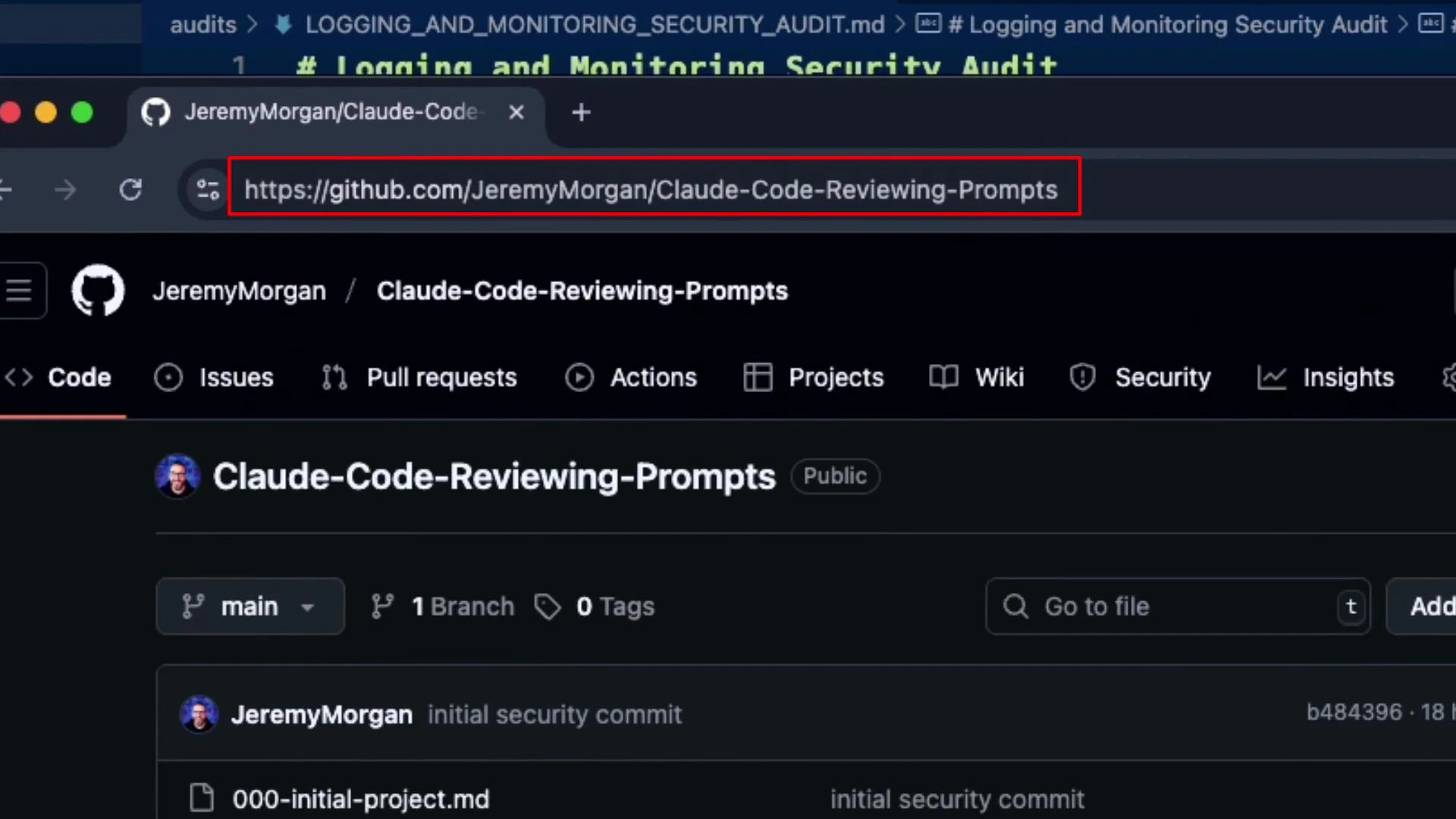
Below is a repository reference for the prompts and tooling used during this review: