

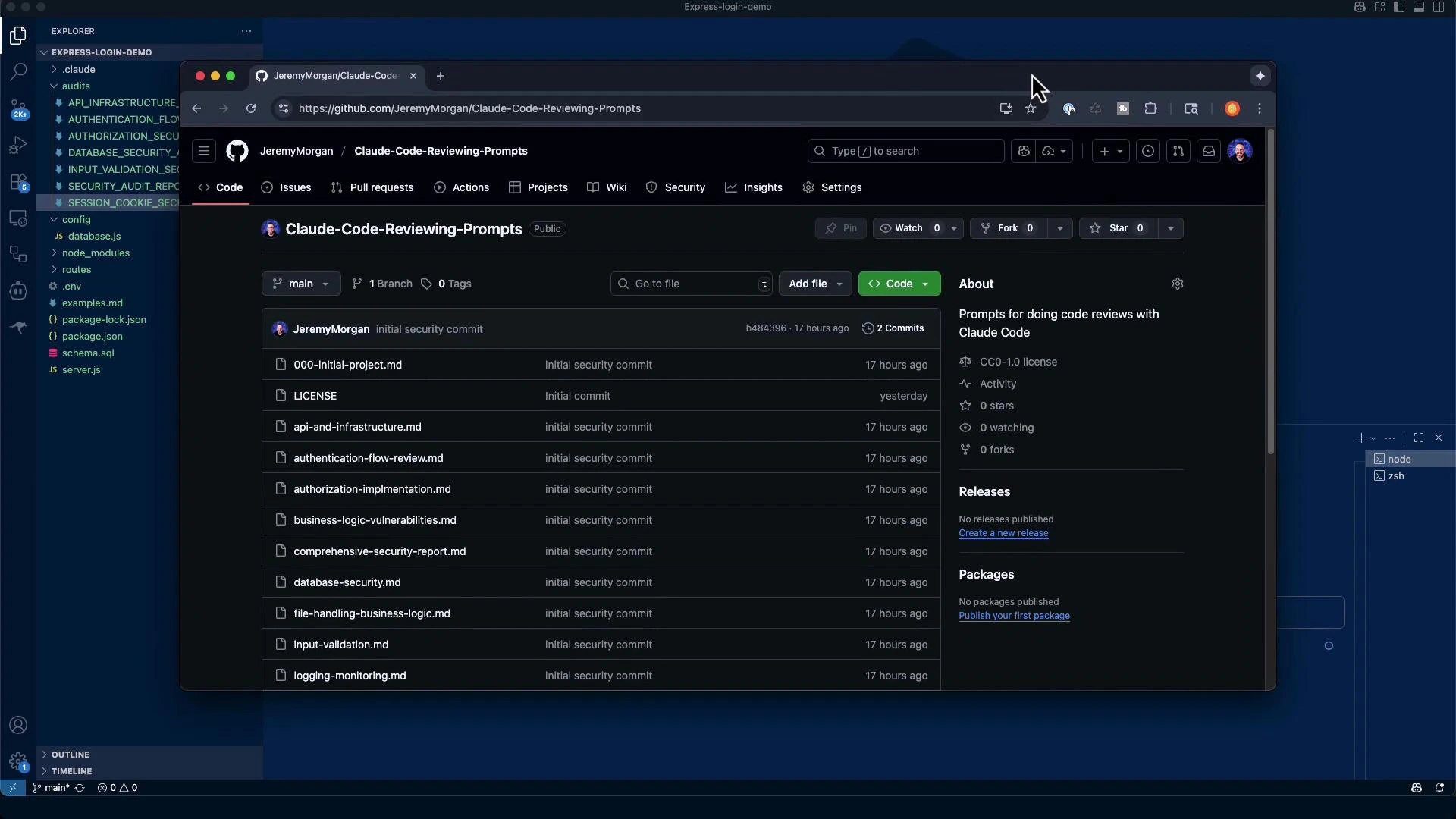
Audit checklist prompt (condensed)
The audit prompt instructs the assessor to review all file upload functionality and provide a structured findings report:Key checks explained (quick guide)
- File type validation: Apply a whitelist of allowed MIME types and extensions. Avoid blacklists.
- File size limits: Enforce server-side limits to prevent DoS and storage exhaustion. Client-side checks are helpful but not authoritative.
- Filename sanitization: Normalize and sanitize filenames; prefer generated names or UUIDs to avoid directory traversal and encoding issues.
- Anti-virus scanning: Integrate AV scanning for user-supplied files in production environments.
- Storage location: Keep uploaded files outside the webroot and serve them through controlled handlers.
- Direct execution prevention: Ensure uploaded files cannot be executed (file permissions, handler configuration).
- MIME type and magic-number validation: Validate both reported MIME type and inspect file signatures before trusting content.
- Image library vulnerabilities: Use safe image-processing libraries with resource limits to avoid parser bugs and decompression bomb issues.
- ZIP bomb protection: Check total uncompressed size and nested archive levels.
Automated search results (what the audit looked for)
The audit script searched for common upload handlers and static-serving middleware:Todos generated for the audit
Audit findings — summary
- The Express Login Demo application is a minimal authentication service that accepts JSON credentials only.
- No file upload libraries were found (for example, multer or express-fileupload).
- The codebase does not handle multipart/form-data nor does it serve static files via express.static.
- Because the application has no upload capability, all file-upload related checks are Not Applicable (N/A).
Checklist results
Automated report output (excerpt)
/audits/FILE_UPLOAD_SECURITY_AUDIT.md. The audit concluded with a risk score of 0/10 because upload functionality is absent. This is a valid result: the application’s attack surface is reduced by not accepting files.
Example secure multer configuration (if you add uploads)
If you later add file uploads, use this secure starter configuration as a baseline. It enforces a whitelist, size limits, and stores files outside the webroot. Adapt it for your environment and add magic-number checks, AV scanning, and ZIP handling as needed.dest. If you need to validate magic numbers or scan contents before saving, consider multer.memoryStorage() or accept uploads into a quarantine/temp directory and validate content before moving to permanent storage.
Practical notes for secure implementation (defense-in-depth)
- Validate file magic numbers before finalizing storage; use memory storage or a quarantine directory to inspect content before moving it to permanent storage.
- Sanitize and normalize filenames. Prefer generated filenames or UUIDs rather than user-supplied names.
- Enforce strict file permissions and never place uploads within the webroot.
- Integrate AV scanning for production systems that accept user files.
- When processing archives or images, set strict decompression limits and guard against nested archives to mitigate ZIP bombs.
- Log upload attempts and enforce rate limits to mitigate abuse.
- Apply least privilege to any service processing uploaded files and isolate processing steps where feasible.
Final summary
- Current posture: No upload functionality → minimal file-upload risk (0/10).
- If adding uploads, prioritize:
- Whitelist validation + magic-number checks
- File size limits + storage outside webroot
- AV scanning + archive (ZIP) protections
Links and references
This audit found no file upload functionality in the Express Login Demo application. If you add uploads later, follow the checklist above and combine multiple protections (whitelist, magic-number validation, size limits, AV scanning, and safe storage) for defense-in-depth.