

Preparing the Dockerfile
In VS Code (or your preferred editor), create a file namedDockerfile in your project root:
Use
--no-cache-dir with pip to reduce image size by preventing caching of package files.Staging and Committing Changes
Once yourDockerfile, app.py, requirements.txt, and README.md are ready, stage all modified and new files:
main branch:
Make sure sensitive files (e.g.,
.env, keys) are listed in your .gitignore to avoid accidental commits.Branching and Pushing Feature Branch
Follow Git best practices by working in a feature branch named after your JIRA task:- Create and switch to the branch:
- Push the branch to GitHub:
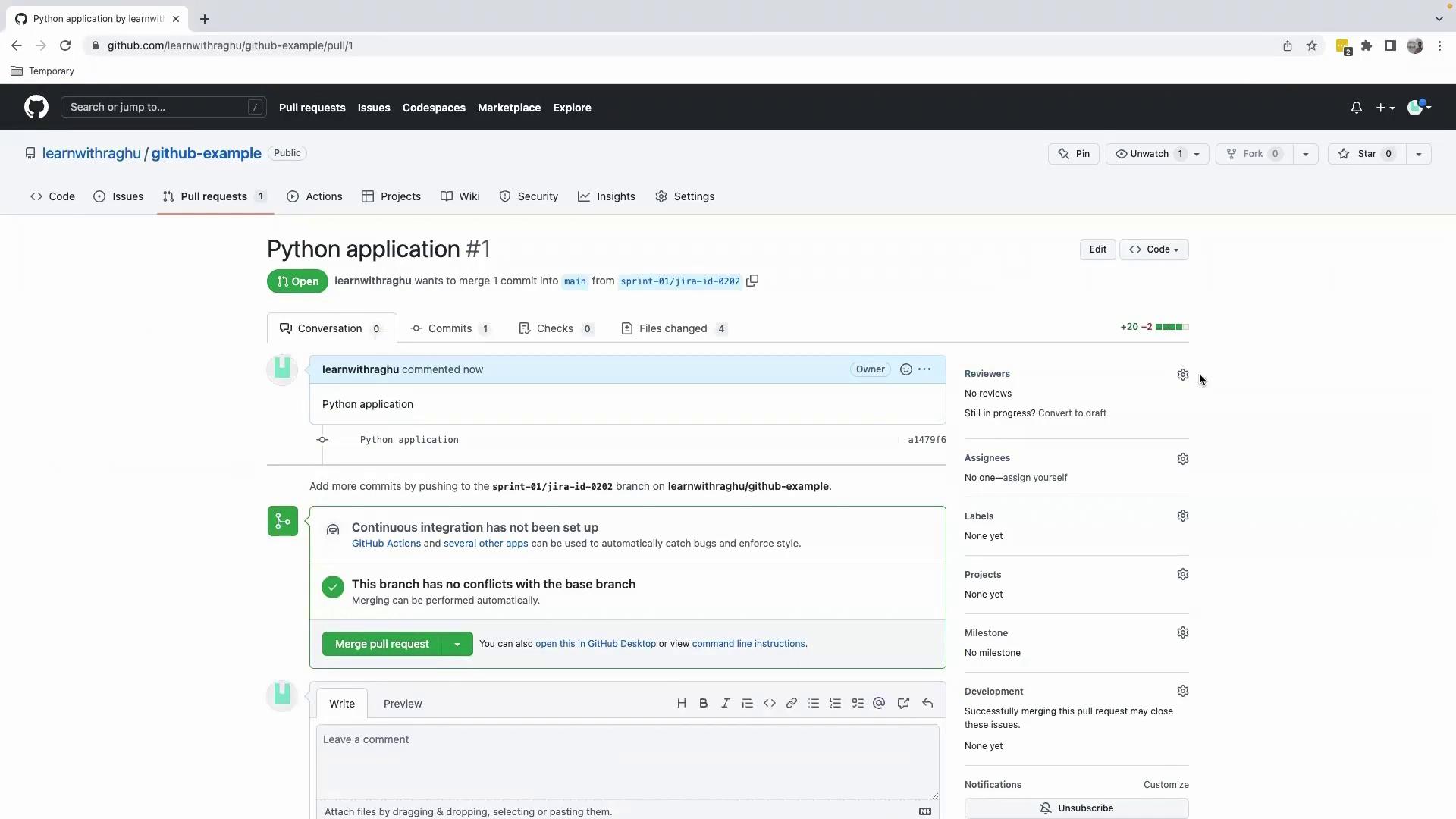
Opening a Pull Request
- Navigate to your GitHub repository in a browser.
- Click Compare & pull request for
sprint-01/jira-id-0202. - Add a title and paste your commit message in the description.
- Assign a reviewer from your team.
main and pull the latest changes:
main branch now contains the merged feature.