

Enabling Branch Protection
Enabling branch protection helps maintain code quality and prevents direct pushes to critical branches.
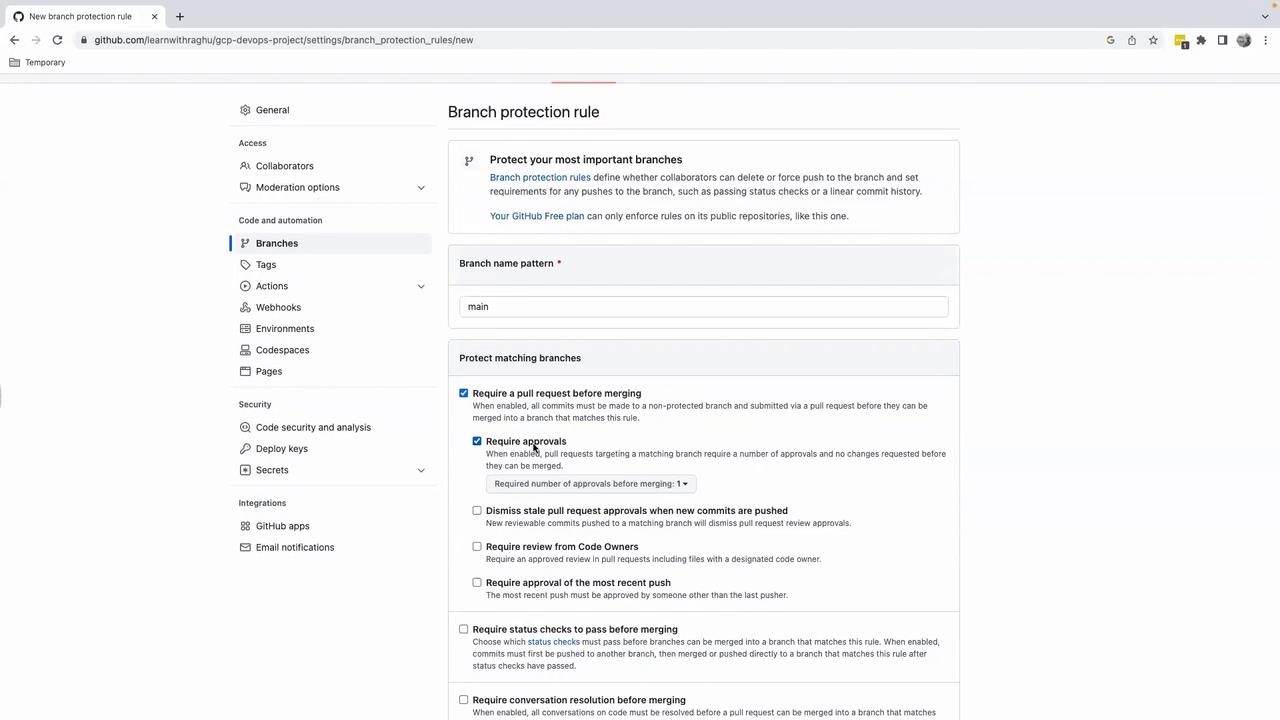
- In your repository, navigate to Settings > Branches.
- Click Add branch protection rule.
- Set Branch name pattern to
main. - Enable Require a pull request before merging.
- Uncheck Require approvals if you’re working solo.
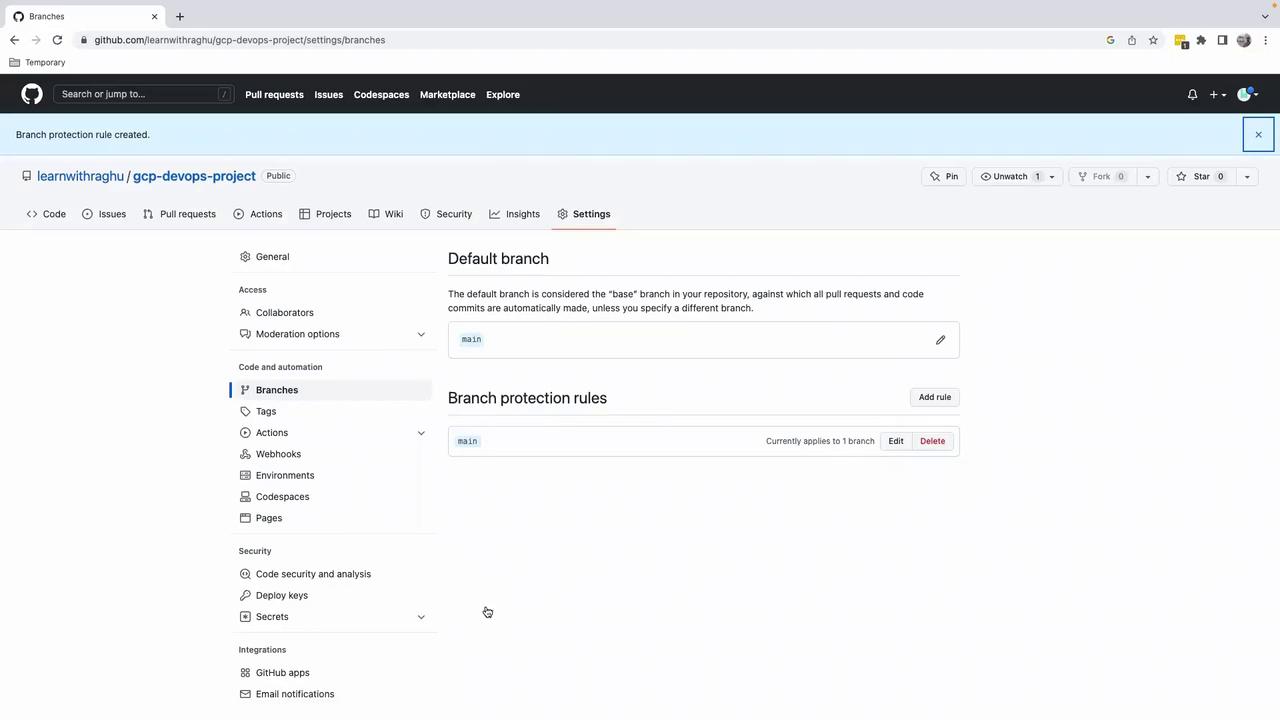
- Scroll down and click Create.
Working with Feature Branches
Avoid committing directly to
main. Always use a dedicated feature branch for your changes.Creating a Feature Branch
Switch to a new branch for your task:Updating the README
- Open
README.md. - Change the heading from
####to#for an H1 title. - Preview your changes to confirm the update.
Staging and Committing
Stage and commit the revision:Pushing the Feature Branch
Push your branch to GitHub:Creating and Merging a Pull Request
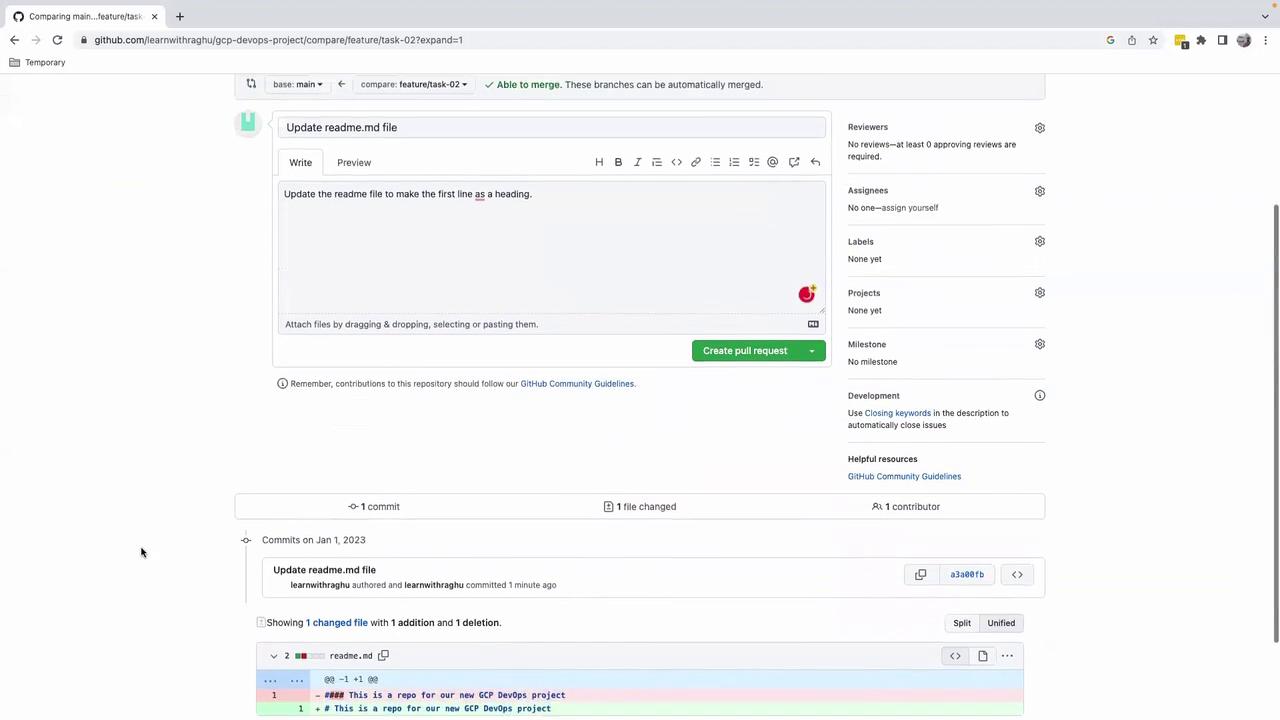
- Click Compare & pull request in the GitHub banner.
- On the Open a pull request page:
- Title: Update README.md to use H1 heading
- Description: Update the README file to make the first line a heading
- Review your changes and click Create pull request.
- Click Merge pull request, then Confirm merge (approvals are not required for solo projects).
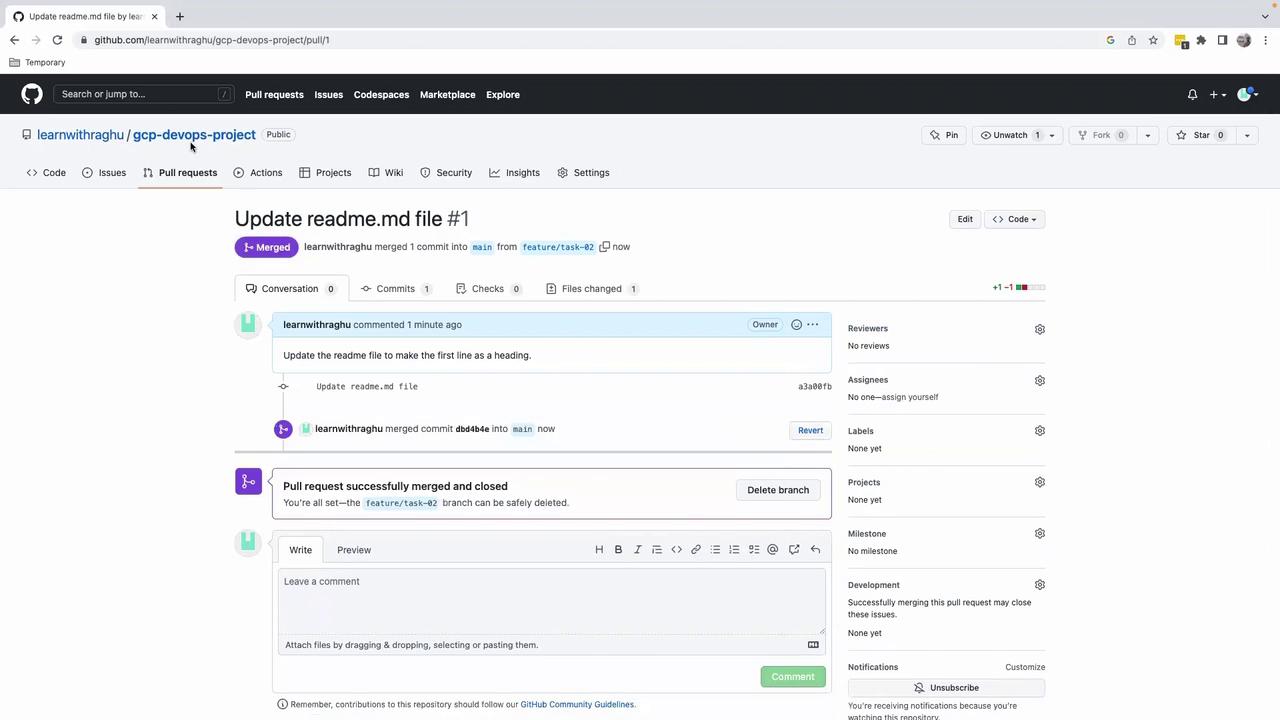
main branch includes the change. This clear, repeatable process scales with team size and project complexity.