

Objectives
- Create a development namespace in the GKE cluster.
- Configure branch-based deployments:
- Pushing to the
developmentbranch deploys to the development namespace. - Merging into the
mainbranch deploys to production.
- Pushing to the
development, the pipeline triggers a rollout into the dev namespace. After tests and QA pass, merging into main initiates the production release.
A development environment provides an isolated namespace in your GKE cluster for testing and validation of changes without impacting production.
Learn more in the Kubernetes Namespaces documentation.
Learn more in the Kubernetes Namespaces documentation.
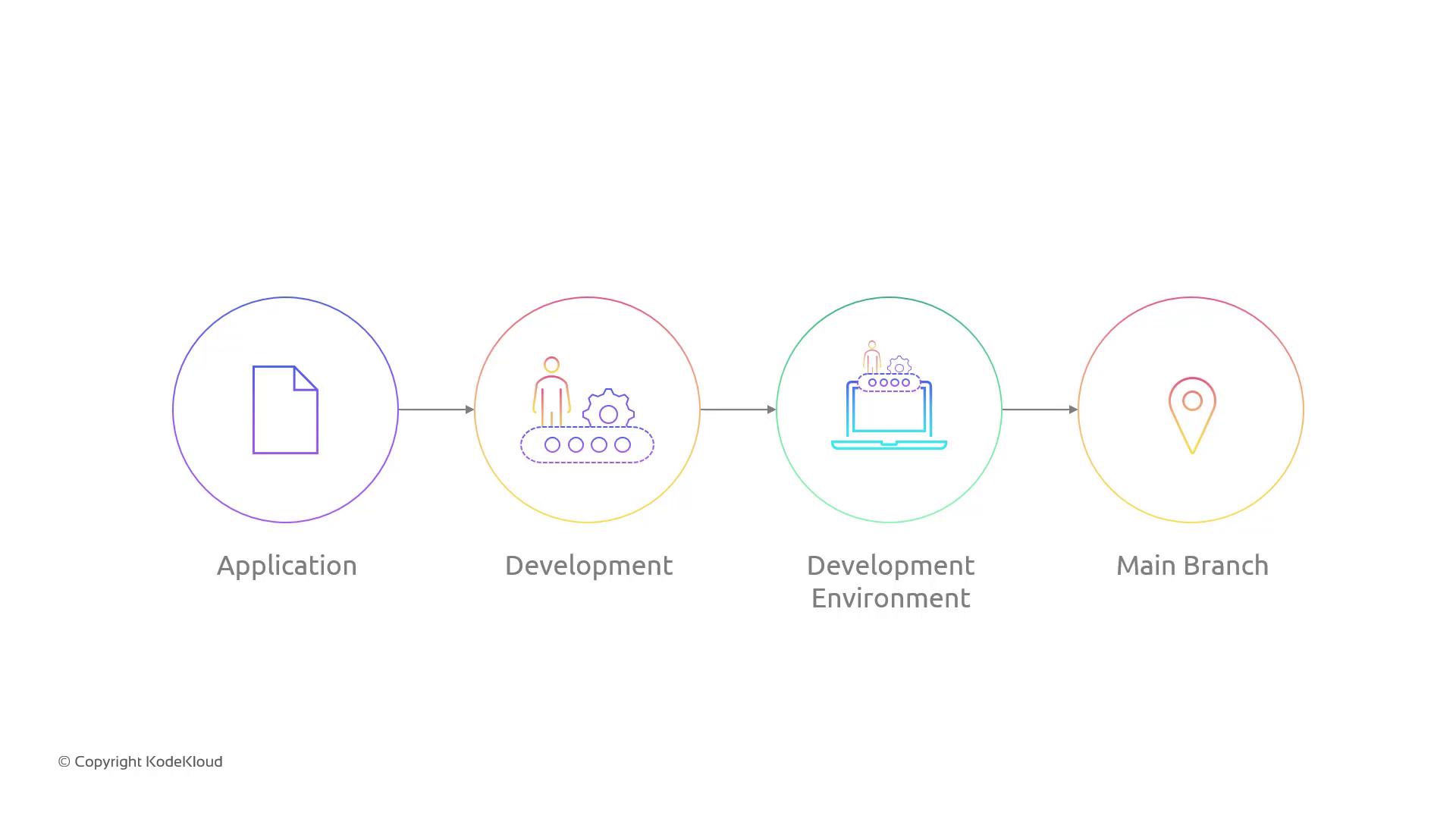
Branch-to-Namespace Mapping
| Git Branch | Kubernetes Namespace | Trigger Event |
|---|---|---|
| development | dev | git push to develop |
| main | production | Pull request merge into main |
Updating the CI/CD Pipeline
Most CI/CD stages stay the same; we’ll only adjust:- Namespace creation steps.
- Deployment job triggers.
1. Create the Development Namespace
2. Update Pipeline Configuration
In your CI/CD YAML (e.g., Cloud Build or GitHub Actions), add branch filters:Next Steps
- Validate the development environment by pushing a test commit to
development. - Review logs and confirm the new namespace deployment.
- Merge into
mainand watch the production rollout.