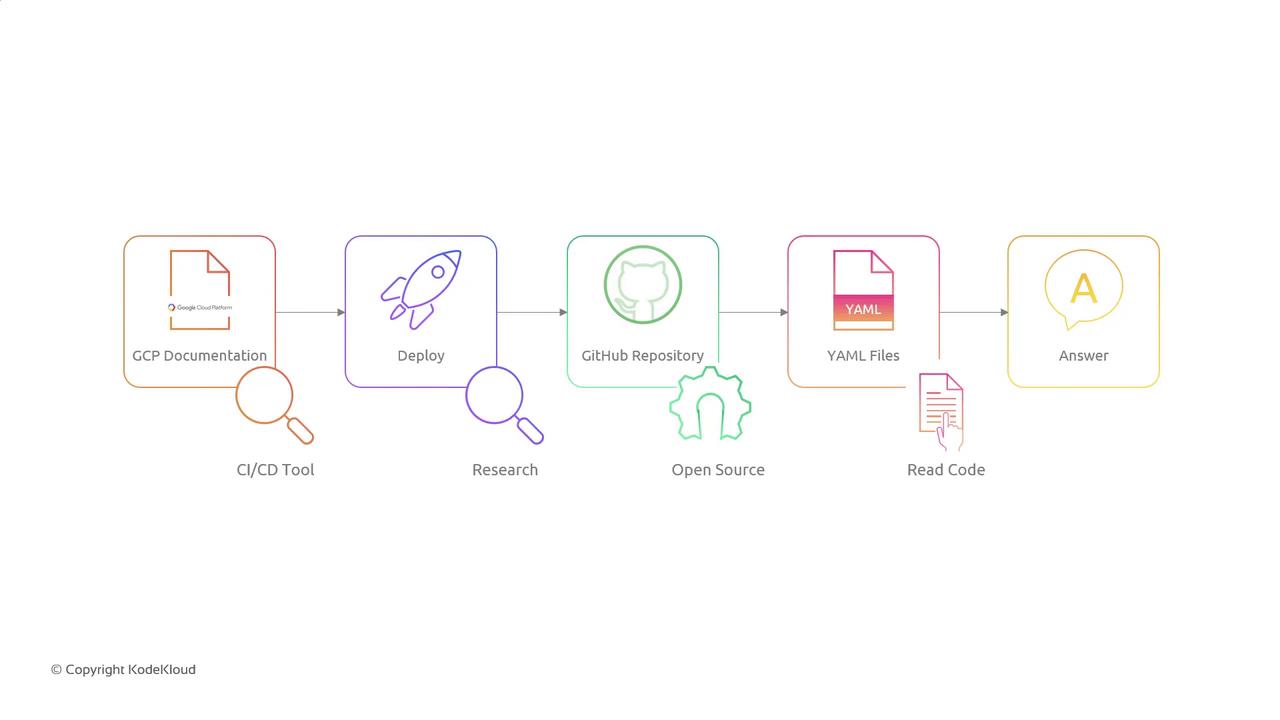
Key Pipeline Questions
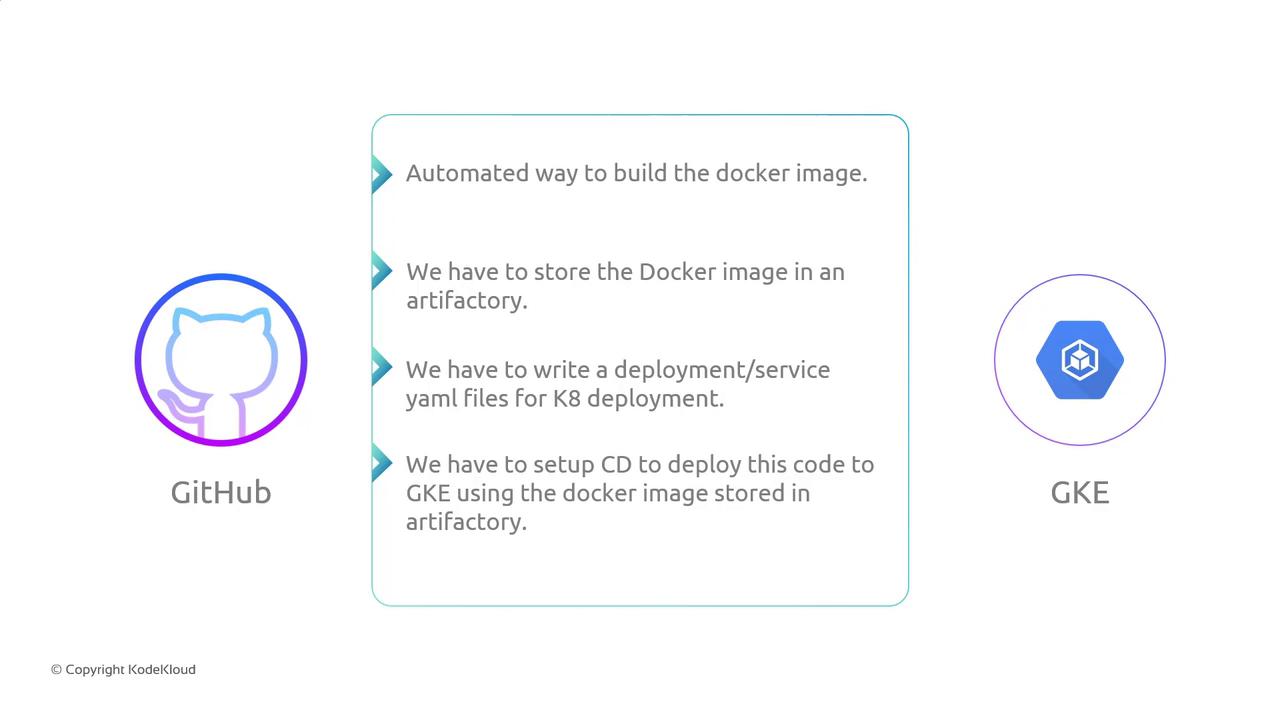
- How do we automate Docker image builds?
- Where should we store Docker images?
- How do we deploy images to GKE with Kubernetes manifests?
1. Automating Docker Image Builds
Manual Docker builds after each commit are not scalable. We need an automated build system that triggers on every Git push.Popular CI/CD tools for GitHub integrations include GitHub Actions and Google Cloud Build.
2. Storing Docker Images
After building, push your image to a registry. Below is a comparison of popular options:Ensure proper IAM roles or credentials are configured before pushing images. Avoid embedding credentials in your repository.
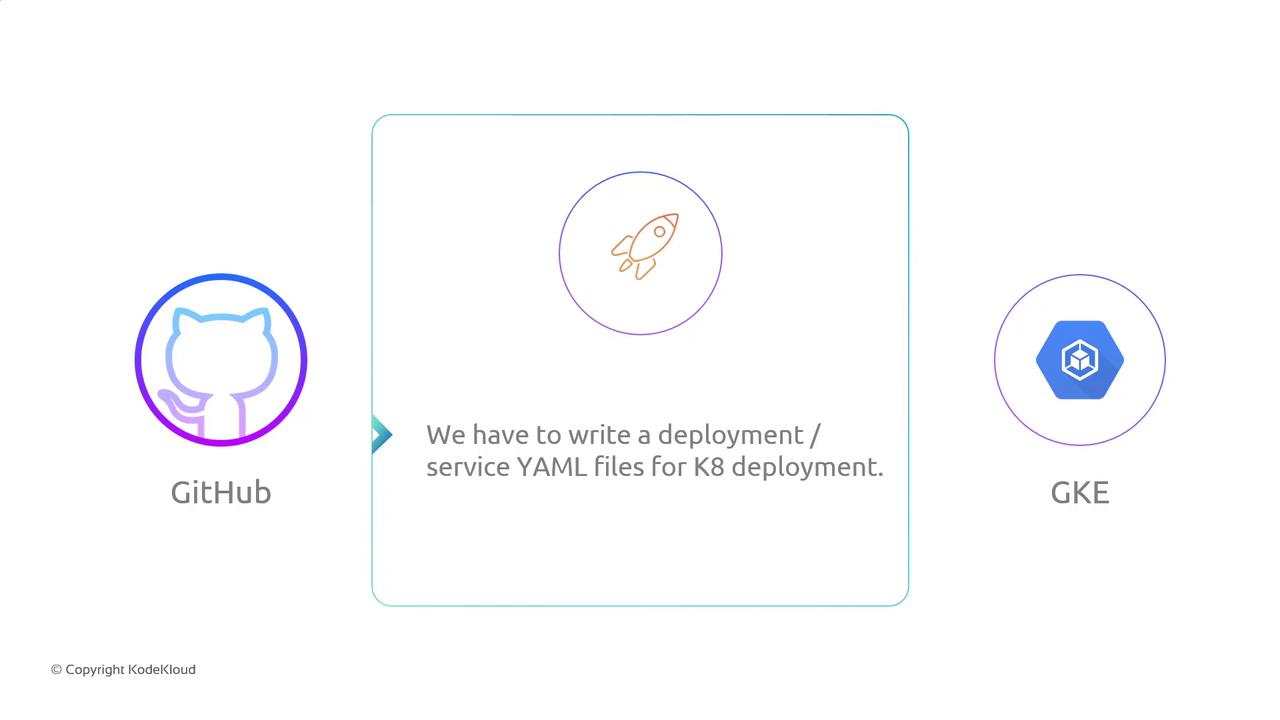
3. Deploying to GKE with Kubernetes Manifests
Kubernetes manifests define how your application runs in GKE. At minimum, you need:- Deployment: Manages pods and updates
- Service: Exposes pods inside/outside the cluster
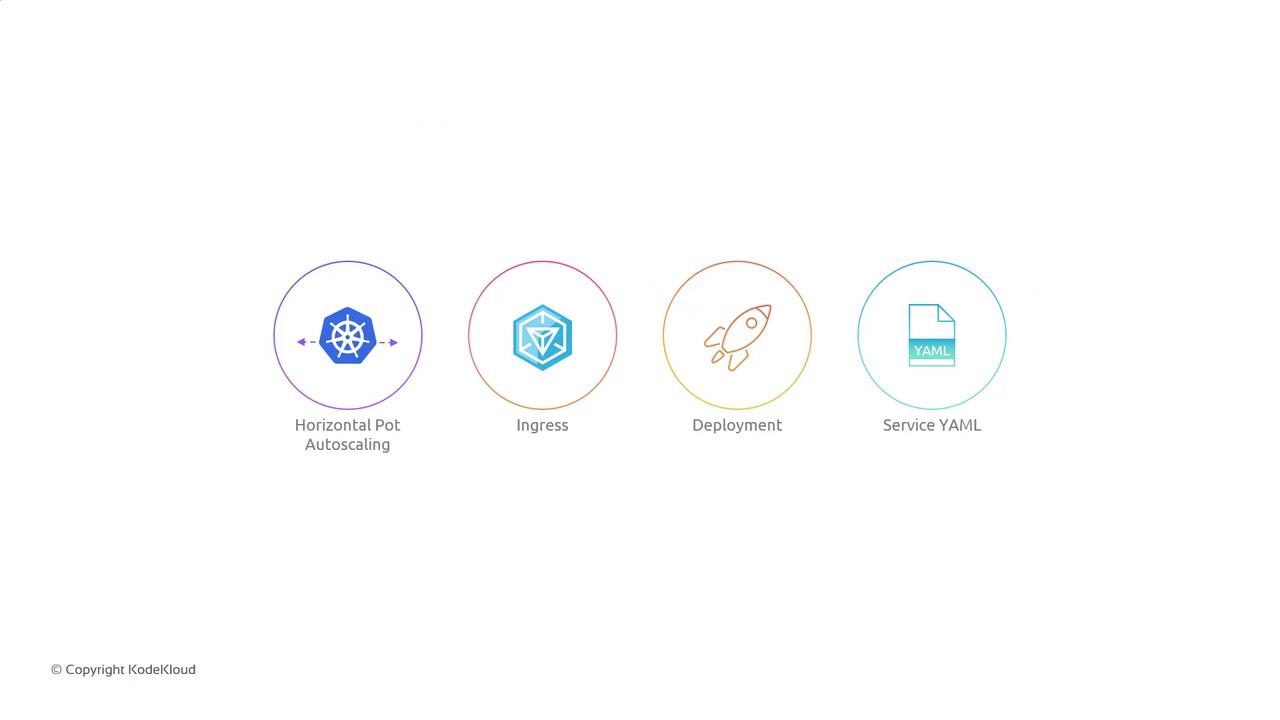
Common Kubernetes Resources
Beyond the basics, you can add:
4. End-to-End CI/CD Workflow
Combine build, storage, and deployment into a single automated flow:- Detect changes in the GitHub repository (e.g., on
mainbranch). - Trigger build: Run Docker build, run tests, and tag the image.
- Push image to the artifact registry.
- Deploy to GKE:
kubectl apply -fthe updated YAML manifests.
5. Research and Collaboration
Before implementation, perform a research phase to refine your CI/CD strategy:- Review Google Cloud Build documentation for CI/CD best practices.
- Explore open-source pipeline examples on GitHub.
- Audit existing Kubernetes YAML files to learn naming conventions and labels.
- Collaborate with senior engineers to validate security and scalability requirements.