

Prerequisites
- VS Code: https://code.visualstudio.com
- Python 3.8+
- Docker installed locally
- Git configured for your project
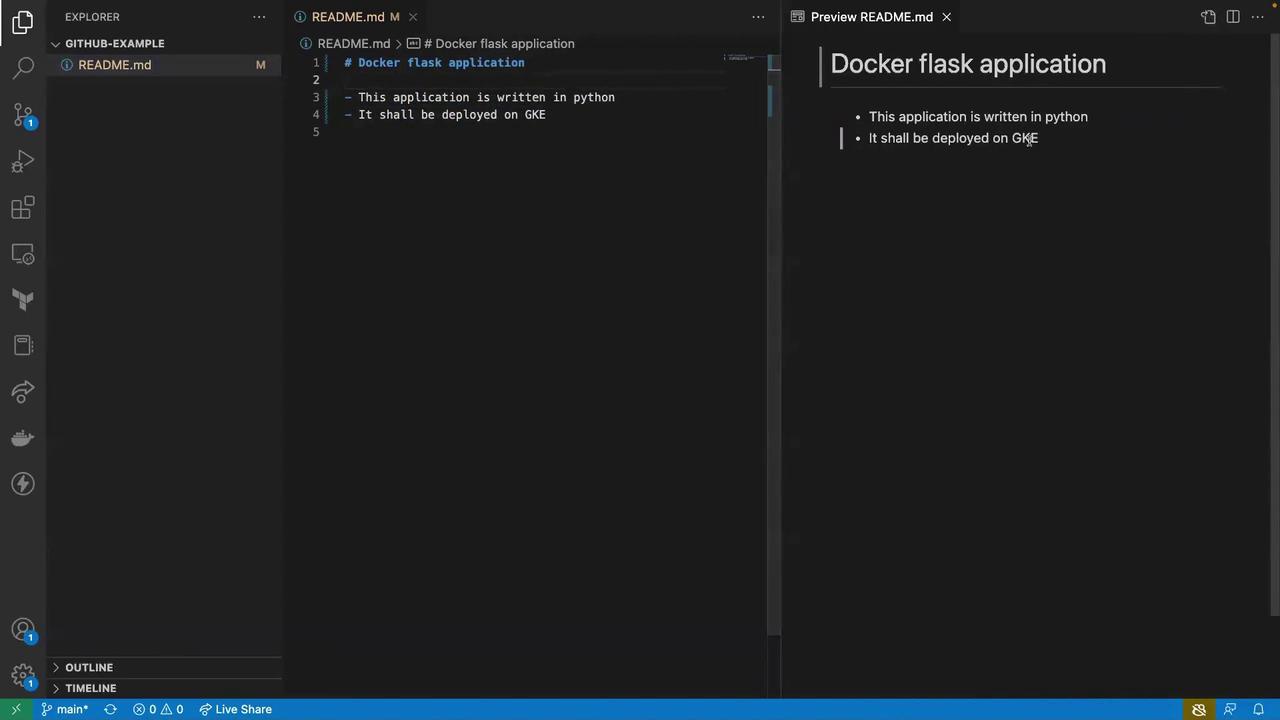
1. Update the README
OpenREADME.md in VS Code and add a clear project title and description:
2. Project File Structure
3. Create the Flask Application
Createapp.py at the project root with the following code:
/) that returns a greeting.
4. Specify Dependencies
Inrequirements.txt, list your Python packages:
pip which libraries to install inside the container.
5. Write the Dockerfile
CreateDockerfile and add:
- Use a lightweight Python base image
- Copy and install dependencies
- Copy application code
- Expose Flask on all network interfaces
If Flask does not auto-detect or change the
app.py, you can set the environment variable:CMD to:Next Steps
With your files in place (README.md, app.py, requirements.txt, Dockerfile), you’re ready to build and run the Docker image locally: