

- Grasp Cloud Build features and benefits
- Link a GitHub repo to Cloud Build via triggers
- Automate Docker image builds on merges and push them to Artifact Registry
1. Key Features of Cloud Build
Before writing any pipelines, it’s crucial to understand what Cloud Build offers. Search the official Cloud Build Documentation or the Cloud Console for more details.
| Feature | Description |
|---|---|
| Flexible Build Configurations | Define builds in YAML or JSON |
| Native Artifact Registry Integration | Push and pull images directly to Artifact Registry |
| Multiple Source Repository Support | Connect Cloud Source Repos, GitHub, Bitbucket |
| Parallel Steps & Caching | Speed up builds with parallelism and cache layers |
Cloud Build can also integrate with Pub/Sub, Cloud Functions, and other GCP services for advanced workflows.
2. Set Up a GitHub Trigger
Linking Cloud Build to your GitHub repository allows automated builds on code changes. Follow these steps:- Enable the Cloud Build API
In your GCP project, navigate to APIs & Services » Library and enable Cloud Build API. - Create a Build Trigger
- Go to Cloud Build » Triggers in the Cloud Console.
- Click Create trigger and choose GitHub as the source.
- Authorize & Select Repository
Grant Cloud Build access to your GitHub account and pick the target repository. - Configure Trigger Events
- Trigger on
pushto themainbranch. - Optionally, fire on pull-request merges.
- Trigger on
Ensure your GitHub App has the correct scopes (repo, admin:repo_hook) to create webhooks and read repository data.
3. Define cloudbuild.yaml to Build & Push Docker Images
With your trigger in place, add acloudbuild.yaml at the root of your repo. This file defines steps to build a Docker image and push it into Artifact Registry.
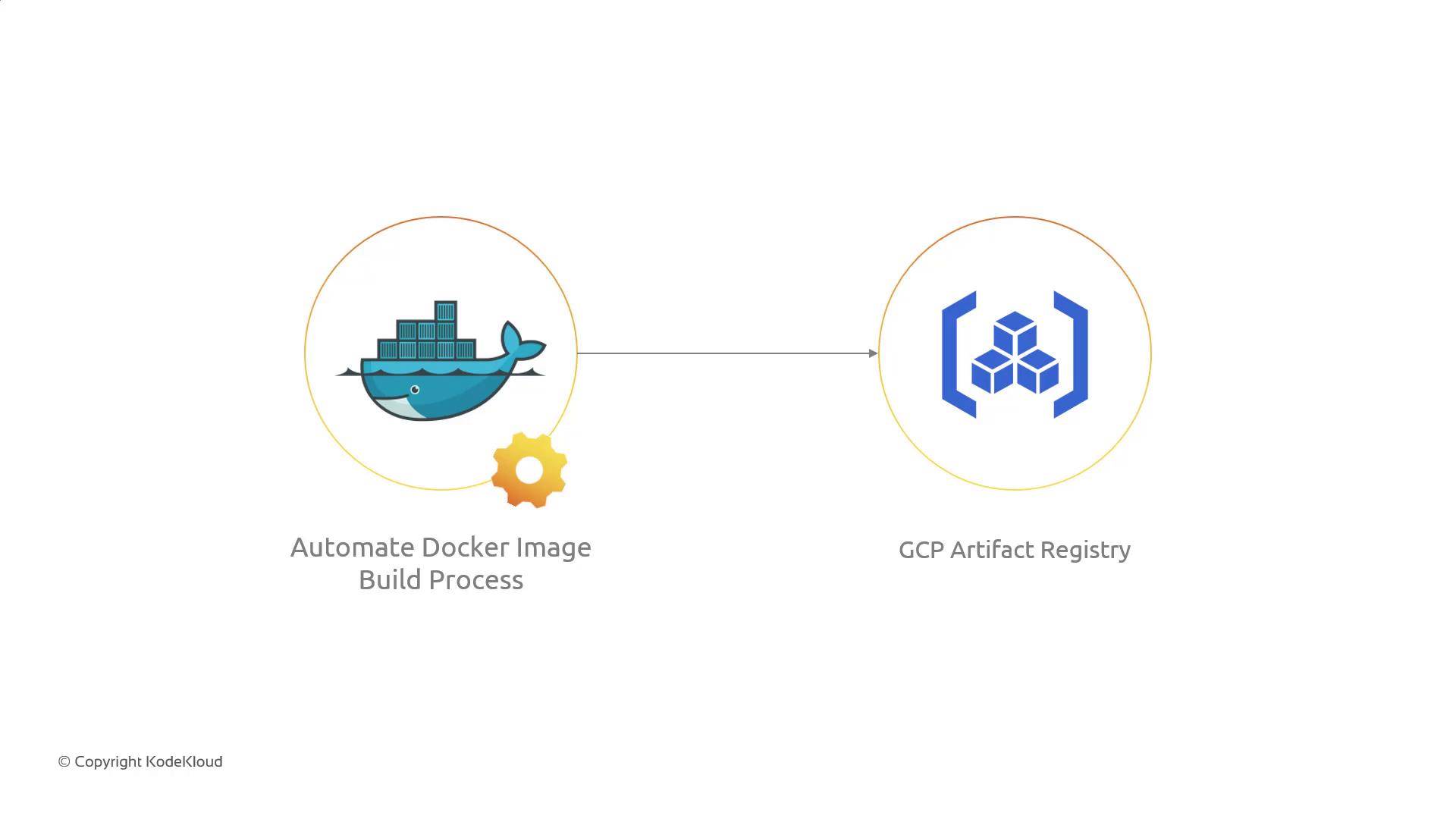
- Build: Docker builds an image tagged with the commit’s short SHA.
- Push: The image is uploaded to Artifact Registry.
- Images: Cloud Build tracks uploaded images for logging and metadata.
Use variables like
$SHORT_SHA, $BRANCH_NAME, or custom substitutions to tag images dynamically.Sprint 04 Goals Recap
- Detailed understanding of Cloud Build features
- GitHub repository integration via build triggers
- Automated Docker image builds and storage in Artifact Registry