

Completed Work
We mapped out Continuous Integration and Continuous Deployment as an “infinity loop” to show how commits flow through build, test, and deploy stages—emphasizing feedback loops and full automation.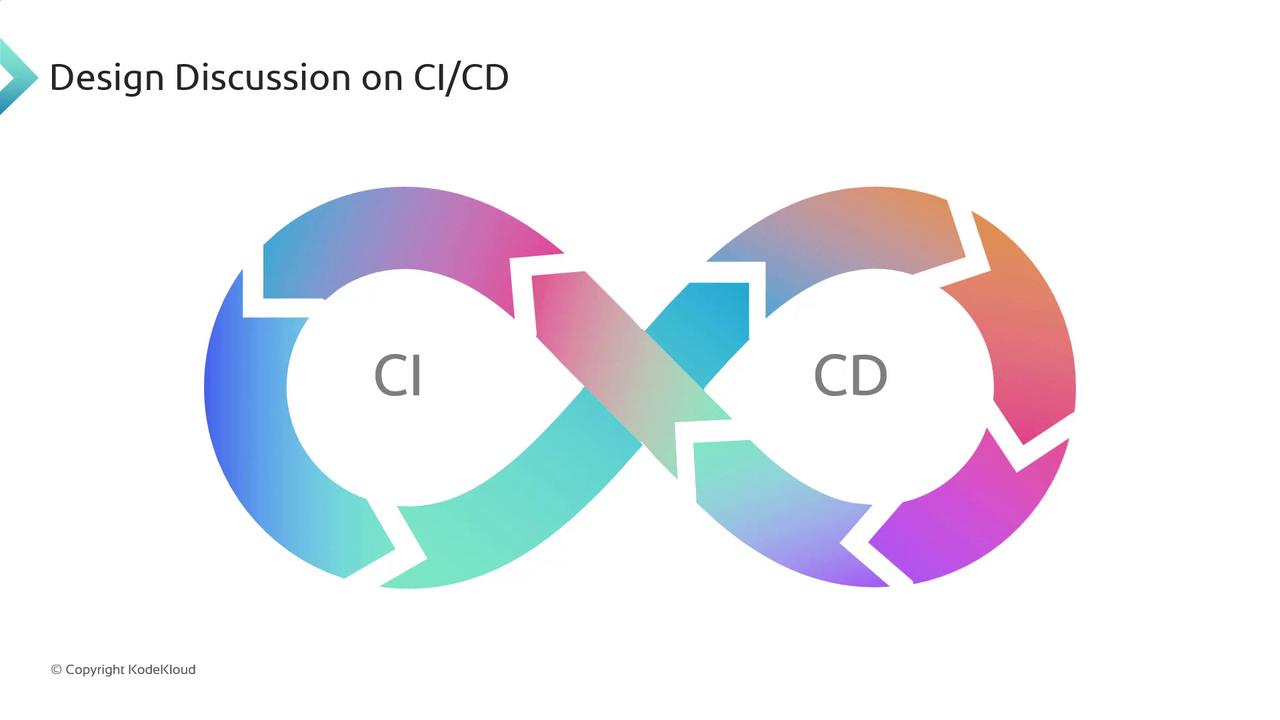
Next Sprint: Implementation Roadmap
In Sprint 04, we’ll shift focus to hands-on setup using GCP services. Below is our task breakdown:Make sure your
cloudbuild.yaml is correctly indented. Even a single space error can cause build failures.Verify IAM roles for Cloud Build and Artifact Registry. Missing permissions will block image pushes.
The conceptual flow below illustrates how Cloud Build retrieves code from GitHub, builds a Docker image via
cloudbuild.yaml, and securely pushes it to Artifact Registry with proper tagging and permissions.

That wraps up our Sprint 03 review. In the next lesson, we’ll deep-dive into Cloud Build configuration and create our first automated pipeline. See you soon!