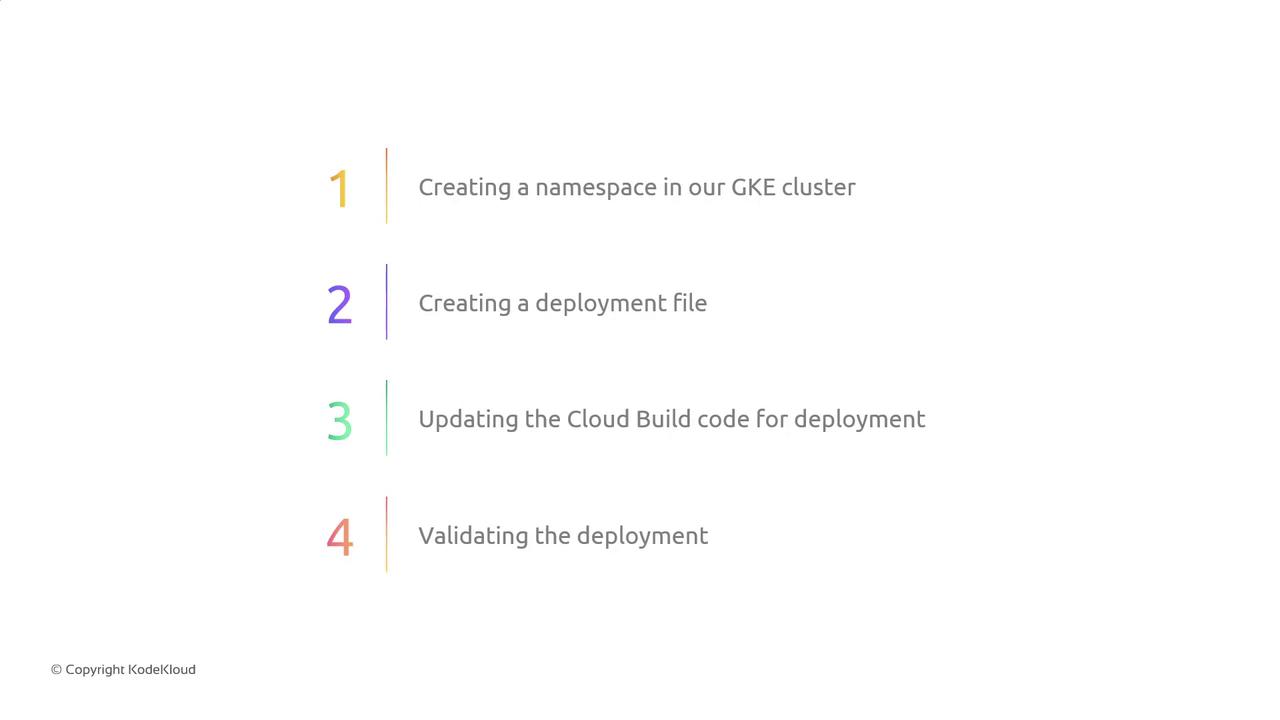
Breaking down tasks helps with:
- Tracking incremental progress
- Clarifying deliverables
- Providing more accurate time estimates
- Allowing multiple team members to work concurrently
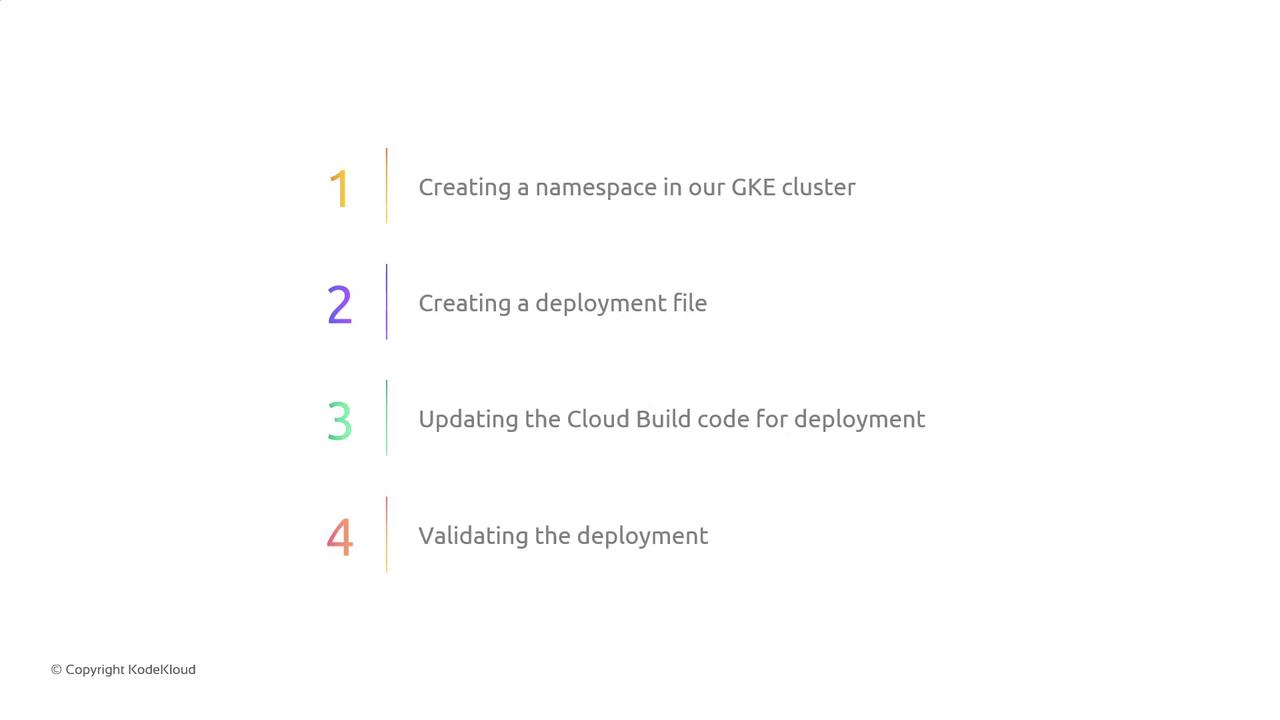
Milestone Breakdown
| Step | Goal | Example Command |
|---|---|---|
| 1. Create Namespace | Isolate resources in the cluster | kubectl create namespace my-app |
| 2. Write Deployment Manifest | Define your Kubernetes Deployment | See deployment.yaml below |
| 3. Update Cloud Build | Apply manifests in your build pipeline | See cloudbuild.yaml snippet |
| 4. Validate Deployment | Ensure pods and services are running | kubectl get all -n my-app |
1. Create a GKE Namespace
Define an isolated namespace before any resources are applied:2. Prepare the Deployment Manifest
Createdeployment.yaml to describe your application pods and replicas:
3. Update Your Cloud Build Configuration
Modify yourcloudbuild.yaml to include steps for namespace creation and manifest application:
4. Validate the Deployment
After Cloud Build finishes, confirm that your pods and services are up: