

Setting Up the Pipeline
Begin by opening your VS Code and reviewing the pipeline code. The pipeline defines a development stage where it clones a Git repository and runs a command to display the Go version. The significant difference in this configuration is the specification of a Docker image for the build agent. Below is the Jenkins pipeline code that utilizes the official Go image from Docker Hub:golang:latest) available on Docker Hub are sufficient.
Using Docker containers as build agents eliminates the overhead of managing virtual machines and can streamline your CI/CD workflow.
Configuring the Pipeline in Jenkins
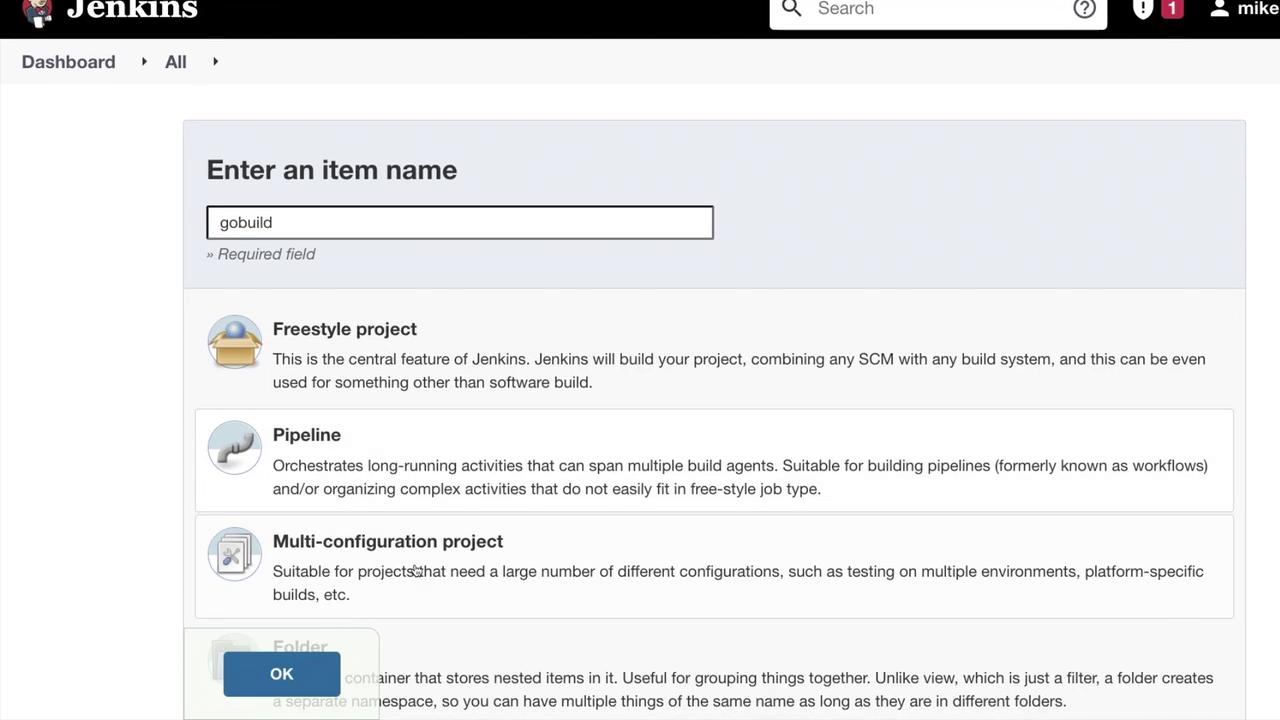
Once you have your pipeline code ready, follow these steps in Jenkins:- Create a new item and name it (e.g., “go build”).
- Select “Pipeline” as the project type.
- Click “OK” and paste the above pipeline code into the configuration area.
Viewing the Build Process
When you initiate the build, Jenkins will launch the Docker container and execute the pipeline. Internally, the Docker run command is invoked to execute thego version command within the container. You can monitor the console output in the build logs to see the version of Go installed.
Below is an overview of the Jenkins dashboard stage view:
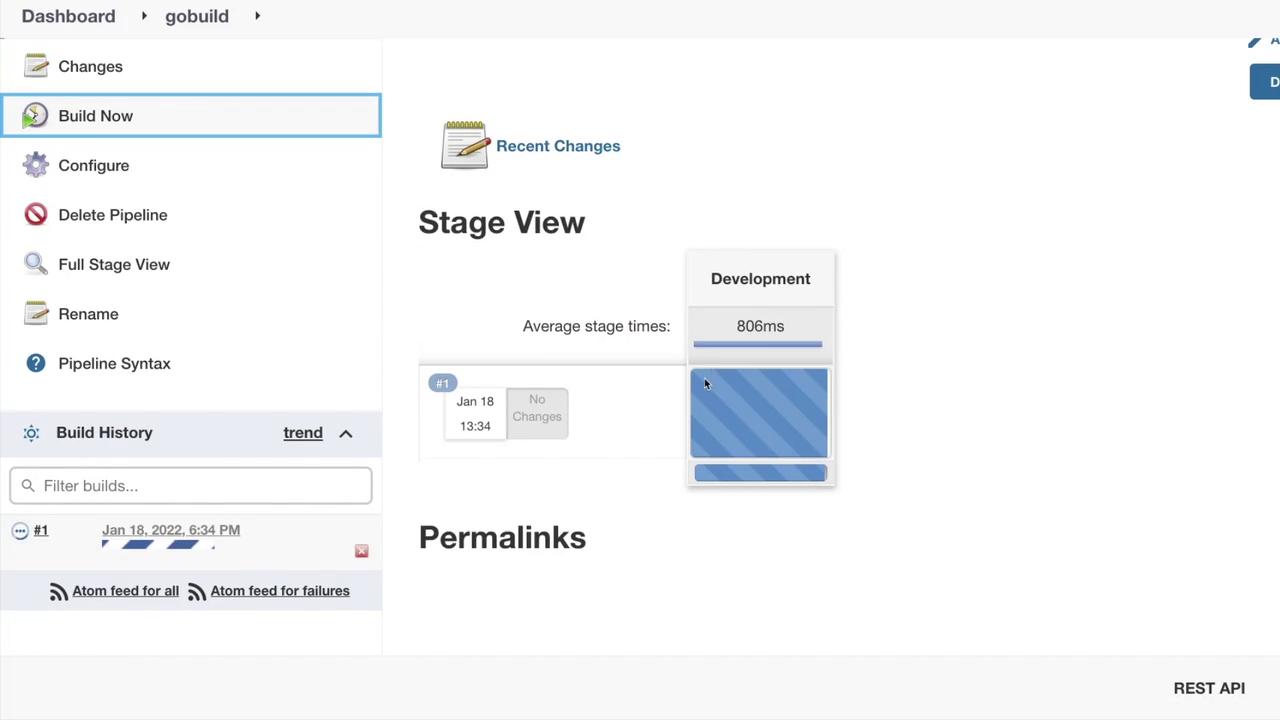
go version command inside the Docker container. Notice that the command output reports Go version 1.17.6.
If you require a specific Go version for your project, consider using a tagged Docker image (e.g.,
golang:1.17.6) to ensure consistency across builds.