

Critical Components to Back Up
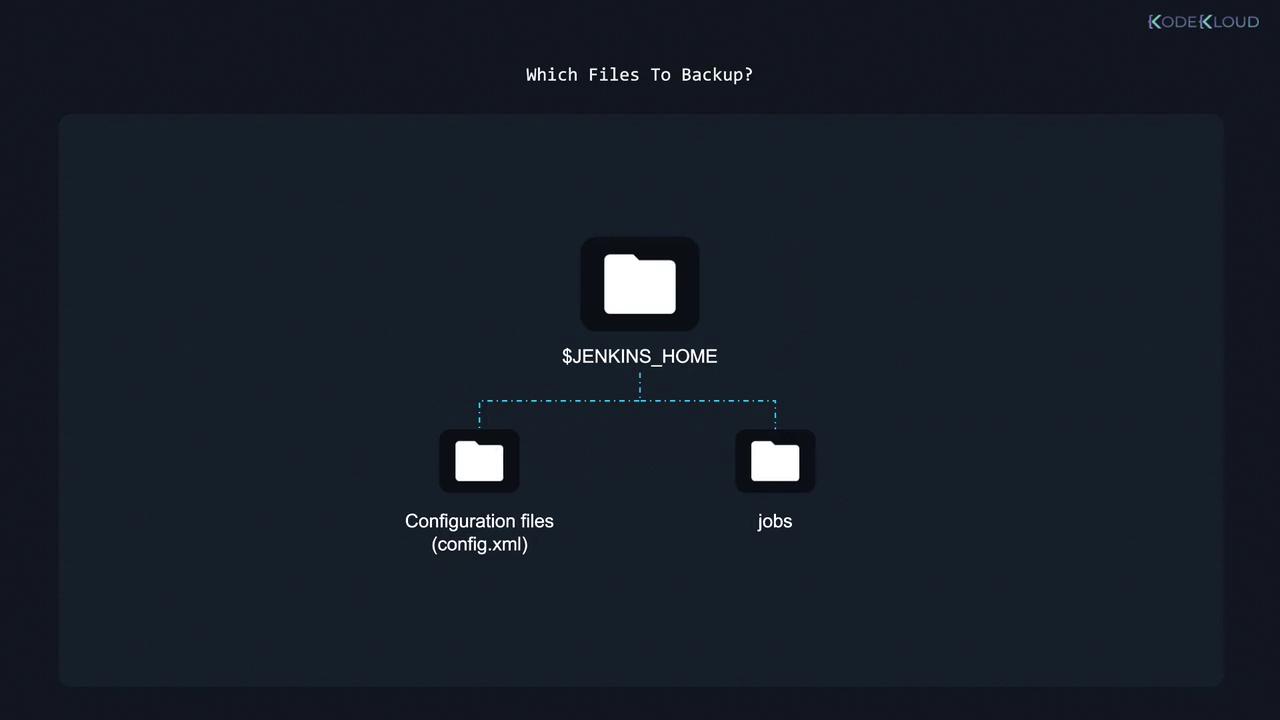
While it might seem ideal to back up every component, the most crucial element is the Jenkins home folder. This folder contains approximately 90% of your valuable data, including configuration settings and job definitions.Backing up the Jenkins home folder is paramount for maintaining your CI/CD pipelines and overall system integrity.
Key Items Inside the Jenkins Home Folder
-
Configuration Files
Inside the Jenkins home folder, configuration files such asconfig.xmlmanage Jenkins’ settings and system configurations. Losing these files can disrupt the way Jenkins operates in your environment. -
Jobs Directory
Thejobsdirectory contains all your individual pipelines. This directory is critical because losing it would mean losing every CI/CD pipeline, effectively wiping out your deployment processes and associated efforts.
Neglecting to include the entire Jenkins home folder in your backup strategy can lead to significant data loss and system downtime.