This article explains how to set up and test a Go web application using Jenkins and automate API testing.
Before diving into Jenkins, let’s get the GoWebApp up and running locally. Begin by cloning the sample repository from GitHub, then launch the application with the following command:
go run main.go
This command executes the main Go configuration at the repository’s root. When the application starts successfully, you will see output similar to:
2022-02-24T09:50:50.256-0500 DEBUG logger/gormlogger.go:58 [gorm] INSERT INTO `category_master` (`name`) VALUES ("Technical Book")2022-02-24T09:50:50.257-0500 DEBUG logger/gormlogger.go:58 [gorm] INSERT INTO `category_master` (`name`) VALUES ("Magazine")2022-02-24T09:50:50.257-0500 DEBUG logger/gormlogger.go:58 [gorm] INSERT INTO `category_master` (`name`) VALUES ("Novel")2022-02-24T09:50:50.257-0500 DEBUG logger/gormlogger.go:58 [gorm] INSERT INTO `format_master` (`name`) VALUES ("Paper Book")2022-02-24T09:50:50.258-0500 DEBUG logger/gormlogger.go:58 [gorm] INSERT INTO `format_master` (`name`) VALUES ("E-Book")2022-02-24T09:50:50.339-0500 INFO go-webapp-sample/main.go:42 Served the static contents.
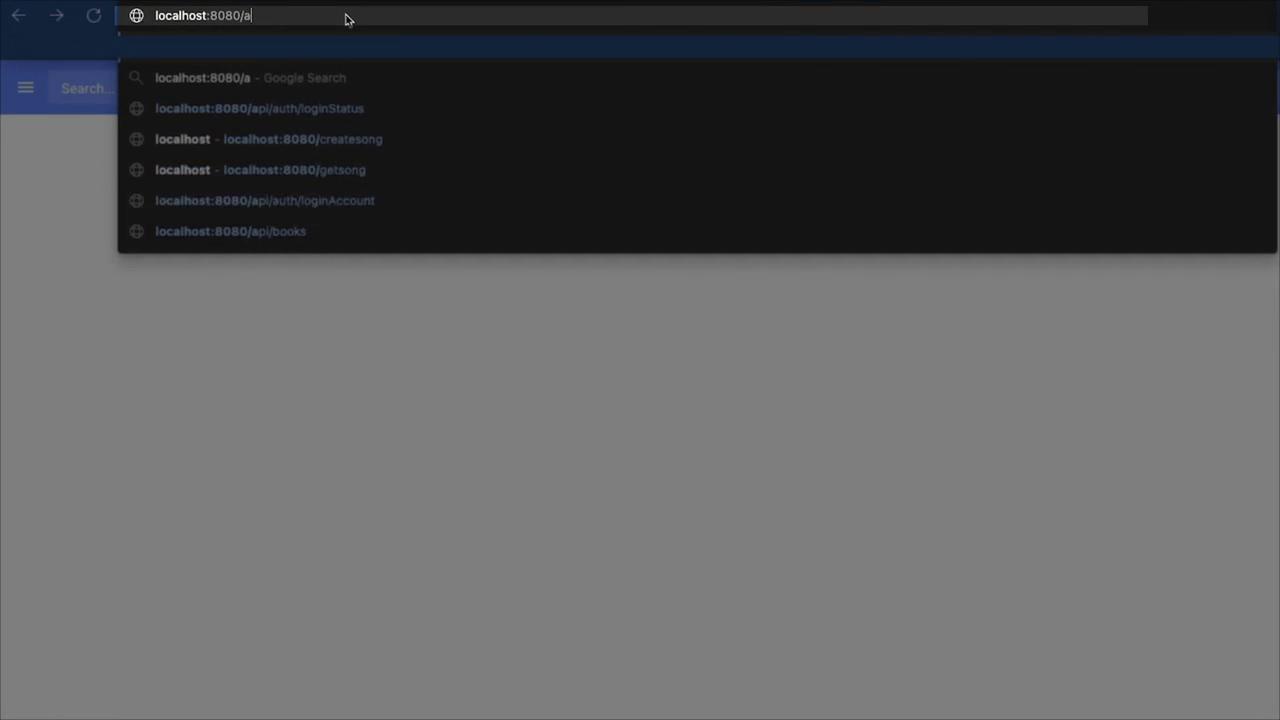
Open your web browser and navigate to http://localhost:8080. You should see the application running on port 8080. Log in using your provided credentials to confirm that your session is active.Next, test the API endpoints:
Access the books API:
/api/books
This endpoint retrieves information about the books available in the application.
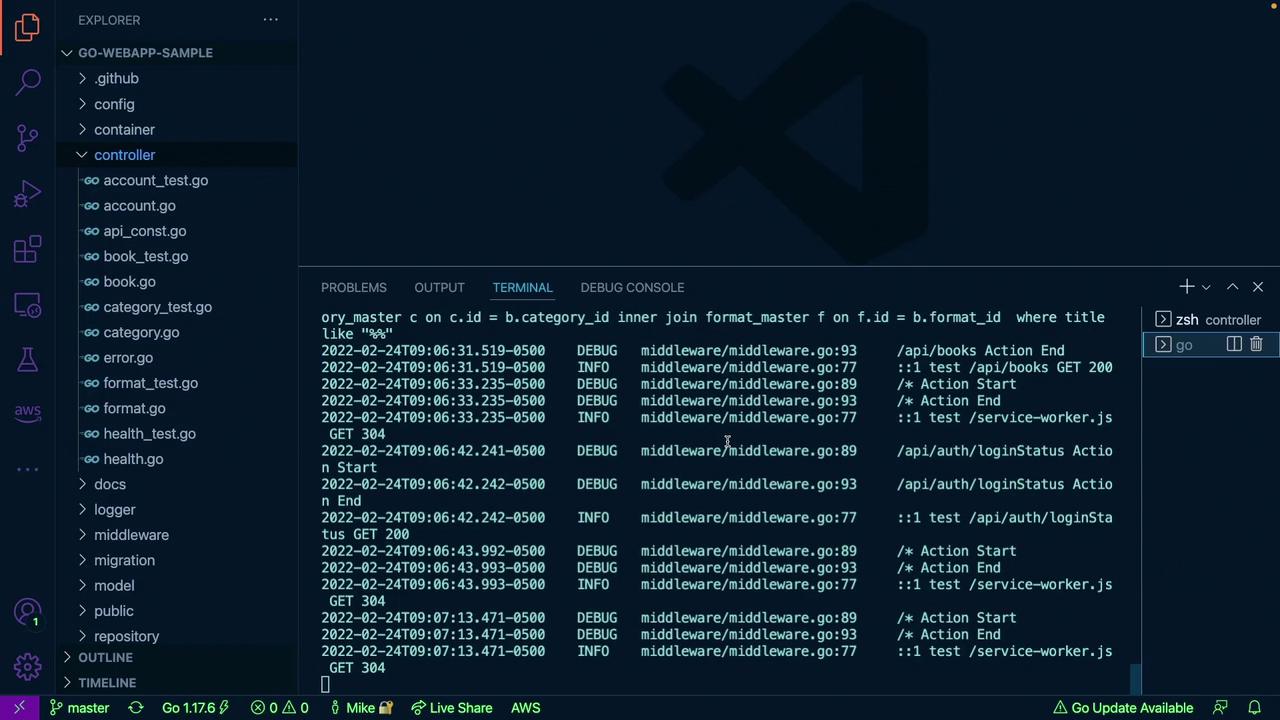
Switch back to VS Code and observe the terminal output to see API requests being processed by the application. Instead of manually testing each endpoint, run the automated tests available in the Jenkins Controller directory. Open a new VS Code terminal and execute:
go test -v .
This command runs all tests in the controller directory. A successful test run will display output indicating that all tests have passed, with status codes (such as 200 for GET requests) confirming that the APIs responded correctly. For example:
2022-02-24T09:06:31.517-0500 DEBUG middleware/middleware.go:89 /api/books Action Start2022-02-24T09:06:31.518-0500 DEBUG logger/gorm/logger.go:58 [gorm] select b.*, c.id as category_id, c.name as category_name, f.id as format_id, f.name as format_name from book b inner join category_master c on c.id = b.category_id inner join format_master f on f.id = b.format_id where title like "%"2022-02-24T09:06:31.519-0500 DEBUG middleware/middleware.go:93 /api/books Action End2022-02-24T09:06:33.235-0500 INFO middleware/middleware.go:89 ::1 test /api/books GET 200
Integrating tests in your CI/CD pipeline can save you time by automatically running these tests during every code change.
Manually starting the application, opening a browser, and testing each API endpoint can be tedious—especially when small changes require repeated tests. This process is inefficient for DevOps engineers.
Instead, automating tests via a CI/CD pipeline with Jenkins streamlines this process. In a CI pipeline, commands like “go test -v .” are executed automatically, promptly identifying any failures. Here’s an example of test output from a CI process:
2022-02-24T09:03:48.840-0500 INSERT INTO `authority_master` (`name`) VALUES ("Admin")2022-02-24T09:03:48.918-0500 INSERT INTO `account_master` (`name`, `password`, `authority_id`) VALUES ("test","$2a$10$3G6WYAc16myvMw/nNlozewm62zjLYvwghQ.kBKRBdOu3y5goN/Y",1)2022-02-24T09:03:48.918-0500 INSERT INTO `category_master` (`name`) VALUES ("Technical Book")2022-02-24T09:03:48.918-0500 INSERT INTO `category_master` (`name`) VALUES ("Magazine")2022-02-24T09:03:48.918-0500 INSERT INTO `category_master` (`name`) VALUES ("Novel")2022-02-24T09:03:48.918-0500 INSERT INTO `format_master` (`name`) VALUES ("Paper Book")2022-02-24T09:03:48.918-0500 INSERT INTO `format_master` (`name`) VALUES ("eBook")PASS: TestGetHealthCheck (0.08s)ok github.com/ybkuroki/go-webapp-sample/controller (cached)
By integrating tests with Jenkins, you eliminate the need for manual testing, ensuring consistent and reliable API validation.
Always verify that your CI/CD pipeline is running tests automatically after every change to catch any issues early.
The application includes a Swagger API interface that documents all available endpoints. To explore the API visually, navigate to:
/swagger/index.html
This Swagger UI displays detailed information about each API endpoint such as GET, POST, PUT, and DELETE methods, making it an invaluable resource during development and debugging.
That concludes this article. Now, it’s time to practice what you’ve learned and enhance your development workflow.