

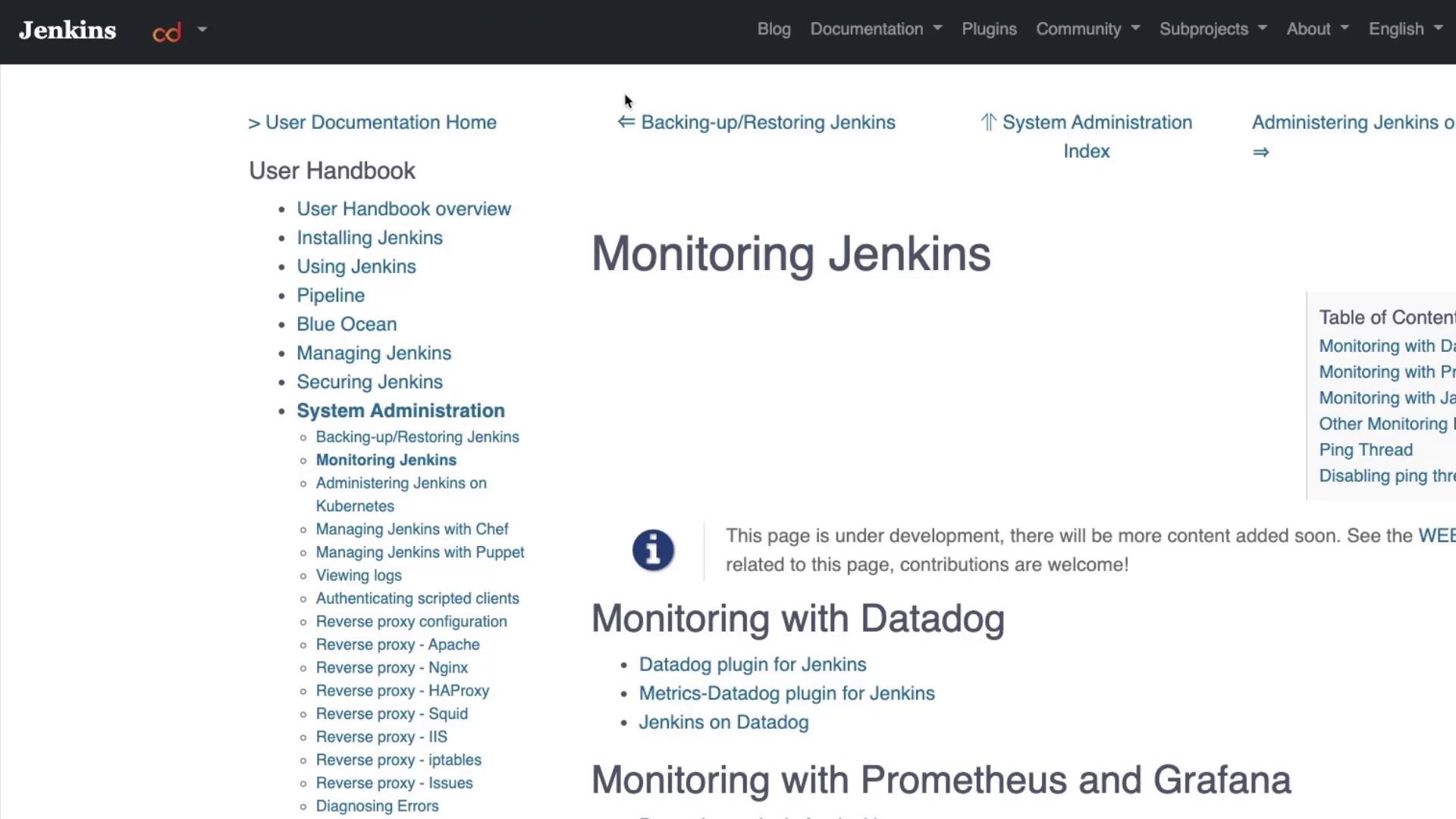
Overview of Available Monitoring Plugins
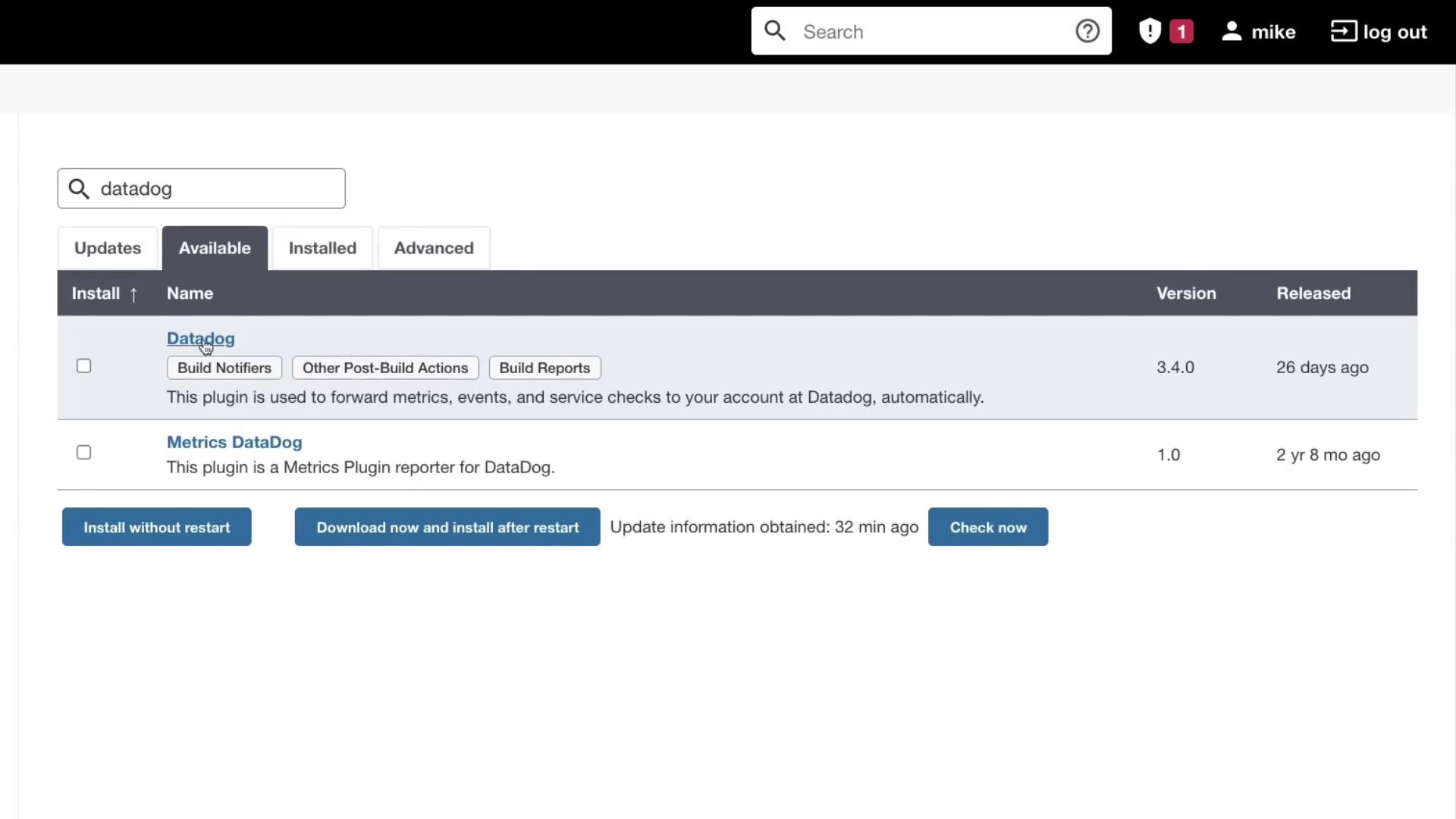
Jenkins provides a range of monitoring plugins to fit different requirements:- Datadog Monitoring: Several plugins are available to integrate Jenkins with Datadog.
- Prometheus and Grafana Monitoring: A dedicated plugin makes it easy to export and visualize metrics.
- Java Melody Monitoring: Additional plugins support detailed application monitoring.
- Log into your Jenkins dashboard.
- Navigate to Manage Jenkins > Manage Plugins.
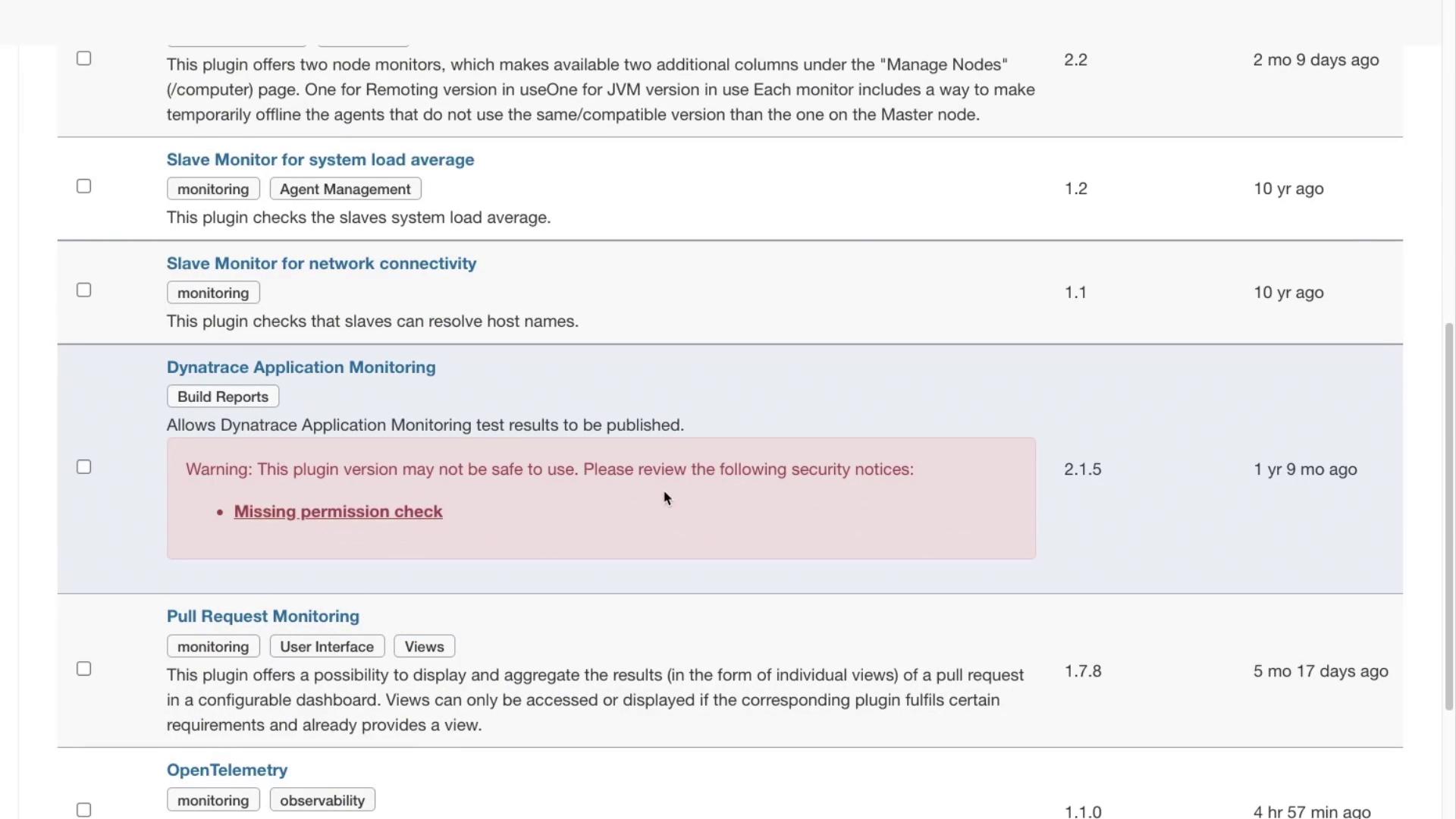
- Click on the Available tab and search for “Monitoring”.
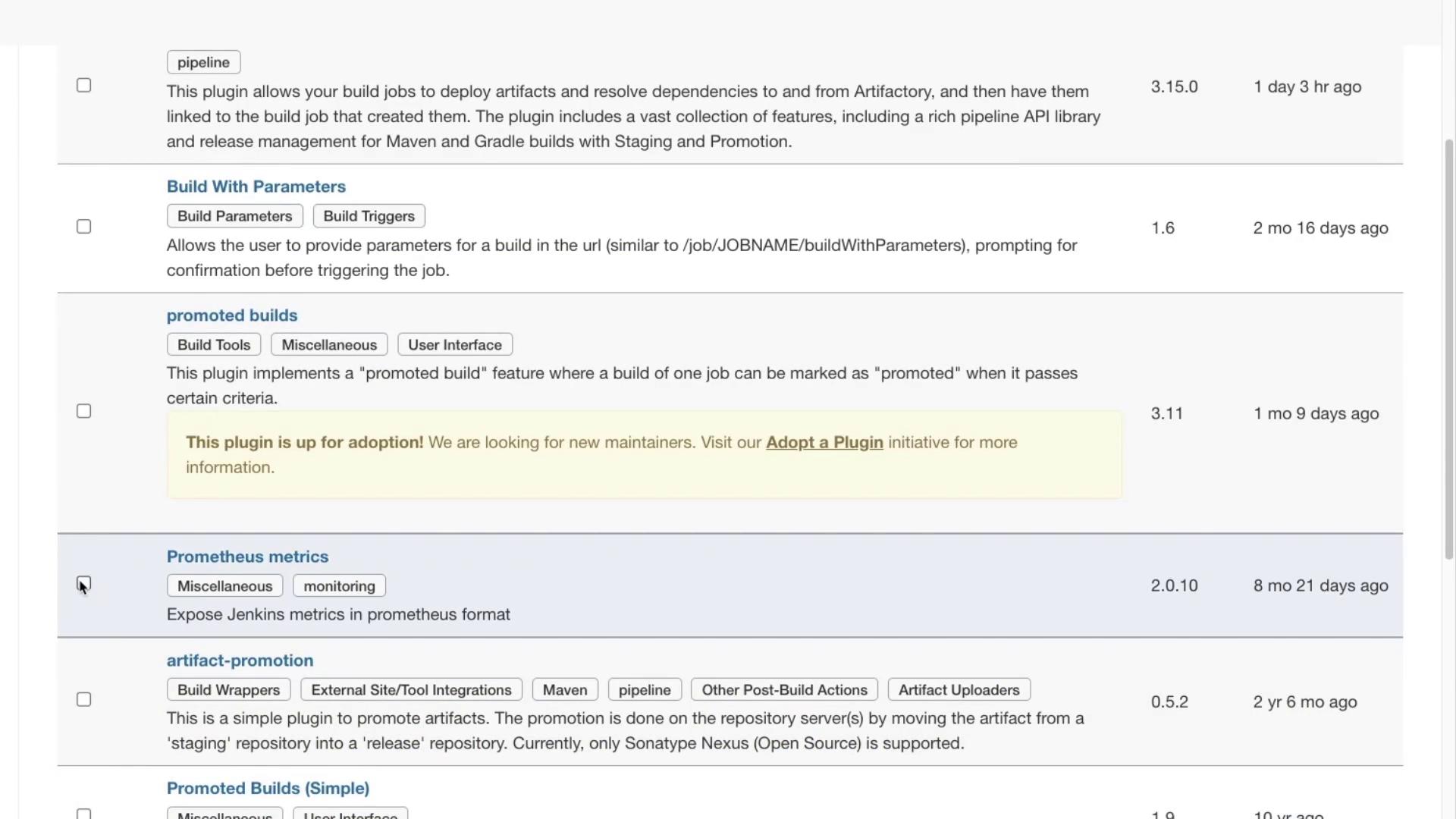
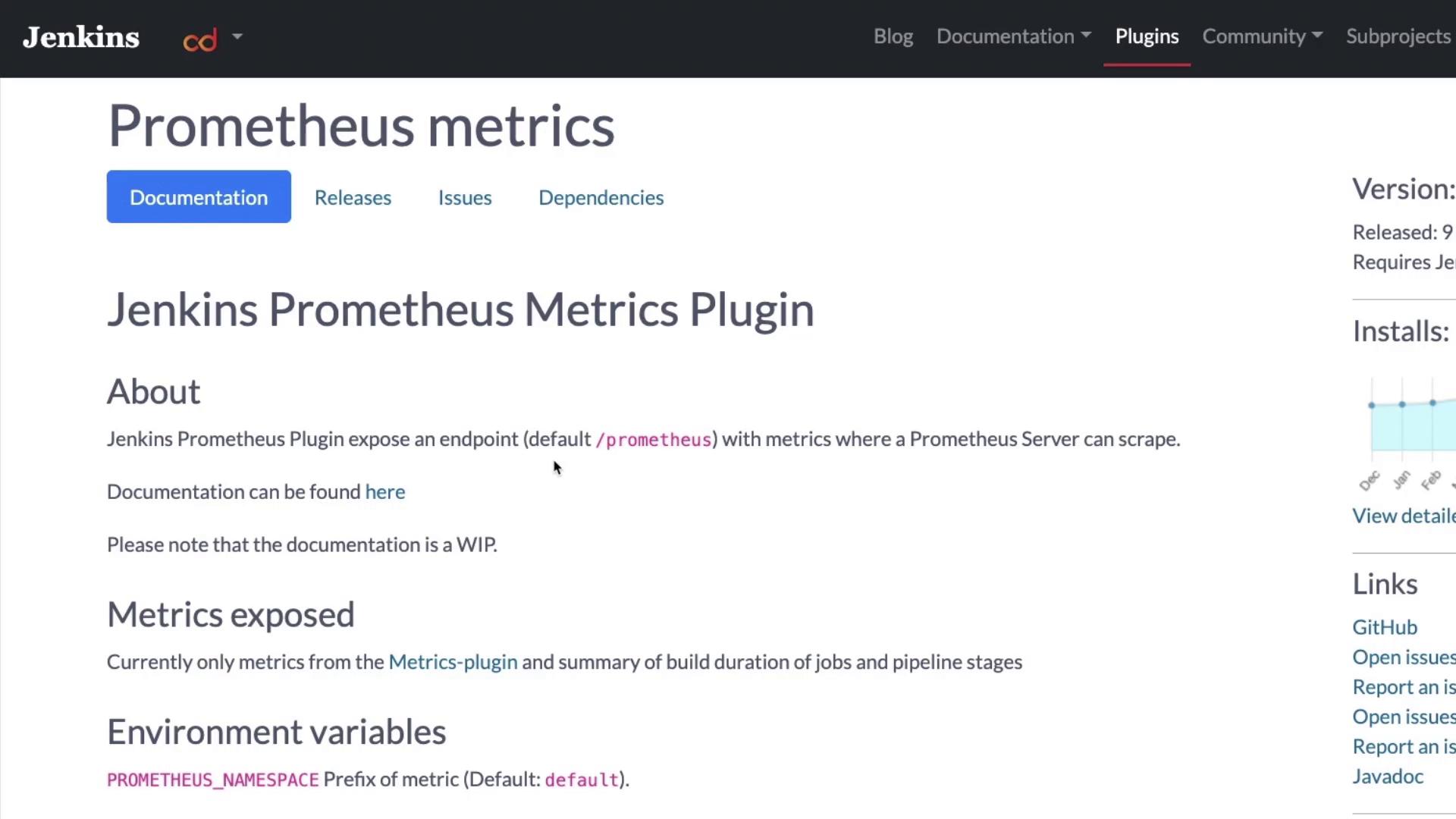
- Prometheus Metrics: Scroll down for details.
- Dynatrace: This plugin appears outdated and may have security issues.
Some plugins may be outdated or have security vulnerabilities. Always check the plugin documentation before installing.
Installing the Prometheus Plugin
To install the Prometheus plugin:- Select the Prometheus plugin from the list.
- Click Install Without Restart.
After installation, open your terminal and run the following command to restart Jenkins:sudo systemctl restart jenkins
/prometheus endpoint.
Integrating Jenkins with Prometheus
After setting up your Prometheus server (for instance, on Azure), configure it to scrape metrics from Jenkins. Follow these steps:-
SSH into your Prometheus server and open the configuration file:
-
Update the configuration by modifying the “targets” section. Remove any unnecessary comments and paste the following snippet:
Replace the IP address and port in the
targetsfield with your actual Jenkins server details. -
Restart Prometheus to apply the new configuration:
When successful, you should see output similar to:
Conclusion
This guide covers the essentials of monitoring Jenkins by installing the Prometheus plugin and integrating it with a Prometheus server. For further details and resources, consider exploring the following links:Practice the setup in your development environment to gain hands-on experience with Jenkins monitoring and Prometheus integration.