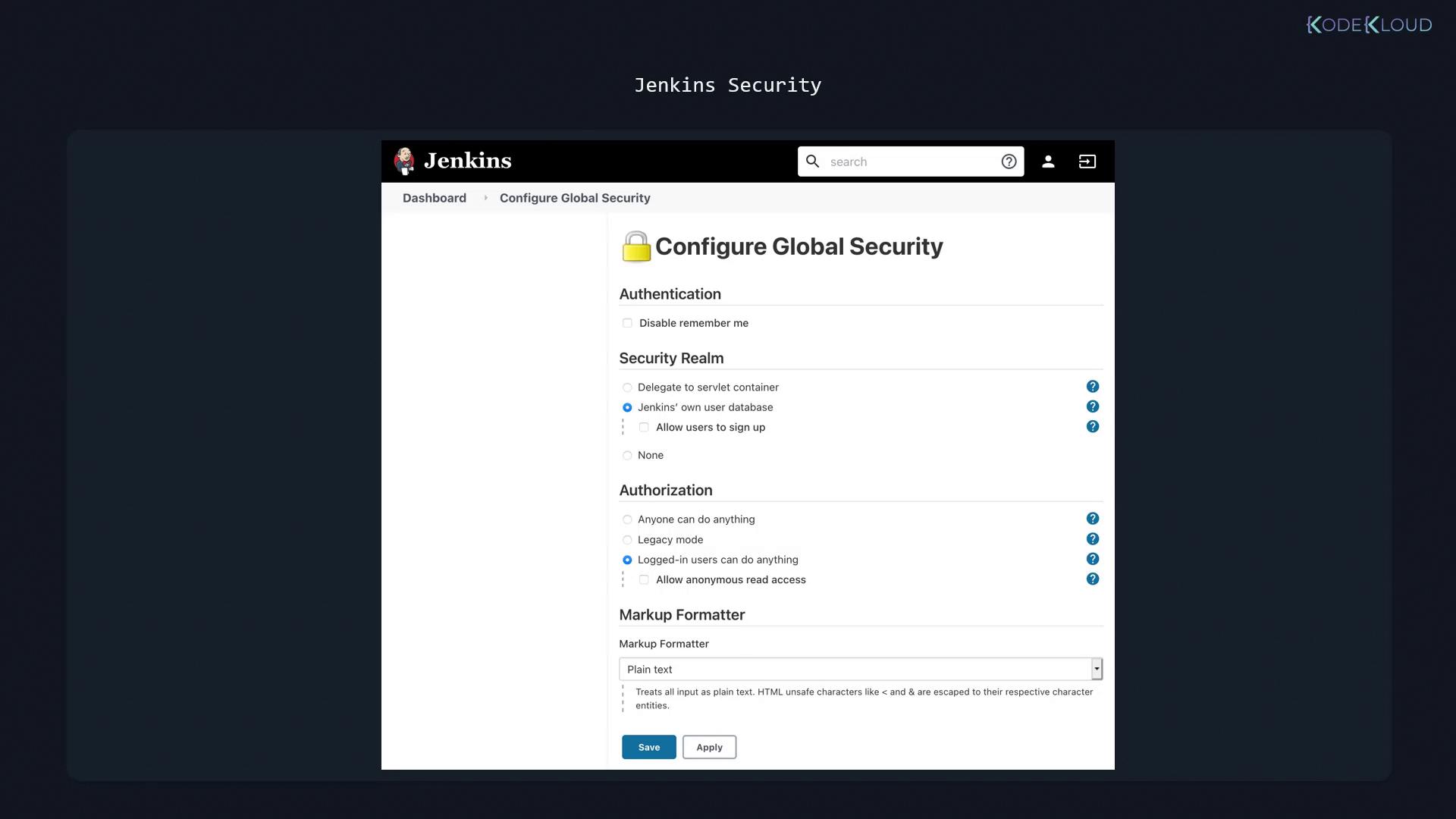
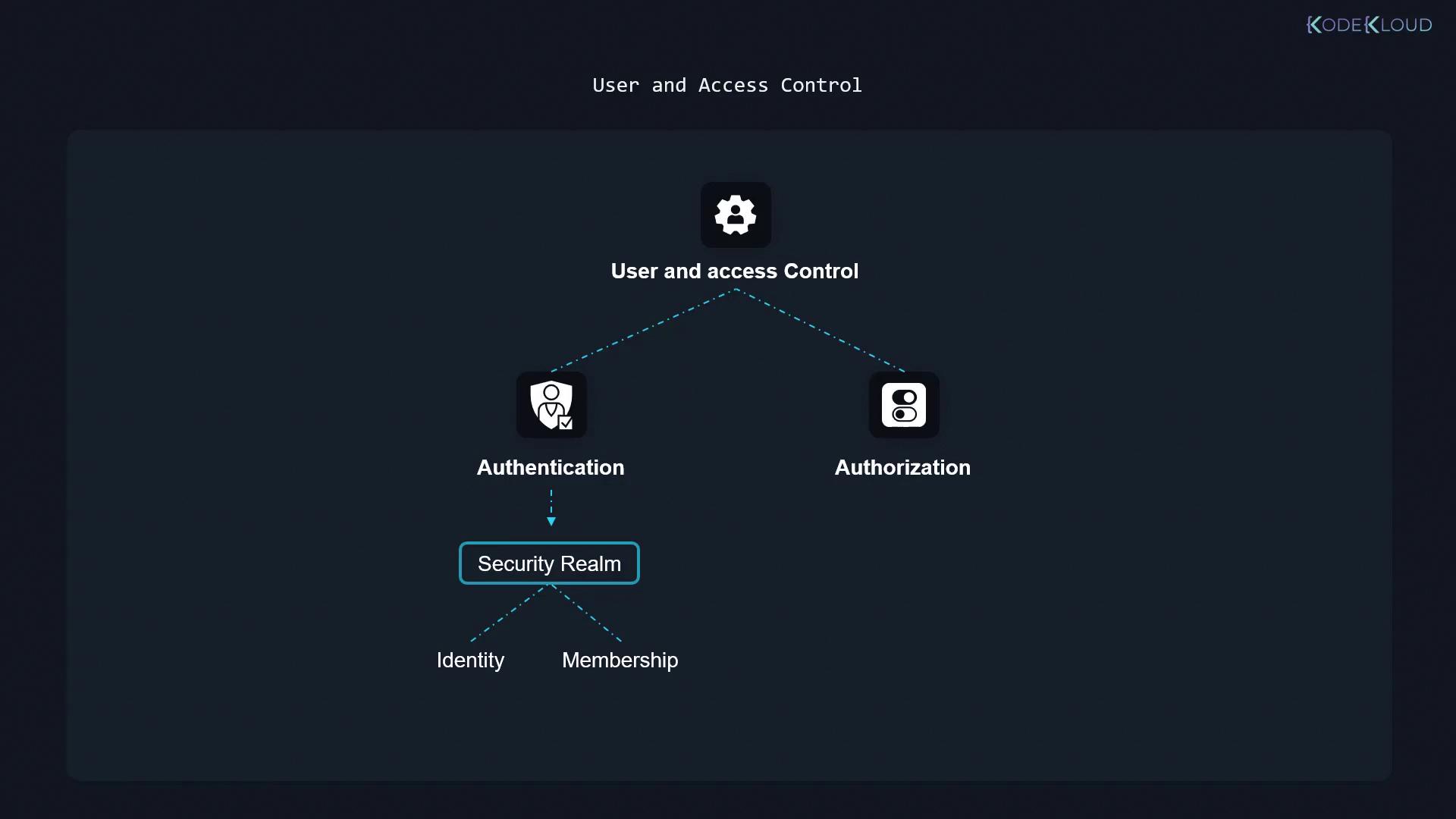
- Authentication: Where users prove their identity through a defined security realm that manages user identities and group memberships.
- Authorization: After authentication, users are granted specific permissions to perform actions. For example, one user might have the ability to edit a pipeline, while another might have restricted access.
Always review and update your authorization strategies to reflect your organizational policies. This minimizes the risk of unauthorized access and ensures that users only receive the permissions necessary for their roles.
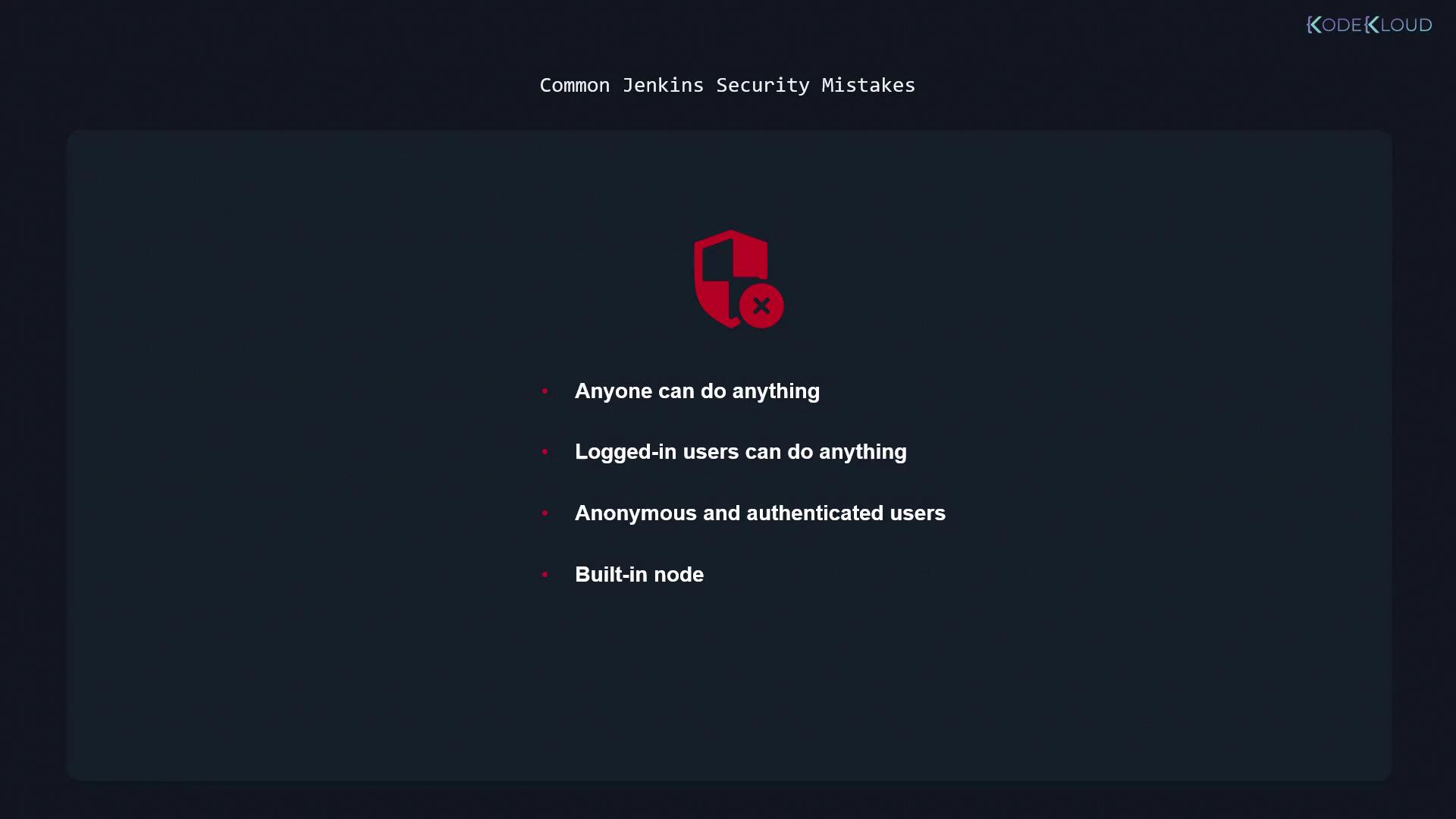
Common Jenkins Security Pitfalls
Below are some common mistakes that can significantly compromise the security of your Jenkins installation. Addressing these issues is critical for maintaining a secure CI/CD environment.-
Anyone Can Do Anything
Using an open authorization strategy that allows everybody, including anonymous users, to administer Jenkins is highly insecure. Relying on obscurity, such as non-public Jenkins URLs, does not protect your system. -
Logged-In Users Can Do Anything
Even authenticated users should have tailored limitations. Similar to how AWS uses IAM to restrict user actions—even when using programmatic access—Jenkins must restrict what logged-in users can do via role-based permissions. -
Excessive Permissions for Anonymous or All Authenticated Users
Granting overly broad permissions, even to authenticated or anonymous users, introduces significant risk. Utilize fine-grained controls like the matrix authorization strategy to ensure that no generic account has full administrator privileges. Often, it is best to completely disable or heavily restrict access for the anonymous user. -
Insecure Use of the Built-in Node
The built-in node—where Jenkins itself is installed—should not be used for running builds if users have limited permissions. Although examples in CI/CD pipeline tutorials might use the built-in node, industry best practices recommend dedicated build agents for running jobs. This minimizes security risks by preventing unauthorized job execution on the main Jenkins server.