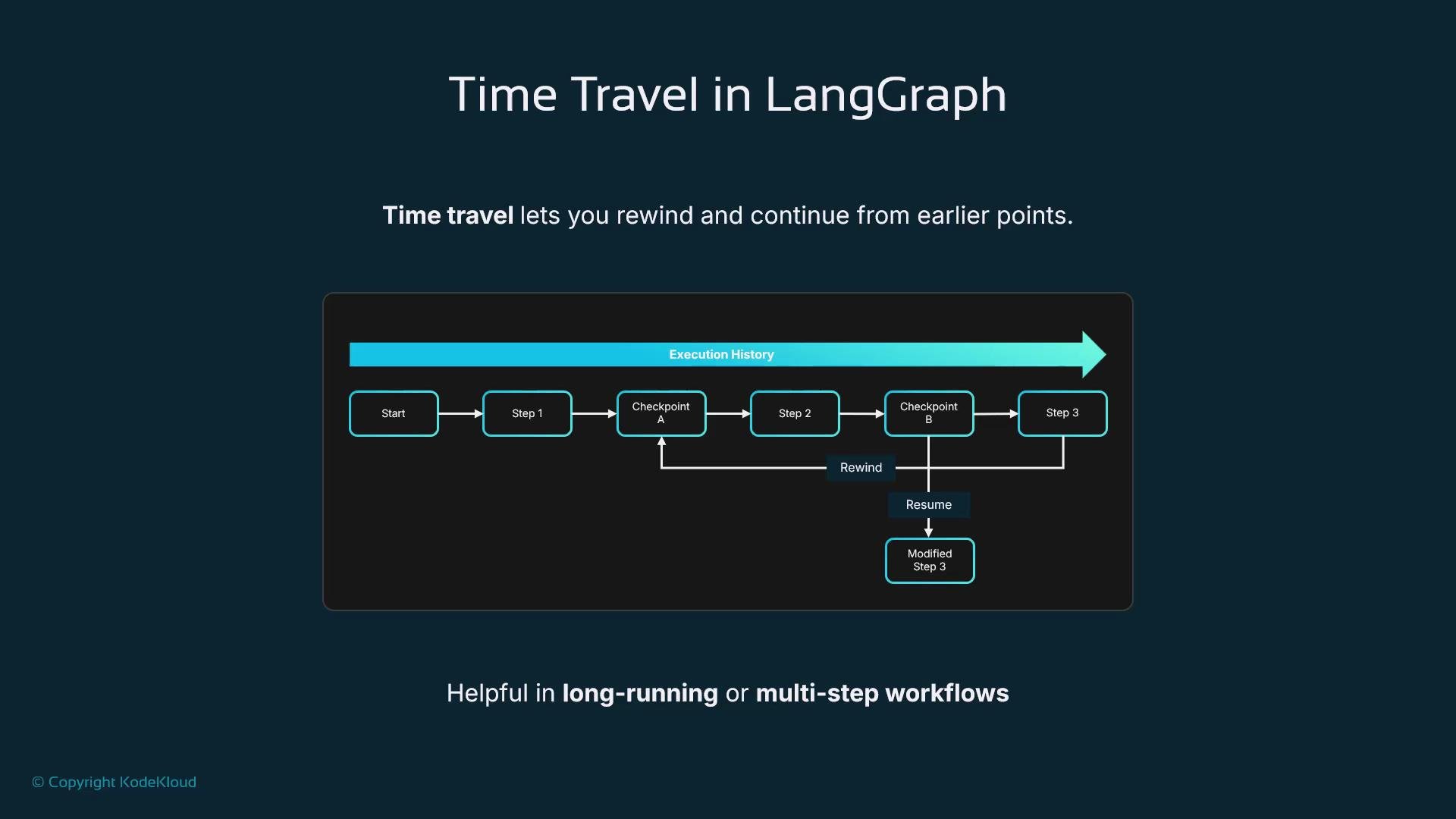
Why time travel in LangGraph? Time travel in LangGraph is not science fiction — it’s a practical debugging and iteration capability that lets you rewind a graph to a previous execution state and resume from that point. This makes it easy to re-run failed segments, inspect intermediate data, and test alternative paths without restarting the entire workflow. Time travel is especially valuable for long-running or multi-step graphs where re-executing everything is slow or costly.
The image depicts a flowchart demonstrating "Time Travel in LangGraph," which allows rewinding and resuming at specific checkpoints in an execution history for multi-step workflows.
How time travel works At its core, time travel relies on persistence (checkpointing). When enabled, LangGraph stores snapshots of the graph’s state at execution points you mark or at configured intervals. Each snapshot can be restored or forked into a new run. Restoring a snapshot reloads the graph state (variables, node outputs, metadata) and allows you to continue execution from that point as if you had never left. Example — resuming from a stored checkpoint
Providing the same thread_id tells LangGraph to reload the stored checkpoint associated with that thread and continue the execution. This makes it straightforward to: debug failures, inspect intermediate results, and try alternate strategies without repeating prior successful steps. When to use time travel
  • Fix a late error by re-running only the affected section instead of the full graph.
  • Replay decision paths for demos or audits to show why a particular branch was taken.
  • Iterate quickly on logic by rewinding to a point of interest and replaying with modified inputs.
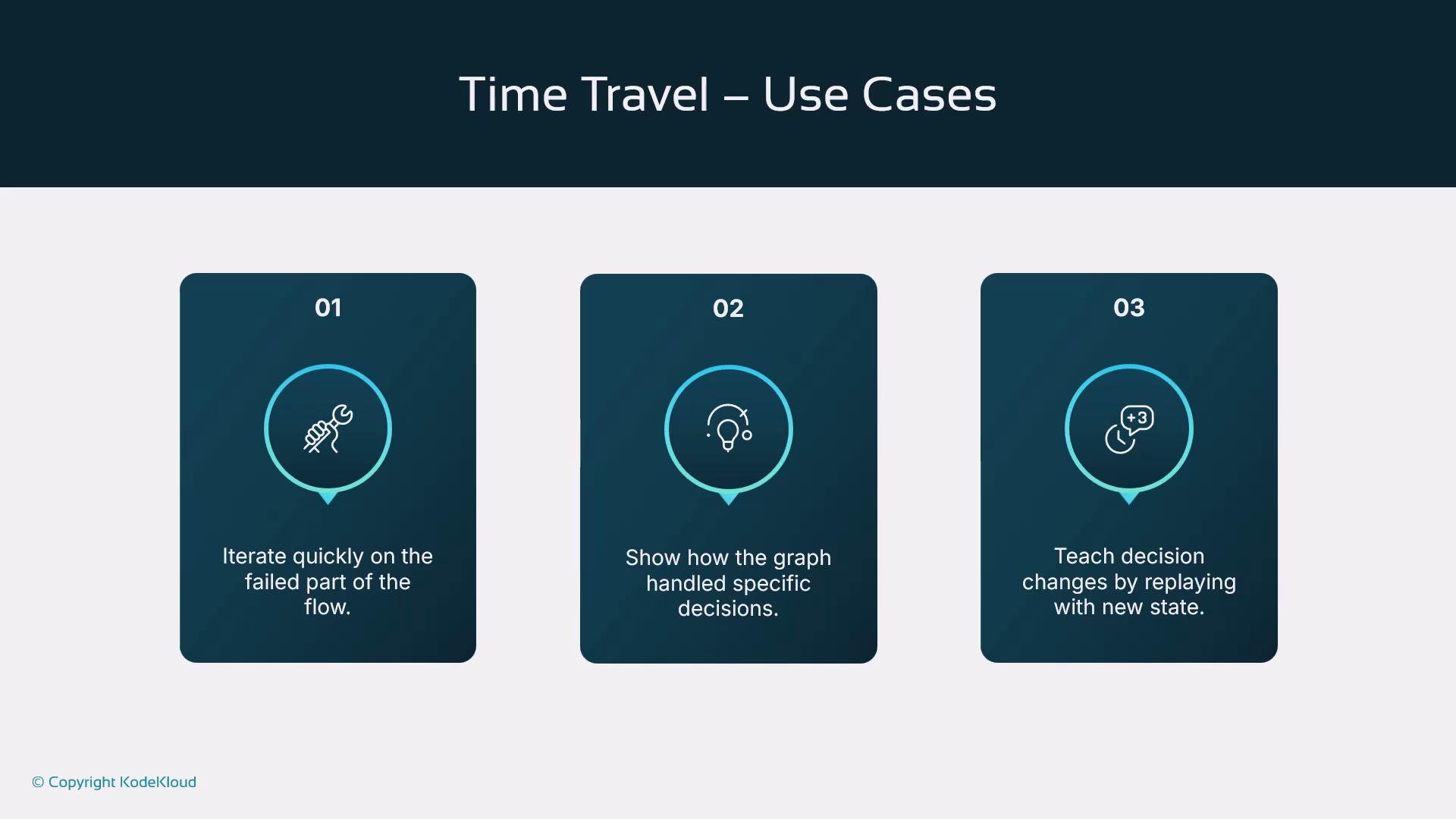
Practical use cases
The image shows three use cases for "Time Travel," each with icons and descriptions: iterating quickly on failed parts, demonstrating graph decisions, and teaching decision changes by replaying with new states.
Best practices for reliable time travel
  • Enable checkpointing in production and for critical development workflows.
  • Tag or label important checkpoints so snapshots are easy to find and understand.
  • Validate restored state before resuming execution to avoid propagating unexpected values.
  • Limit checkpoint frequency for performance-sensitive graphs and increase it for critical checkpoints.
Enable persistence (checkpointing) in production and tag critical steps so snapshots are meaningful and reproducible.
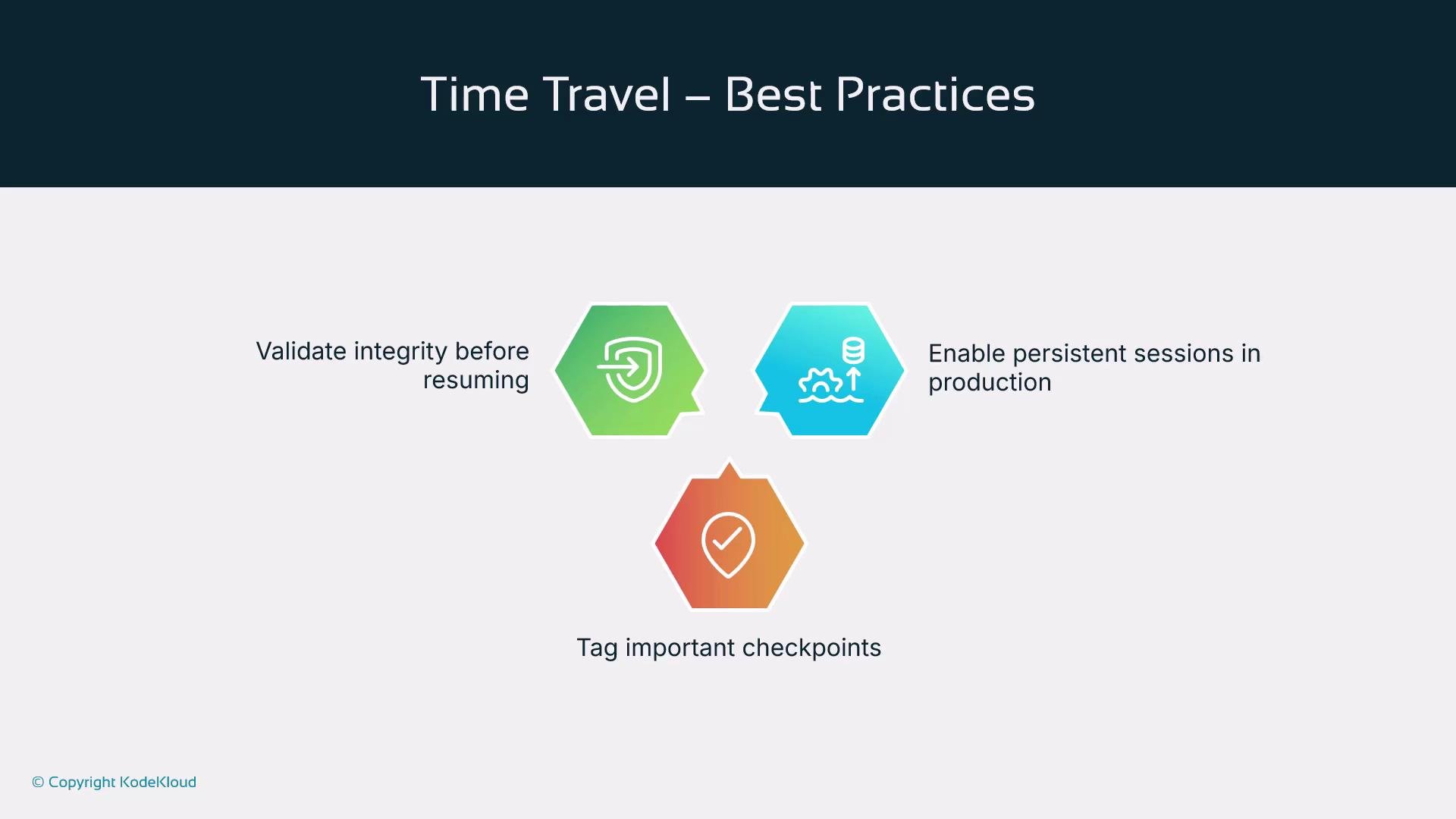
The image outlines best practices for time travel, emphasizing validating integrity before resuming, enabling persistent sessions in production, and tagging important checkpoints.
Caveats and operational notes
  • Restoring a checkpoint can resume in a different execution context (e.g., configuration or secrets changes). Always verify that environment and dependencies match the snapshot’s expectations.
  • Use access controls and audit logs when allowing resume/fork operations to maintain traceability.
  • Consider snapshot storage costs and retention policies; keep snapshots that are useful for debugging and compliance, and expire older ones.
Time travel improves resilience and developer productivity in LangGraph by letting you re-run parts of a workflow, explore alternate paths, and recover quickly — without rebuilding the full execution from scratch.
The image lists two takeaways: Time travel enhances LangGraph's fault tolerance and developer-friendliness, and it allows re-running workflow parts to explore alternate paths.

Watch Video