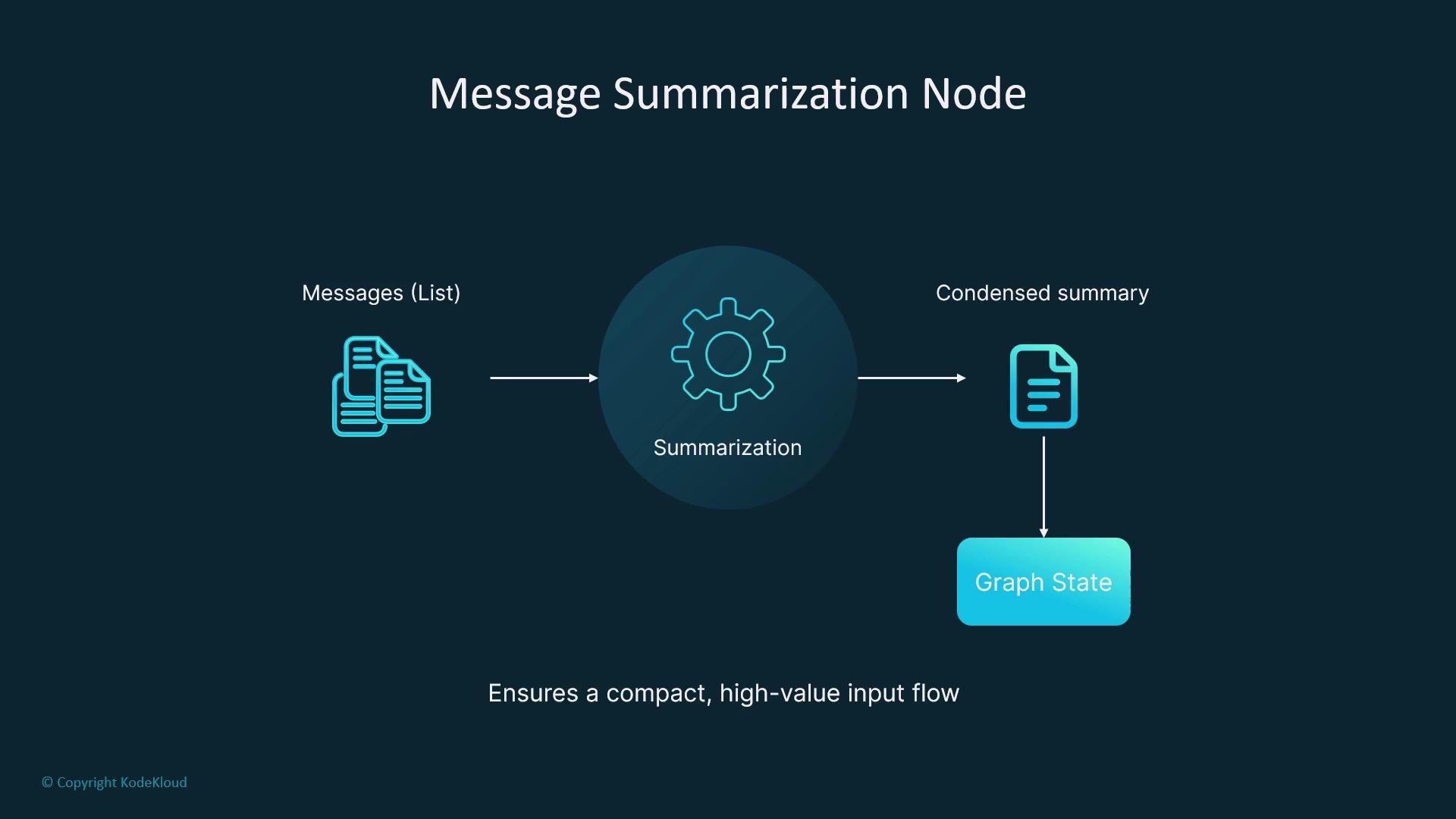
Summarization is a critical technique for managing token limits in long-running conversations with large language models (LLMs). Rather than discarding prior messages, a summarization node compresses them into a compact, high-value representation that preserves essential context while trimming verbosity. This reduces token usage, lowers cost, and improves model reliability. A message summarization node in LangGraph is a modular function that ingests a list of messages and returns a condensed representation. You can inject that summary back into the graph state to replace or augment the full chat history, keeping downstream nodes efficient and focused.
The image illustrates a "Message Summarization Node" flowchart showing messages being condensed into a summary, leading to a "Graph State," ensuring a compact, high-value input flow.
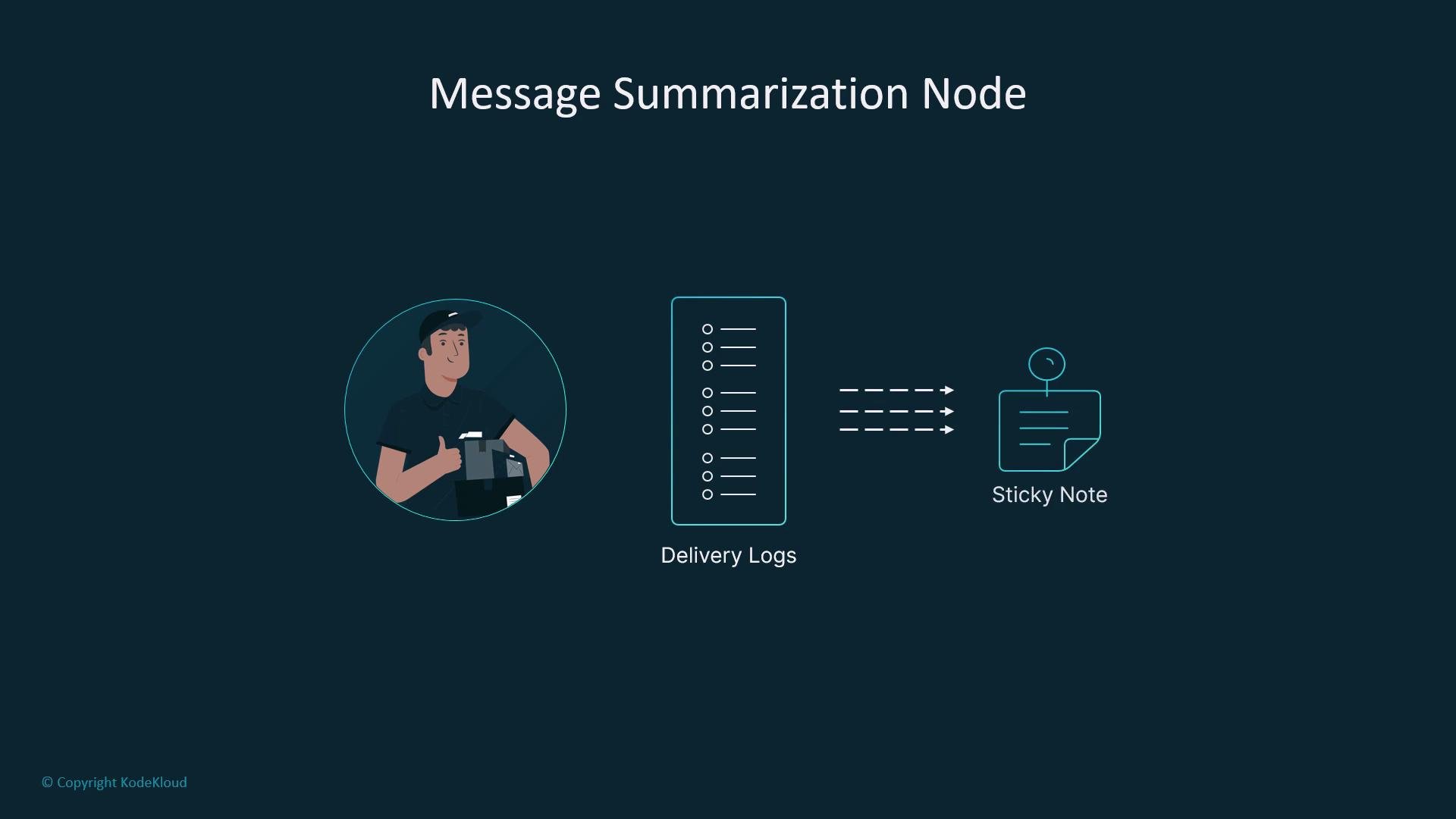
Imagine Robbie, who maintains pages of delivery logs. Before passing his notes to the next person, he rewrites the important parts onto a single sticky note. That sticky note is the summary: compact, actionable, and easy to carry forward.
The image titled "Message Summarization Node" illustrates a process involving delivery logs being summarized into a sticky note, featuring a person holding a package.
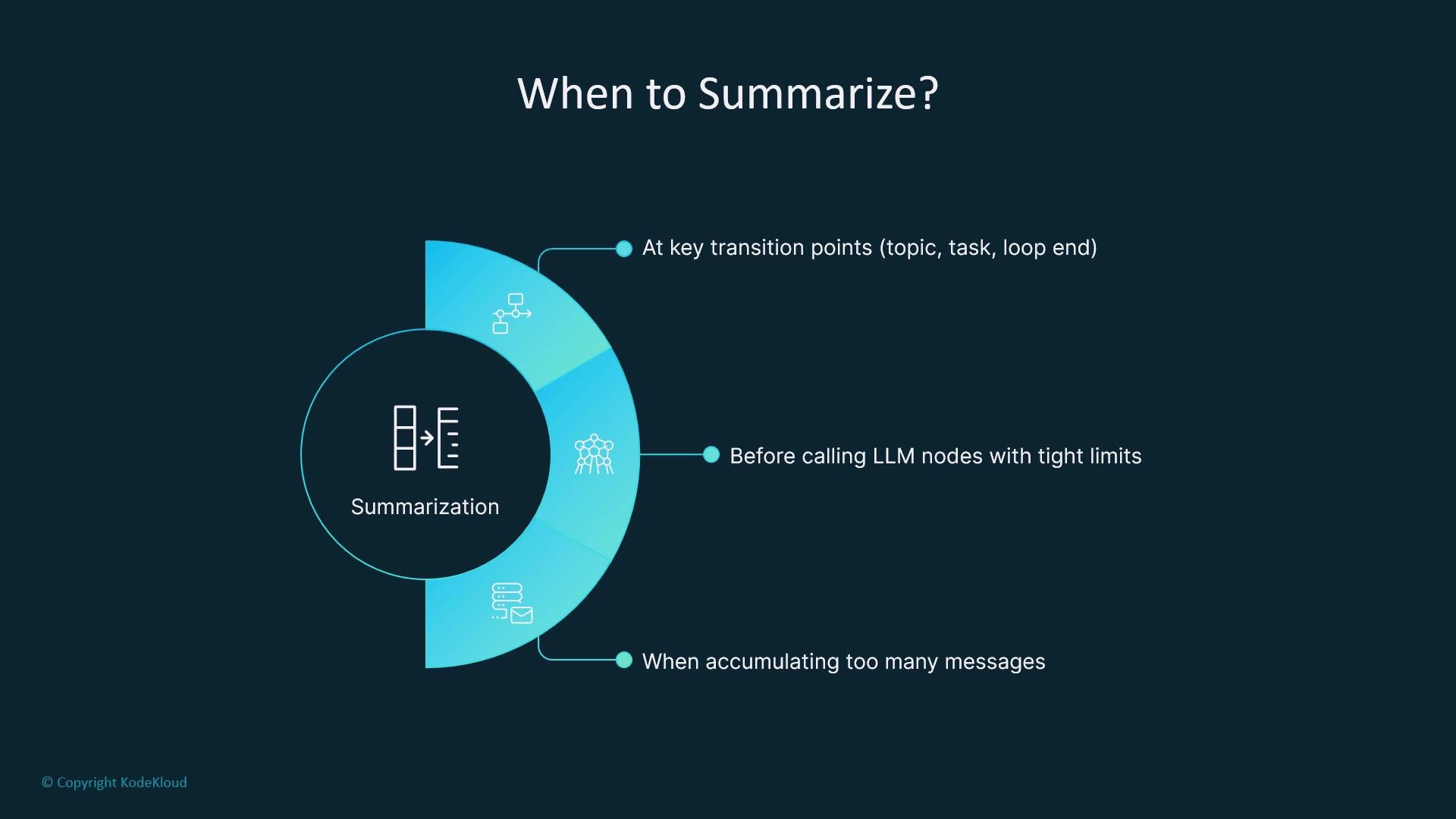
You don’t need to summarize after every turn. Trigger summarization strategically — for example, at the end of a task cycle, before calling an LLM with tight token constraints, or after multiple turns of accumulated history. This targeted approach preserves compute and avoids unnecessary overhead.
The image outlines when to use summarization: at key transition points, before calling LLM nodes with tight limits, and when accumulating too many messages.

Why a Summarization Node?

When conversations expand, simple trimming or filtering can lose context. A summarization node compresses the conversation into a smaller, information-dense representation so the graph continues to operate with sufficient context without exceeding token budgets. Key benefits:
  • Keeps long-running workflows efficient.
  • Reduces token consumption and cost.
  • Preserves essential facts, objectives, and action items.
  • Enables historical context to be reloaded compactly (e.g., from a vector DB).

Typical Implementation Flow

  1. Instantiate a chat model to generate summaries.
  2. Define the graph state schema (e.g., messages + summary).
  3. Implement a node that builds a prompt (system instruction + conversation) and asks the model to produce a concise summary.
  4. Store the summary in state and optionally reset or trim messages.
Example implementation (Python). Adjust imports, types, and the model invocation to match your SDK or runtime.
The prompt begins with a clear system instruction such as “Summarize the following conversation:” followed by the message history. The model returns a summary you store in the graph state and then optionally reset or trim the messages list. This compresses the conversation so it stops growing unbounded while preserving context.

When to Trigger Summarization

Use summarization intentionally at transition points that meaningfully reduce context size or before expensive downstream steps.

State Management Patterns

After creating a summary, you can choose how to store or apply it:
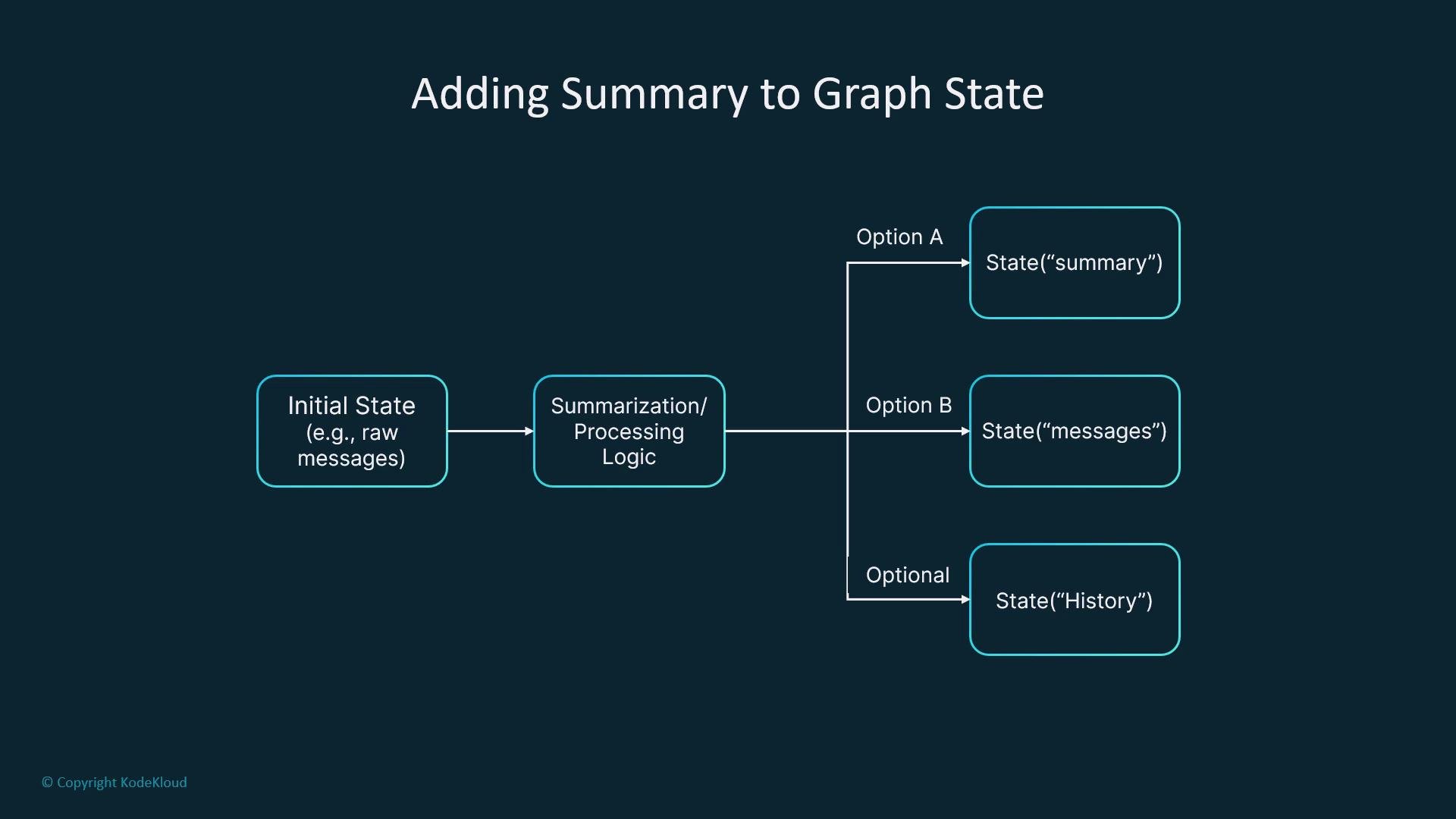
The image is a flowchart titled "Adding Summary to Graph State," depicting a process that starts with an initial state, followed by summarization/processing logic leading to different state options like "summary," "messages," and "history."

Advanced Summarization Strategies

To improve fidelity and downstream utility, consider:
  • Incremental summaries: update an existing summary after each turn rather than re-summarizing the whole history.
  • Role-based summaries: generate separate summaries for user, assistant, and tool messages to preserve perspective.
  • Structured summaries: produce JSON or key-value summaries to simplify downstream parsing and filtering.
  • Combine summarization with trimming: summarize the portion you plan to remove, then trim it from the message list.
  • Persist summaries in a vector store or other long-term storage to reload compact history for new sessions.
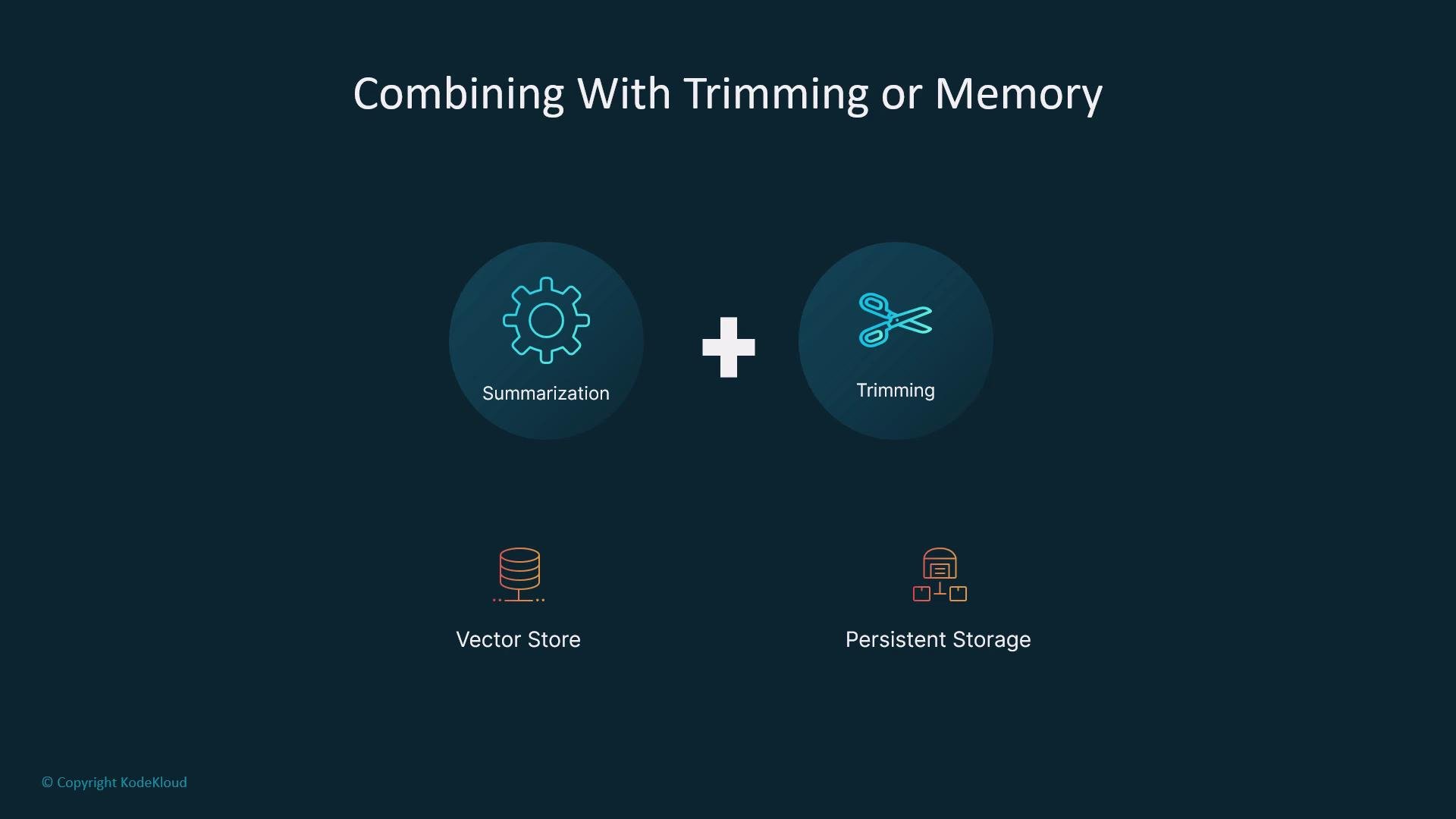
For working with persistent storage and vector databases, see resources on vector DBs and persistent storage strategies, such as vector databases for GenAI.
The image illustrates the concept of combining summarization and trimming, with icons representing vector store and persistent storage.

Monitoring and Improving Summaries

Summarization is not infallible. Implement monitoring and feedback to detect and correct information loss:
  • Log summary outputs and compare them periodically to raw history.
  • Add explicit prompt instructions to preserve critical facts, goals, and action items (e.g., “Preserve any user goals and action items”).
  • Use structured formats (JSON) to make validation and downstream processing deterministic.
  • Consider human-in-the-loop review for mission-critical flows.
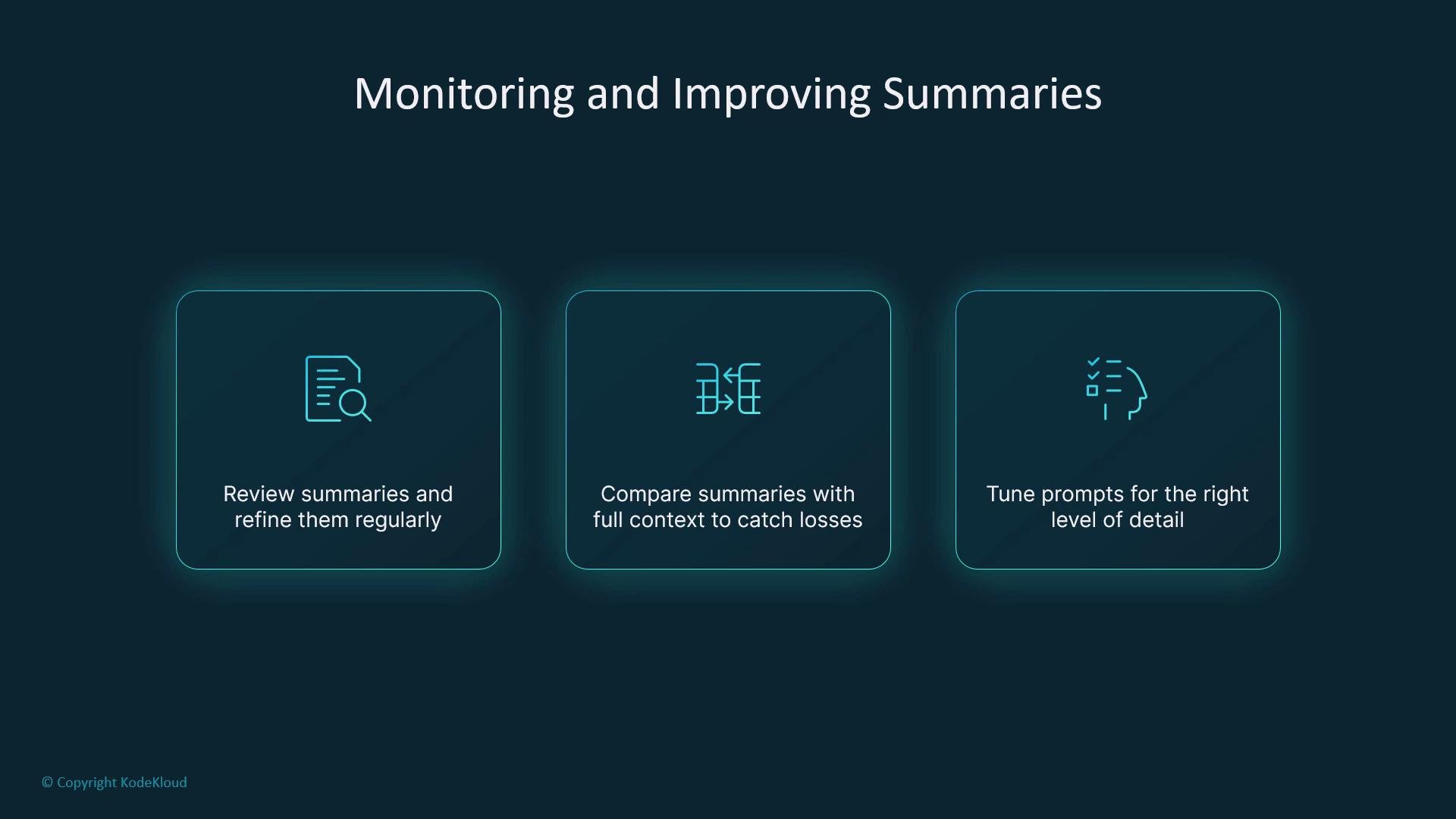
The image outlines steps for monitoring and improving summaries: reviewing and refining them regularly, comparing with full context, and tuning prompts for detail.
Over time, iterate on prompts and summarization cadence so summaries become both smaller and more informative — saving tokens while preserving critical context.
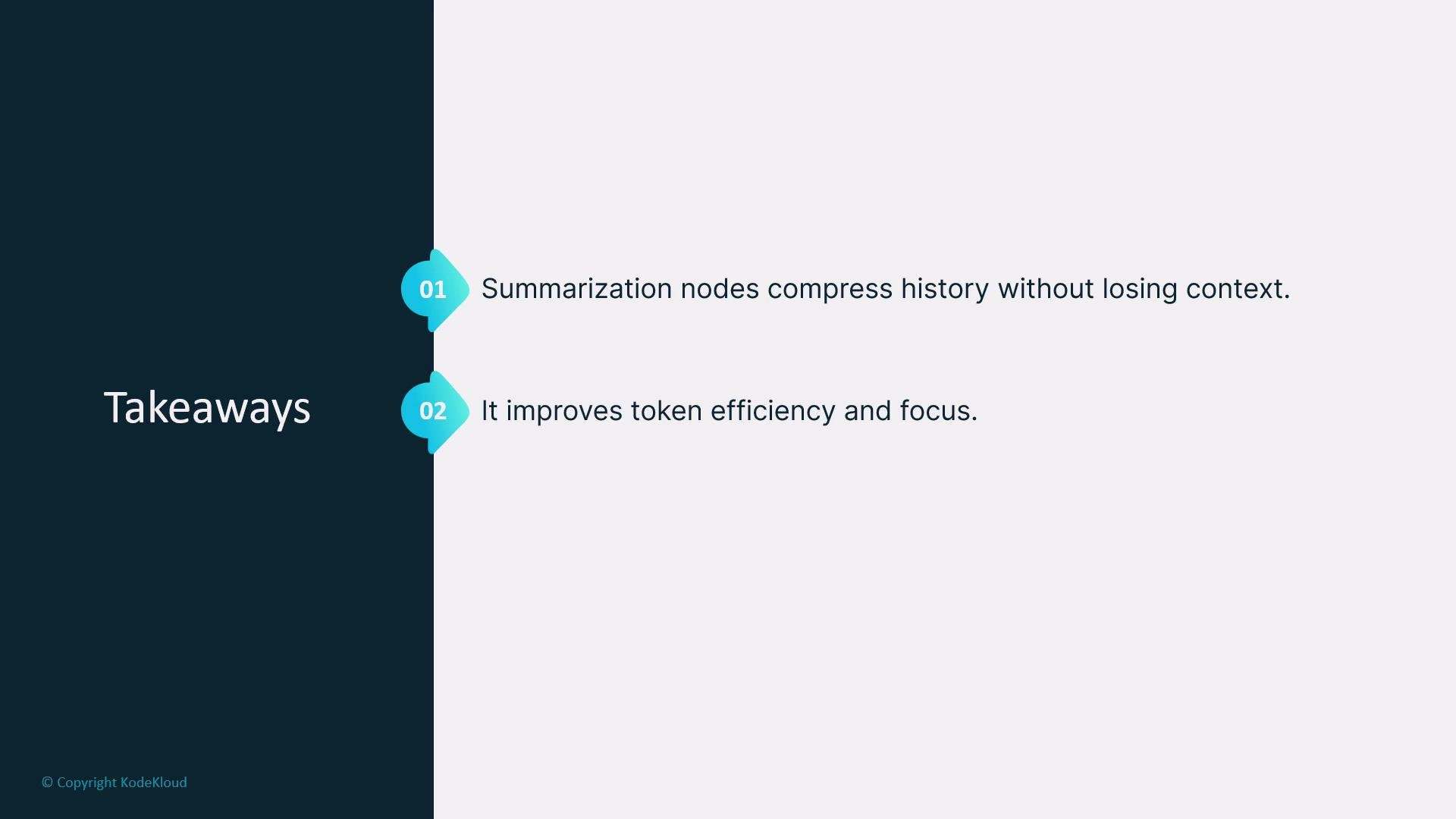
The image presents two key takeaways: summarization nodes compress history without losing context, and they improve token efficiency and focus.
Trigger summarization at meaningful transition points (end of task cycles, before expensive reasoning, or when history size exceeds thresholds) to balance compute cost and context fidelity.
Always validate summaries periodically. Important facts can be lost in aggressive compression — monitor, log, and tune prompts accordingly.

Watch Video