

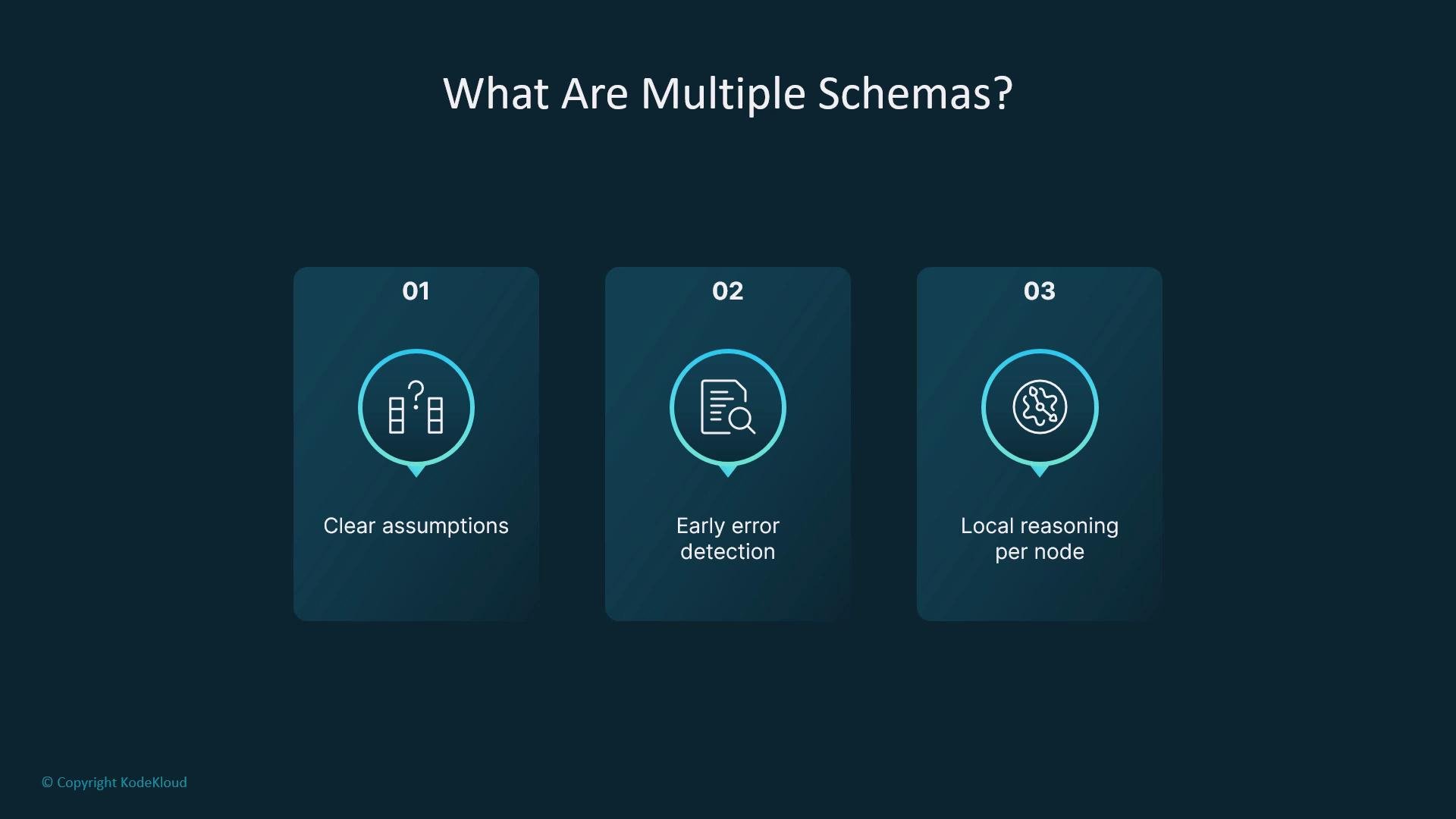
- Document assumptions per module.
- Catch schema mismatches early via typing and tests.
- Reason locally about each node’s inputs and outputs.
- Reuse subgraphs across different parent graphs with confidence.
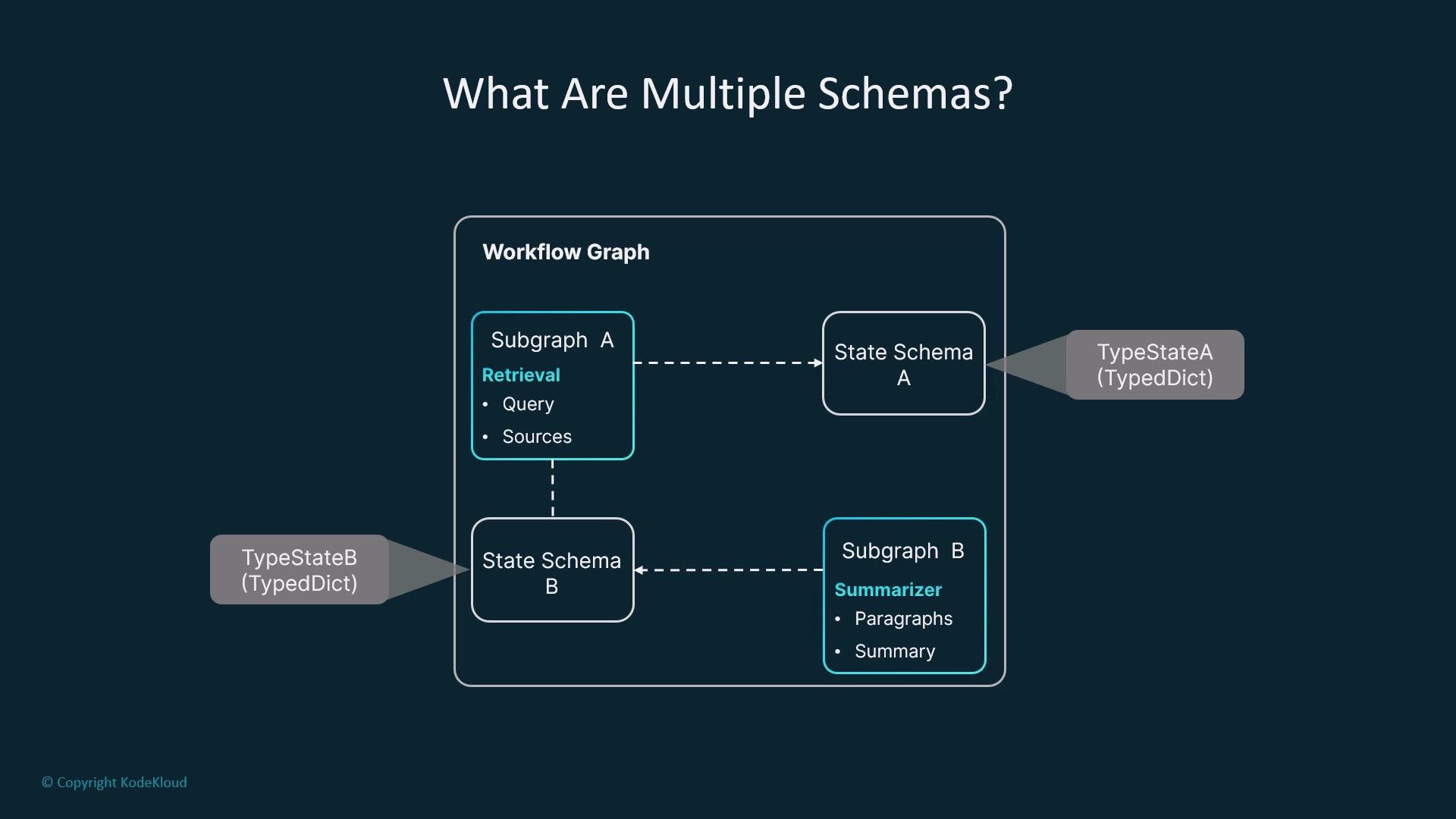
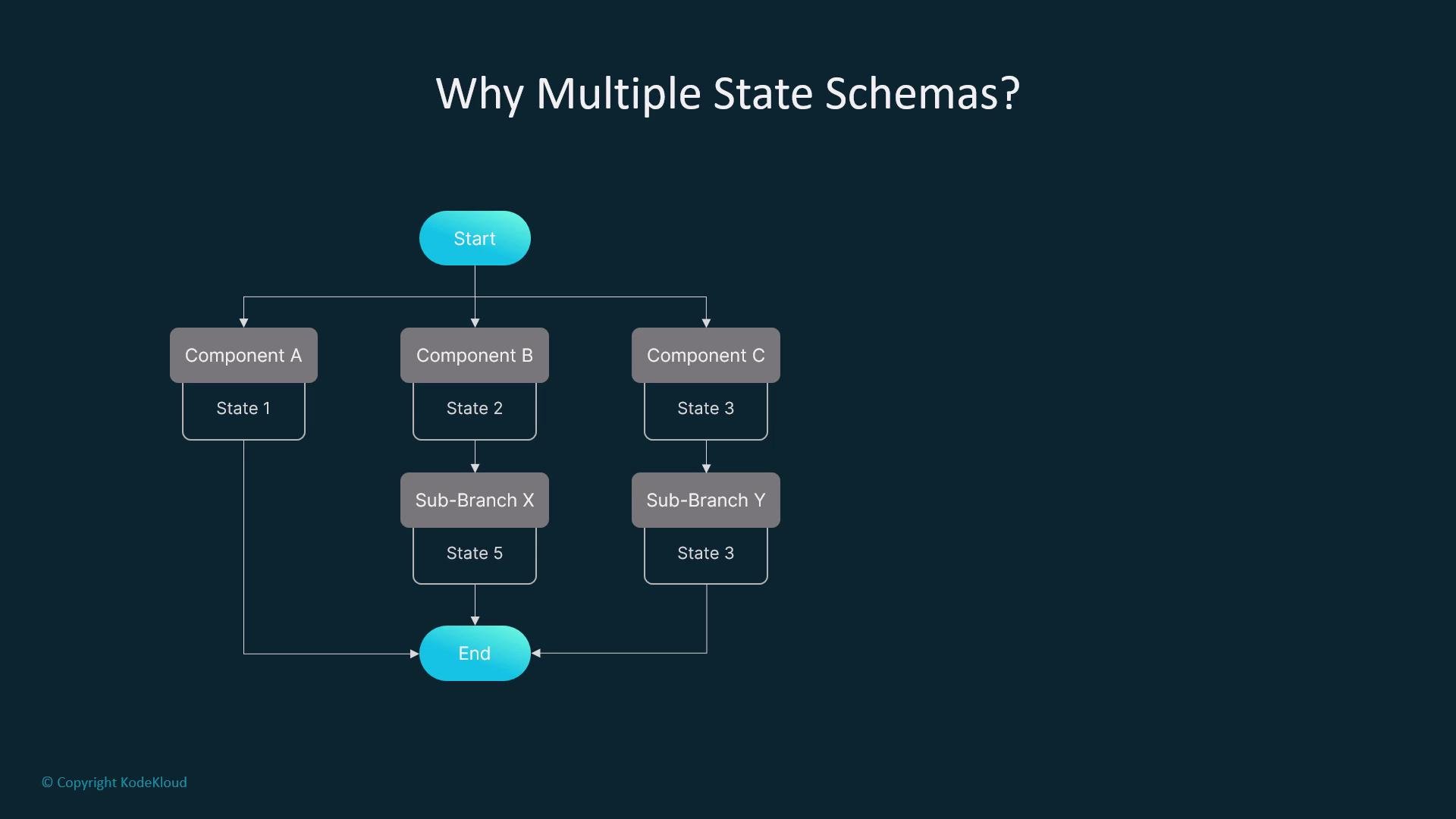
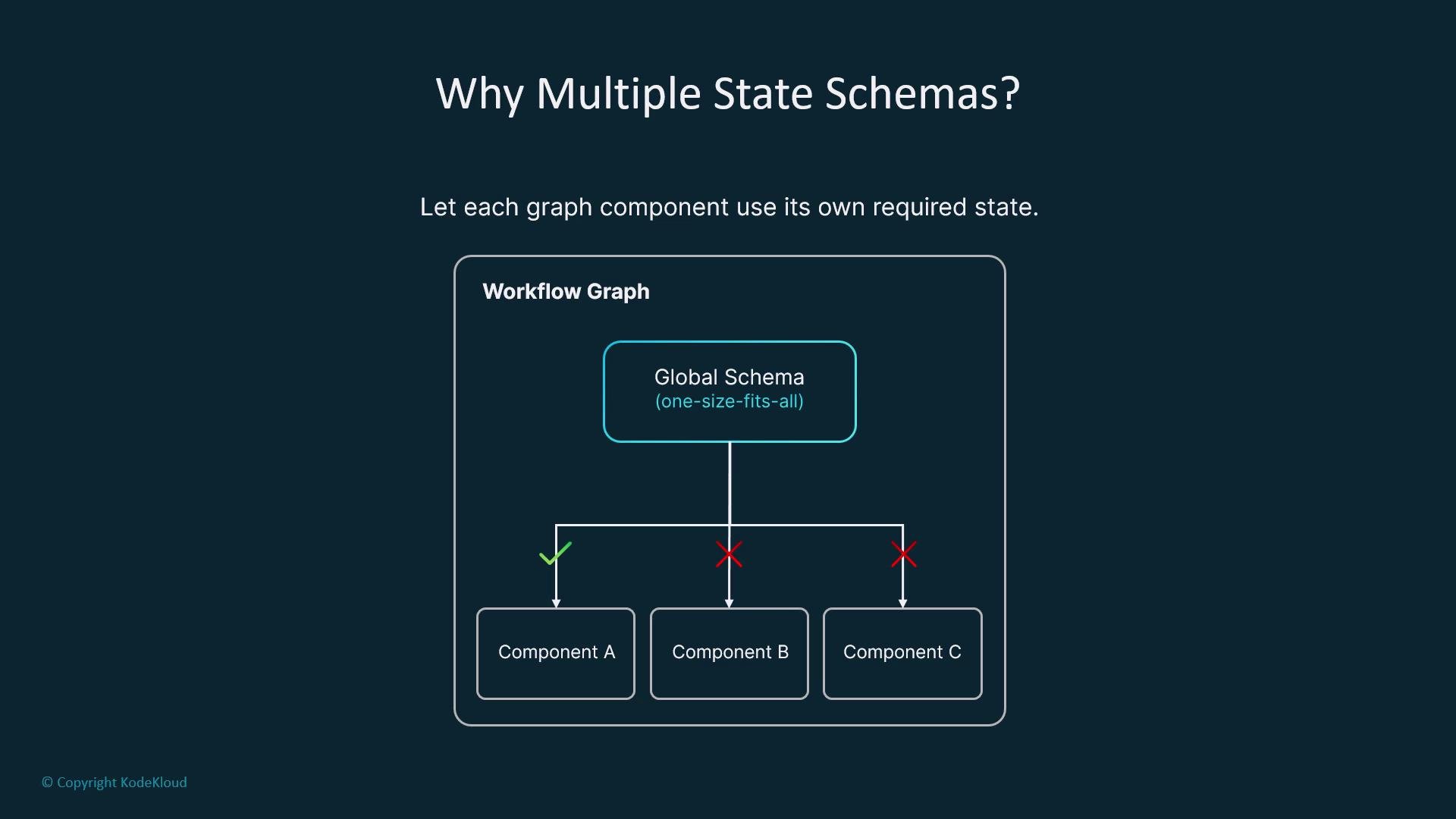
input and response) while each branch tracks its own specialized fields. Keeping separate TypedDicts for these subgraphs clarifies those differences and makes it safe to reuse branches across other graphs. It also helps agents and routers dynamically adapt to context.
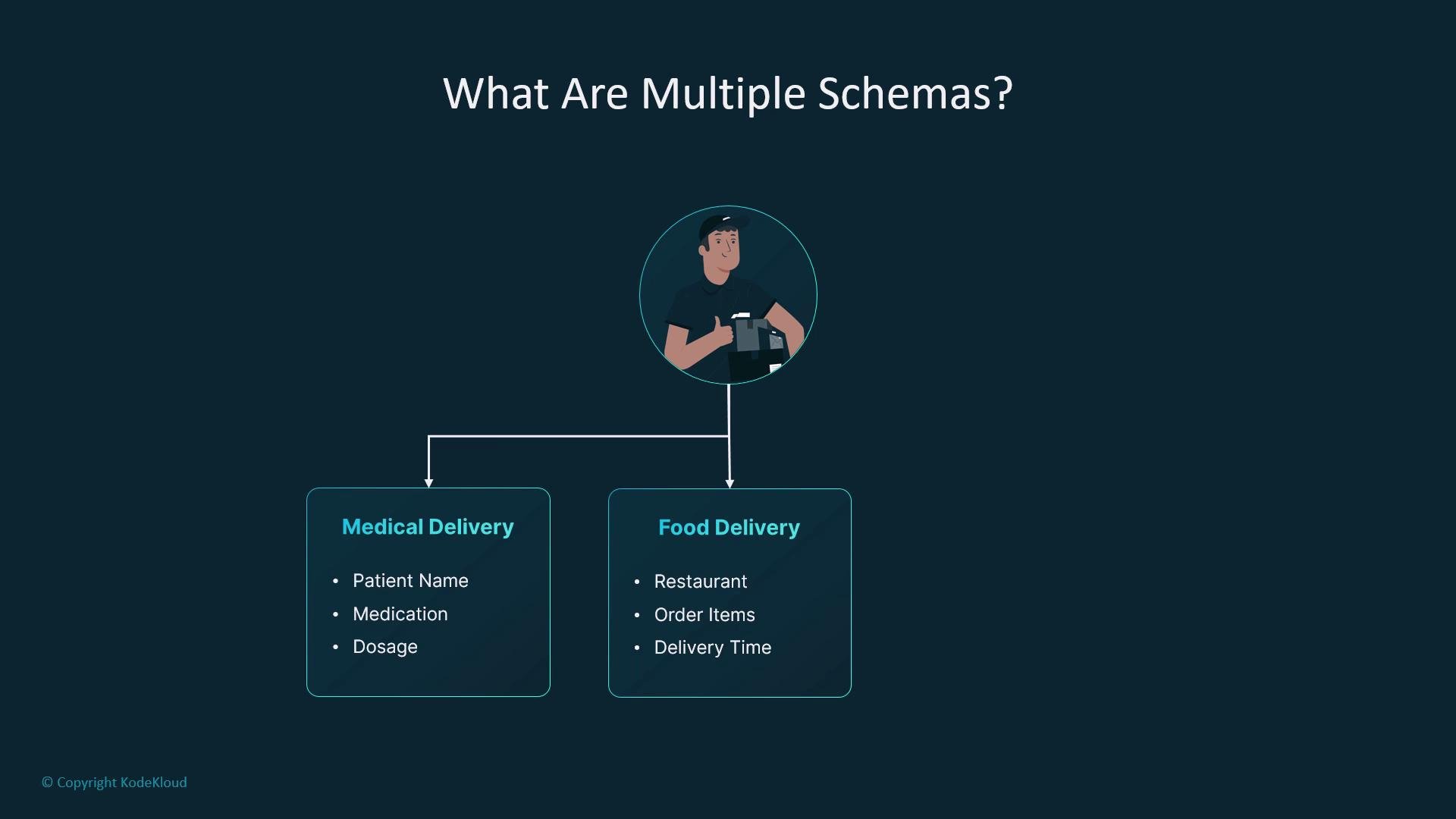
- Local schemas: give each subgraph or node its own TypedDict that documents required and optional fields.
- Composed parent state: the parent graph can accept a broader
GraphStatewith manytotal=Falsefields so subgraphs can coexist. - Adapter (transition) nodes: map one schema to another when composing subgraphs.
- Type guards: verify runtime state before assuming fields are present.
SearchState that requires query but treats search_results as optional. Compile the subgraph and reuse it inside multiple parent graphs. Subgraphs make it easy to test and swap implementations without touching the outer workflow.
Adapters: translate state between schemas
When composing subgraphs with different schemas, use small adapter nodes to map one shape to another. Adapters perform renames, conversions, enrichments, or cleanup.
graph.add_node("adapter", adapter_fn)) and connect them between subgraphs. Adapters are particularly valuable when integrating components from different teams or when evolving schemas over time.
Runtime vs static checks: use type guards
TypedDicts are development-time tools; at runtime the state is a plain dictionary. Protect nodes that expect specific fields with explicit type guards:
isinstance or raise informative errors when a state is malformed.
Type hints and
TypedDicts improve clarity and tooling support. Always validate runtime assumptions with explicit guards or adapter nodes when composing independent subgraphs.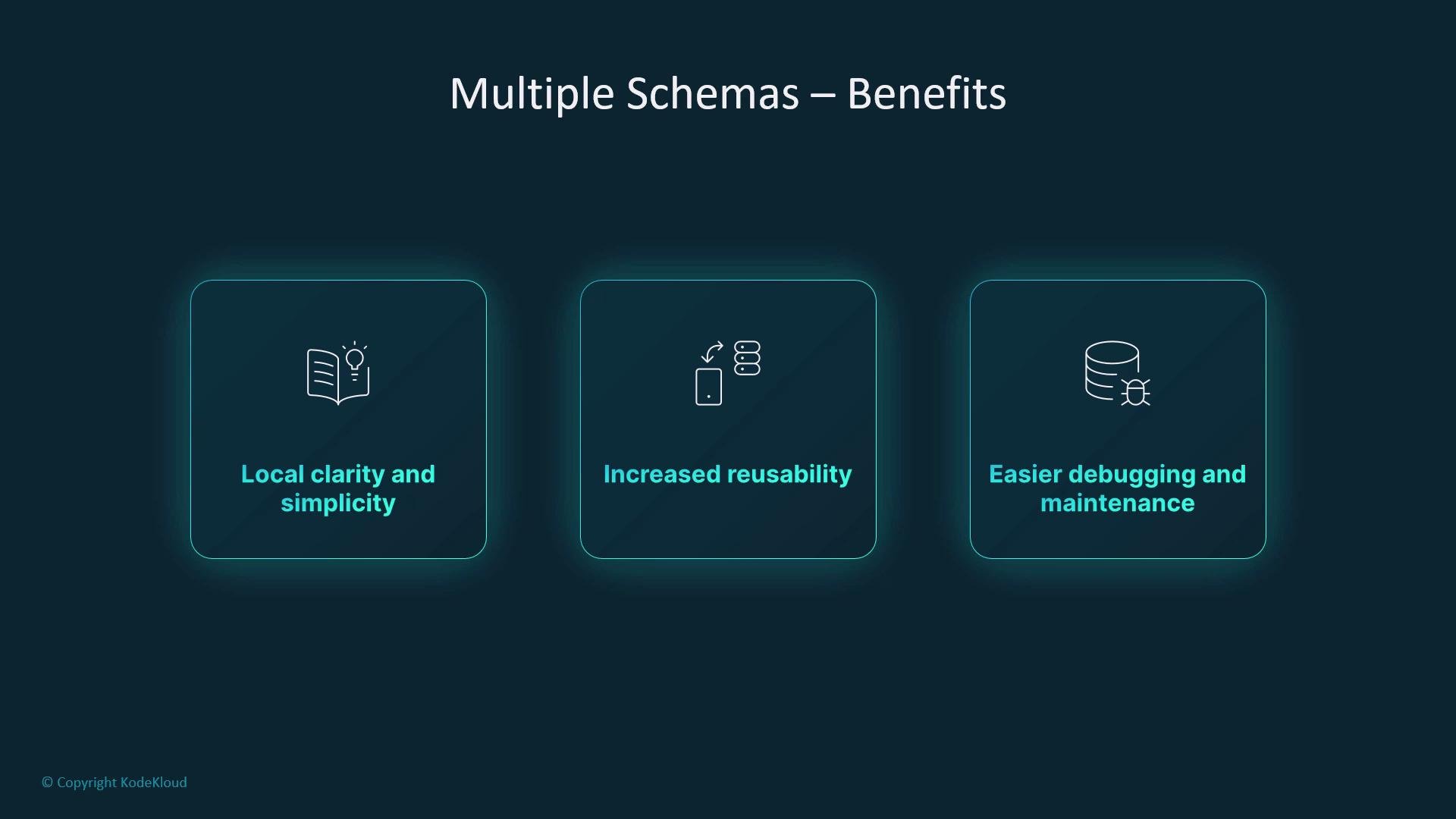
- Local clarity: each node/subgraph documents exactly what it needs.
- Reusability: isolate functionality, then reuse across projects.
- Easier debugging: smaller, focused schemas reduce search space for bugs.
- Safe evolution: change a subgraph’s schema without breaking unrelated branches.
Further reading and references
- LangChain docs: https://langchain.readthedocs.io/
- Python typing: https://docs.python.org/3/library/typing.html
- typing_extensions
TypedDict: https://pypi.org/project/typing-extensions/
TypedDict and type hints to improve developer experience, introduce adapters to translate state between modules, and protect runtime behavior with explicit type guards. This approach keeps LangGraph workflows modular, easier to reason about, and safer to evolve over time.