

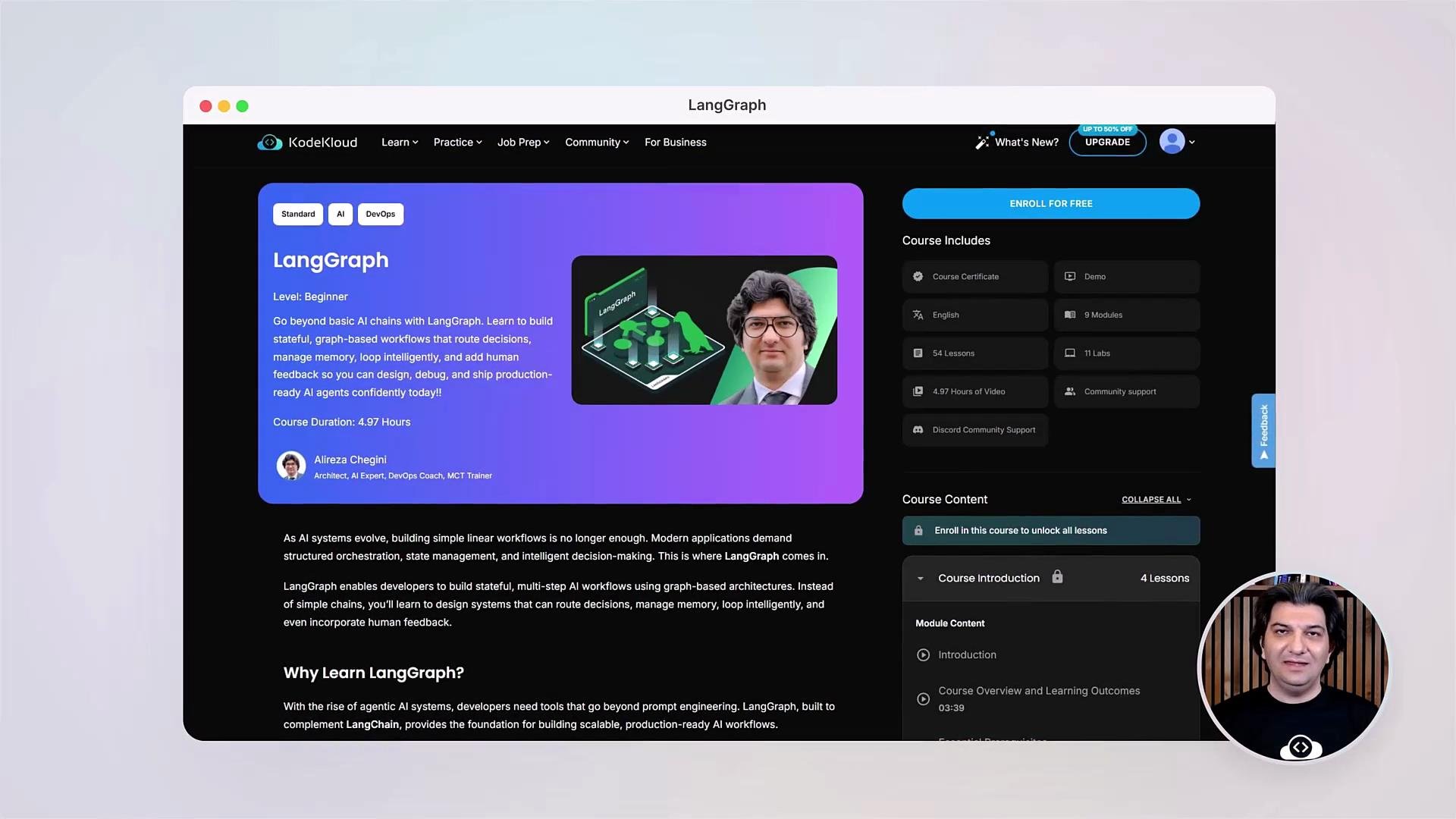
- Orientation: learning outcomes, prerequisites, and environment setup.
- Core concepts: what LangGraph is and state graph fundamentals.
- Orchestration: building your first workflows using nodes, edges, and conditional routing.
- Stateful agents: memory, persistence, and user-specific state.
- Robustness: token limits, context optimization, summarization.
- Human-in-the-loop: approvals, feedback, and real-time controls.
- Debugging & observability: breakpoints, state editing, and time travel.
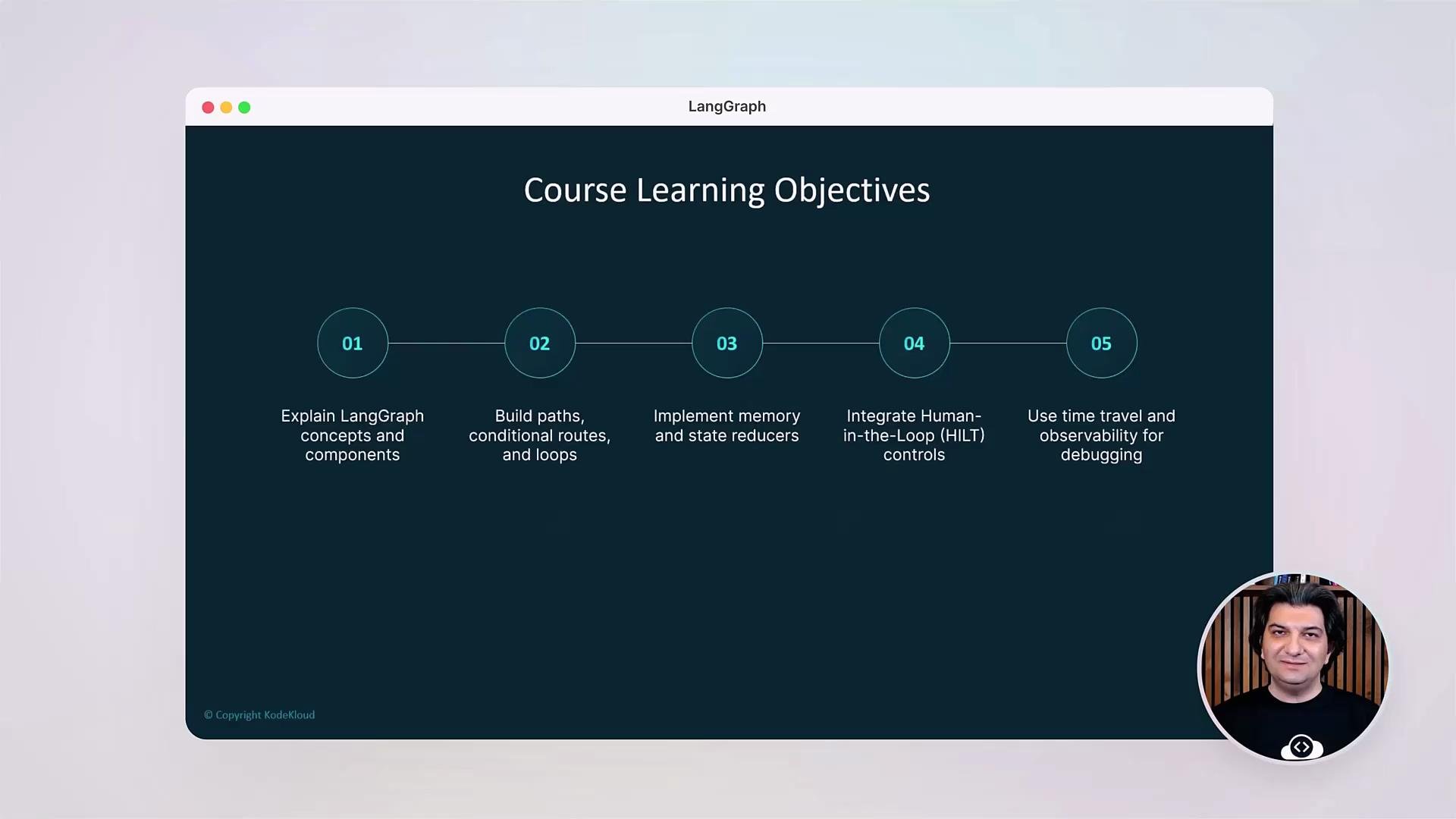
What you’ll build
You’ll start by creating simple nodes and edges, then progress to advanced agents with:- Conditional routing and decision nodes.
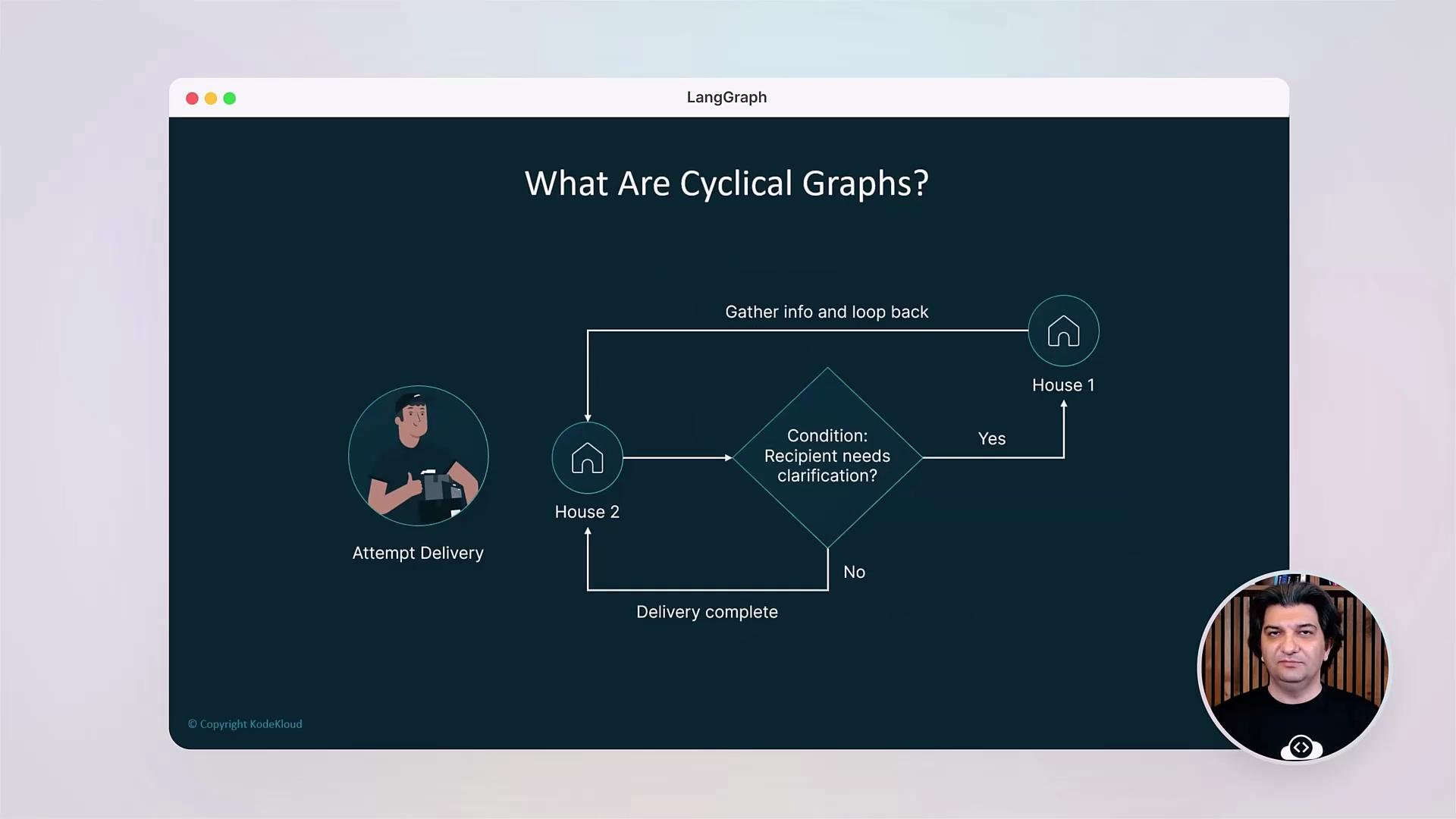
- Reducers and cyclical graphs with safe termination.
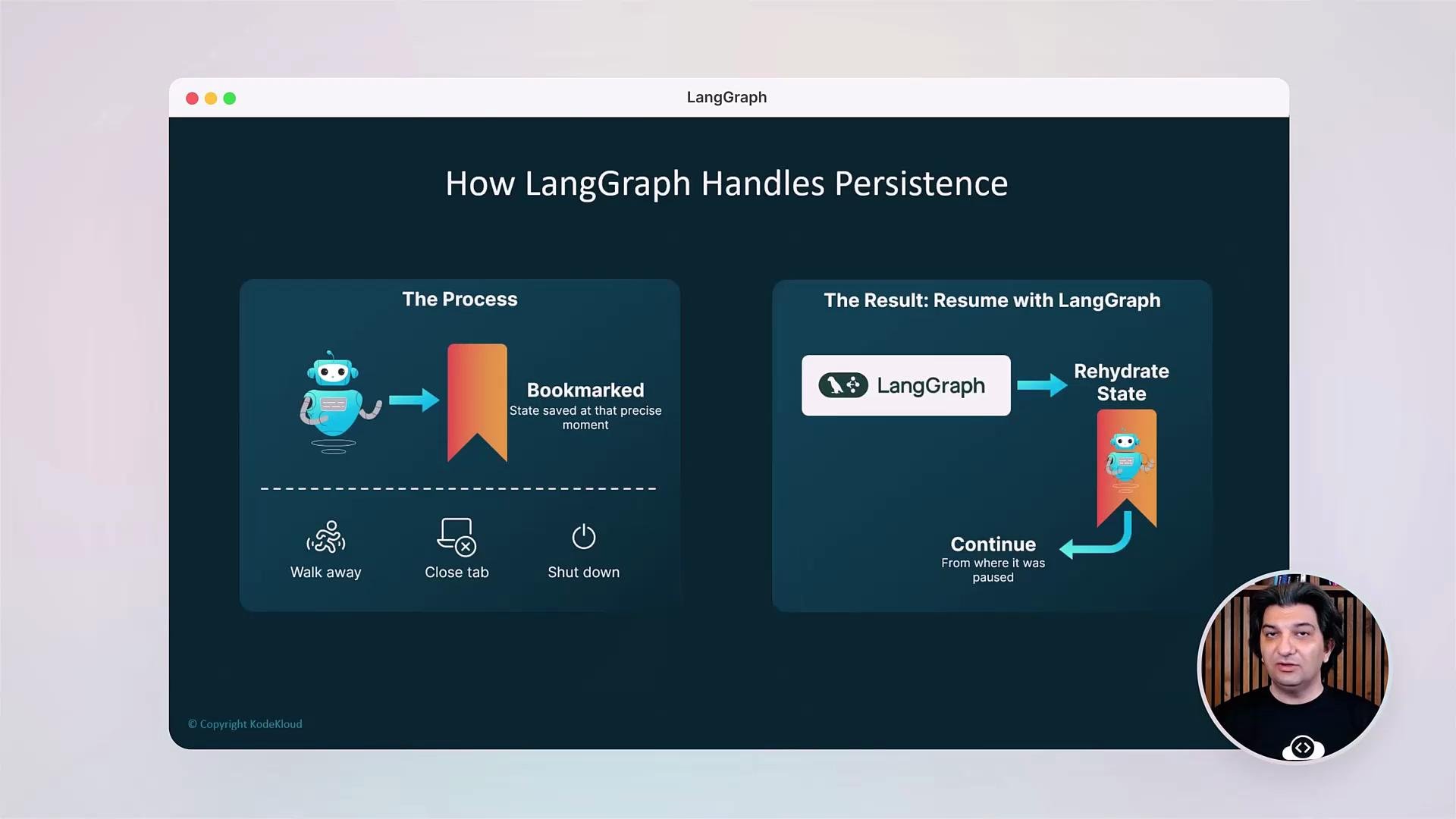
- Persistent bookmarks and rehydration of execution state.
- Observability hooks for logging and tracing.
- Debugging tools such as breakpoints and state editing.
Key technical patterns covered
- Graph-based orchestration patterns (linear, branching, cyclical).
- State management: session state, user state, and persisted bookmarks.
- Context optimization: summarization, context windows, and token-budgeting.
- Safety and termination: guardrails to avoid infinite loops.
- Human-in-the-loop patterns for approvals and manual corrections.
Practical labs and debugging
All lessons are hands-on. You’ll implement example agents, add memory, validate inputs, and use LangGraph’s debugging features to inspect and iteratively refine running workflows. Debugging capabilities covered include breakpoints, state editing mid-execution, and time travel to inspect previous states.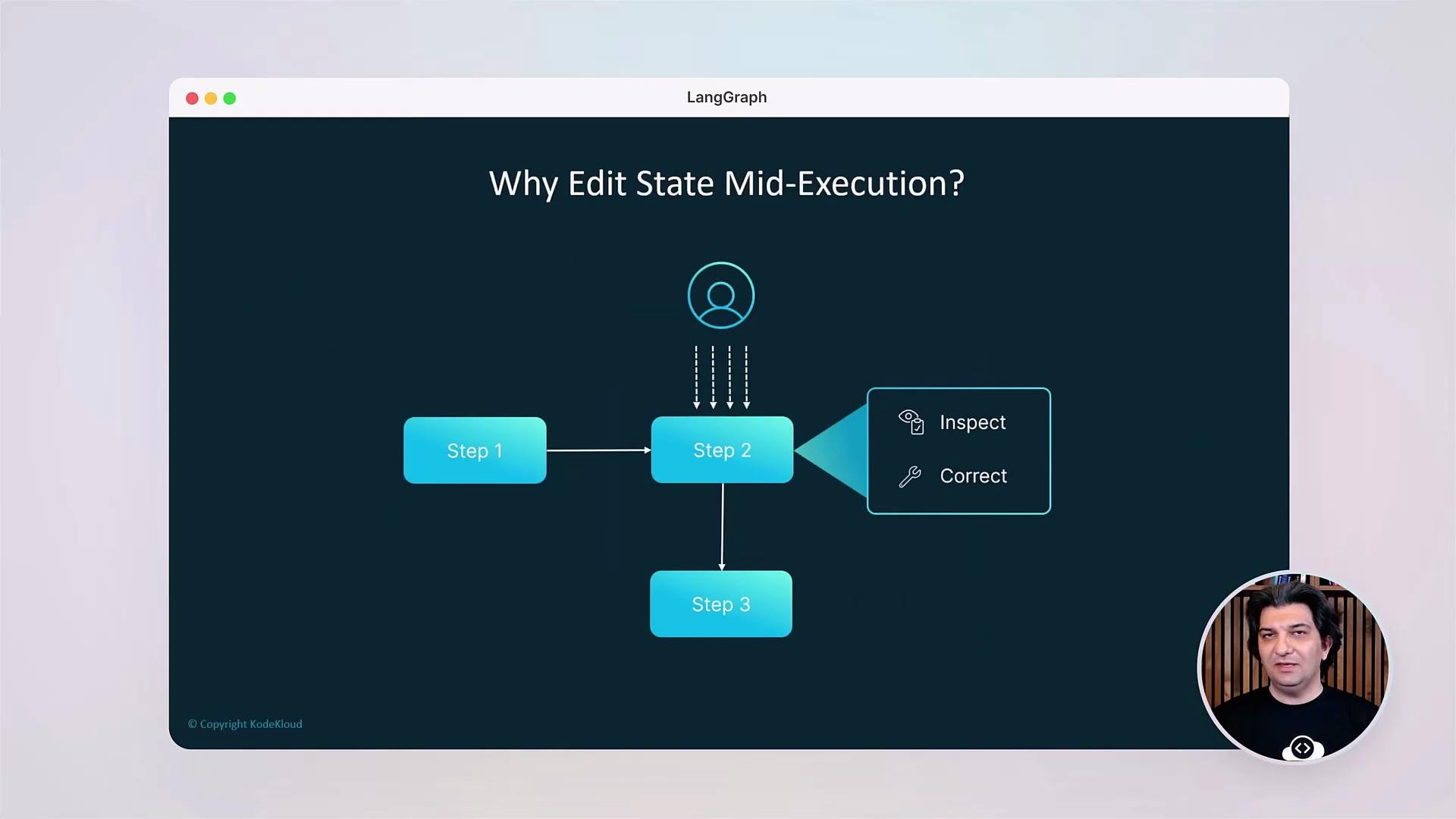
Course format
- Short conceptual videos to introduce patterns.
- Guided demos that walk through code and execution traces.
- Hands-on labs to implement and deploy agents.
- Example repositories and templates to bootstrap projects.
Verify installation
Before you begin the labs, confirm the LangGraph package is installed:Recommended basics: a recent Python version and pip. We’ll cover any additional setup and prerequisites at the start of the lesson so you can follow along without friction.
Prerequisites & environment checklist
Tip: Store API keys securely (e.g., environment variables or a secrets manager). See the LangGraph docs for provider-specific setup and configuration.
Links and references
- LangGraph documentation: https://langgraph.dev (refer to provider docs for setup)
- Best practices for prompt engineering and context management: https://platform.openai.com/docs/guides
- General orchestration patterns and state management: https://en.wikipedia.org/wiki/State_machine