

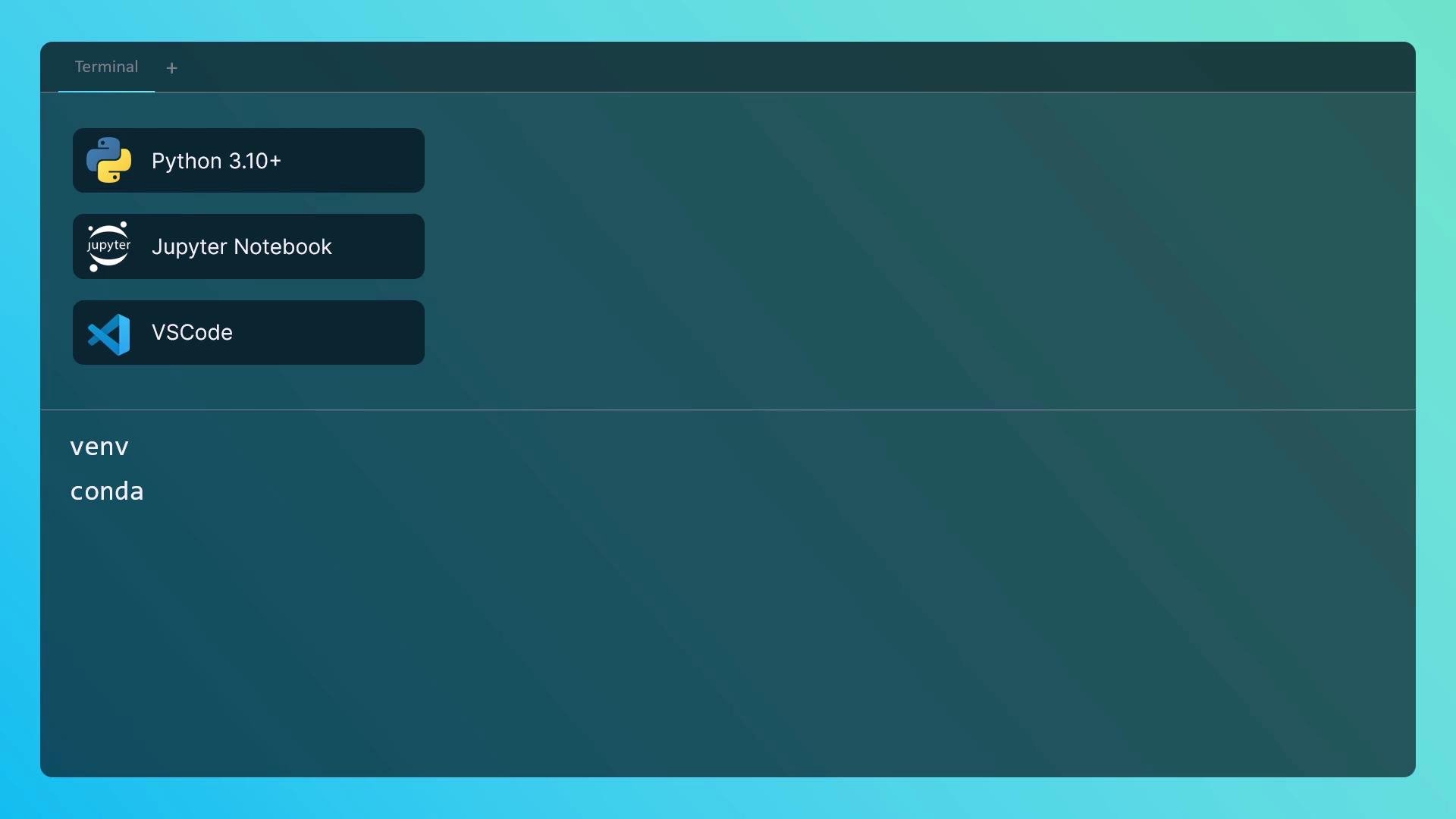
- Python 3.10 or later
- A code editor or Jupyter notebook (Jupyter is excellent for inline experimentation)
- A virtual environment (venv or Conda) to isolate dependencies
- A few Python packages (listed below)
Install system prerequisites and pip
First, check whetherpip is available:
pip is missing, install it using your distribution’s package manager. Use the appropriate command for your platform:
Once
pip is available, proceed to install the Python packages.
Install core Python packages
Install the minimal required packages and a few recommended utilities. The table below summarizes purpose and installation.
Install the packages:
Virtual environments
Use a virtual environment to isolate dependencies. Two common approaches: Using venv (standard library):API keys and secure storage
To call OpenAI models (e.g., GPT-4, GPT-3.5), you need an API key from the OpenAI dashboard: https://platform.openai.com/account/api-keys Important best practices:- Never hard-code API keys in source files.
- Use environment variables or a secrets manager for production.
- For local development, use a
.envfile withpython-dotenvand add.envto.gitignore.
.env file:
Store secrets in environment variables or a secure secrets manager. Use
python-dotenv only for local development; never commit .env to version control.- Keep an organized layout from the start. Example structure:
Quick system test
Create a lightweight script to validate imports, verify the OpenAI API key is present, and make a minimal Chat API call. Save this assystem_test.py and run it after activating your virtual environment and setting OPENAI_API_KEY or creating a .env.
Using the OpenAI API may incur charges. Monitor usage and billing in your OpenAI dashboard, and prefer small test calls when validating integration.
- OpenAI API keys: https://platform.openai.com/account/api-keys
- Python virtual environments: https://docs.python.org/3/library/venv.html
- Conda docs: https://docs.conda.io/
- LangChain docs: https://docs.langchain.com/