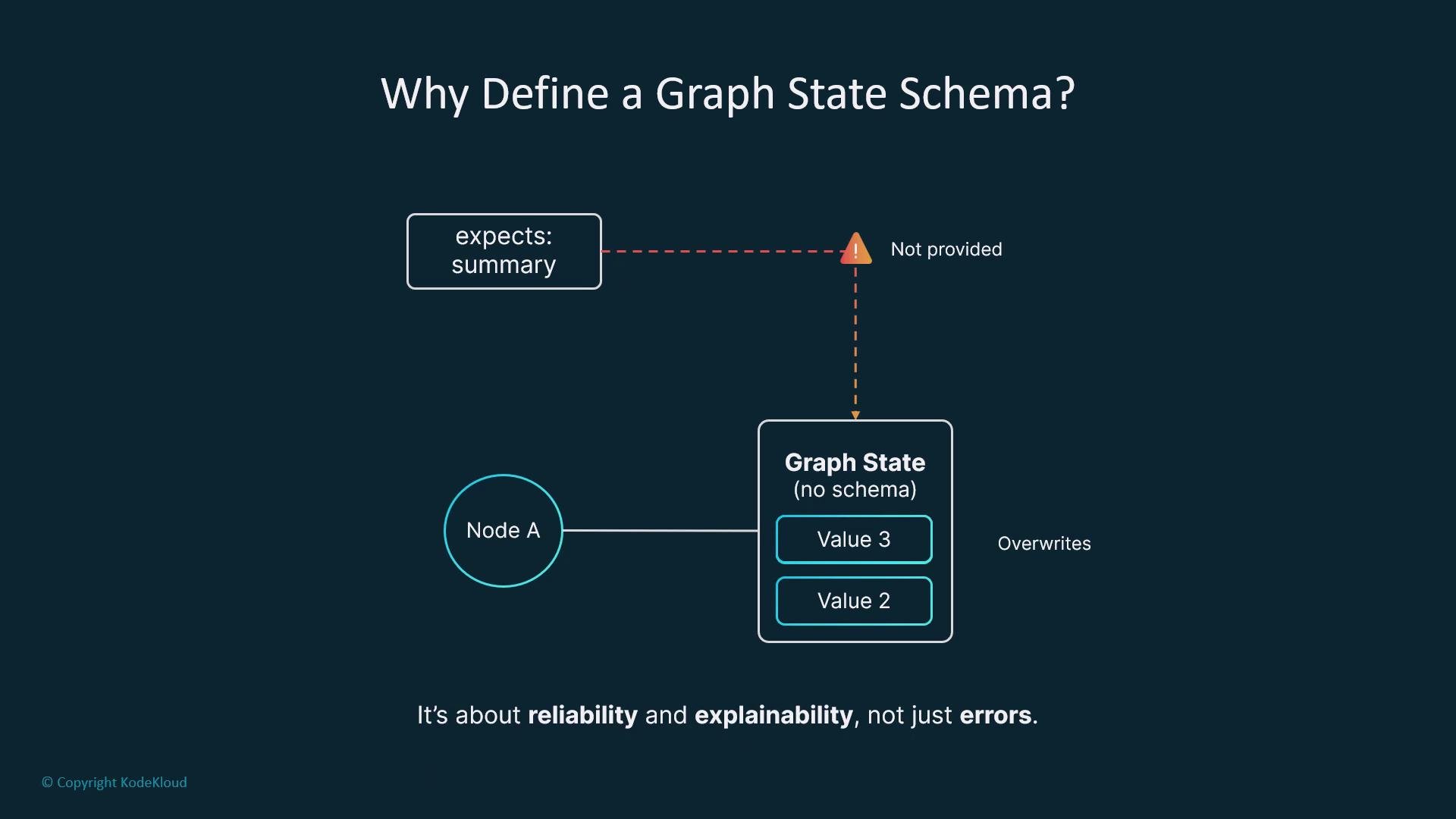
In LangGraph, every node exchanges information through a shared structure called the graph state. A clear schema for that state is essential: it defines what the system knows, how knowledge evolves, and what each node should expect to read or write. Without a schema, nodes can assume fields that are never provided or accidentally overwrite critical data—leading to brittle, hard-to-debug graphs.
The image is a flowchart illustrating the importance of defining a graph state schema, highlighting reliability and explainability. It shows "Node A" interacting with a graph state that lacks a schema, which can lead to issues like unprovided summaries and overwritten values.
Why a schema matters
  • Improves reliability by preventing missing keys and type mismatches.
  • Increases explainability by making the data surface explicit.
  • Enables safer collaboration between nodes and teams.
  • Makes observability and debugging easier because tools can inspect well-known fields.
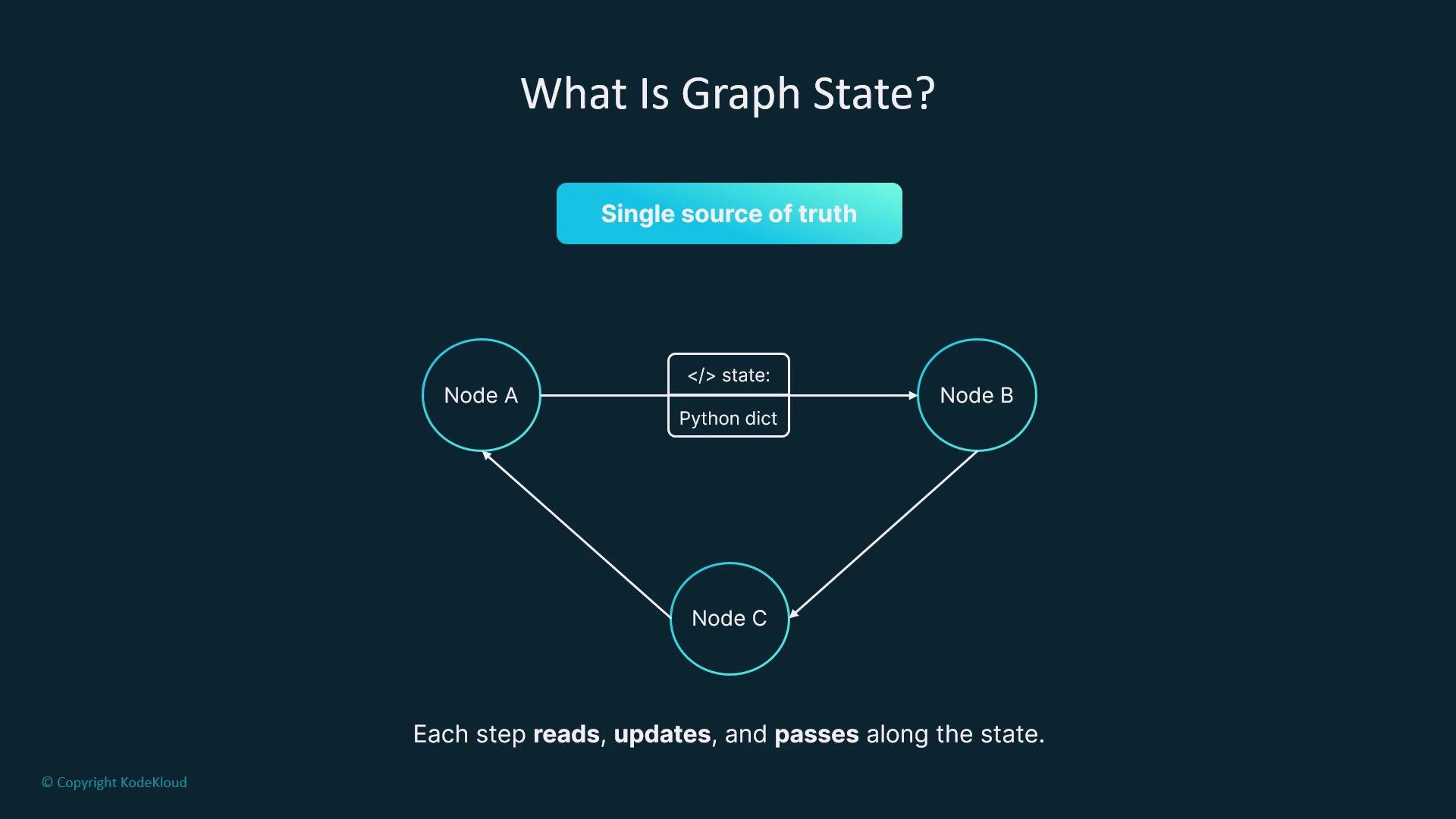
The graph state as a single source of truth LangGraph’s graph state is a single Python dictionary passed from node to node. Each node receives the state, may read and update it, and then passes the updated state forward. Think of it as a shared document that all nodes can edit: it provides memory, tracks tool usage, and stores intermediate outputs needed to build cross-node context.
The image explains the concept of "Graph State" with a diagram showing nodes A, B, and C, state as a Python dictionary, and the idea of a "single source of truth". It emphasizes that each step reads, updates, and passes along the state.
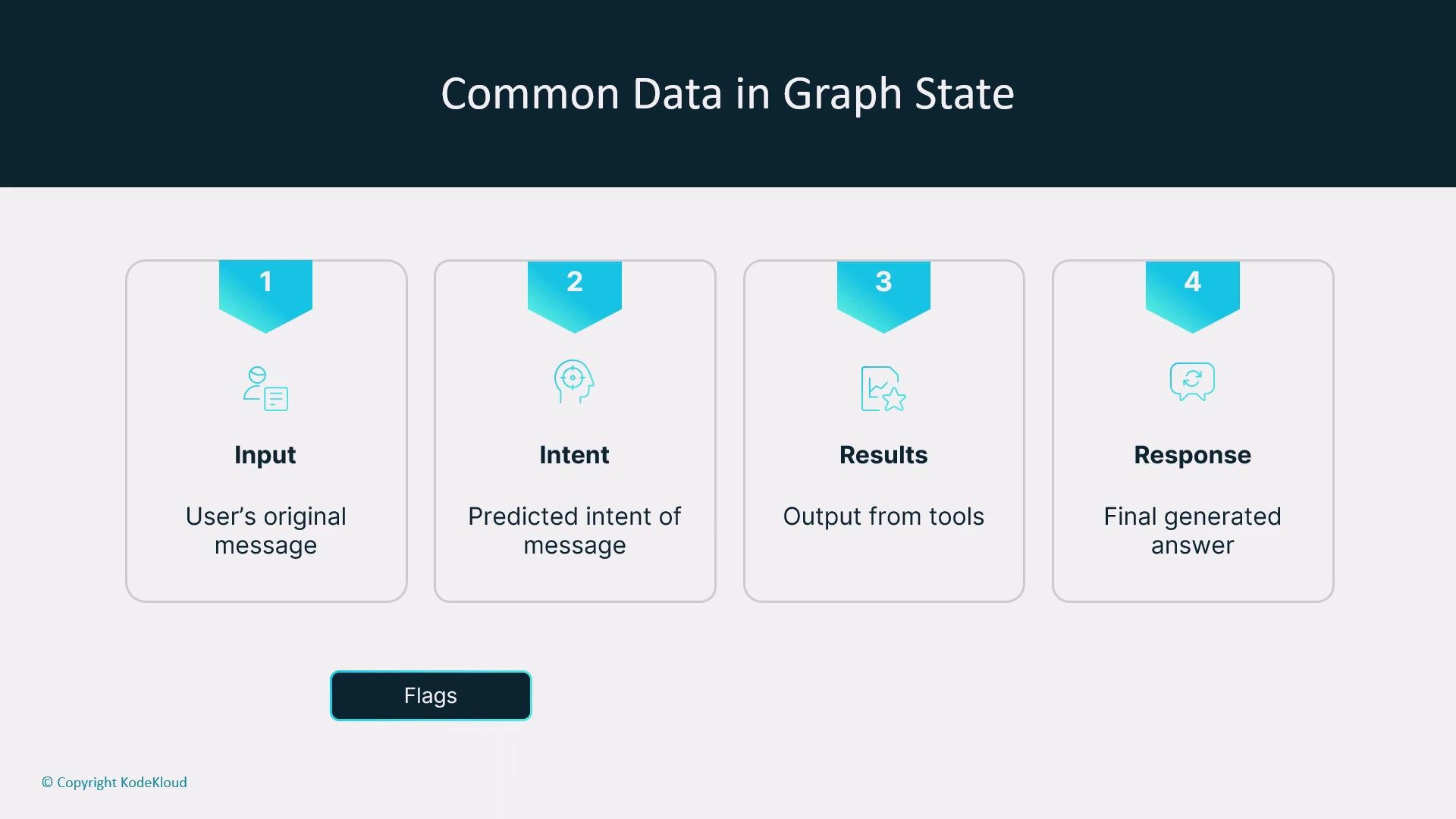
Typical fields you’ll find in LangGraph workflows Common state fields include the user input, predicted intent, results returned by tools, chat history, and the final response. You’ll often also store flags, metadata, timestamps, or loop counters—anything that helps guide the execution flow.
The image outlines the common data in a graph state, consisting of four stages: Input (user's original message), Intent (predicted intent of message), Results (output from tools), and Response (final generated answer).
Use TypedDict to declare a schema To make the state explicit and machine-checkable, LangGraph recommends declaring the schema using Python’s TypedDict (or typing_extensions.TypedDict for older versions). This provides a contract between nodes and allows static type checkers like mypy to catch inconsistencies early. Example TypedDict schema:
Notes about this pattern
  • Using total=False makes keys optional by default. Alternatively, use total=True and mark selective keys with NotRequired (see PEP 655)—choose the pattern that best fits your project.
  • chat_history is typed as List[BaseMessage] (LangChain message types) to preserve conversational context.
  • tool_results is a flexible Dict[str, Any] because outputs differ between integrations.
Why typing helps
  • Static typing and TypedDict let tools verify nodes read/write the correct keys and types.
  • Observability systems can record which fields exist at each node execution to simplify debugging and audits.
  • A typed schema clarifies expectations across teams and over time, improving maintainability.
Field-by-field breakdown Example usage pattern
Design your schema to be permissive early (optional fields) and grow it intentionally as new nodes or tools are added. This balances development speed with safety and observability.
Practical considerations and best practices
  • Define the schema early in the project to reduce ambiguity and accidental overwrites.
  • Treat the schema as a living contract: extend it when you add tools, nodes, or new observability needs.
  • Use loop counters and explicit success/error flags to make iterative or cyclical graphs safe and auditable.
  • Prefer clear, well-documented keys over deep opaque blobs—this improves explainability and cross-team collaboration.
  • Leverage static analysis (mypy) and runtime checks in critical nodes to catch unexpected types or missing keys early.
When to update the schema
  • When you add new nodes or tool integrations that need new fields.
  • When data flows change, require additional metadata, or new observability signals.
  • As part of routine maintenance: keep the schema aligned with runtime telemetry and logs.
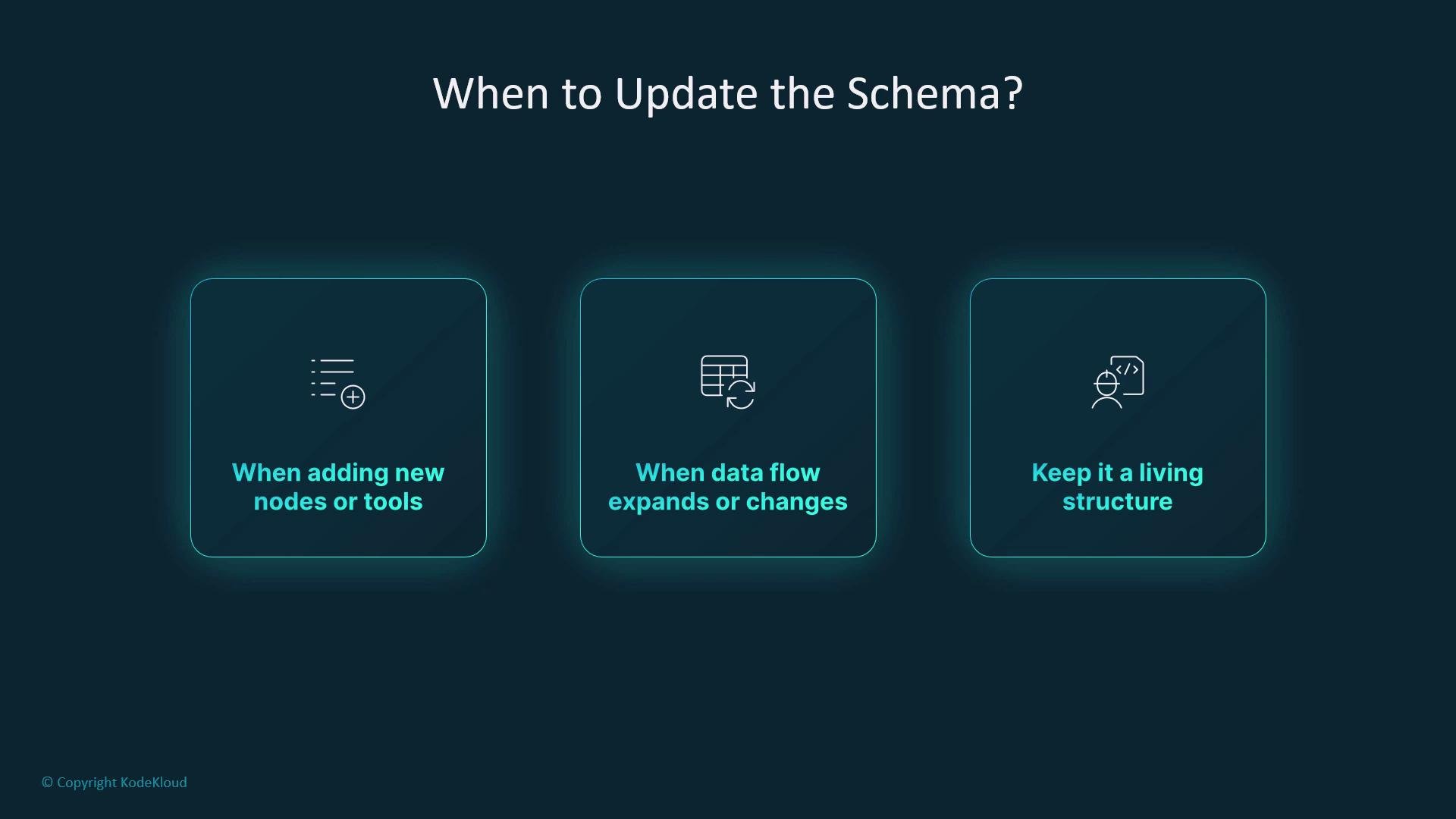
The image lists three situations for updating a schema: when adding new nodes or tools, when data flow changes or expands, and to keep it a living structure.
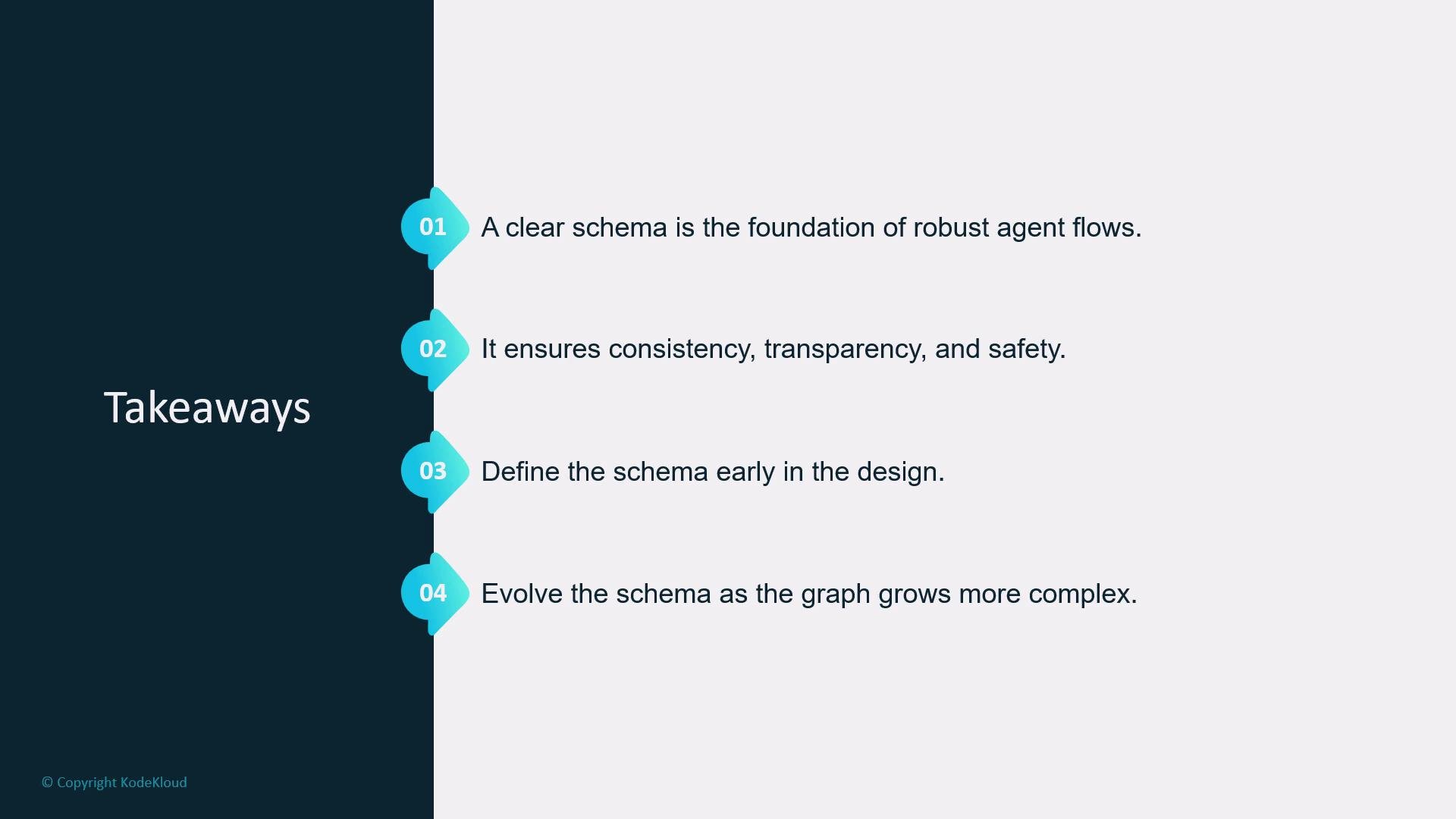
Conclusion A clear graph state schema is the foundation of robust LangGraph workflows. It ensures consistency, transparency, and safety while speeding up debugging and cross-team collaboration. Define the schema early, document it, and evolve it deliberately as your system grows—just like Robbie refining his delivery journal as routes become more complex.
The image contains a layout with takeaways on schema design, emphasizing foundations, consistency, early definition, and evolution as complexity grows. It features numbered points and a dark sidebar labeled "Takeaways."
Further reading and references

Watch Video