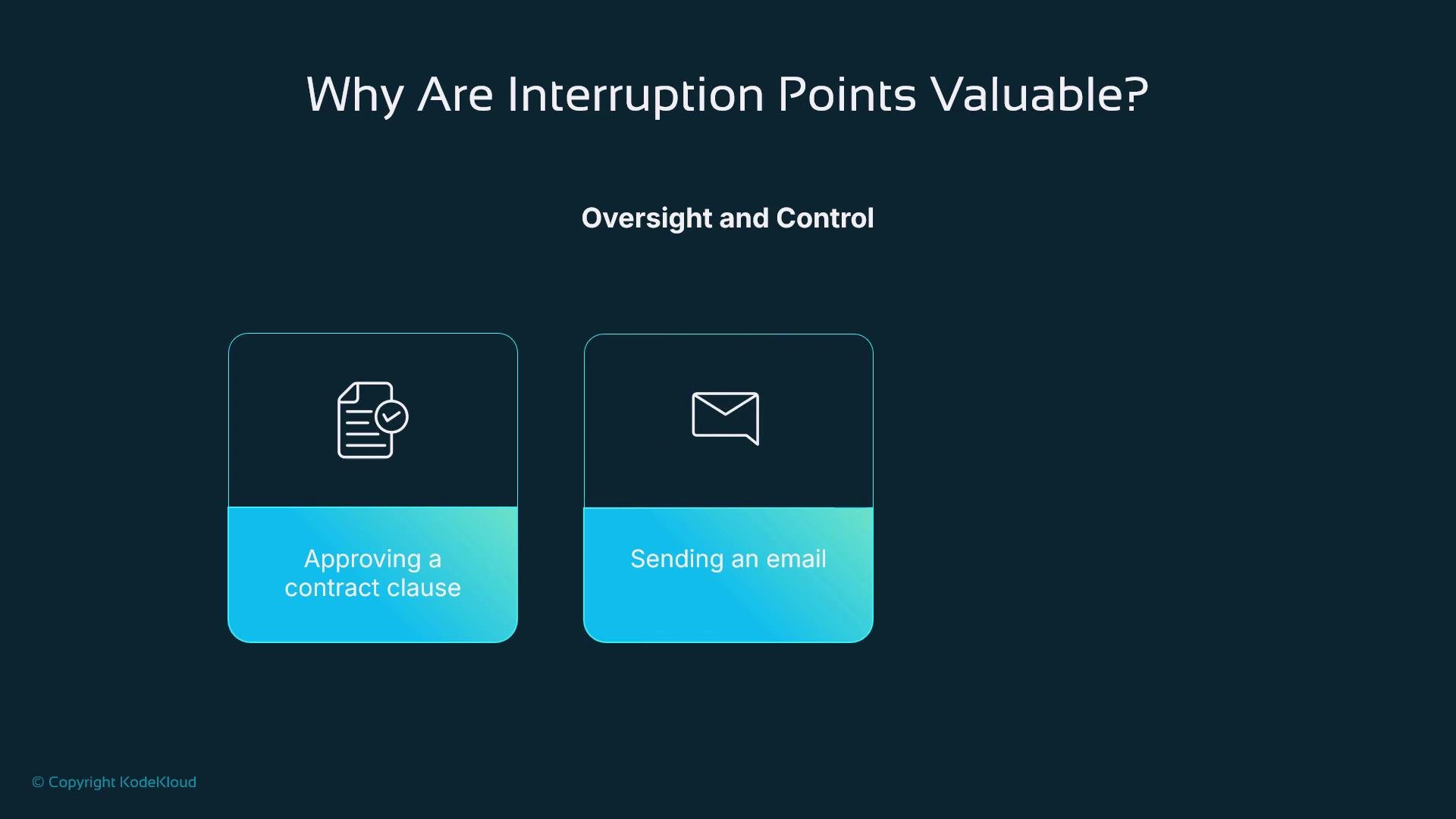
Interruption points (human-in-the-loop gates) let users pause or stop an agent before it completes an action. These checkpoints give humans oversight and control in scenarios with consequences—approving contract clauses, sending emails, or deleting records—so the system behaves cooperatively rather than as an opaque autonomous process.
The image highlights the value of interruption points for oversight and control, specifically in processes like approving a contract clause and sending an email.
Benefits
  • Reduce risk by requiring explicit human approval for sensitive steps.
  • Improve collaboration by letting humans inspect, edit, or reject AI-generated outputs.
  • Increase trust and compliance for workflows involving legal, financial, or destructive actions.
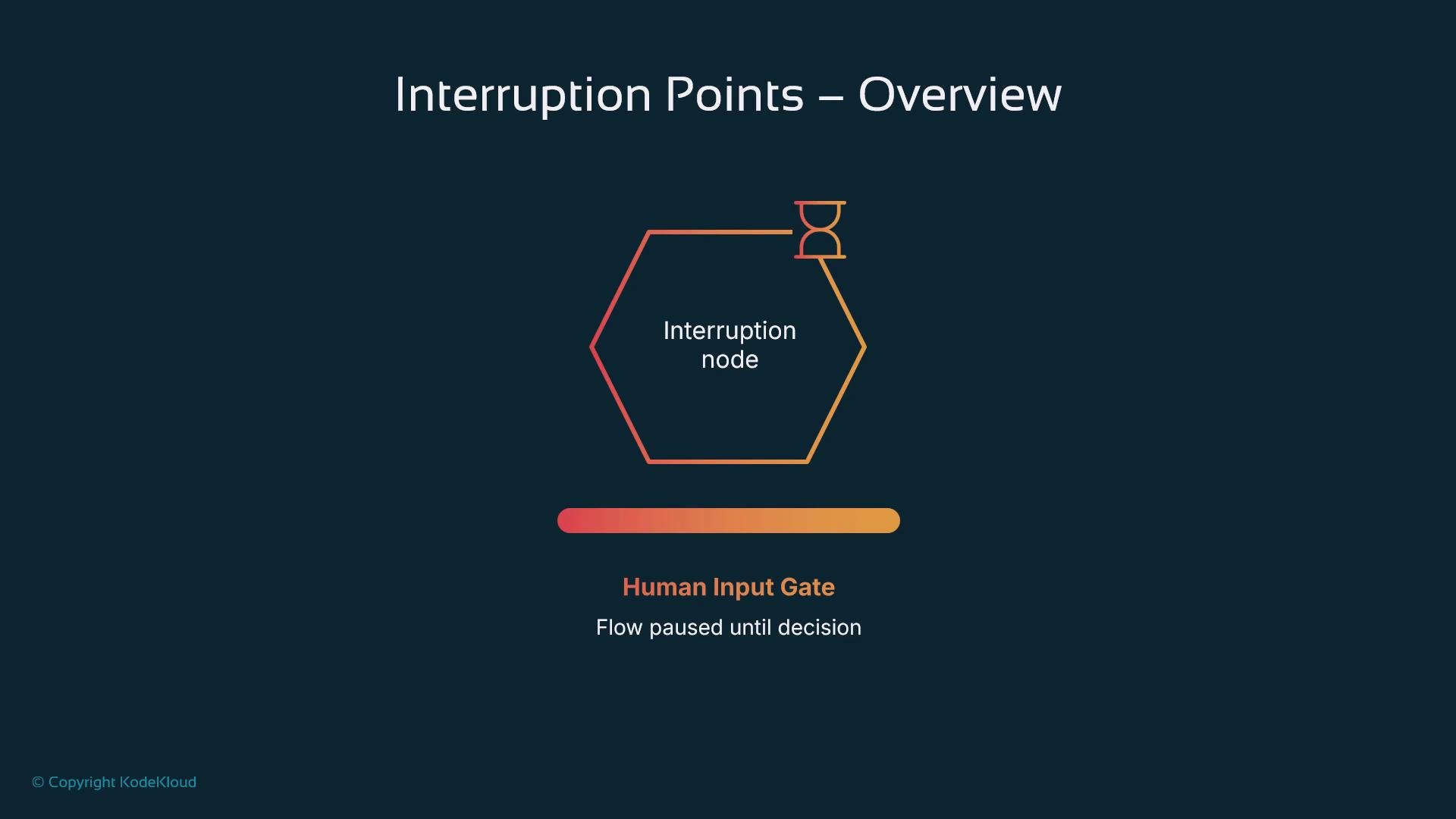
In LangGraph, an interruption point is modeled as a node that pauses execution and waits for human interaction. Based on that interaction, the graph takes different edges: proceed, retry, or cancel. Think of it as a decision gate—the graph only advances once the user chooses a path.
The image is an overview of interruption points, featuring an interruption node represented by a hexagon and an hourglass, along with a "Human Input Gate" where flow pauses until a decision is made.
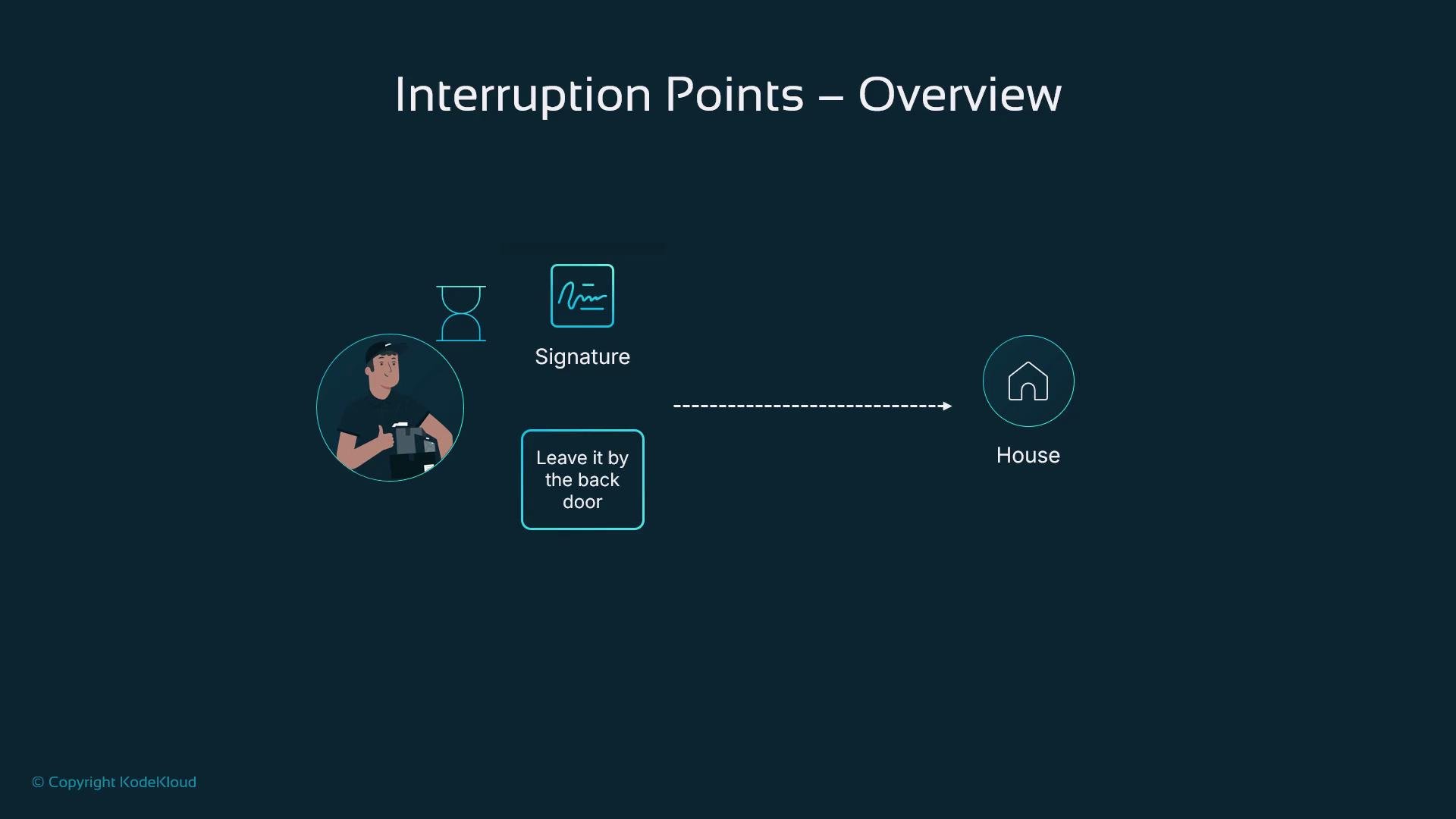
Real-world example: delivery confirmation Robbie pauses before leaving a package—waiting for a signature or an instruction such as “leave it at the back door.” That signature is an interruption point: the delivery workflow halts until a human provides a decision.
The image depicts an overview of interruption points in a delivery process, showing a person with a package, an hourglass, a signature requirement, and a house, with a note about leaving the package by the back door.
How LangGraph implements interruption points LangGraph uses conditional edges that check flags in the graph state (for example, user_confirmed == True). The execution pauses until a corresponding flag is set. Input can arrive via a UI, webhook, or API event; once received, the graph resumes along the matching edge. This event-driven approach keeps the design clean and auditable. Implementation workflow (high level)
  1. Define the graph state to include fields that store the data needing review.
  2. Create an interruption node that represents the human review step.
  3. Pause execution using the interrupt function—this saves state and emits a payload for the front end.
  4. Resume the graph when human input is returned, updating the state and continuing execution.
Steps to implement interruption points Example node implementation The following Python example shows a simple interruption node that stops the graph, sends text to a reviewer, and resumes with the revised text.
How the pause works
  • When interrupt(...) executes, the current graph execution stops and the runtime persists the current state.
  • A payload is emitted to configured endpoints (UI, API, dashboard, or webhook).
  • The external system presents the content to a human for approval, editing, or cancellation.
  • Once a response arrives, the runtime resumes execution from the same node and returns the user-provided value.
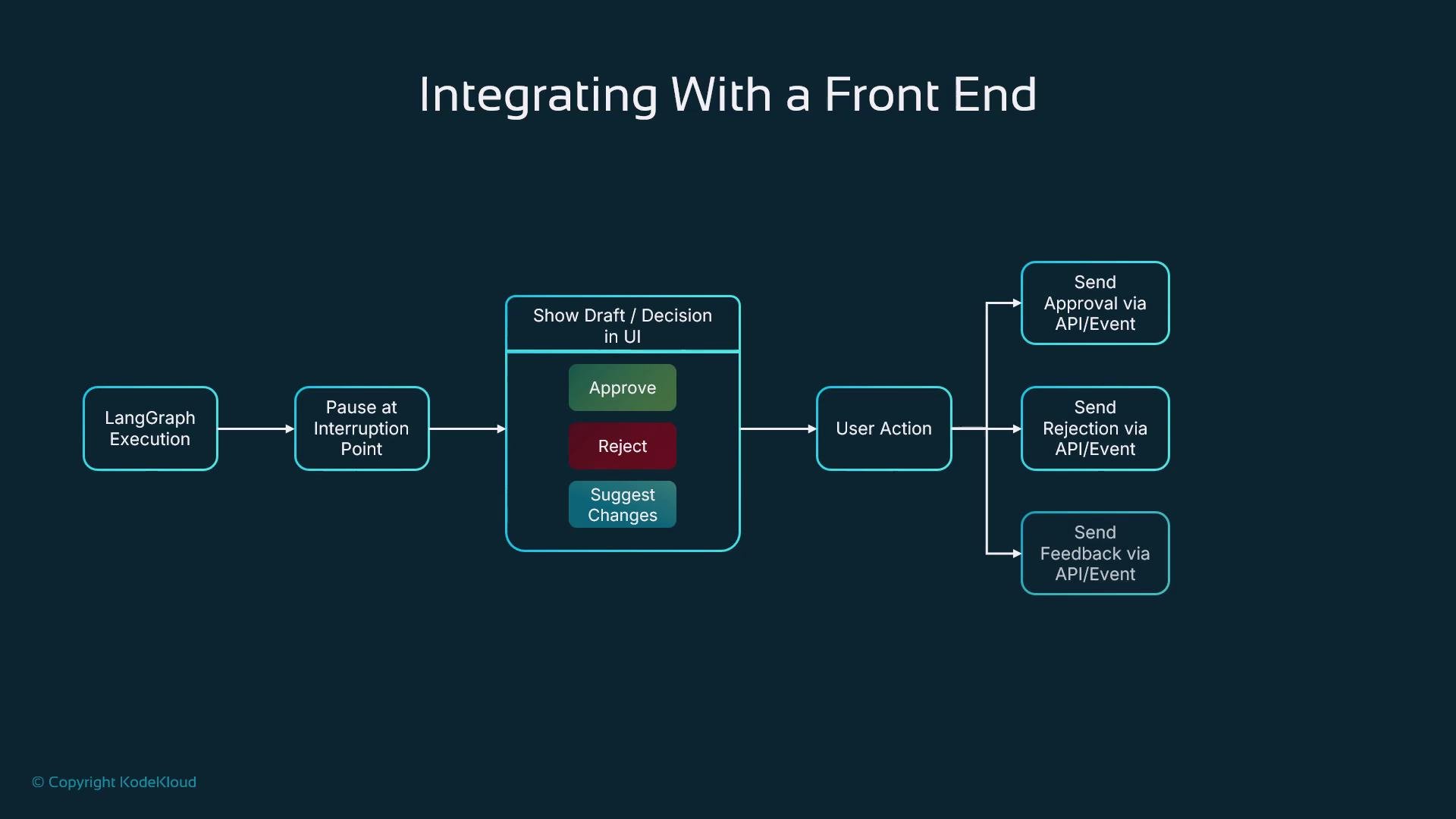
Front-end integration When the graph pauses, the front end should present the draft or decision with explicit choices (approve, edit, cancel). The UI sends the result back through an API event or webhook so LangGraph can continue.
The image is a flowchart depicting the process of integrating with a front end, involving LangGraph execution, user actions, and sending API events such as approval, rejection, or feedback.
Common use cases
  • Image generation: let a user approve or refine generated images before publishing.
  • Data deletion: require confirmation before wiping records.
  • Legal or financial advice: require human sign-off on recommendations.
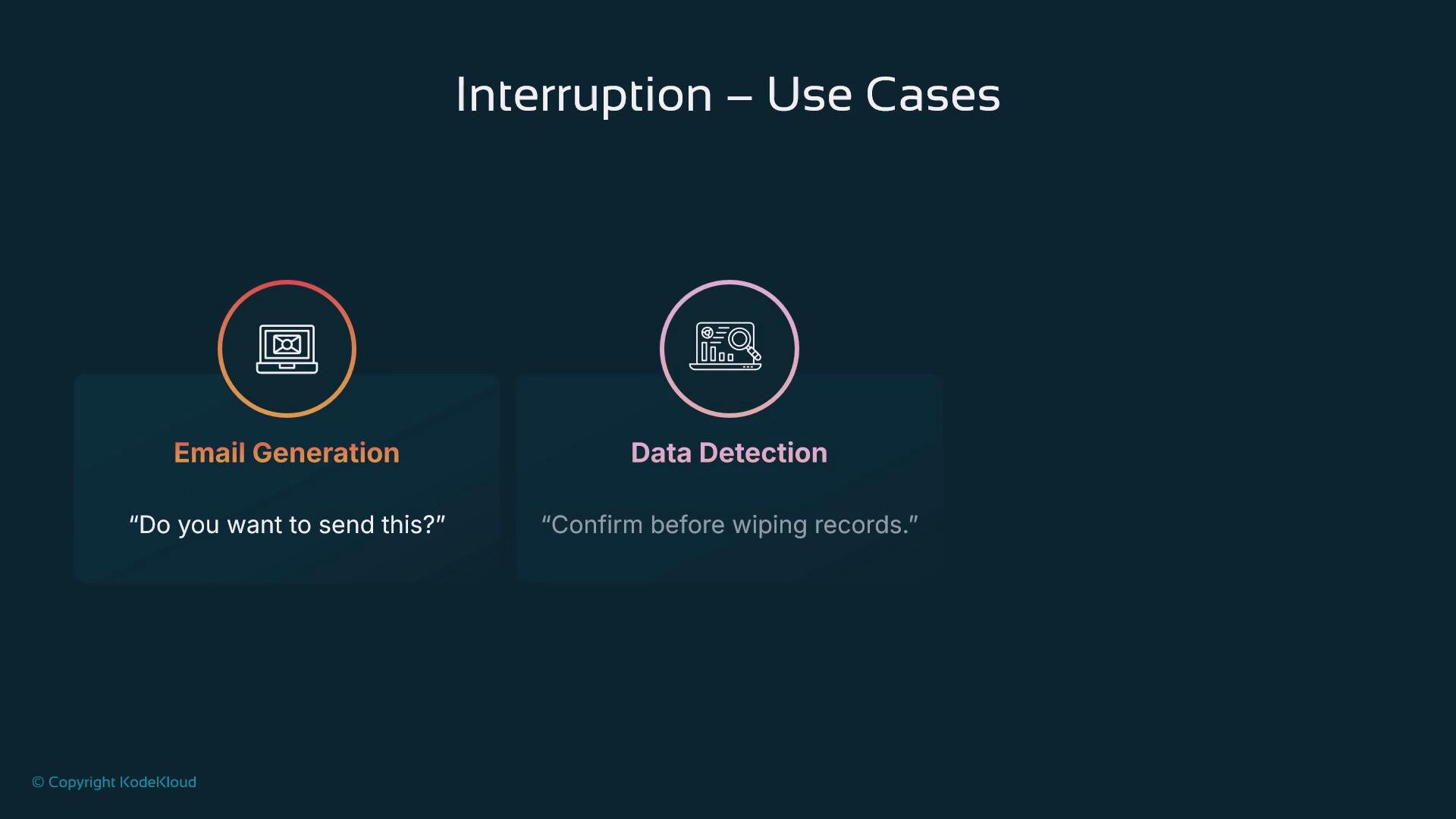
The image depicts two use cases for interruption: "Email Generation," prompting with "Do you want to send this?" and "Data Detection," with "Confirm before wiping records."
Best practices
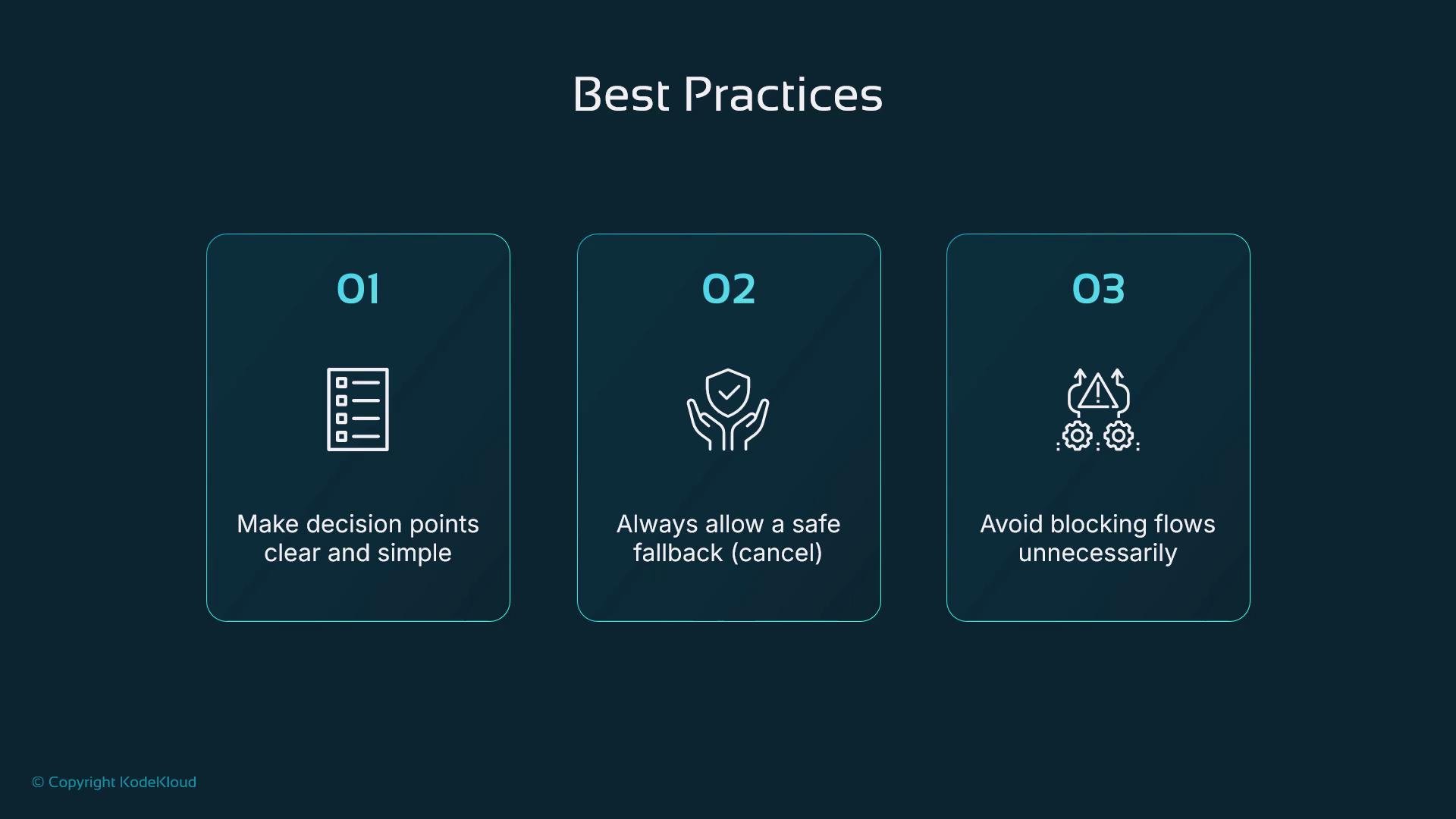
The image lists three best practices with icons: make decision points clear and simple, always allow a safe fallback, and avoid blocking flows unnecessarily.
When designing interruption points, be explicit in the UI about what each decision means. Provide clear options (approve, edit, cancel), allow safe fallbacks, and avoid pausing the flow for trivial matters. Only interrupt where user input improves safety, trust, or personalization.
Concise best-practice checklist
  • Make decision points clear and minimal—only pause for high-value human input.
  • Provide safe fallbacks (e.g., “undo”, “retry”, or default timeouts).
  • Avoid blocking flows unnecessarily—use timeouts or automated fallbacks when appropriate.
  • Log all human interactions for auditability and compliance.
With well-designed interruption points, agents become cooperative partners: they ask before they act and allow humans to steer workflows. In LangGraph, this pattern is straightforward to implement using stateful nodes, conditional edges, and front-end callbacks. Links and references

Watch Video