

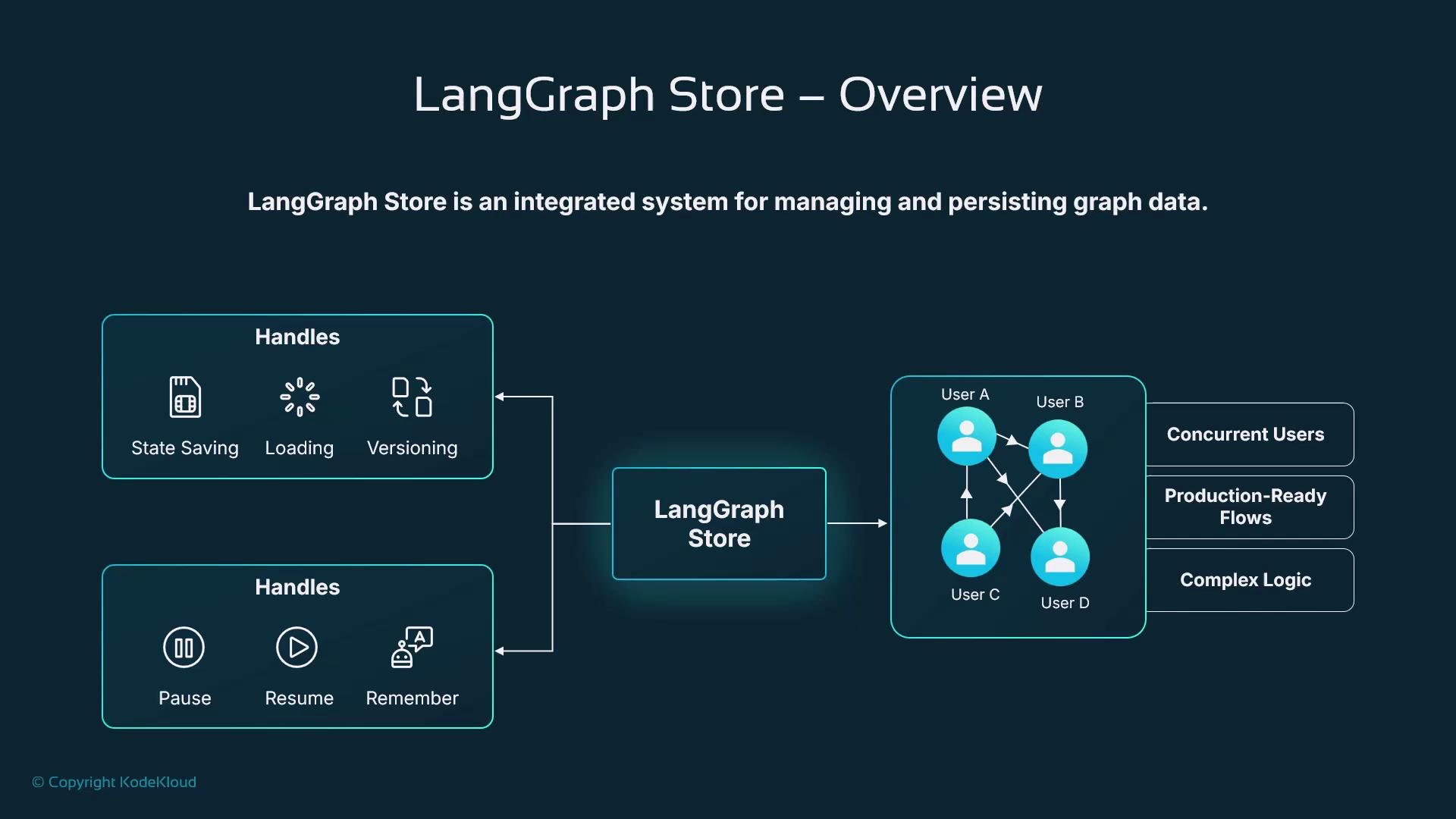
- Durable conversation and state: agents can maintain knowledge across sessions and users.
- Safe recovery: checkpoint snapshots let workflows resume after failures or interruptions.
- Shared state for scale: multiple workers or services can query and rehydrate the same execution state.
- Observability: checkpoint histories enable auditing, debugging, and reproducibility.
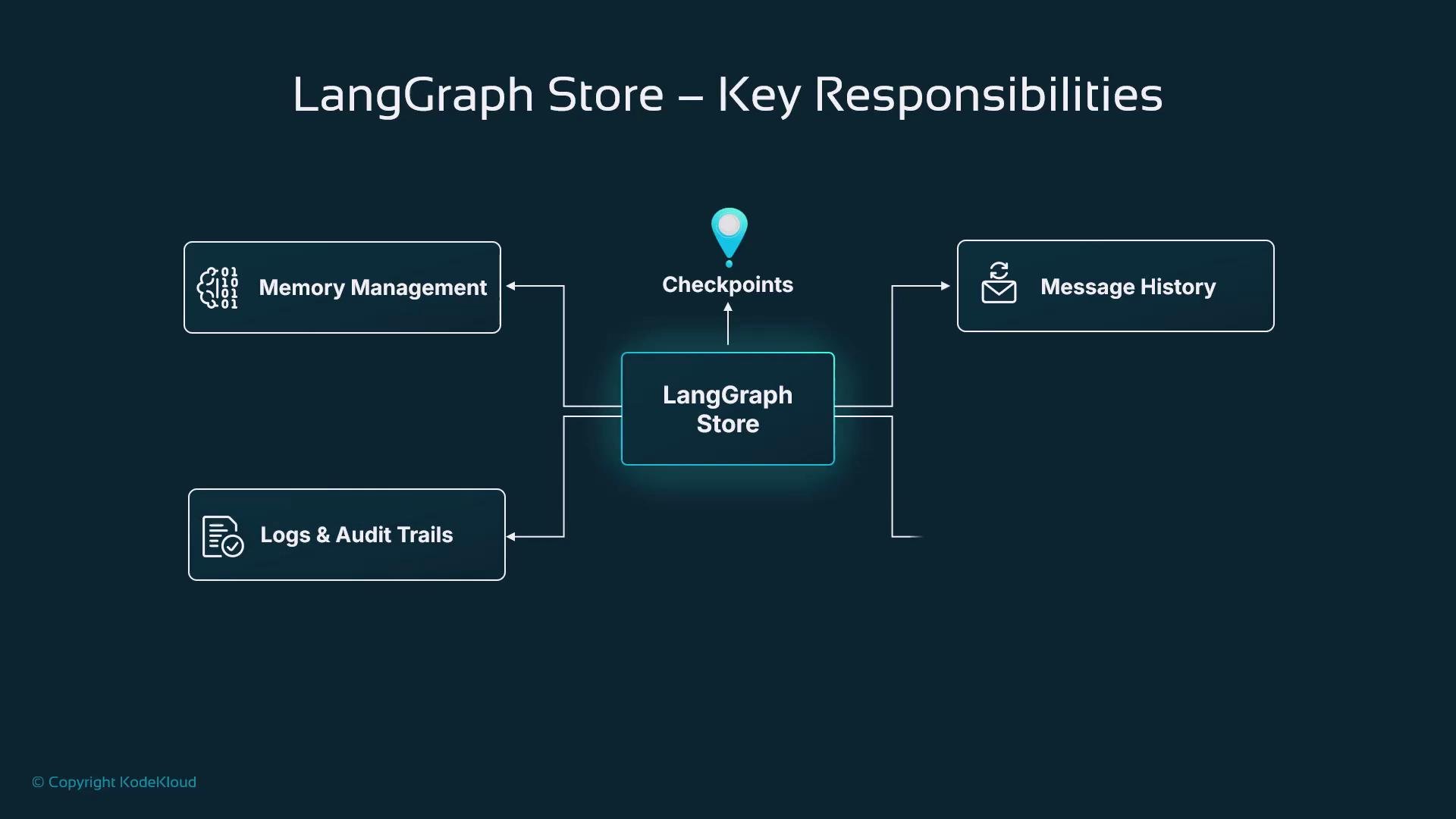
These layers together support versioning, debugging, safe recovery, and state migration for long-running agent executions.
Example: persisting LangGraph execution
This concise Python example shows enabling checkpointing with a SQLite checkpointer. It defines an application state schema, creates the checkpointer, compiles a StateGraph with the checkpointer, and invokes the graph using a
thread_id that becomes the persistent execution identity.
Using the same
thread_id on subsequent invokes lets LangGraph load the latest checkpoint for that session and resume from the stored state.thread_id.
Resuming a workflow
To continue a paused workflow (for instance after an external event or a user returns), reconnect to the same checkpointer and invoke the graph with the same execution identifier. The graph definition must match the original compilation so that rehydration reconstructs the expected state.
Ensure the compiled graph’s structure and state schema match the original run. Mismatched graph definitions can cause rehydration errors or inconsistent state.
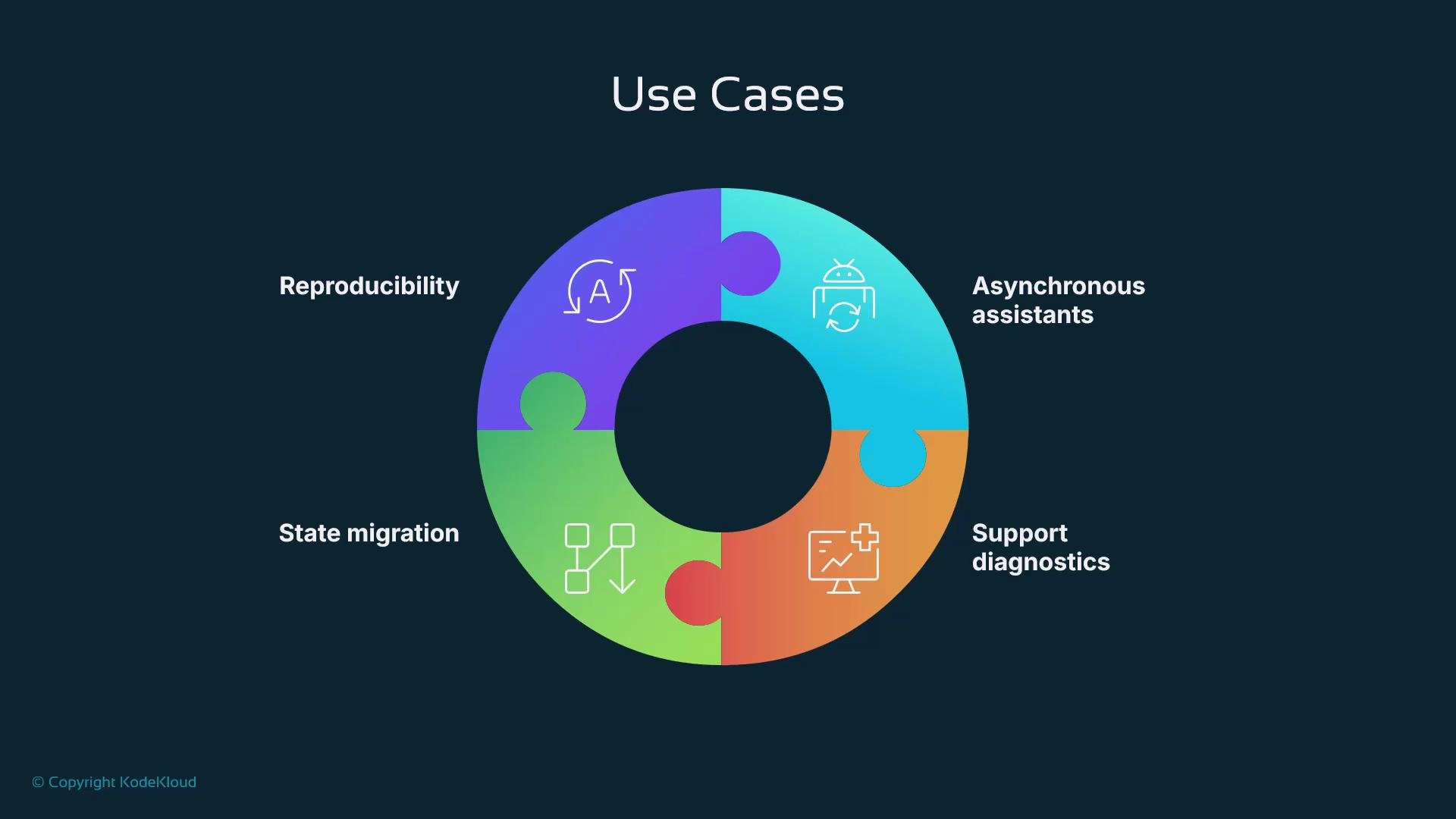
- Asynchronous assistance: pause workflows while waiting for user replies, external APIs, or human actions, and resume hours later without losing context.
- Diagnostics and auditing: checkpoints record how state changed, aiding root-cause analysis and compliance.
- State migration: transfer stored state between services or instances during redeployments or scaling.
- Reproducibility: replay saved checkpoints to test fixes, validate new logic, or compare behaviors.
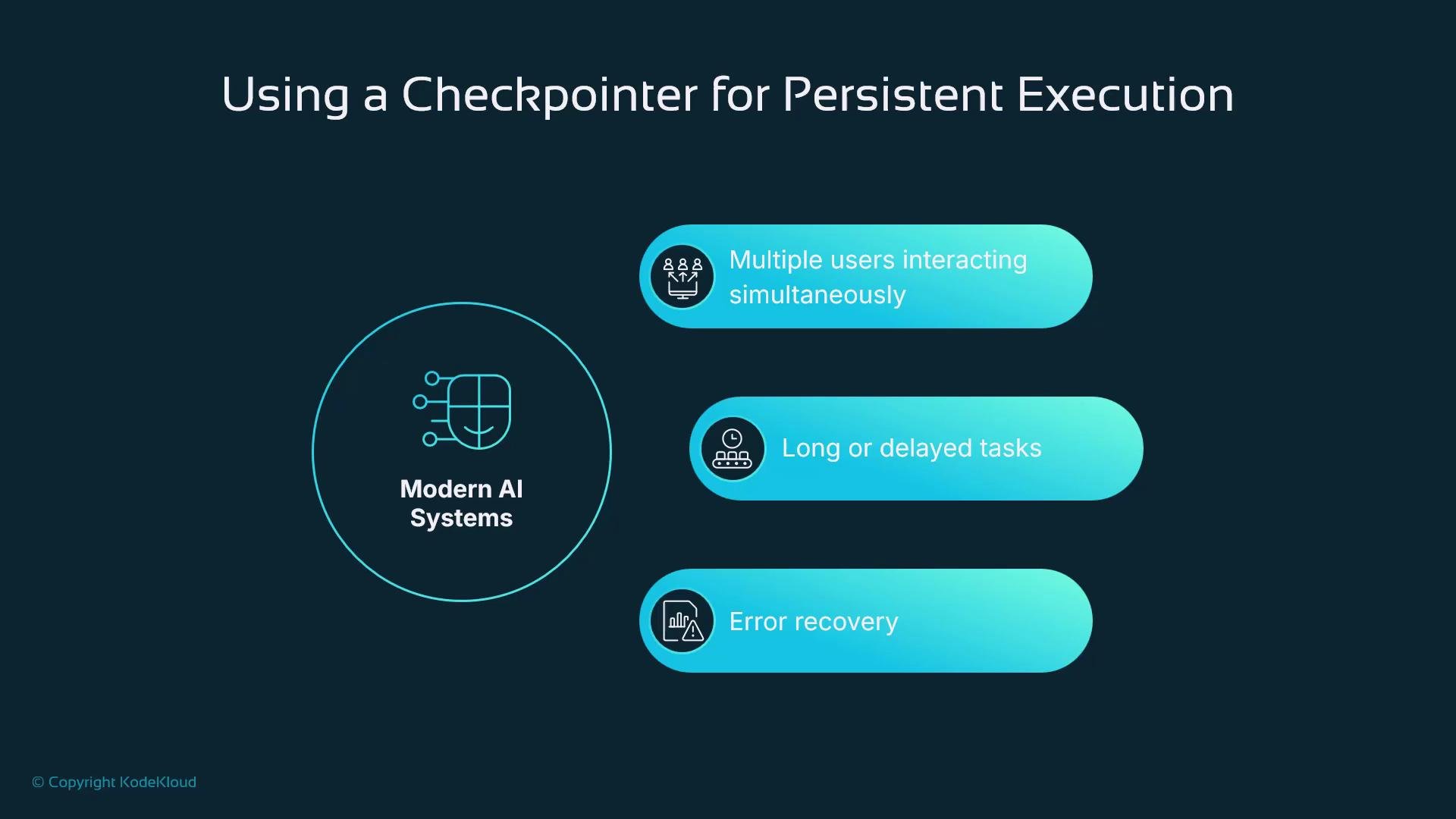
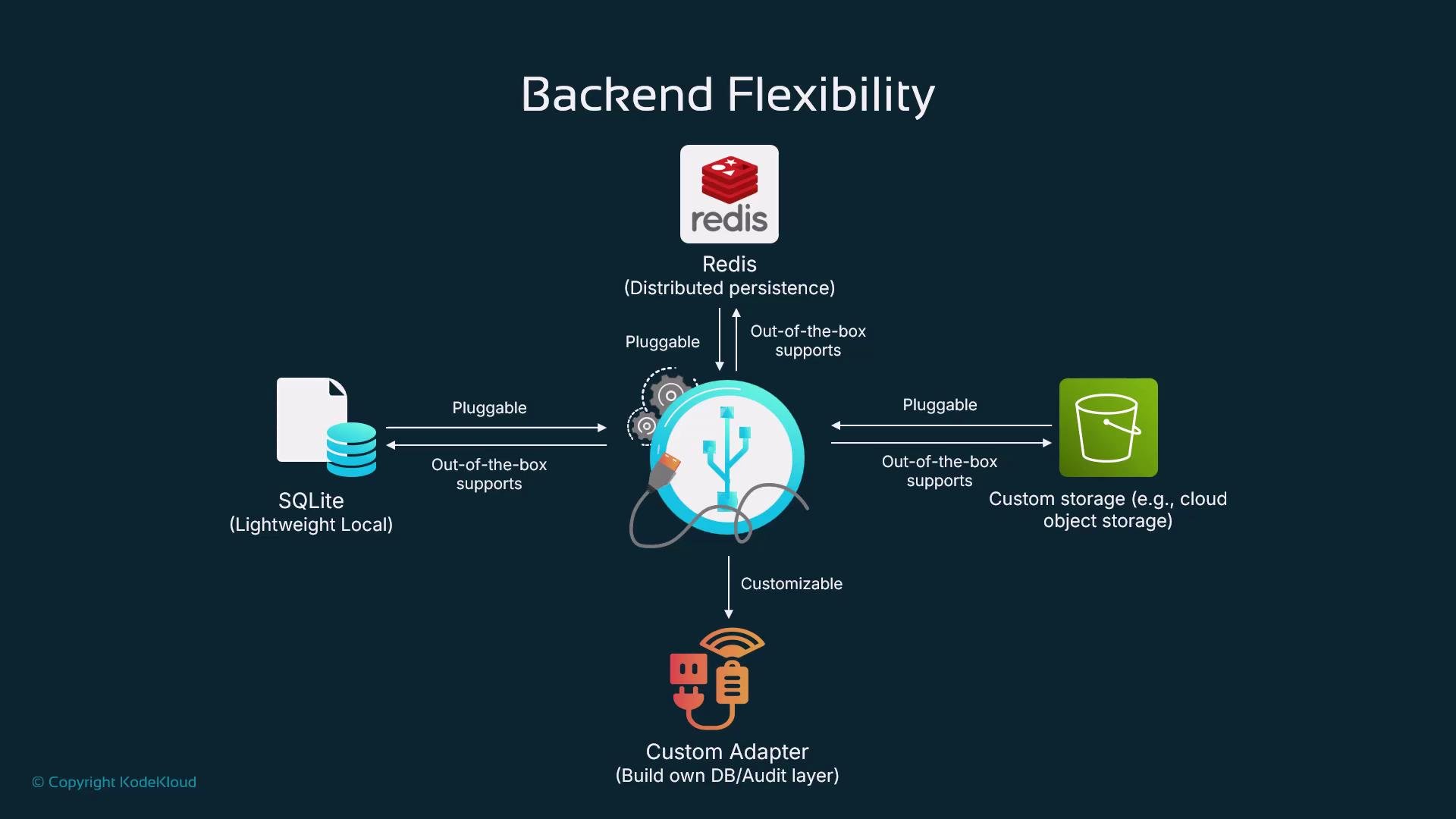
- Storage: persist the graph state to a durable backend (SQLite, Redis, or other stores).
- Querying: enable inspection and analysis of previous executions and how state changed over time.
- Rehydration: reconstruct the graph state from a saved checkpoint so execution continues from where it left off.
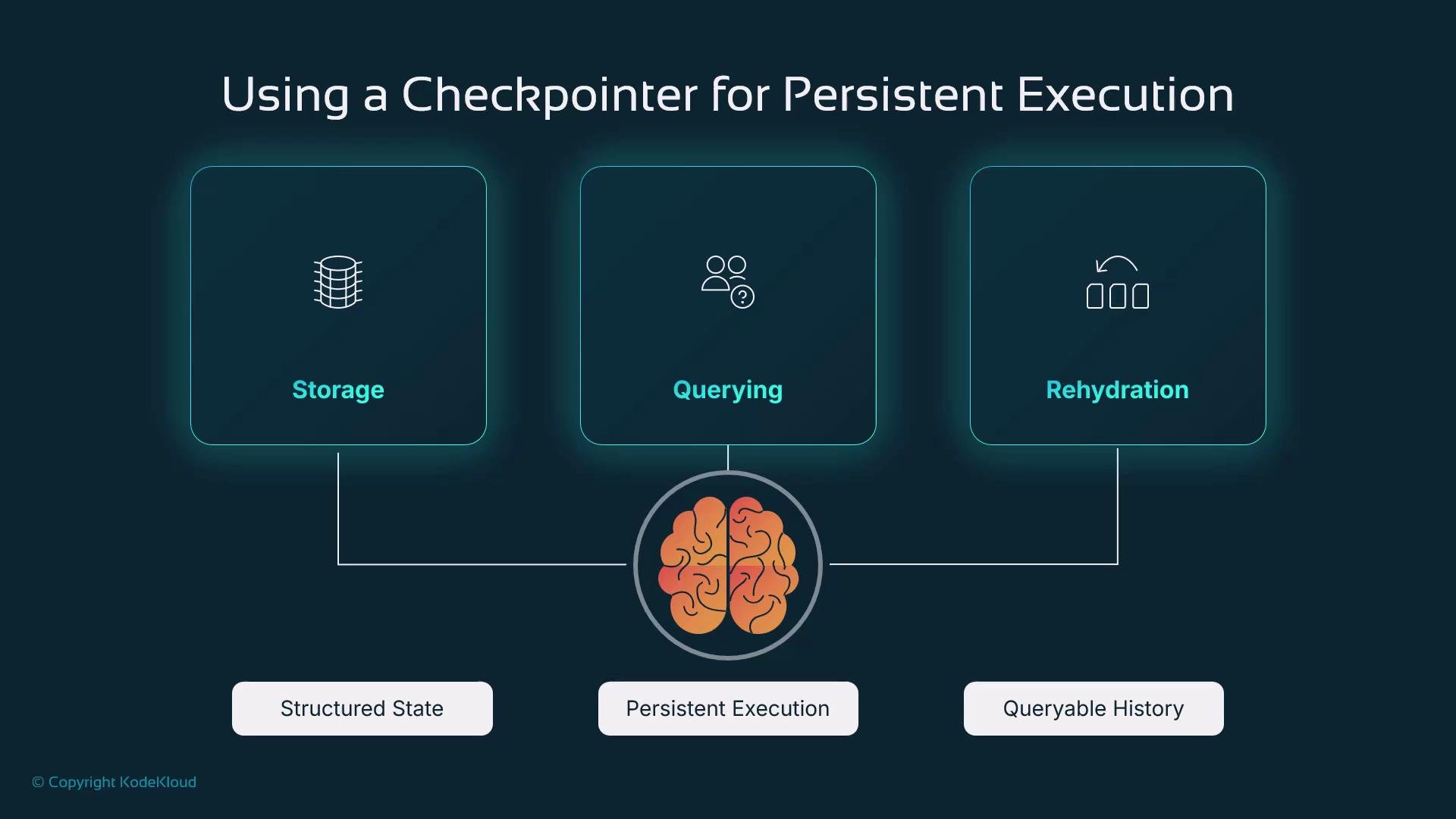
- Long-running assistants preserving user-specific context across days or weeks.
- Workflows that wait for external tools, human approvals, or offline events.
- Auditable executions for support, compliance, and post-mortem investigations.
- Scalable distributed deployments where state must be shared, migrated, or sharded.
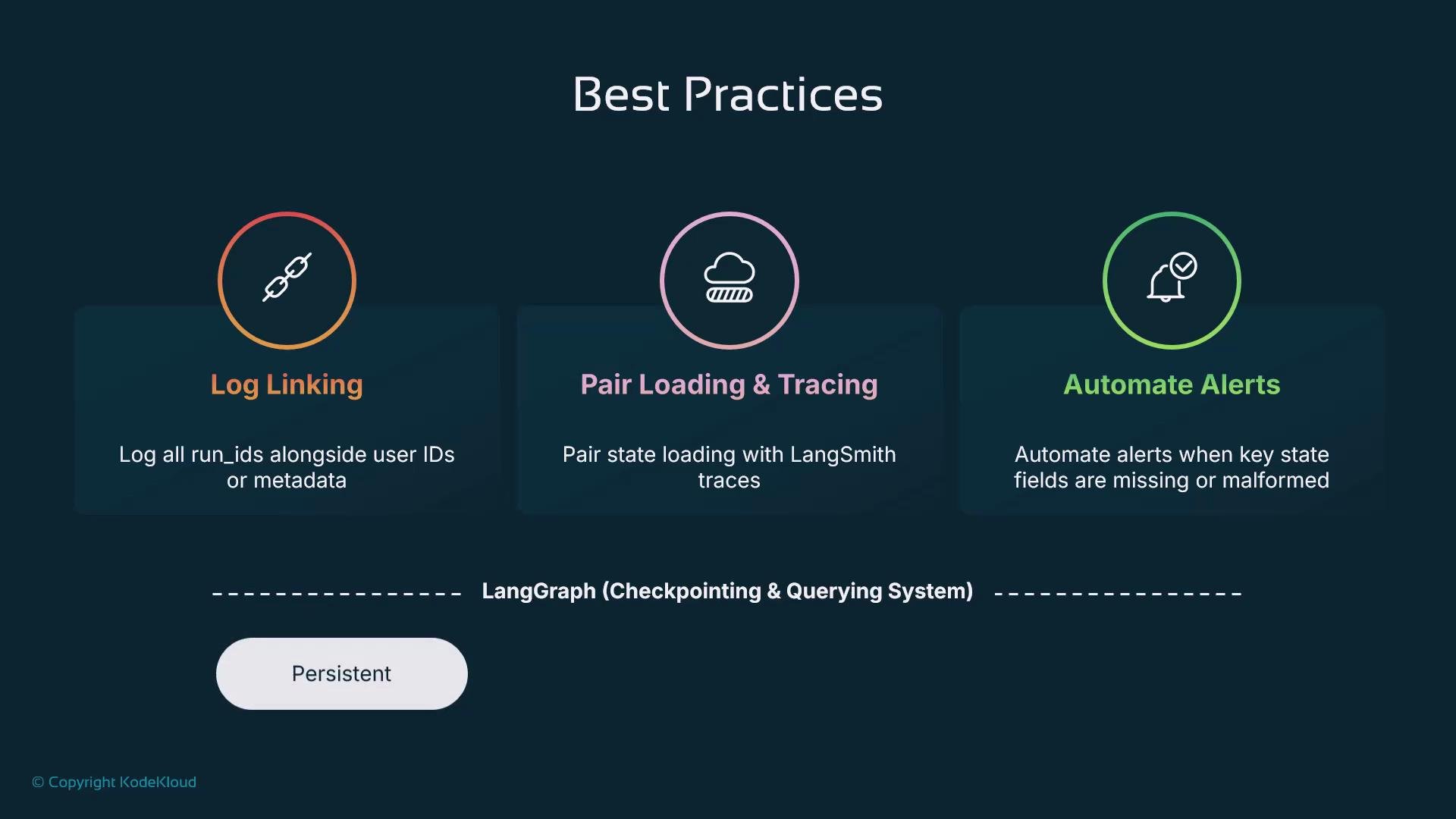
- Log
thread_idwith user identifiers and relevant metadata for traceability and debugging. - Combine checkpoints with tracing tools (e.g., distributed tracing) to visualize model calls, tool invocations, and graph transitions.
- Validate critical state fields and implement alerts if values are missing or malformed to avoid silent failures.
- Keep checkpoint retention and archival policies aligned with compliance and cost requirements.
LangGraph supports custom adapters so the same workflow can run locally during development and scale to a robust backend in production.
- Inspect how decisions were made by the agent.
- Replay executions to reproduce and fix issues.
- Correlate model outputs and external tool calls with state changes.
- Build assistants that keep context across sessions.
- Implement long-running, interruptible workflows.
- Reproduce and audit executions for compliance and debugging.
- Scale from local development to distributed production deployments.