

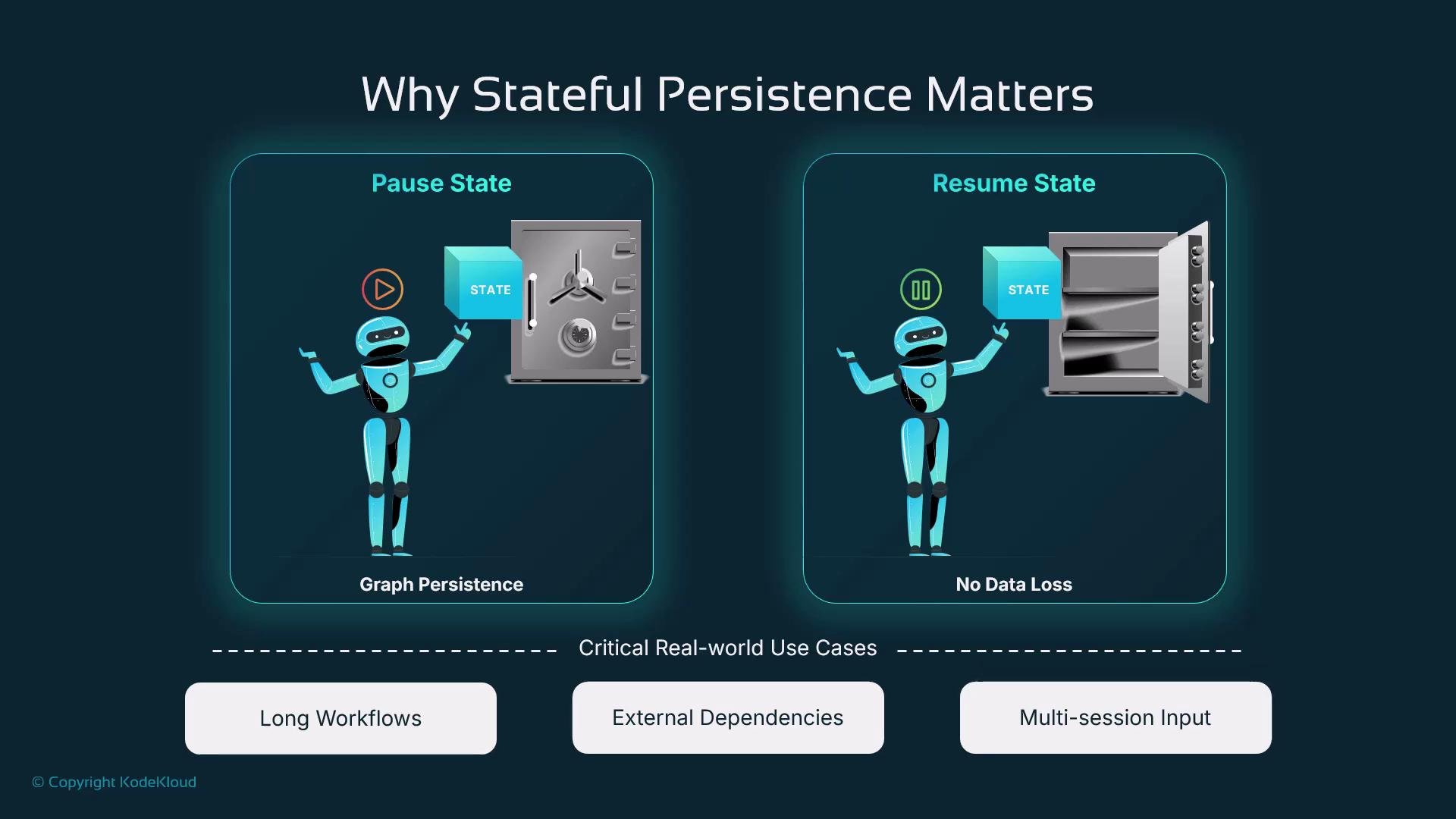
What is stateful persistence?
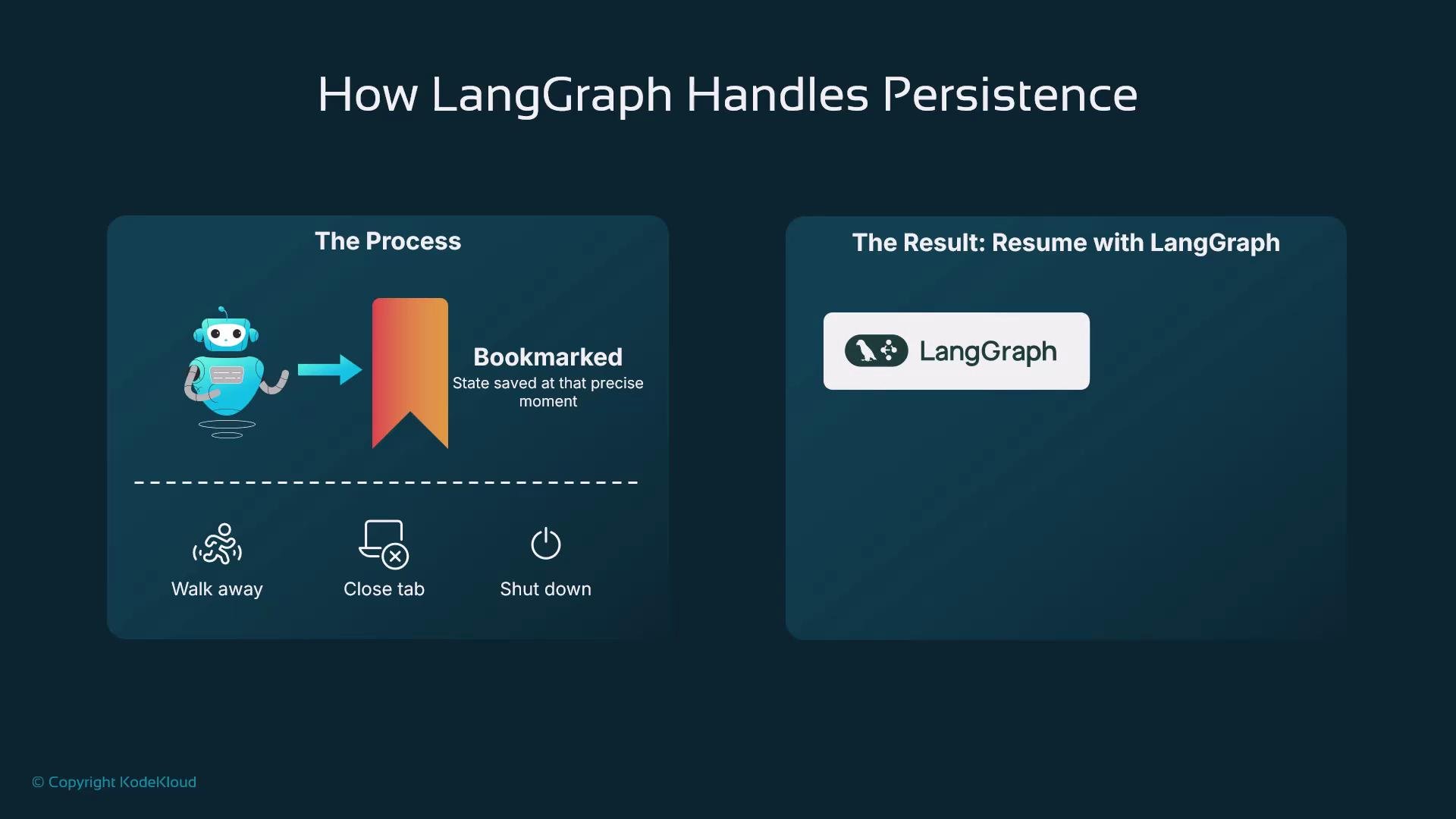
Stateful persistence (checkpointing) saves the full runtime state of a graph—data, counters, flags, loop positions, and execution context—so an agent can be paused and later resumed from the same point. Checkpoints are durable: they live outside process memory in a database or object store, similar to saving a game’s progress. Consider a tax-filing chatbot: if the user goes idle mid-session, checkpointing ensures the assistant resumes from the exact step rather than starting over.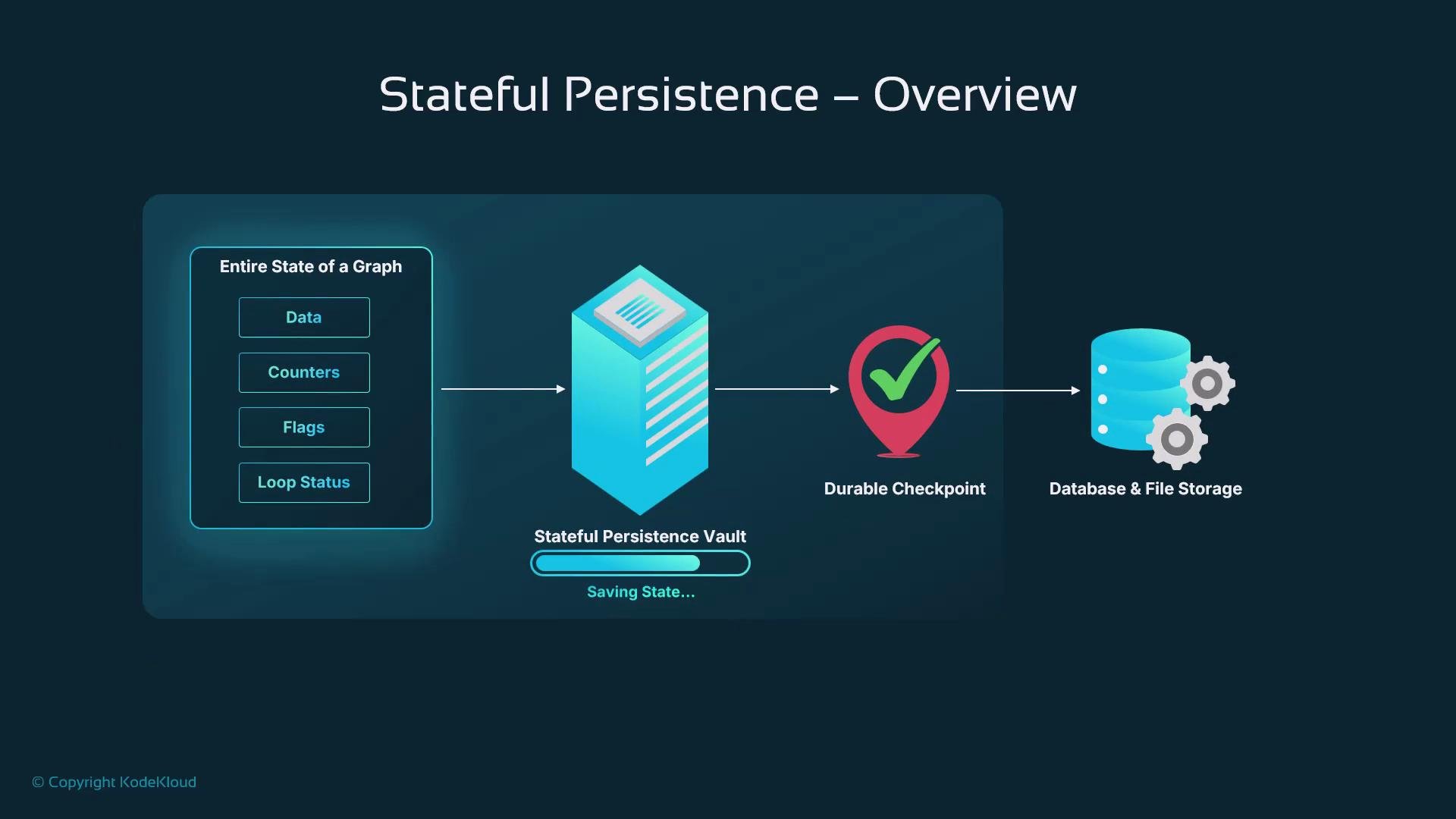
Real-world analogy
Imagine a delivery driver, Ravi. He pauses mid-route for lunch and marks which deliveries remain. When he resumes, he continues from that checkpoint—no need to redo completed deliveries. The same concept applies to workflow checkpoints.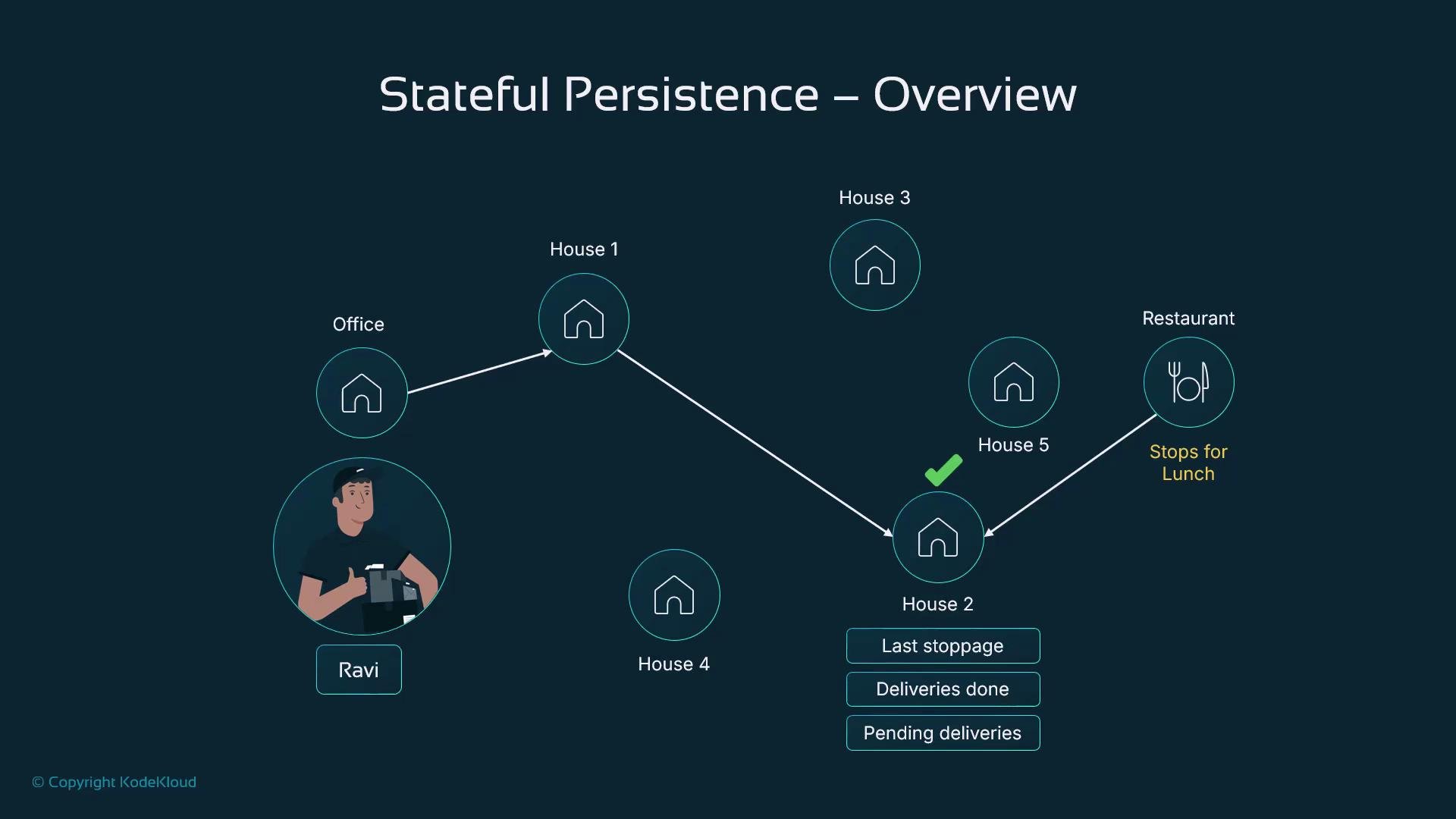
Why checkpointing matters
Checkpointing enables:- Crash recovery and process restarts without losing progress.
- Long-running workflows that span sessions or human interactions.
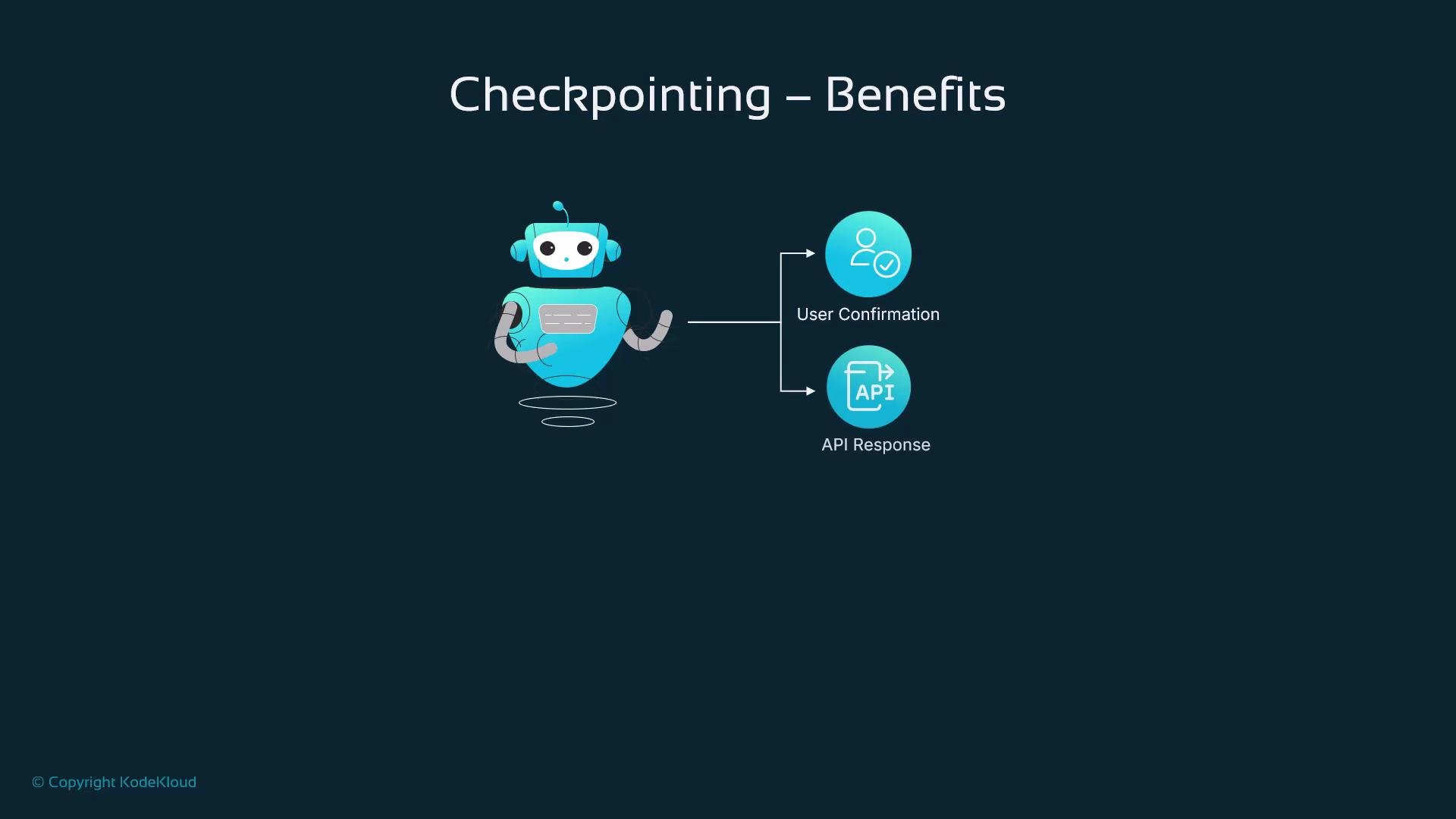
- Pausing while waiting for external triggers (webhooks, API calls) or user confirmations, then resuming exactly where the workflow paused.
Quick example — enable checkpointing (in-memory)
Below is a minimal Python example showing how to enable checkpointing with an in-memory checkpointer, compile a graph with persistence, run it (which saves state keyed by athread_id), and later resume with the same thread_id.
Pick a
thread_id that uniquely represents the user session or workflow instance. Treat thread IDs like session tokens and protect them with the same care as authentication credentials.Production backends and trade-offs
In production, checkpoint storage should be durable and secure. LangGraph supports pluggable checkpointers and common backends:
Be mindful of checkpoint frequency—excessively frequent saves increase overhead. Save at meaningful boundaries: task completion, decision points, or when waiting for user input.
Common production use cases
- Asynchronous tasks: checkpoint before sending a message or webhook; resume when a callback arrives.
- Human-in-the-loop flows: pause while awaiting user verification and continue once confirmed.
- Crash recovery: reload the most recent checkpoint after an infrastructure failure.
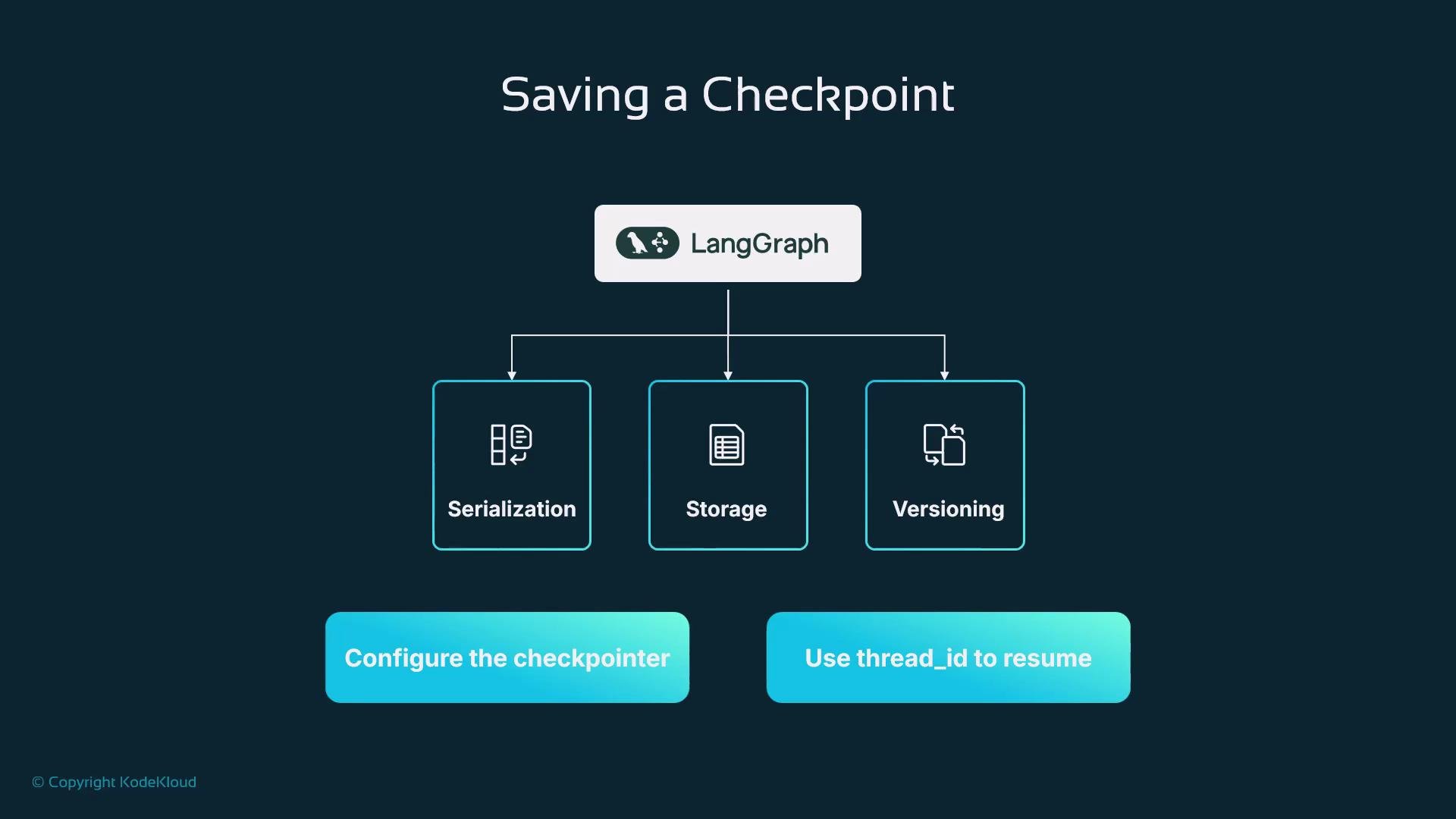
When a graph is compiled with a checkpointer, LangGraph automatically stores the workflow state after each step, associating it with the configured
thread_id. To resume, run the graph again with the same thread_id and the runtime will restore the last saved state and continue execution.
Security & reliability considerations
Production checkpointing systems commonly include:- Encryption and hashing of persisted states.
- Audit logs and metadata (timestamps, session IDs).
- Versioning and schema evolution support to maintain compatibility.
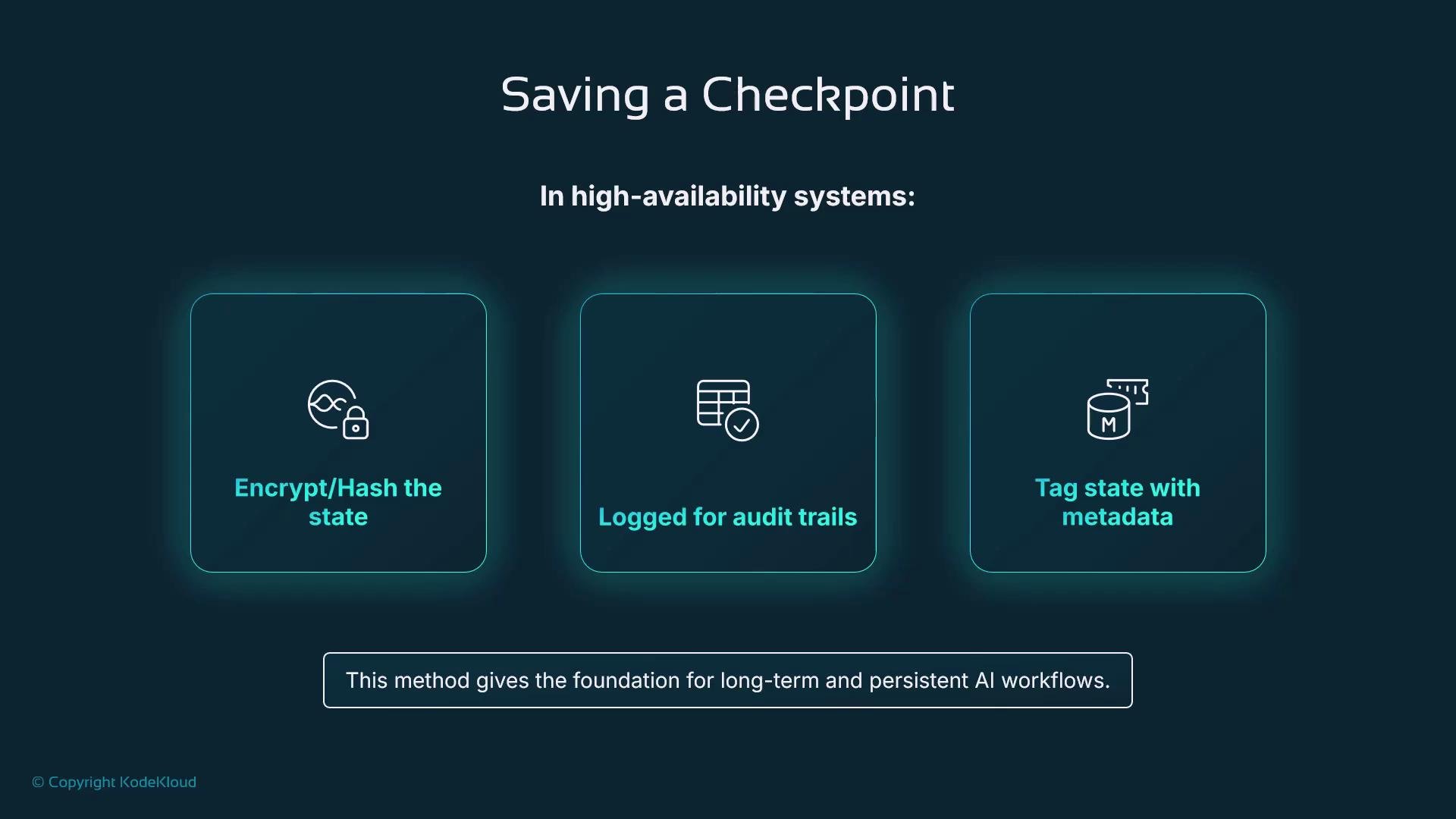
Persisted state can contain sensitive data (PII, API keys, tokens). Always encrypt persisted checkpoints, restrict access with IAM, and maintain audit trails to meet compliance and security requirements.
Resuming execution
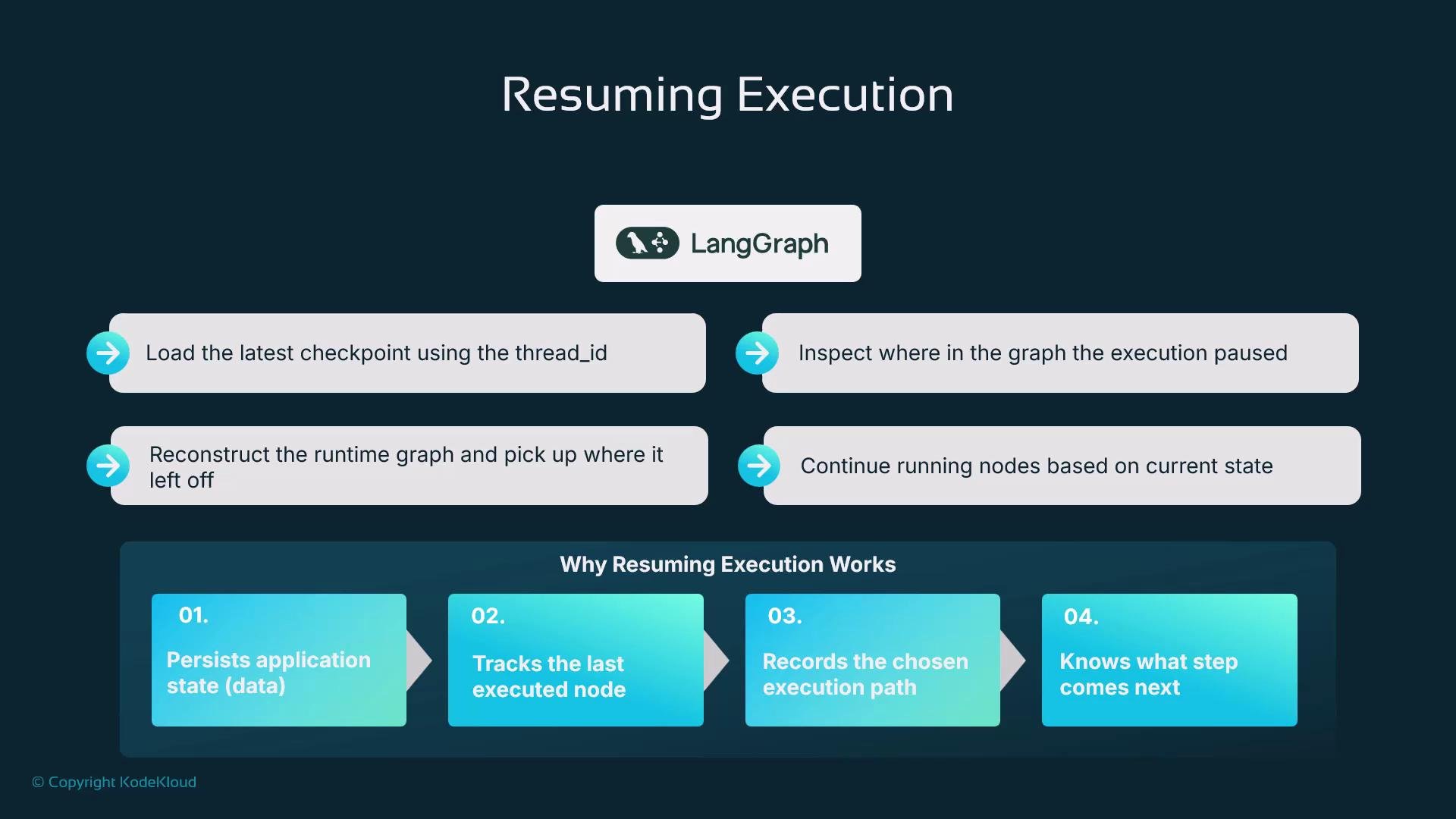
When resuming, LangGraph:- Loads the latest checkpoint associated with the
thread_id. - Reconstructs the runtime graph, including the last executed node and execution context.
- Continues execution from that saved point.
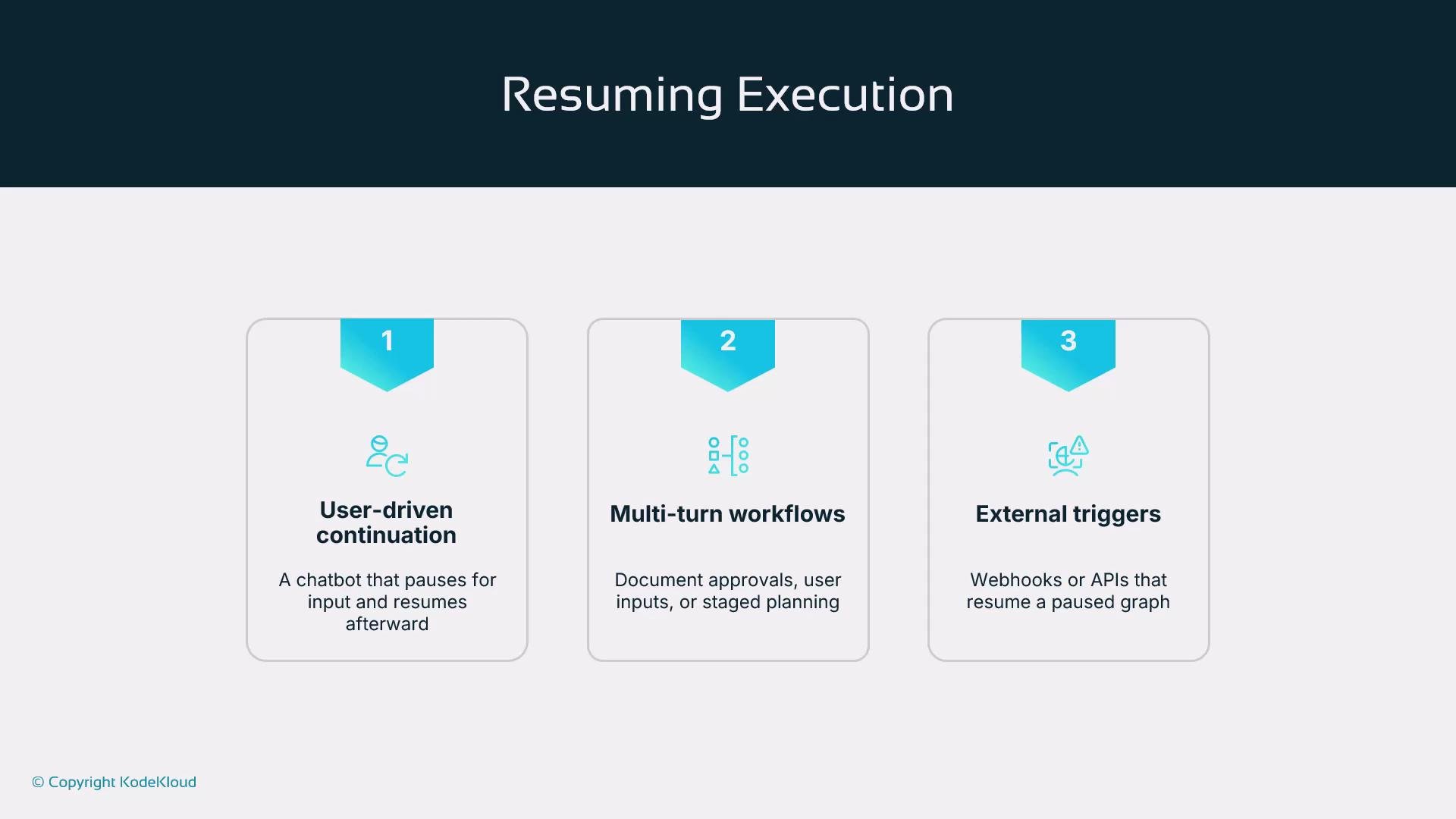
- User-driven continuation: pause to ask clarifying questions and resume after a response.
- Multi-turn workflows: staged approvals or document reviews across sessions.
- External triggers: webhooks, scheduled jobs, or callbacks resume the workflow.
Best practices
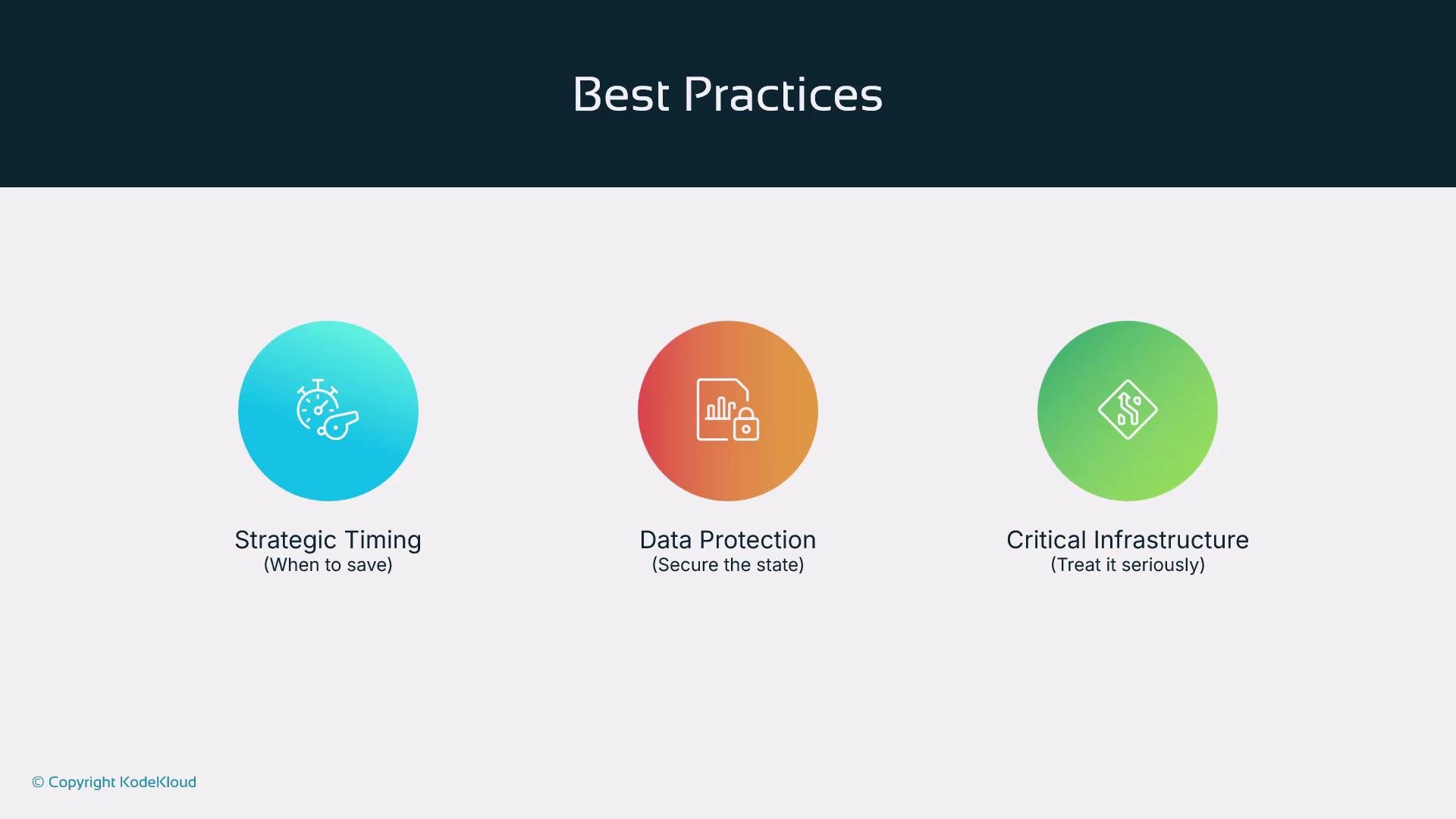
- Save checkpoints at meaningful boundaries (decision points, task completions).
- Choose a persistence backend aligned with latency, durability, and cost needs.
- Encrypt persisted data and maintain access logs.
- Treat checkpoint storage as critical infrastructure—implement monitoring, backups, and recovery plans.
Key takeaways
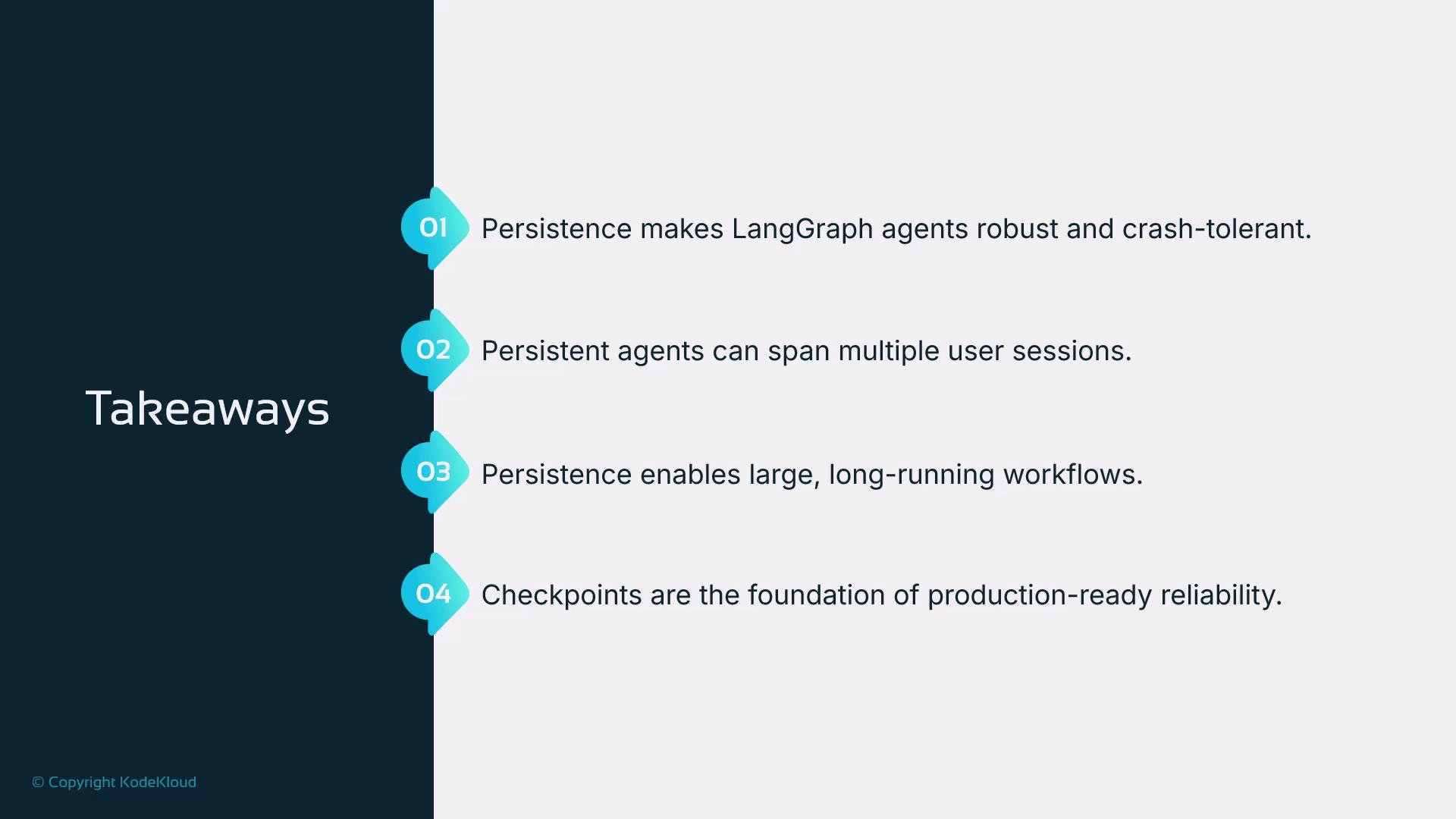
- Checkpointing makes LangGraph agents robust to crashes and restarts.
- Persistence allows workflows to span multiple sessions and actors.
- Checkpoints preserve both workflow state and execution context, enabling precise resumption.
- Design checkpointing with security, durability, and operational controls in mind.
References
- Redis: https://redis.io/
- AWS S3: https://aws.amazon.com/s3/