

Course Structure
The course content is organized into several key sections to suit varying levels of experience:-
Essential Commands
Learn the fundamentals of logging into Linux systems, managing files and directories, and using the command-line efficiently. -
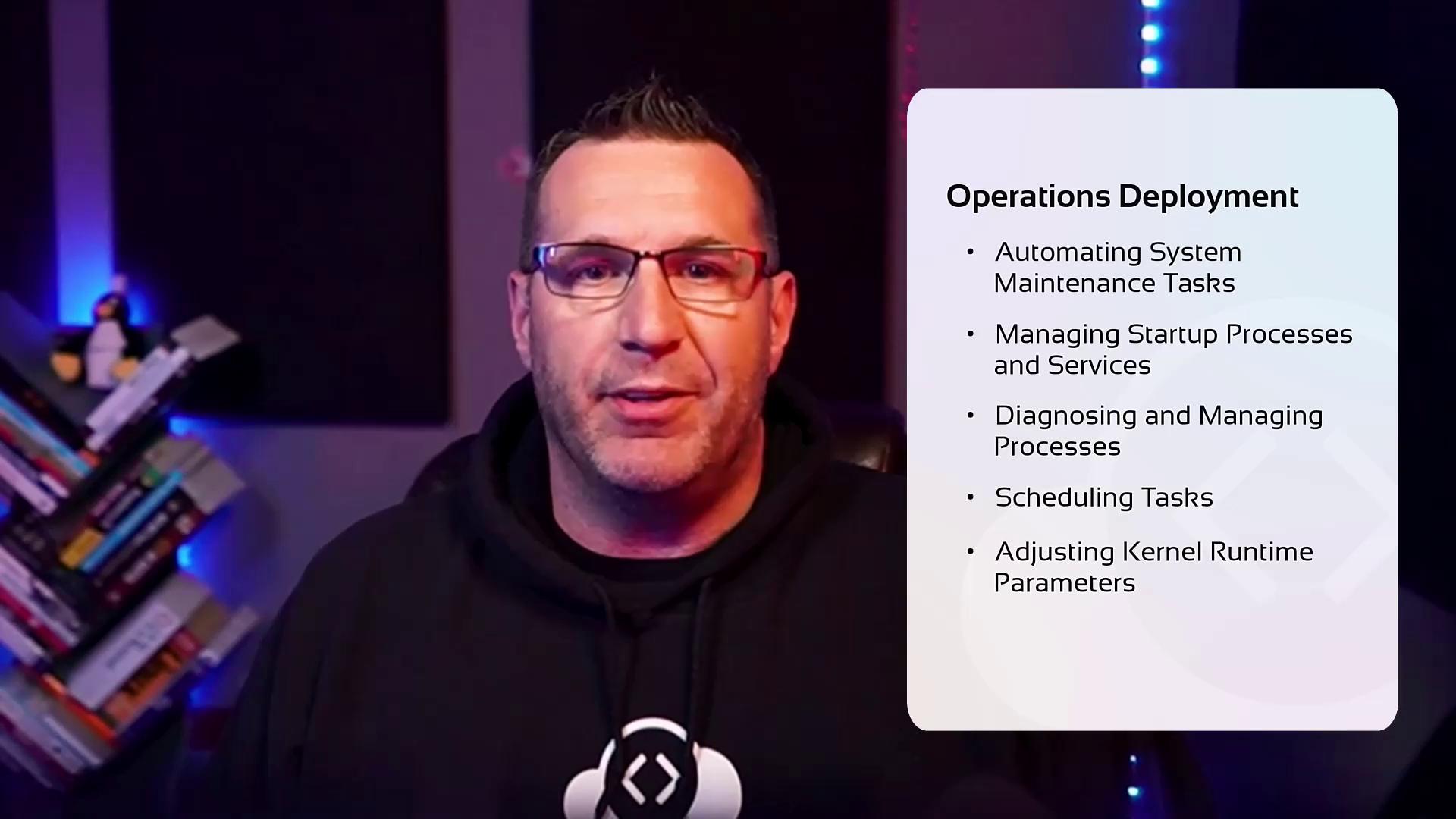
Operations Deployment
Focus on automating system maintenance tasks, controlling startup processes and services, diagnosing and managing processes, scheduling tasks, and tuning kernel runtime parameters.
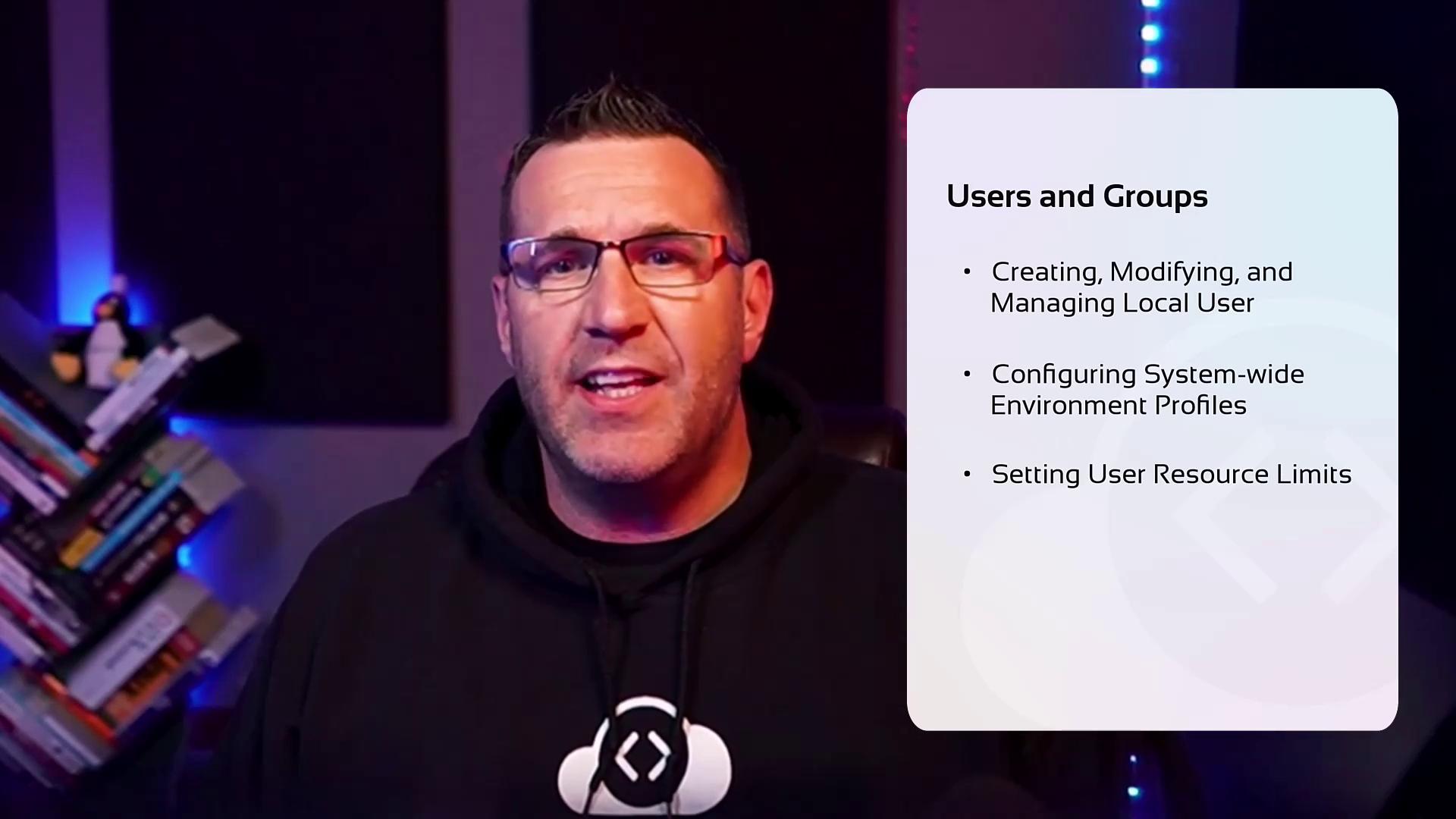
- Users and Groups
Understand how to create, modify, and manage local user accounts and groups. This section also covers configuring system-wide environment profiles, adjusting user resource limits, and managing root access.
-
Networking
Dive into configuring both IPv4 and IPv6 networking, managing hostname resolutions, setting up bridge and bonding devices, implementing packet filtering, handling port redirection and NAT, and exploring reverse proxies, load balancers, system time synchronization, as well as SSH server-client configurations. -
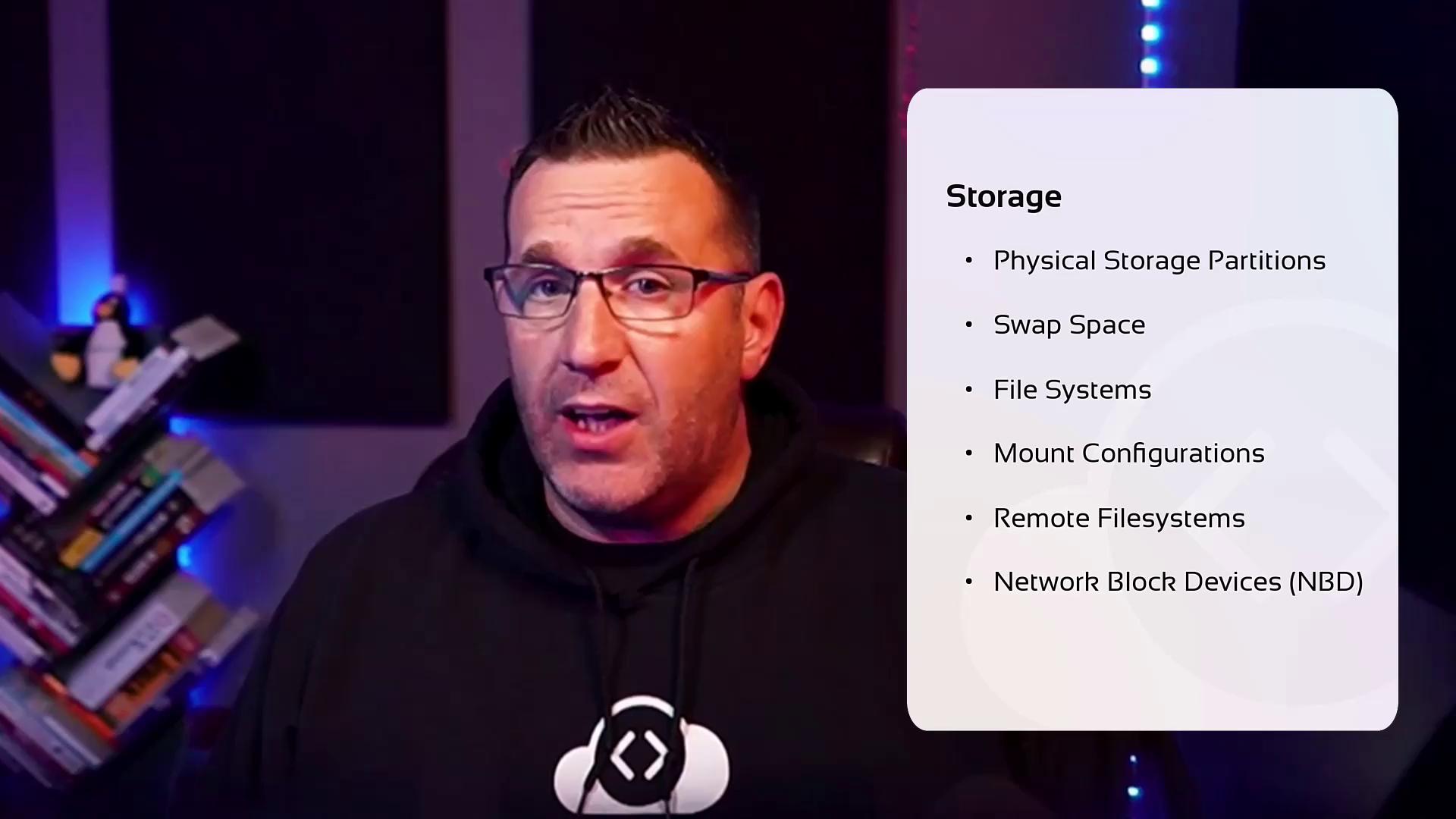
Storage
Learn about managing physical storage partitions, configuring swap space, mounting filesystems, handling remote file systems and network block devices (NBD), monitoring storage performance, and applying advanced filesystem permissions.
For hands-on experience, the course offers just-in-time access to browser-based, interactive labs. These labs allow you to practice real-world tasks using an integrated terminal, ensuring that you are well-prepared for the practical exam.
Interactive Lab Exercises
During these labs, you will execute a variety of system administration tasks and receive immediate feedback on your inputs. This iterative learning experience helps you refine your skills and build confidence before taking the practical exam.Throughout the exercises, you will receive immediate feedback on your inputs. While hints and solutions are available, we encourage you to attempt solving the challenges independently to ensure readiness for the exam.