

Viewing Current Kernel Parameters
Kernel parameters influence how the system operates. You can see all active settings using:- Parameters beginning with
net.relate to networking. - Parameters starting with
vm.pertain to virtual memory. - Filesystem settings use the
fs.prefix.
Adjusting a Specific Kernel Parameter (Non-Persistent)
Let’s consider the parameternet.ipv6.conf.default.disable_ipv6. A value of 0 indicates that IPv6 is enabled. To disable IPv6 temporarily, change its value to 1:
Non-persistent changes will revert upon reboot, reverting to the default values.
sysctl command. Use sudo if permissions are insufficient.
Making Changes Persistent
Persistent adjustments require adding a configuration file in the/etc/sysctl.d directory. These files must have a .conf extension, ensuring that your custom settings are applied automatically at system boot.
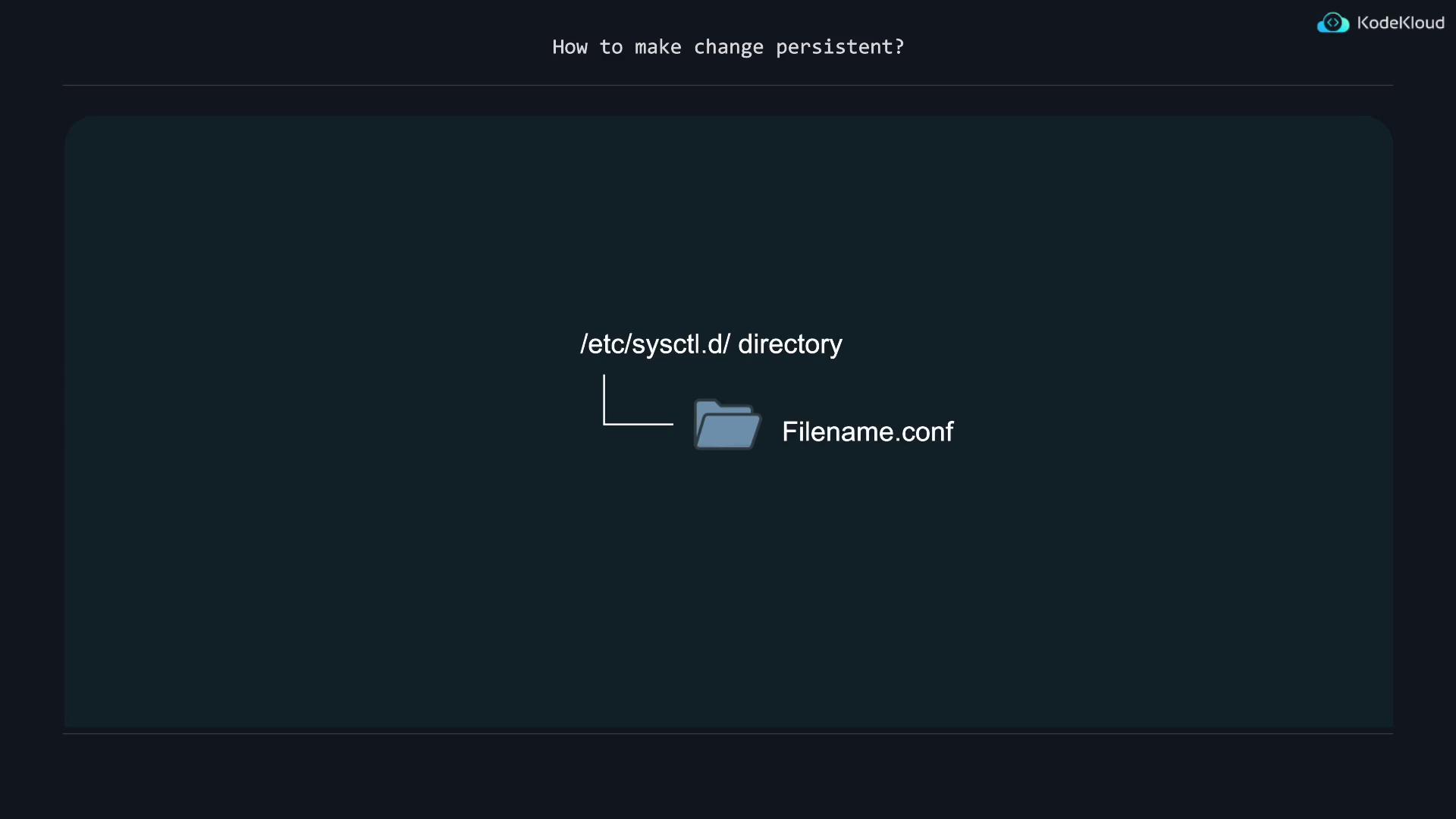
ls /etc/sysctl.d will also display sample configuration files that serve as formatting examples.
Filtering Specific Parameters
To view only memory-related settings (prefixed withvm.), use the following command:
vm.swappiness, currently set to 60, controls swap behavior. A higher value increases swapping, while a lower value reduces swap usage.
Making vm.swappiness Persistent
To permanently changevm.swappiness to 20, follow these steps:
-
Create a configuration file in
/etc/sysctl.d. For example, name itswap-less.confto indicate reduced swapping: -
Add the following line to set the swappiness value:
-
Save the file. Although the setting will be applied on boot, the current session continues using the old value until reloading the settings. To immediately apply your change, run:
Editing kernel parameters in
/etc/sysctl.conf is an alternative, though this file may be overwritten during system upgrades. It is recommended to use /etc/sysctl.d for persistent customizations.Summary Table
With these techniques, you can modify kernel runtime parameters for your Linux system effectively—using both non-persistent methods for immediate changes and persistent methods for settings that survive reboots. For further details on Linux kernel parameters, consider browsing related documentation provided by your Linux distribution or the official Linux Kernel Documentation.