

Viewing Help and Listing Directories
Below is an example workflow where you use the help option and then list the directory contents:--help flag is especially useful when you momentarily forget an option—even for commands featuring numerous switches.
Detailed Command Help with journalctl
For more complex commands, you may need a comprehensive explanation. Takejournalctl for example, a command used to read system logs. Entering journalctl --help will provide detailed information:
Accessing Manual Pages (man)
Every significant command in Linux comes with its own manual (“man”) page. To access a command’s manual, type:journalctl man page provides examples such as:
Use manual pages to deepen your understanding of each command’s options and usage. This practice is especially beneficial during exams or when you need a quick refresher.
Distinguishing Similar Man Pages
Sometimes, two man pages may share the same command name. For example, there is both a command and a programming function forprintf. The manual categorizes these pages into sections. You can observe this by checking the man page for man itself:
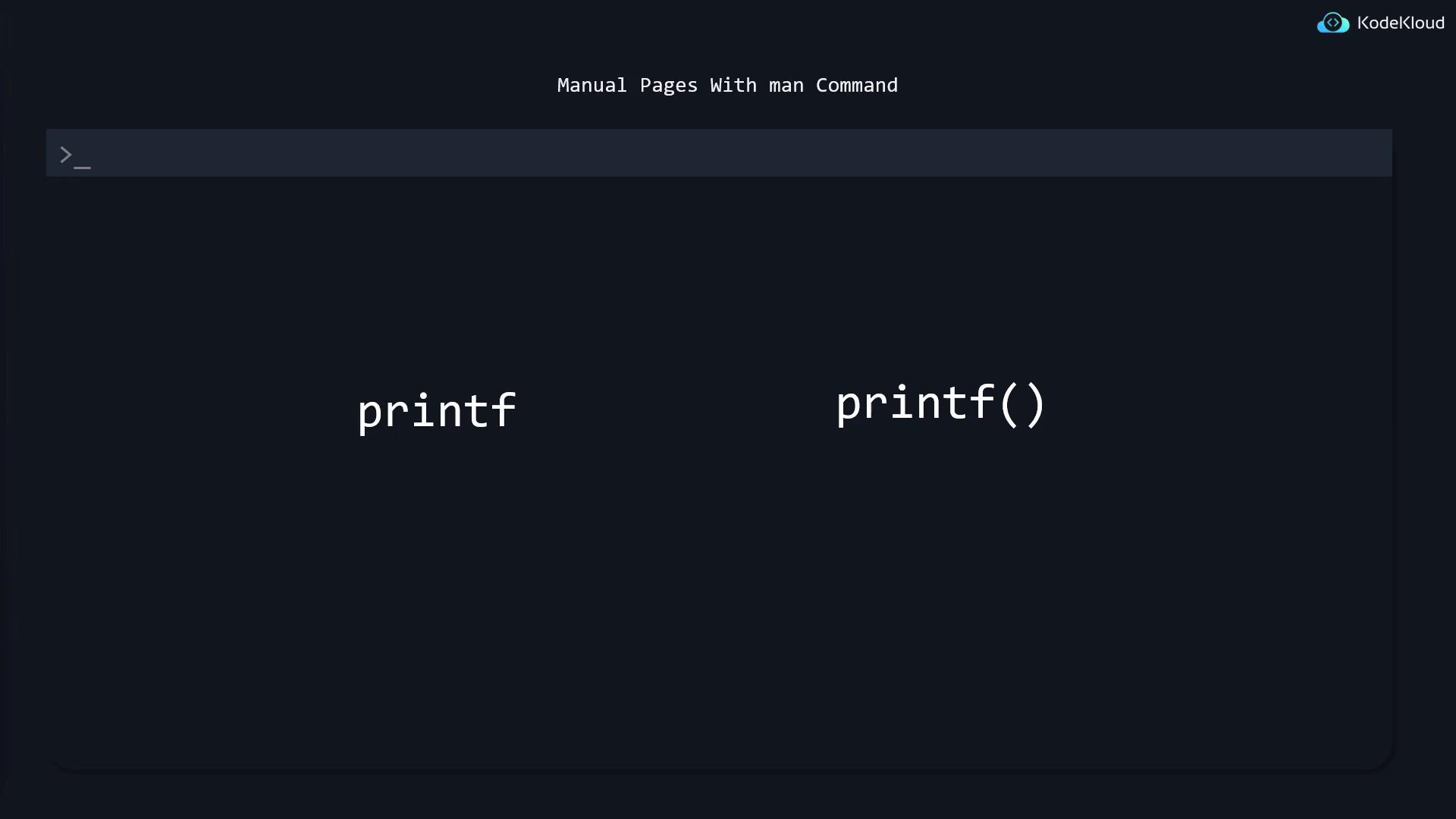
man and the --help option, so remember to utilize them if you forget a command option.
Using apropos to Find Commands
What if you can’t remember the name of the command you need? Theapropos command searches the man page database for keywords in their short descriptions.
mkdir. Keep in mind that apropos displays entries from all sections—including system calls from section 2—which may be overly advanced for everyday use. Since common commands are usually located in sections 1 and 8, you can filter the results using the -s option:
Command Auto-Completion
Another useful feature in Linux is command auto-completion. When you type a command likesystemctl and press TAB, the terminal automatically completes the command. For example:
systemctl followed by a space, pressing TAB twice might display options such as:
wordpress_archive.tgz, you might only have to type the first few characters (e.g., wor) and press TAB to complete the name.
Hands-On Practice with man and —help
While help pages and manuals are invaluable, the initial learning curve might be steep. A good exercise is to choose a command you’re less familiar with and learn it exclusively by usingman and the --help option. This method is especially useful during exams when theoretical questions may probe knowledge you may have forgotten. Proficiency in quick look-ups using manual pages can save you significant time.
Consider additional command options often found in manual pages, such as those for grep:
Regularly using the man and help commands can significantly improve your proficiency, ensuring you’re well-prepared for any Linux system task or exam challenge.