-s option to the ln command. The basic syntax is:
- “path_to_target_file” is the location of the file or directory that the soft link will reference.
- “path_to_link_file” is the name (and optionally, the location) of the new soft link.
ls -l, the leading “l” indicates that the file is a soft link. It also displays the path that the soft link points to. If the target path is lengthy, ls -l might not show the entire path. In these cases, you can use the readlink command to view the complete link destination:
Although the soft link appears to have full permission bits (rwx), these permissions are not actually enforced. Instead, the permissions of the destination file or directory determine access rights.
/etc/fstab), the operation will be denied:
/home/aaron/Pictures/family_dog.jpg) means that if the directory name (like “aaron”) changes in the future, the link will break. A broken link is typically displayed in red when you use ls -l.
To prevent this issue, consider creating a soft link with a relative path if you are working within the same directory structure. This method ensures that when the soft link is accessed, it correctly redirects to the intended file relative to the current directory.
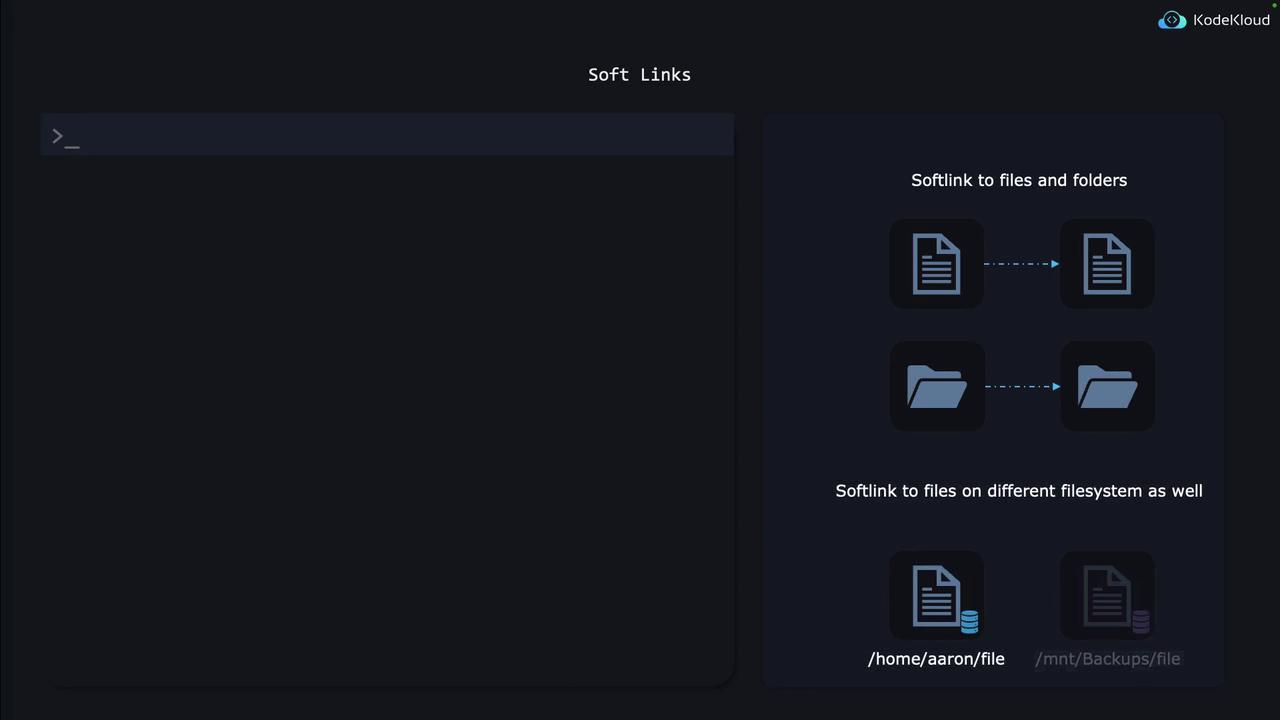
Soft links can also be created for directories or for files and directories located on different file systems.