

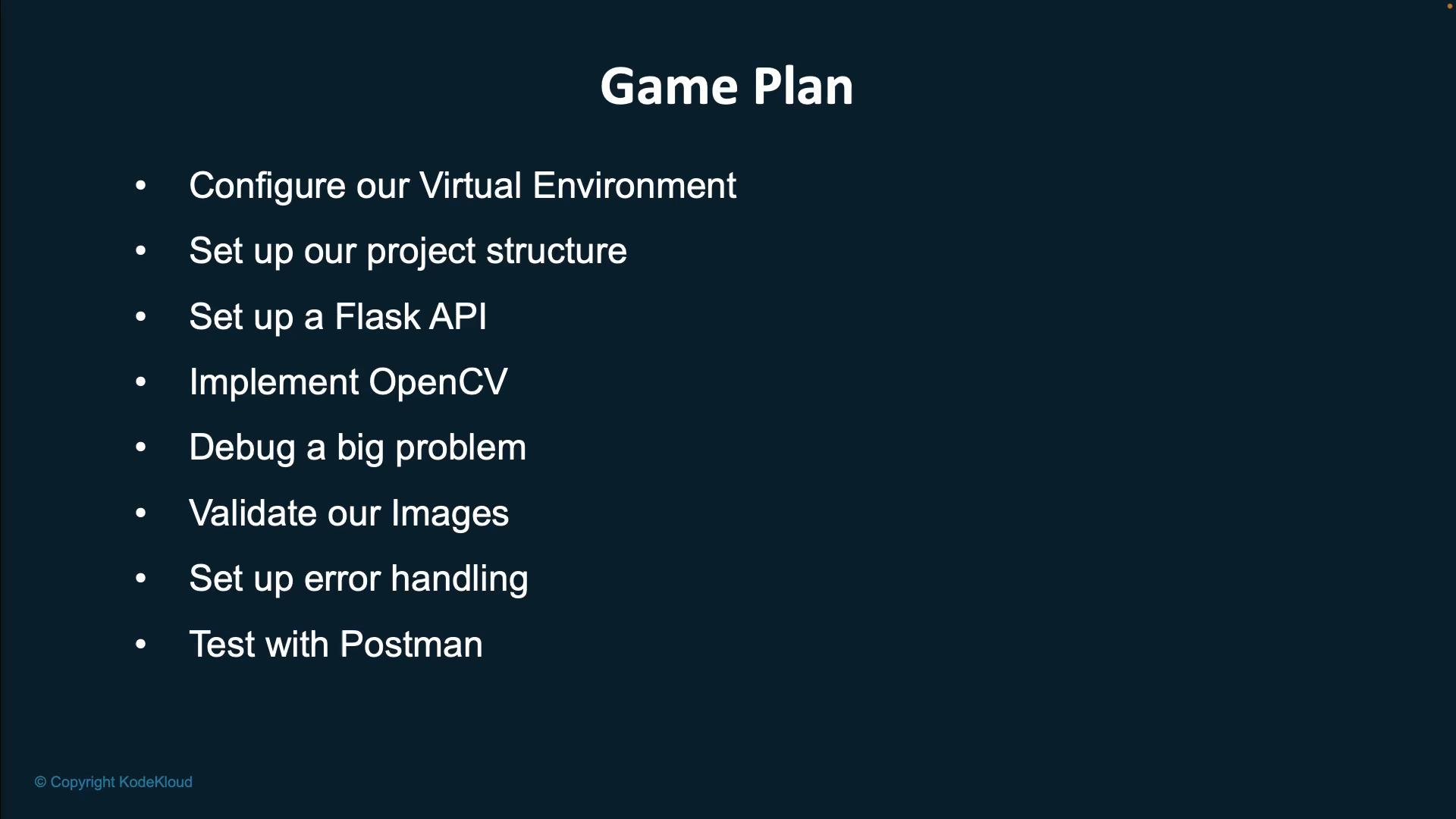
- Set up a Python virtual environment for isolated dependency management.
- Create a clear, modular project structure for the Flask app and utilities.
- Implement a Flask API endpoint to accept and serve images.
- Use OpenCV to perform image manipulation and compression.
- Introduce and then debug a deliberate issue to practice troubleshooting.
- Validate incoming files and add robust error handling.
- Test the endpoint manually using Postman and automate basic checks where appropriate.
This module demonstrates workflows using paid tiers of these tools; similar steps can often be followed with free tiers or alternative extensions.
Expected outcome
- A local Flask application with a POST endpoint that accepts an image file, compresses it (reducing quality/size via OpenCV), and returns the compressed image in the HTTP response.
- A reproducible local setup: virtual environment, dependency installation, and instructions to run and test using Postman.
- Source code for the complete project is available at
https://github.com/JeremyMorgan/super-image-optimizer.
Follow the steps in this lesson to reproduce the backend locally: set up a virtual environment, install dependencies, run the Flask app, and test image upload and retrieval using Postman.
- Python virtual environments (venv)
- Flask documentation
- OpenCV — official site
- Postman
- Repository:
https://github.com/JeremyMorgan/super-image-optimizer