In this lesson we’ll build the front end for our image-processing application using React. You’ll learn how to scaffold a React app, create an image upload UI, connect the UI to our backend endpoint, and polish the interface with styling. We’ll also use Cursor—an AI-powered code editor—to accelerate development with context-aware code suggestions and refactors.
A dark-blue presentation slide from KodeKloud titled "Harnessing AI Code Completion" with the subtitle "Development Phase – Front End." The KodeKloud logo appears at the top.
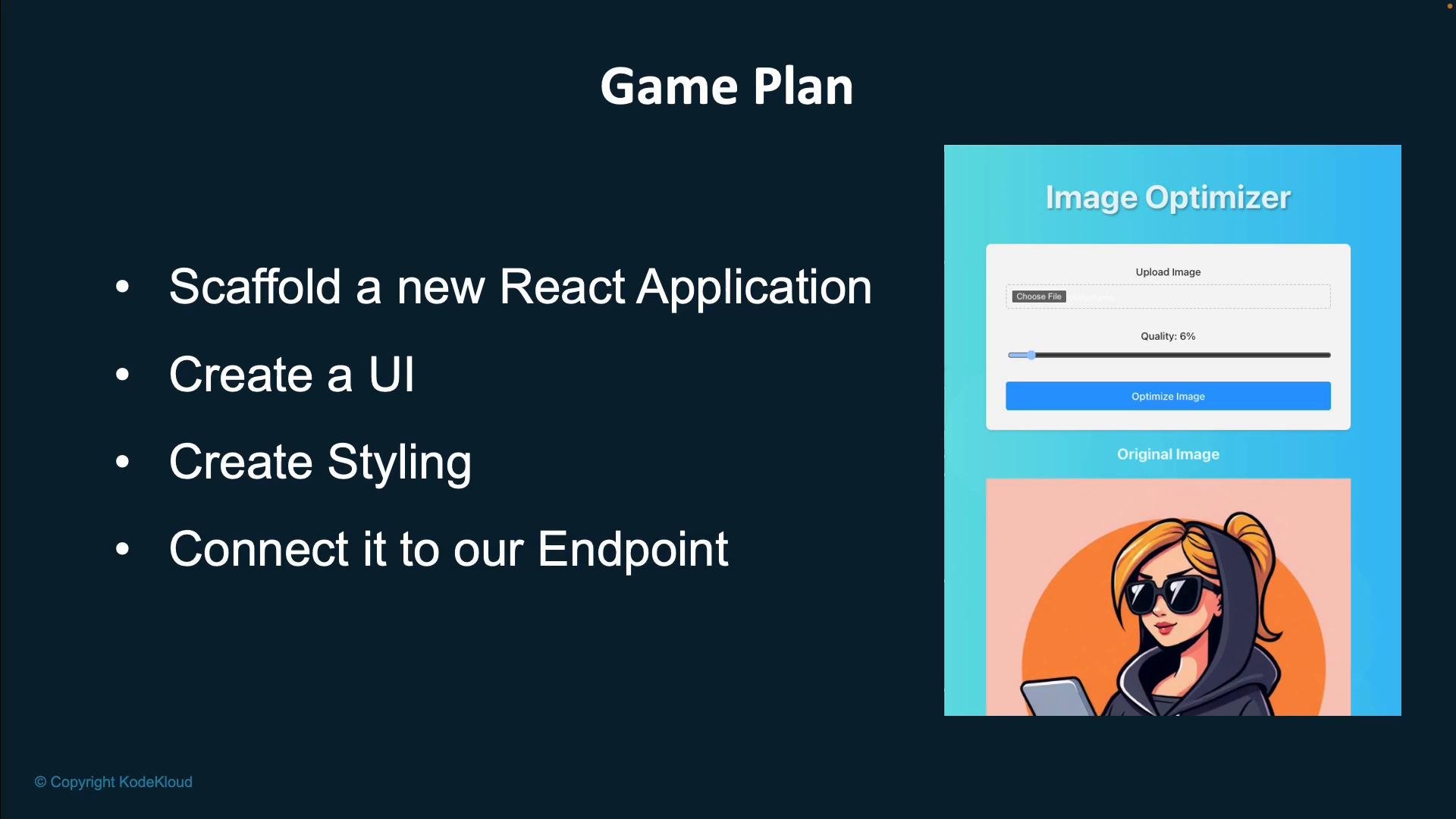
Planned module outcomes:
A presentation slide titled "Game Plan" listing steps like "Scaffold a new React Application," "Create a UI," "Create Styling," and "Connect it to our Endpoint." To the right is a screenshot of an "Image Optimizer" UI with a slider and an illustrated woman wearing sunglasses using a laptop.
Cursor is an AI-first code editor that helps you write and refactor code faster by offering intelligent, context-aware suggestions. We’ll use Cursor during development to speed routine edits, scaffold components, and generate small helper functions.
Cursor can help with rapid prototyping, but always review generated code for correctness and security. Use it to accelerate tasks like generating component skeletons, API call helpers, and unit test stubs.
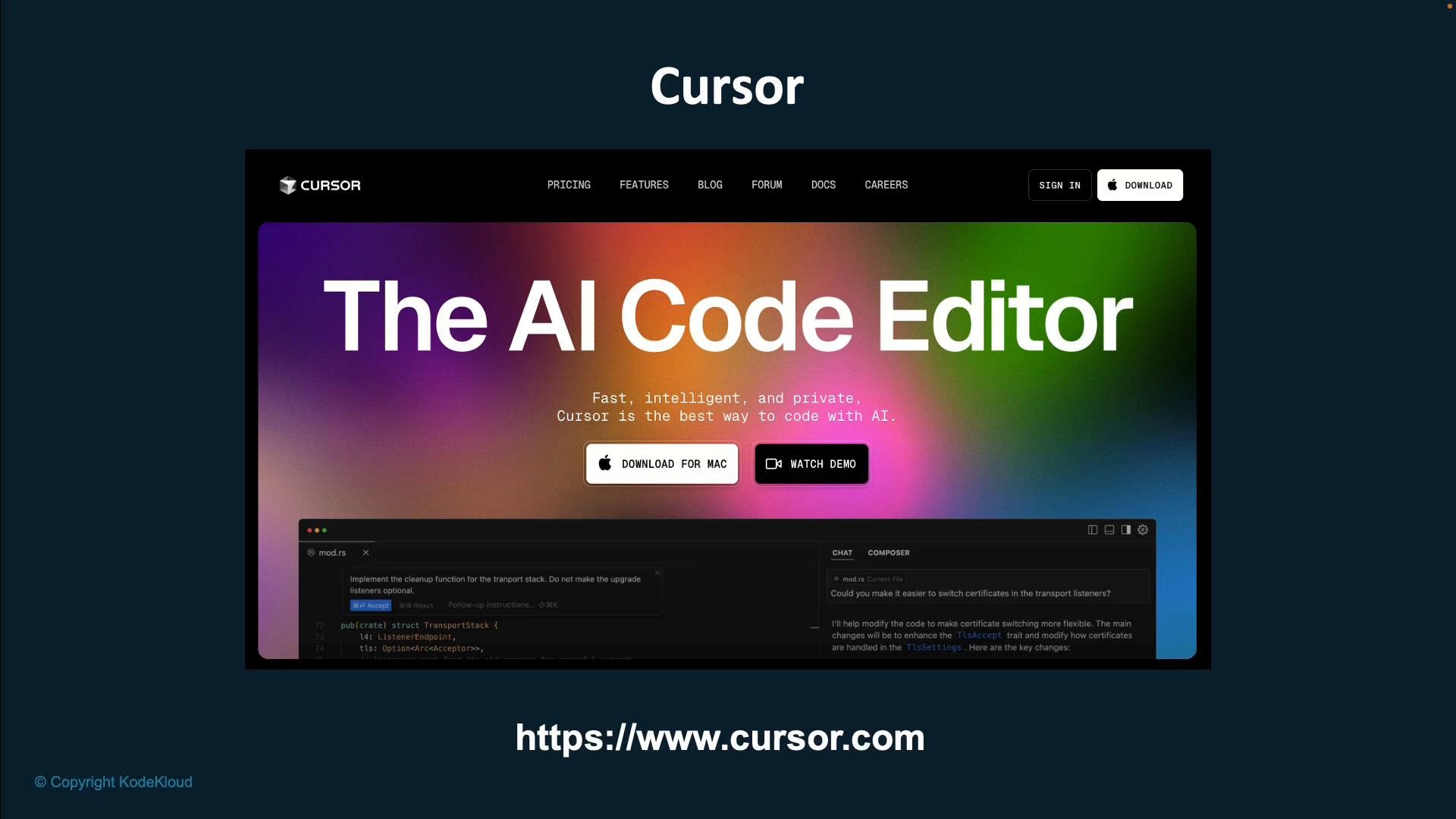
A screenshot of a website for "Cursor" showing a large colorful banner that reads "The AI Code Editor" with buttons to download for Mac or watch a demo. The page includes a dark-themed code editor preview and the site URL https://www.cursor.com.
Next steps (what we’ll implement in the upcoming sections):
  • Initialize the React project and verify the dev server runs.
  • Create the upload UI: file input, drag-and-drop support, and a preview pane.
  • Implement the network layer: send images as FormData to the backend and handle responses.
  • Show processed images and progress indicators.
  • Add responsive styling and accessibility improvements.
  • Use Cursor to iterate quickly and generate tests where useful.
Links and references:

Watch Video