This article explores BlackboxAI, an extension for Visual Studio Code that offers a web interface for interactive messaging and various development features.
In this article, we explore BlackboxAI—an innovative extension for Visual Studio Code that also offers a web interface for interactive messaging and feature access.BlackboxAI provides a versatile web interface that lets you:• Ask questions
• Perform web searches with citations
• Generate images
• Access documentation
• Analyze code
• Chat with GitHub Copilot
• Build applicationsThe interface supports multiple models, such as GPT 4.0, Gemini Pro, Cloud Sonata 3.5, and BlackboxAI Pro. My current favorite is Cloud Sonata 3.5 due to its high-quality code output, though your experience may vary.
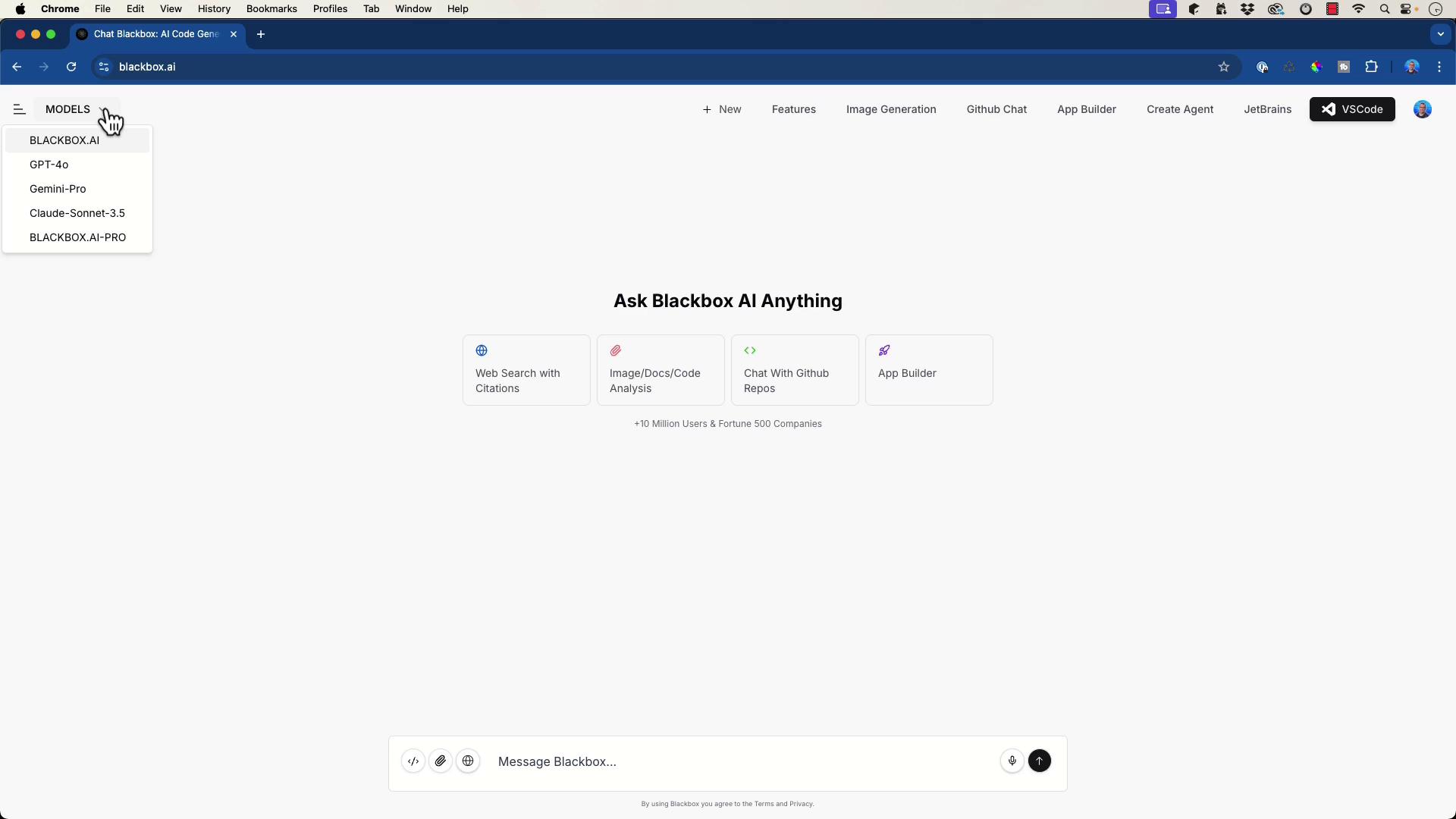
Experience a wide range of functionalities through BlackboxAI, from code analysis to app scaffolding.
The web interface enables multiple workflows. For example, you can interact with a GitHub repository like “Sitemap to PDF,” a simple Python application. After feeding the repository information into BlackboxAI, it offers clear setup instructions such as:
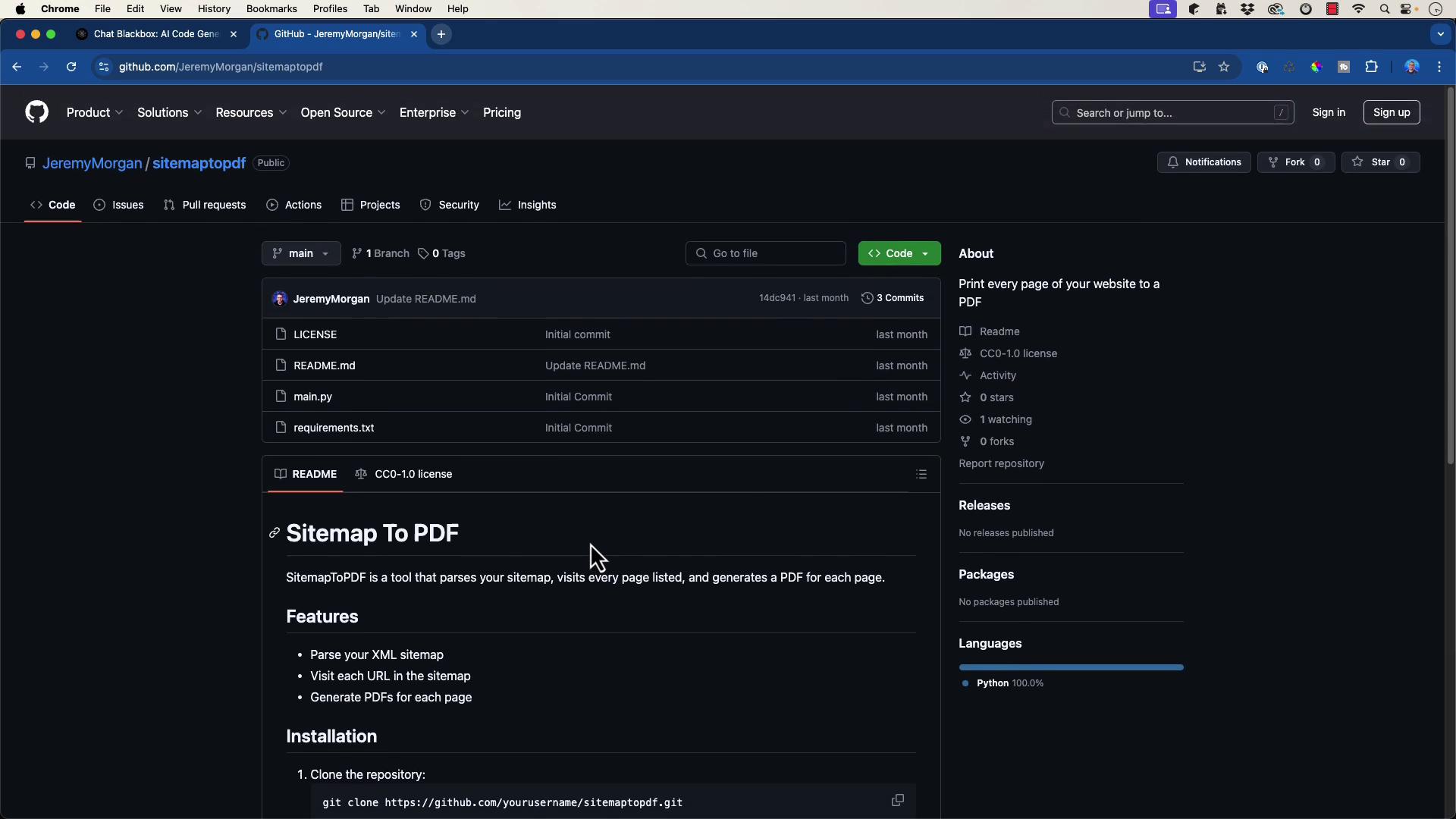
Copy
Ask AI
pip install -r requirements.txt
Copy
Ask AI
python main.py
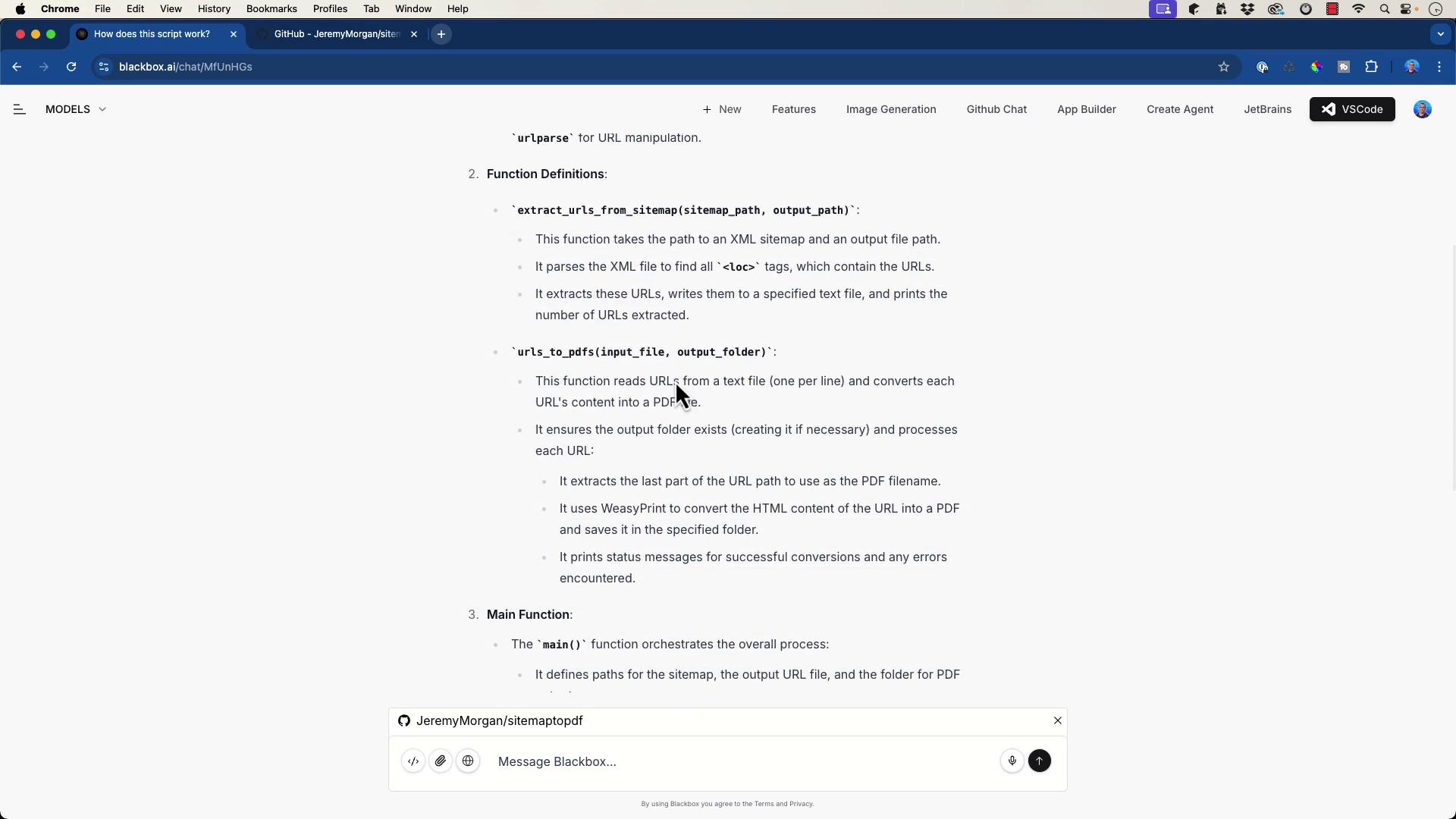
When you ask, “How does this script work?” BlackboxAI explains that the script extracts URLs from an XML sitemap, imports necessary libraries, defines several functions—including the main function—and more.
Additionally, BlackboxAI can translate code between languages. For example, it easily converts Python scripts into Go by providing a sample Golang implementation.
One of BlackboxAI’s standout features is its app builder. By specifying an application type—such as a JSON validator with React and Tailwind—the tool generates both desktop and mobile previews and scaffolds the application code.Below is an HTML snippet generated for a simple news app:
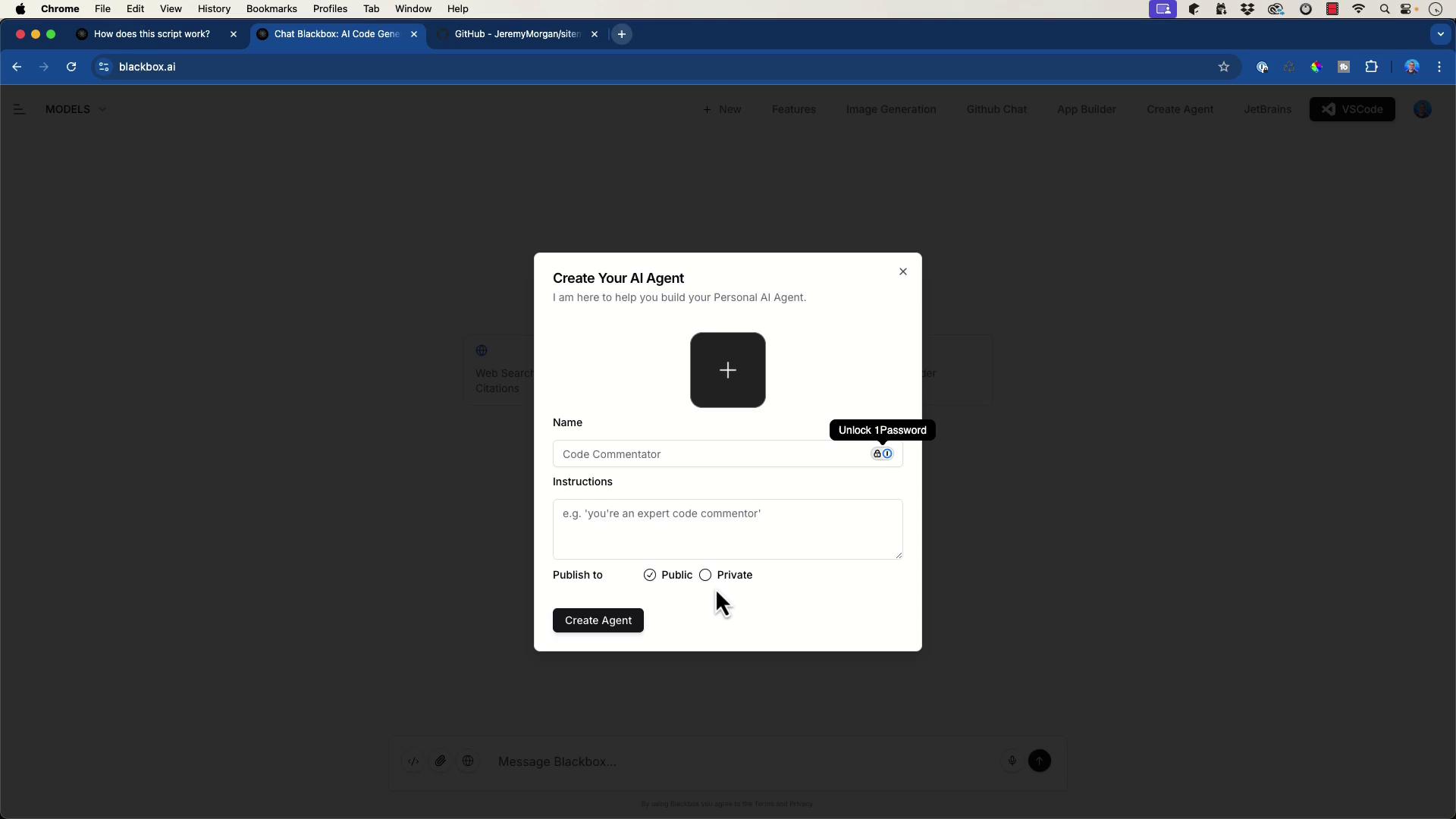
Moreover, you can create custom AI agents for personalized interactions; these agents can be marked as public or private. The image below shows the interface for creating an AI agent:
BlackboxAI also scaffolds applications in languages beyond Python. Consider a demonstration where we set up a typical Go application. BlackboxAI first outlines the application structure:
To initialize your module and set up the basic Go application, execute:
Copy
Ask AI
go mod init myapp
A basic HTTP server might be implemented as follows in main.go:
Copy
Ask AI
package mainimport ( "fmt" "log" "net/http")func main() { http.HandleFunc("/", func(w http.ResponseWriter, r *http.Request) { fmt.Fprintf(w, "Hello, World!") }) log.Println("Starting server on :8080") if err := http.ListenAndServe(":8080", nil); err != nil { log.Fatal(err) }}
Run the application with:
Copy
Ask AI
go run cmd/myapp/main.go
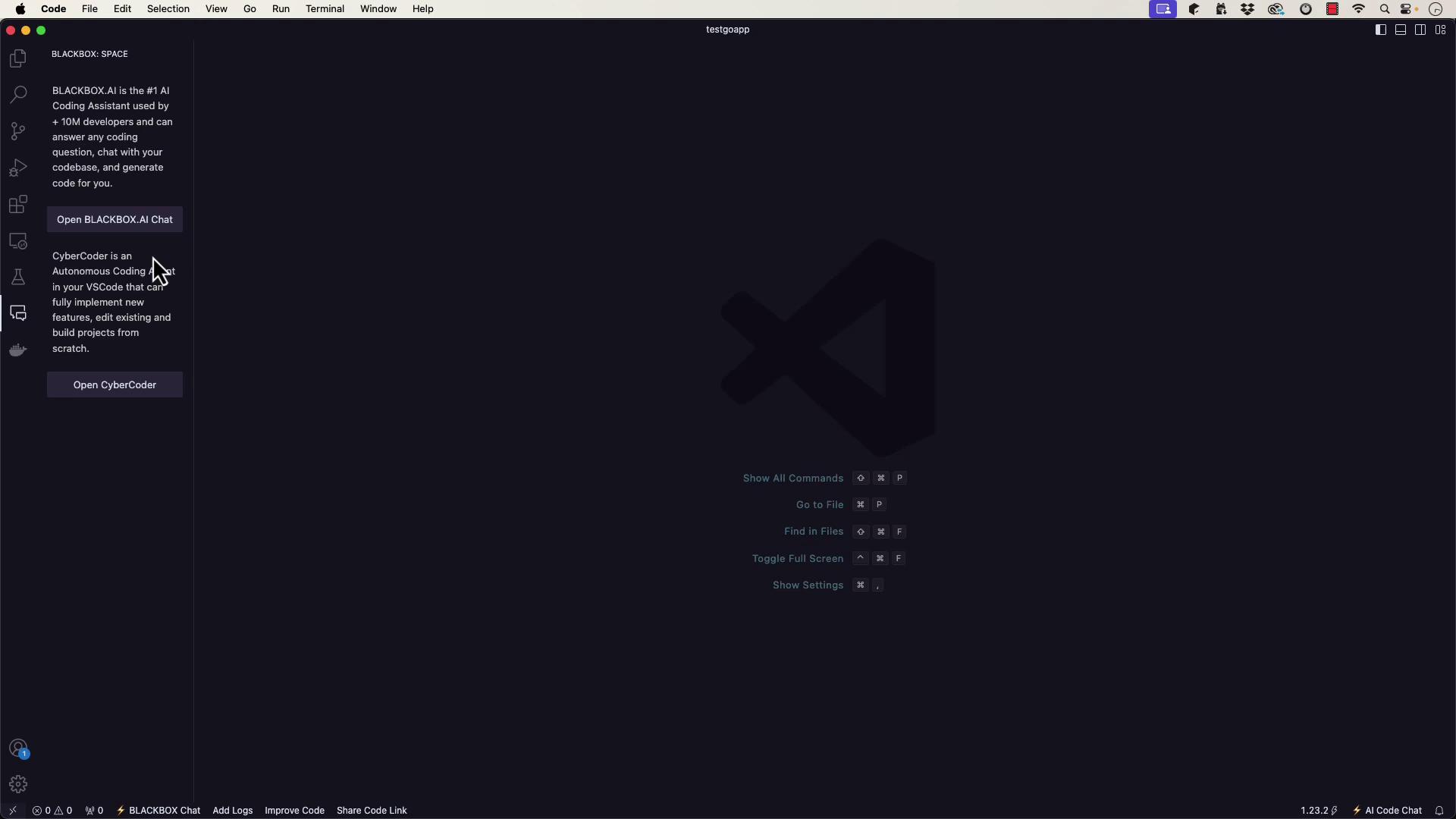
Inside Visual Studio Code, BlackboxAI (or the CyberCoder autonomous agent) can help scaffold your project. For instance, you might instruct it to create a Hello World app using best practices. It would then generate commands like:
Copy
Ask AI
mkdir hello-worldcd hello-worldgo mod init github.com/yourusername/hello-world
And provide sample code for a greeting function:
Copy
Ask AI
package greeting// Greet returns a greeting messagefunc Greet(name string) string { if name == "" { name = "World" } return "Hello, " + name + "!"}
For the main application, a file such as cmd/hello/main.go might contain:
.PHONY: build run test cleanbuild: go build -o bin/hello cmd/hello/main.gorun: go run cmd/hello/main.gotest: go test ./...clean: rm -f bin/hello
After setting up your project structure with the required directories (cmd/hello, internal/greeting, etc.) and files (go.mod, Makefile, README.md, .gitignore), test the application by running:
Copy
Ask AI
jeremy@Jeremys-Mac-Studio testgoapp % make rungo run cmd/hello/main.goHello, World!jeremy@Jeremys-Mac-Studio testgoapp %
And run tests with:
Copy
Ask AI
jeremy@Jeremys-Mac-Studio testgoapp % make test? github.com/jeremymorgan/hello-world/cmd/hello [no test files]? github.com/jeremymorgan/hello-world/internal/greeting [no test files]
BlackboxAI’s structured approach helps streamline module setup, file generation, and even CI integration using Makefiles.
BlackboxAI also excels at interacting with your code files. Engage in a chat about your Makefile, go.mod, main.go, or any other file, and receive insights or updated snippets. This integration makes it easy to develop full-fledged applications.For instance, BlackboxAI can consolidate command outputs and test results:
Copy
Ask AI
go test ./...? github.com/jeremymorgan/hello-world/cmd/hello [no test files]? github.com/jeremymorgan/hello-world/internal/greeting [no test files]jeremy@Jeremys-Mac-Studio testgoapp % make buildgo build -o bin/hello cmd/hello/main.gojeremy@Jeremys-Mac-Studio testgoapp % ./bin/helloHello, World!
It can also generate a README file that includes an application overview, installation instructions (using commands like go build or make build), and test guidelines with go test.
BlackboxAI is a powerful tool for AI-assisted development, offering features for code generation, project scaffolding, and interactive code discussions across multiple languages—from Python to Go. Whether you’re integrating with GitHub repositories, working in Visual Studio Code, or using the CyberCoder agent, BlackboxAI greatly streamlines the development workflow.
This comprehensive overview shows how to leverage BlackboxAI’s features in your projects. Stay tuned for future articles where we delve into additional tools and techniques for efficient AI-assisted development.