

- We kept functional items that match our scope (single-file upload, compression/optimization, provide before-and-after size comparison, download optimized file).
- We removed features outside scope (e.g., batch processing, resizing, multi-format conversion) to avoid over-engineering.
- Kept a concise set of user stories that reflect the single-file, stateless nature of the service.
User stories (prioritized)
- As a user, I can upload a single image and download an optimized version.
- As a user, I can see the original and optimized file sizes and compression ratio.
- As an administrator, I can configure the optimization profile (quality vs size trade-off).
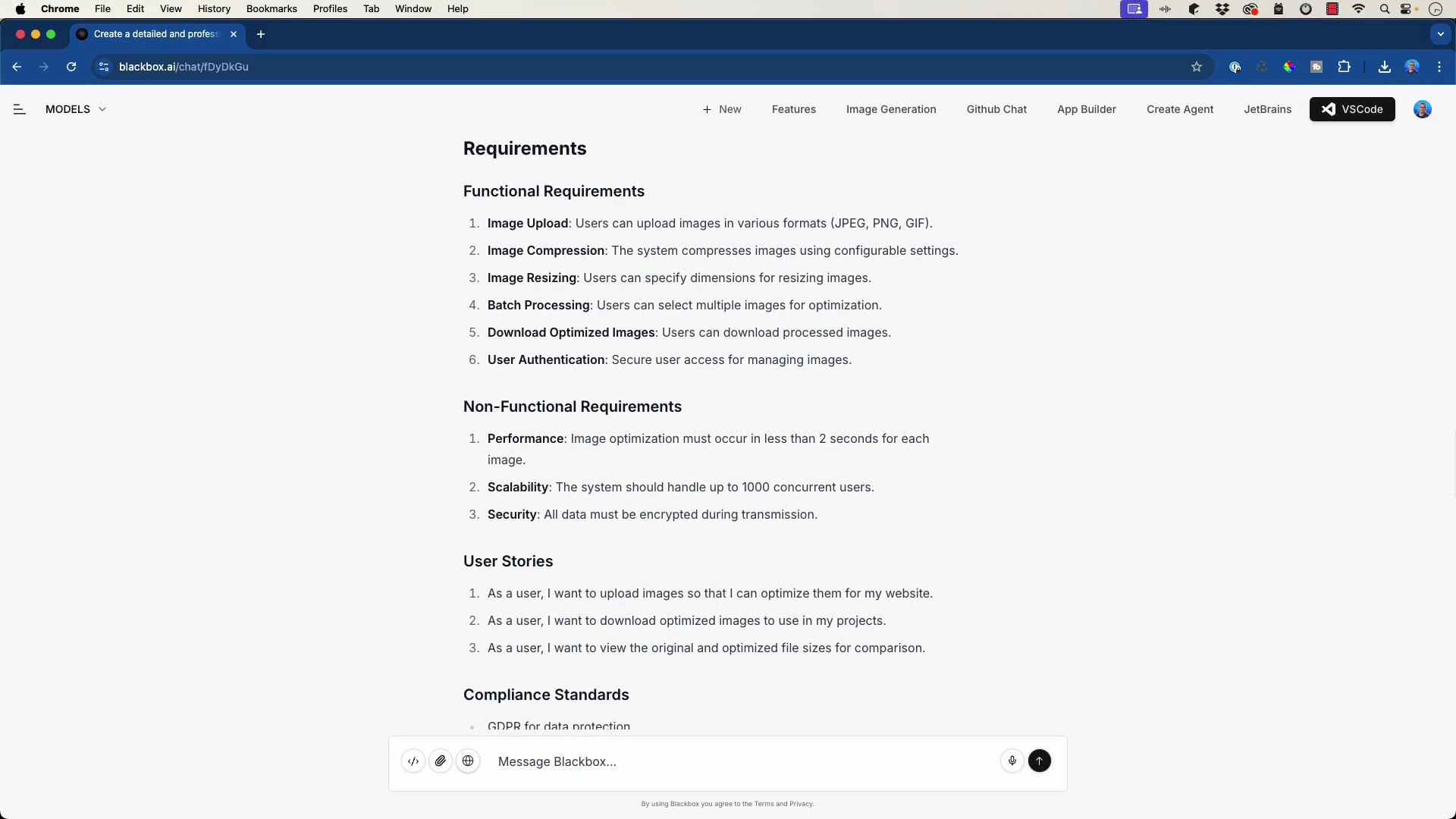
- Consolidate performance targets to a single, realistic target: average optimization latency <= 1.5 seconds for images up to 2 MB on a single CPU core.
- Remove unjustified concurrency targets (e.g., 1,000 concurrent users) unless capacity planning requires it.
- Security: require HTTPS for transport; if authentication is added later, document optional JWT flows.
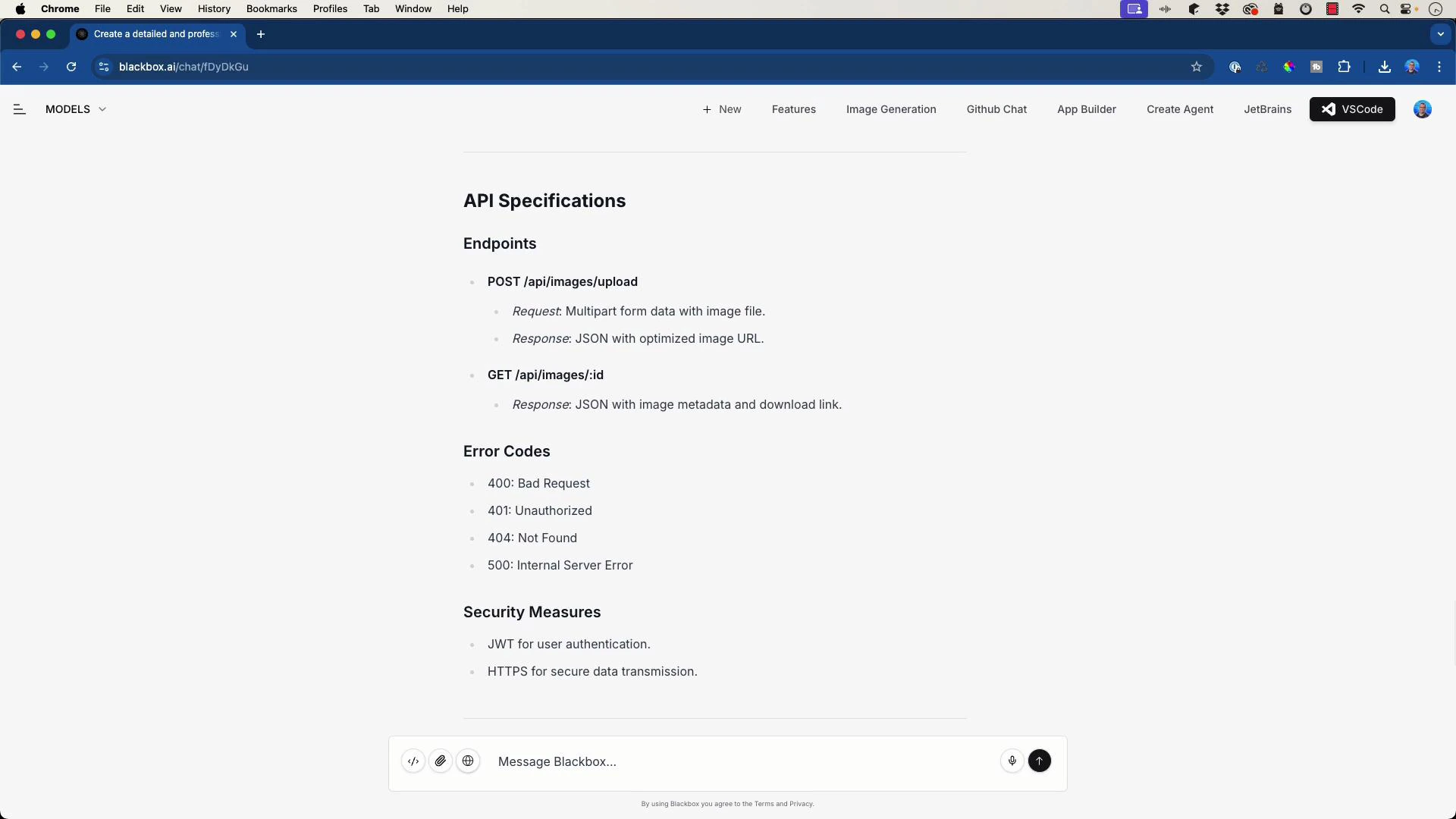
- Keep a minimal REST API for upload and download. If authentication is not in scope, present auth information as optional and provide examples for future extension.
- Document error codes and example responses for clarity.
Error responses (examples)
- 400 Bad Request — invalid file or unsupported format
- 415 Unsupported Media Type — format not supported
- 500 Internal Server Error — processing failure
- If no auth: mark endpoints public and require HTTPS.
- If adding auth later: recommend JWT-based bearer tokens and standard OAuth2 flows; include them as optional in the API docs so the structure is ready.
- BlackboxAI — https://blackbox.ai
- JWT — https://jwt.io/
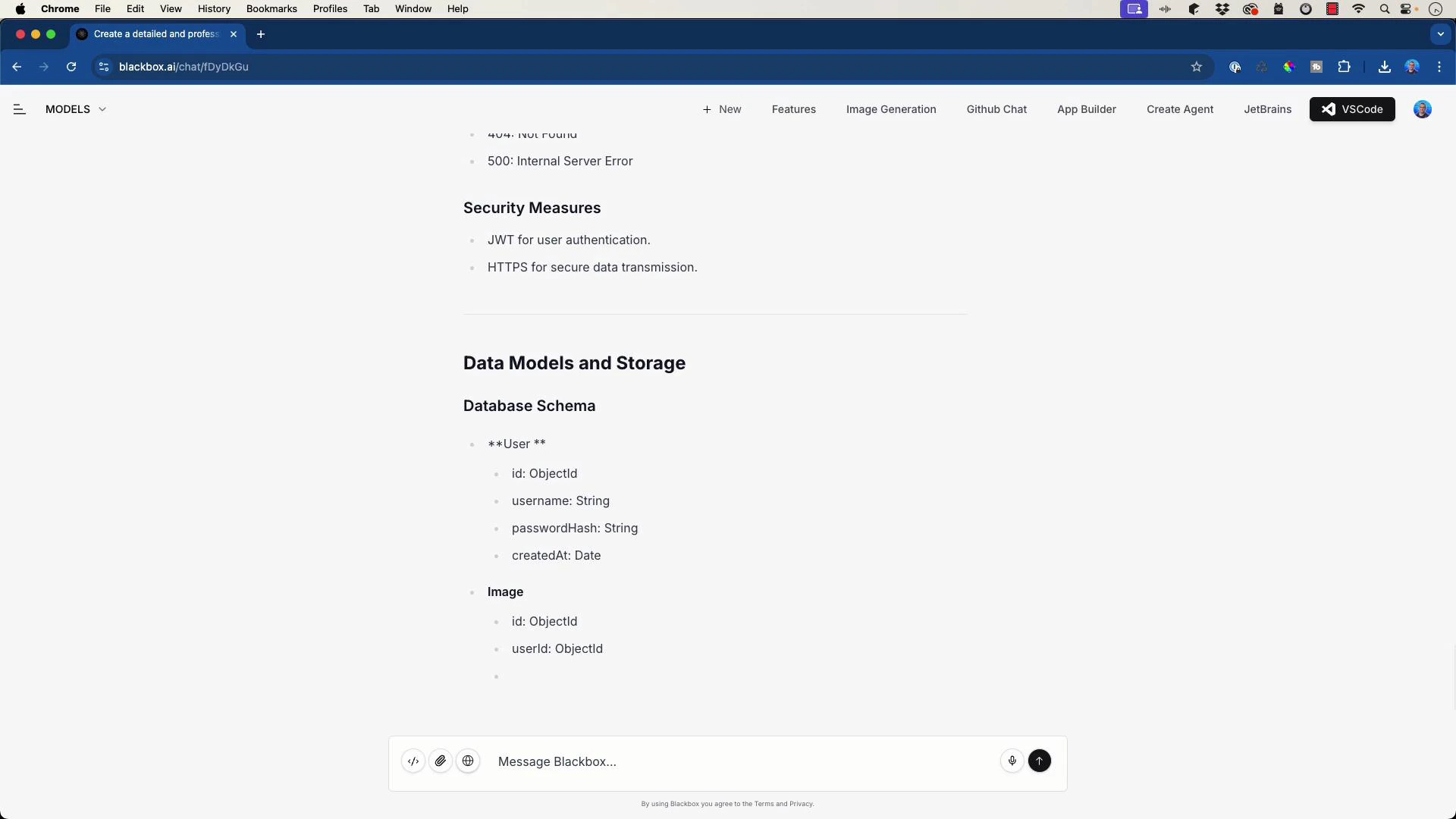
- For a stateless service, avoid user tables and full DB schemas.
- Keep a minimal Image metadata schema only if you plan to persist results:
Storage options
- Stateless, on-the-fly: no storage required; return optimized image directly in response.
- Object storage: if persisting results, use cloud blob/object storage (e.g., Amazon S3, Google Cloud Storage, or Azure Blob Storage) to store optimized images and metadata in a lightweight database or a key-value store.
- Local filesystem: acceptable for single-node or dev deployments.
- Keep the architecture minimal and clear. The simplified architecture should include:
- Frontend: simple upload UI and download link, optional client-side validation.
- Backend API: handles incoming upload, validation, and delegating to the image processing component.
- Image processing: a stateless service or library performing optimization.
- Optional object storage: persists optimized images and metadata if needed.
- User uploads image via frontend.
- Backend validates and forwards the image to the processing module.
- Processing module optimizes the image according to profile and returns an optimized image and metadata.
- Backend returns optimized image stream (or a download link if persisted) and metadata (originalSize, optimizedSize).
- Containerize backend and processing components for portability.
- For scaling: keep processing stateless so you can scale horizontally (multiple workers).
- For high-throughput needs: add a queue (e.g., RabbitMQ, SQS) and autoscaling workers; for our current scope, this is optional.
- Replace placeholders with concrete metadata before publishing the spec.
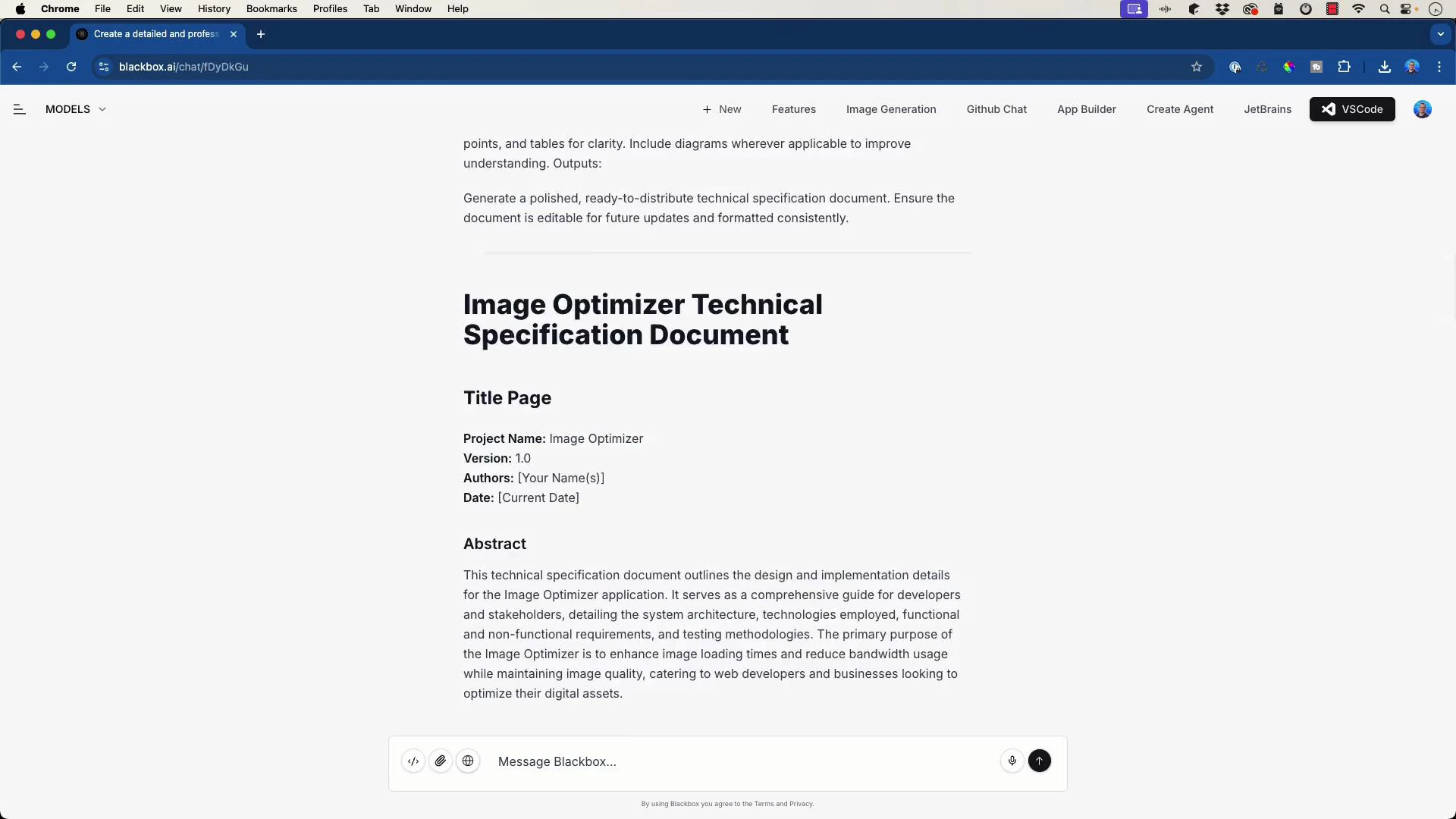
- Project: Image Optimizer
- Version: 1.0.0
- Authors: Platform Team
- Date: 2026-03-01
- Abstract: A concise technical specification for a stateless Image Optimizer service focusing on single-file uploads, image compression, and metadata reporting. The spec covers architecture, API endpoints, storage options, and testing recommendations.
- Use the AI-generated draft as scaffolding: keep structure, but validate every feature against intended scope.
- Be explicit in prompts if you want features excluded (for example: “Do not include user authentication or batch processing; support single-file uploads only”).
- Either regenerate specific sections or edit the draft manually. A hybrid approach works well: ask the model to regenerate only the sections you revised.
- Confirm functional requirements match product scope.
- Set consistent non-functional targets (latency, throughput).
- Decide on storage and persistence strategy.
- Lock in API contract (endpoints, request/response formats).
- Replace placeholders (author, date) and add diagrams if desired.
- Share spec for team review and sign-off.
- Copy the finalized spec into the project repository (e.g., docs/technical-spec.md).
- Replace metadata placeholders with the selected values above.
- Add diagrams exported from your diagram tool (e.g., draw.io, Figma) and reference them in the spec.
- Run a short review cycle with developers and product owners; update the spec as decisions are made.
- BlackboxAI and other LLMs can accelerate the creation of a technical specification by generating a well-structured draft.
- AI output is a starting point—human review is required to align scope, technology choices, and performance targets.
- Use the draft to save time on structure and formatting, then prune or extend sections to reflect actual implementation decisions.
AI can quickly create a well-structured technical specification, but always
review and refine the output to align it with your exact scope, technology
choices, and performance targets.
- BlackboxAI — https://blackbox.ai
- JWT — https://jwt.io/
- Kubernetes concepts — https://kubernetes.io/docs/concepts/overview/what-is-kubernetes/
- Amazon S3 — https://aws.amazon.com/s3/