

- Tools and assistants: Practical comparison and hands-on usage of developer-assist tools including Blackbox AI, Tabnine, ChatGPT, and Cursor — benefits, common concerns, and how to integrate them into a development workflow.
- Requirements and planning: Starting from zero, we used ChatGPT to generate user stories, acceptance criteria, and a delivery plan. Those artifacts were exported to a tracker such as Azure DevOps or any preferred workflow to track progress.
- Documentation and design: We produced architecture notes, component descriptions, and API contracts to make the system easier to review and extend.
- Backend development: Environment and project scaffolding for Python, a Flask API for image handling, OpenCV-based image processing and optimization, error handling, and unit tests.
- Frontend development: A React UI for image upload, quality adjustments, and invoking the optimization endpoint to deliver a seamless upload → process → download flow.
- Deployment prep and repo: Packaging, repository hygiene, and publishing the source so you can reproduce, audit, and extend the project.
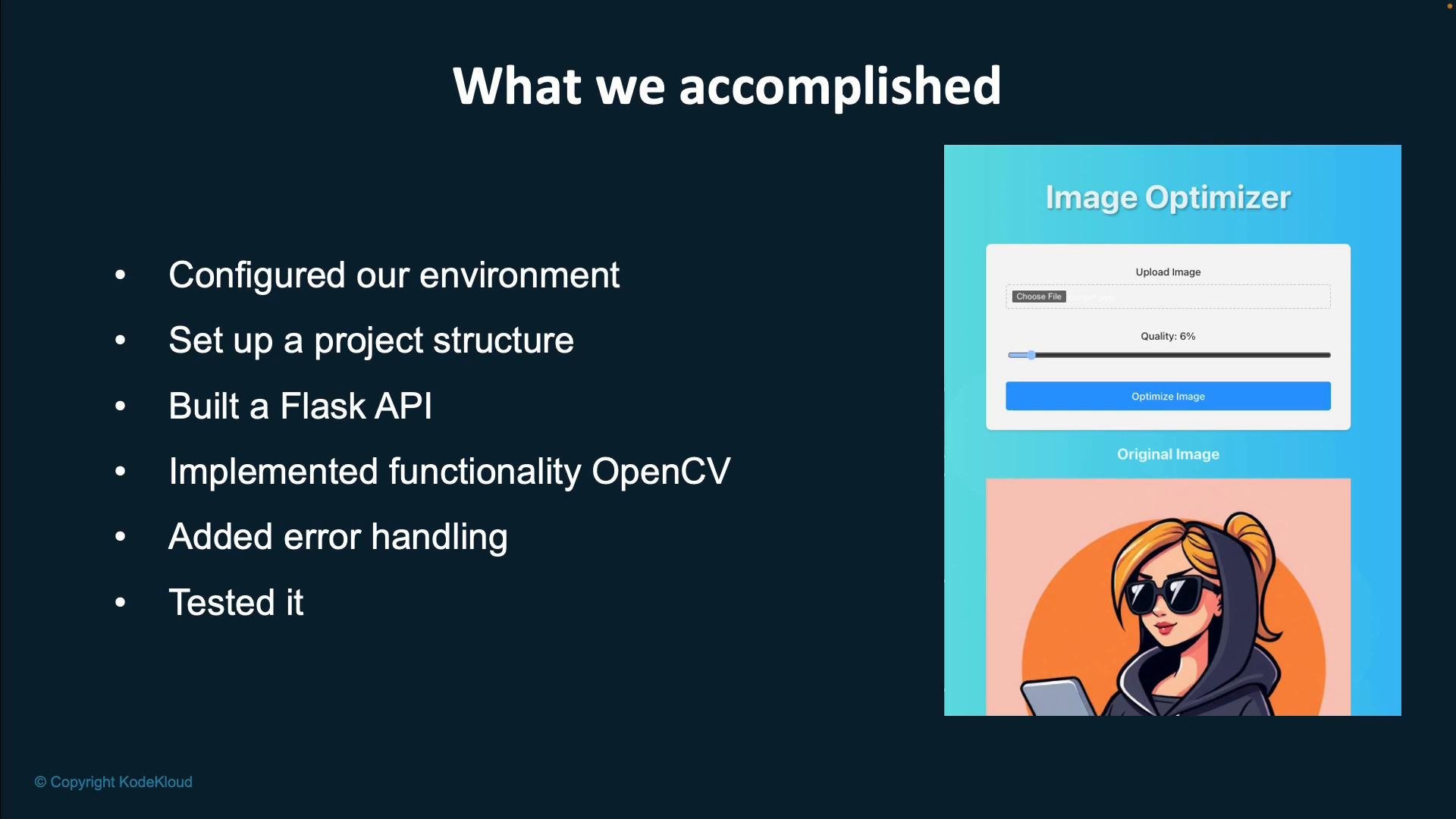
- Full-stack proof-of-concept: The React frontend is wire-connected to a Flask endpoint demonstrating a complete flow — upload → server-side OpenCV processing → optimized image download.
- Source code availability: The project repo is public. Use it to inspect implementation details, reproduce steps, and extend the system with new features or experiments.
- Generative AI caveat: Outputs from AI-assisted steps are nondeterministic. If you repeat the same prompts, generated code and plans may vary. Treat the repo as a stable baseline and apply AI tools for iterative improvements, refactors, and feature additions.
You can find the project source code at github.com/Jeremy-Morgan/super-image-optimizer. Use it as a reference, fork it, or extend it with new features and experimentation.
- Clone and run the repo locally to reproduce the upload → optimize → download workflow.
- Review the Flask API endpoints and add authentication or rate-limiting if exposing publicly.
- Improve or extend OpenCV processing: add noise reduction, resizing heuristics, or format conversion.
- Integrate CI/CD: run tests on PRs, and add deployment steps (Docker image, cloud service, or static artifact hosting).
- Experiment with AI tools to suggest refactors, automated tests, or documentation improvements — but always review generated content.
- Azure DevOps — example work tracking platform for requirements and backlog management
- AI-Assisted Development course on KodeKloud — continue learning
- AI Tutor on KodeKloud — hands-on practice and guided labs