This article explores how Tabnine integrates with Visual Studio Code to enhance coding productivity through various AI models and project scaffolding.
In this article, we explore how Tabnine integrates with Visual Studio Code to boost your coding productivity. Similar to BlackboxAI and GitHub Copilot, Tabnine runs as an extension directly within VS Code—making it a convenient companion for developers who already spend most of their time in this environment.
Once installed, Tabnine adds its own bar to the interface along with additional options at the bottom. Unlike BlackboxAI, Tabnine allows you to select from various models for its chat interface. For example, you can opt for models such as Claude 3.5 Sonnet (ideal for programming), GPT 4.0, CodeStroll (available on Hugging Face and runnable locally), Command R+, Tabnine Protected, and Tabnine Plus Mistral. Models labeled as “private” or “protected” are designed to run within your private network, ensuring that your proprietary code remains confidential and is not used for training.
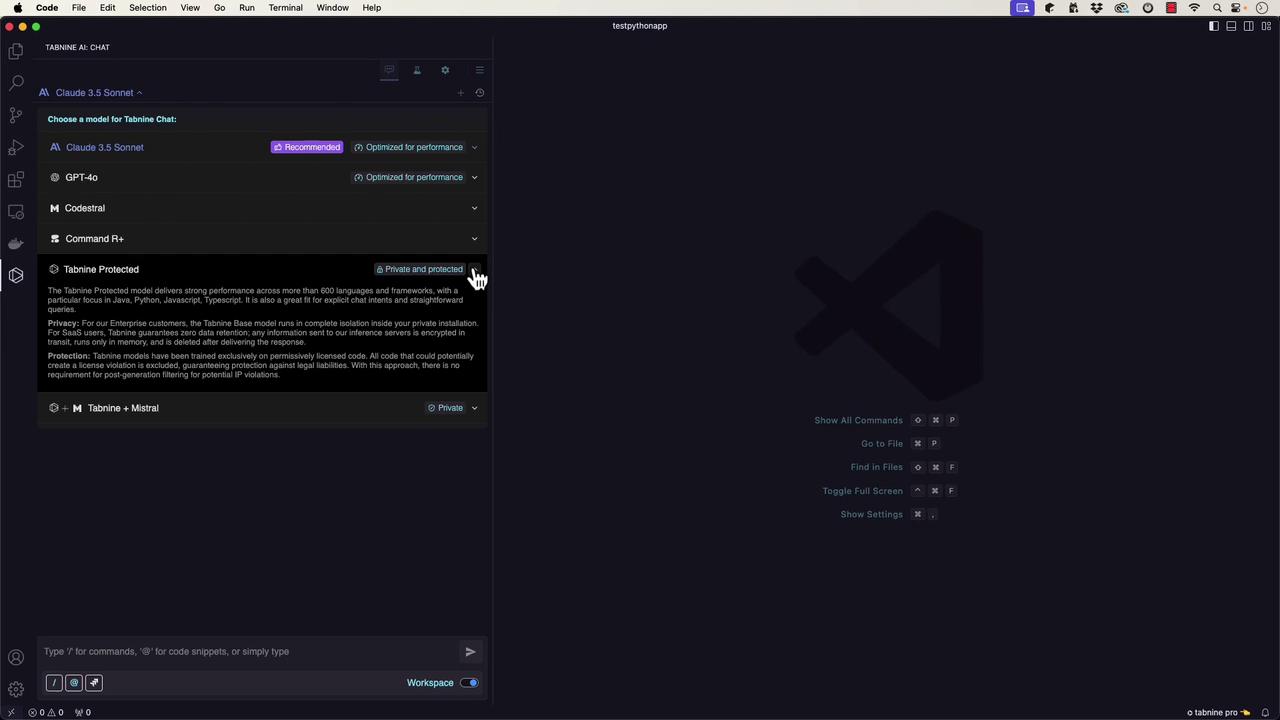
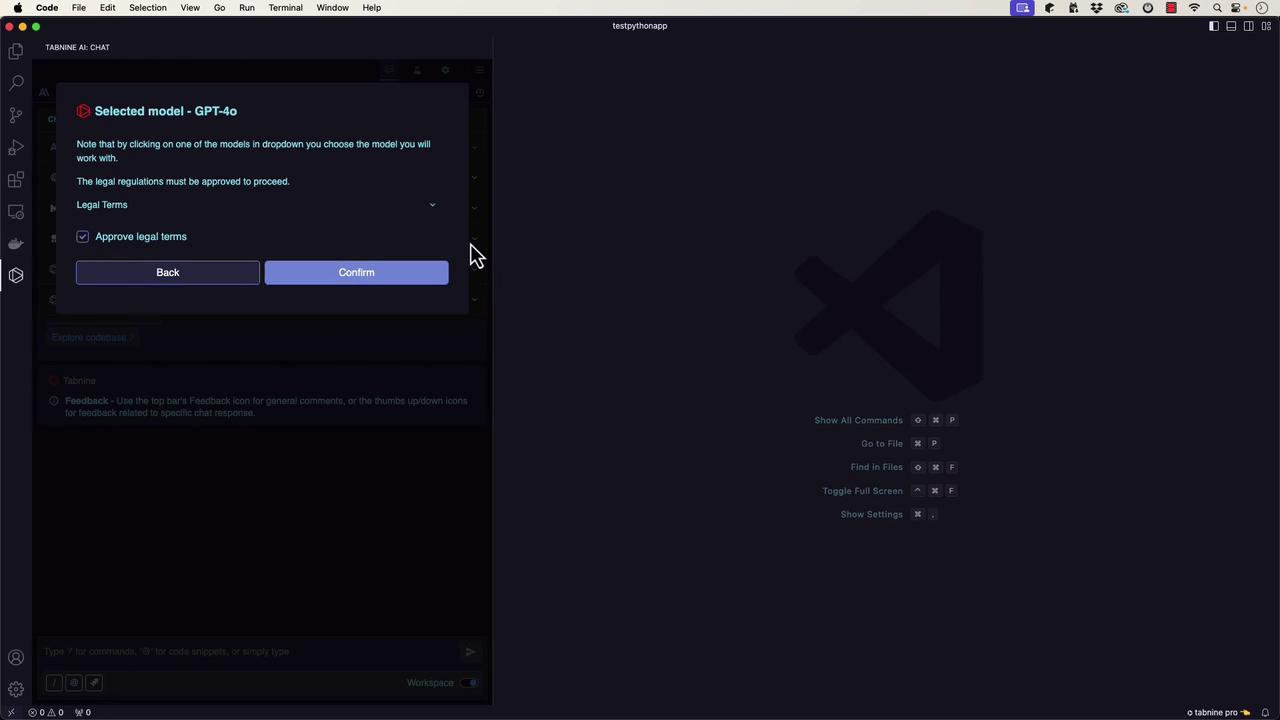
To demonstrate Tabnine’s capabilities, we will scaffold a basic “Hello, World!” Python project. Instead of merely creating a script, we’ll instruct Tabnine to generate a fully structured project using the term “scaffold” to enforce best practices. When you select a model—for instance, GPT 4.0—a legal terms popup will appear that you must acknowledge before proceeding.
After acknowledging, the coding companion interface will open. You can then pose a prompt such as:“How can I scaffold a hello world application in Python? I want to expand it later and use best practices.”Tabnine responds with a detailed process that not only creates a Python file to print “Hello, World!” but also sets up:
A project directory
A virtual environment
A structured project hierarchy
A README file
A .gitignore file
A LICENSE file
Below is an outline of the suggested process:
Copy
Ask AI
# 1. Create a Project Directory:mkdir hello_world_projectcd hello_world_project# 2. Set Up a Virtual Environment:python3 -m venv venvsource venv/bin/activate # For Windows use: venv\Scripts\activate# 3. Create a Basic Project Structure:# Directory tree:# hello_world_project/# ├── venv/# ├── src/# │ └── main.py# ├── tests/# ├── README.md# ├── .gitignore# 4. Write the Application Code in src/main.py:
Even if your project only uses base libraries, setting up a virtual environment and a proper project structure is a best practice for ensuring maintainability and scalability.
Tabnine is also capable of guiding you to add inline code comments for better documentation. For example, the code can be revised as follows:
Copy
Ask AI
def main(): # This function prints "Hello, World!" to the console. print("Hello, World!")# Ensures main() is executed only when the script runs directly,# not when it's imported as a module.if __name__ == "__main__": main()
Additionally, Tabnine can scaffold test cases using pytest. Create a new file, such as tests/main.test.py, with the following unit test:
Copy
Ask AI
from main import maindef test_main(capsys): main() captured = capsys.readouterr() assert captured.out == "Hello, World!\n"
Running these tests will confirm that your program outputs the expected text.
Adding descriptive comments and tests early in the development process helps maintain code quality and facilitates future enhancements.
If you ask Tabnine for an explanation, it might provide this breakdown:
The def keyword is used to define the main function, which serves as the entry point.
The line if __name__ == "__main__": ensures that the script is executed only when run directly.
Proper code documentation is essential for maintaining clarity and easing future modifications.
Moreover, Tabnine can insert PyDoc documentation. For example:
Copy
Ask AI
def main(): """ Prints a greeting message to the console. This function does not take any parameters and does not return a value. It simply prints "Hello, World!" to the standard output. """ print("Hello, World!")if __name__ == "__main__": main()
Tabnine’s “Ask” feature can also suggest code enhancements. For instance, you might see a recommendation to use Python’s logging module and parameterize the greeting message:
Copy
Ask AI
import loggingdef main(message: str = "Hello, World!") -> None: """ Prints a greeting message to the console using the logging module. :param message: The message to print. Defaults to "Hello, World!". """ logging.basicConfig(level=logging.INFO) logging.info(message)if __name__ == "__main__": main()
This modification adds type annotations and employs logging instead of print statements, which improves robustness and maintainability.
Tabnine offers a powerful array of features that extend far beyond basic code completion. Whether you need to scaffold entire projects, create tests, insert detailed documentation, or simply get a better understanding of your code, Tabnine proves to be an invaluable tool. Stay tuned for our next article, where we will dive into GitHub Copilot, another leading solution in AI-assisted development.Happy coding!