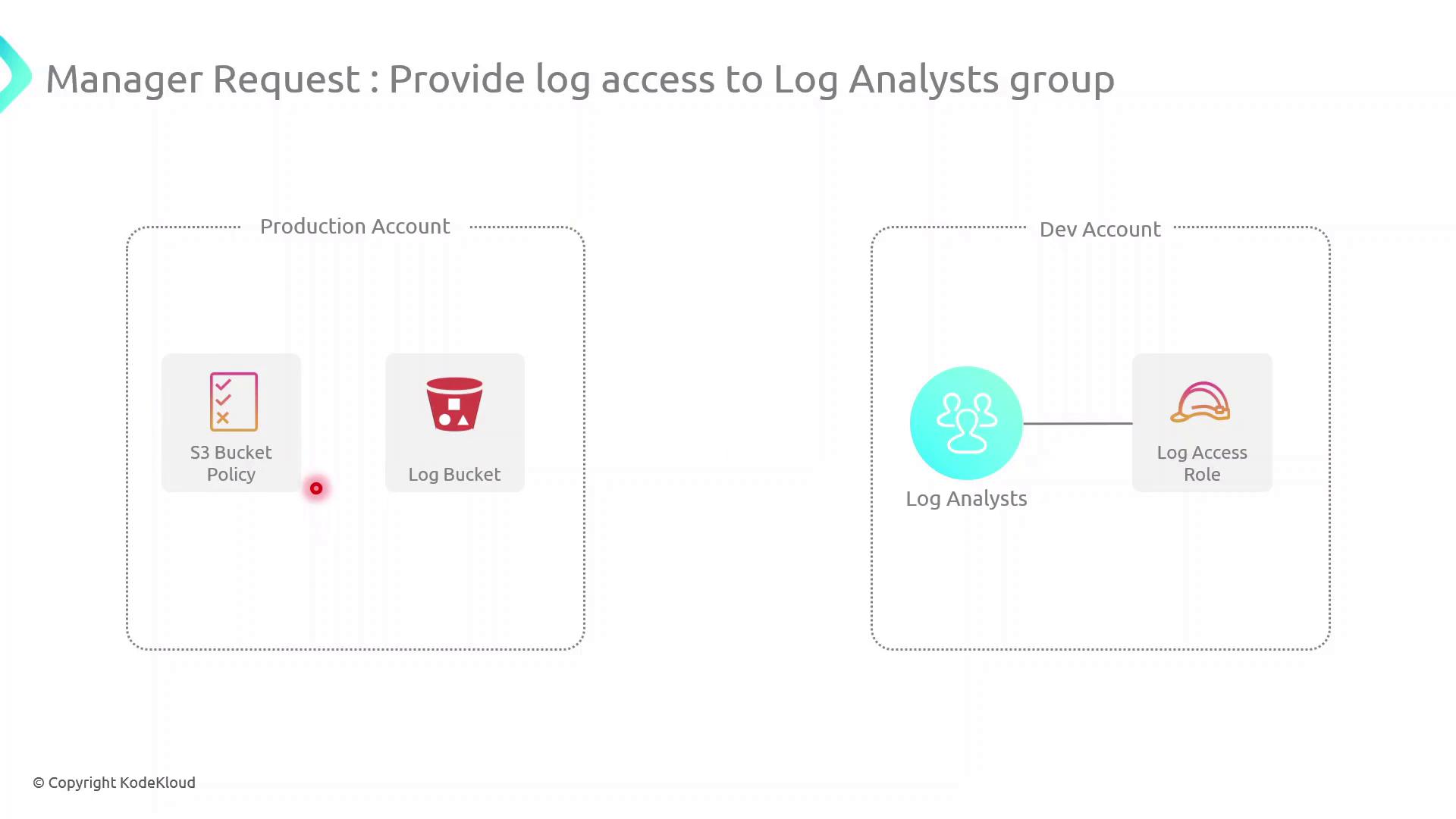
In this guide, we’ll configure cross-account access between a Production AWS account (owns an S3 log bucket) and a Development AWS account (hosts a Log Analysts group). This setup enables secure, temporary access to logs without sharing long-term credentials.Documentation Index
Fetch the complete documentation index at: https://notes.kodekloud.com/llms.txt
Use this file to discover all available pages before exploring further.
Scenario
| AWS Account | Resource | Purpose |
|---|---|---|
| Production Account | S3 bucket (log-bucket) | Stores application log files |
| Development Account | IAM Group (Log Analysts) | Needs permission to list and read log files |
Log Analysts group assume a role in the Production account to retrieve logs.
High-Level Architecture
- Create an IAM Role in the Production Account
- Attach an inline S3 policy to that role
- Update the S3 Bucket Policy to trust the role
- Assume the role from the Development Account and verify access
Cross-Account Access Components
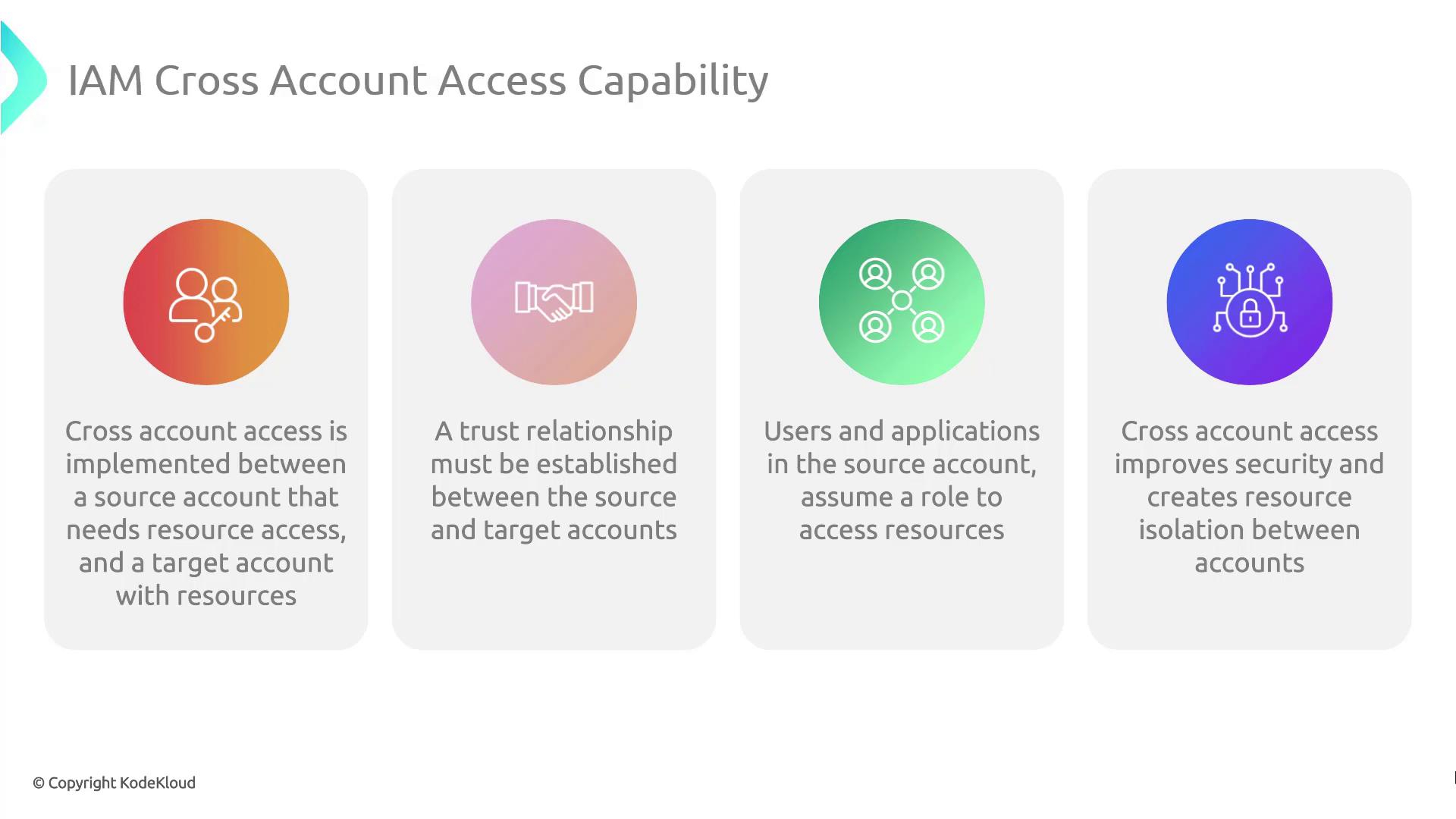
| Component | Description |
|---|---|
| Trust Relationship | IAM Role trust policy in the Production account allowing Dev account to assume it |
| Role Assumption | sts:AssumeRole call from Dev account for temporary credentials |
| Permissions Boundary | Inline policy (or managed) on the role controls S3 access |
| Resource Policy | S3 Bucket policy grants the role s3:ListBucket and s3:GetObject |

Be explicit in your trust policy to avoid granting unintended access. Restrict
Principal to specific IAM roles or account IDs.Demo Walkthrough
Follow these steps to implement and test cross-account S3 access.1. Create the IAM Role in Production
Create a trust policy (trust-policy.json):
2. Attach an Inline S3 Access Policy
Defines3-access-policy.json:
3. Update the S3 Bucket Policy
Create or edit your bucket policy (bucket-policy.json):
Ensure the bucket policy’s
Principal matches the exact ARN of the role. Using wildcards may expose your bucket to unintended access.