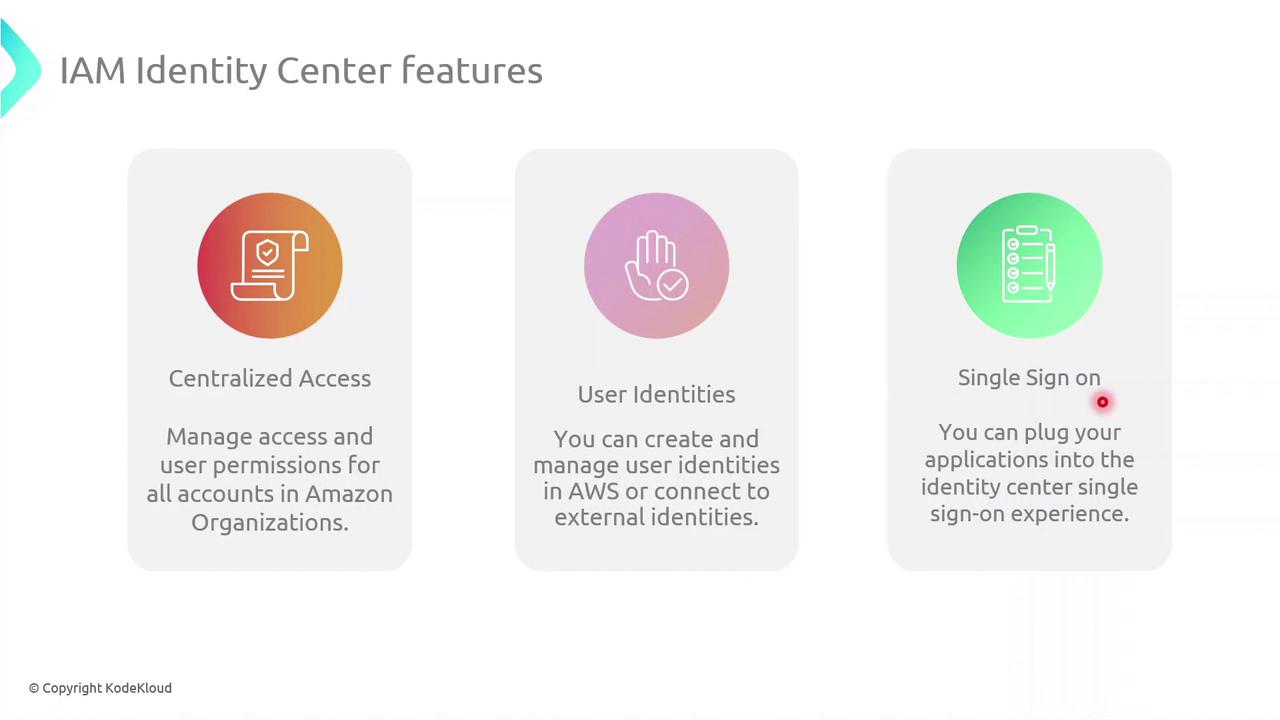
Key Features
Demo: Enabling IAM Identity Center
Follow these steps to enable IAM Identity Center (formerly AWS SSO) in your Organization.Ensure your AWS Organization is active and you have Management Account privileges before proceeding.
1. Verify SSO Status in a Member Account
- Sign in to a member account.
- Go to IAM Identity Center in the AWS Console.
- You’ll see a message indicating SSO isn’t enabled yet.
2. Enable in the Management Account
- Switch to your Management Account.
- Open the IAM Identity Center page.
- Click Enable IAM Identity Center to activate SSO for all member accounts.