

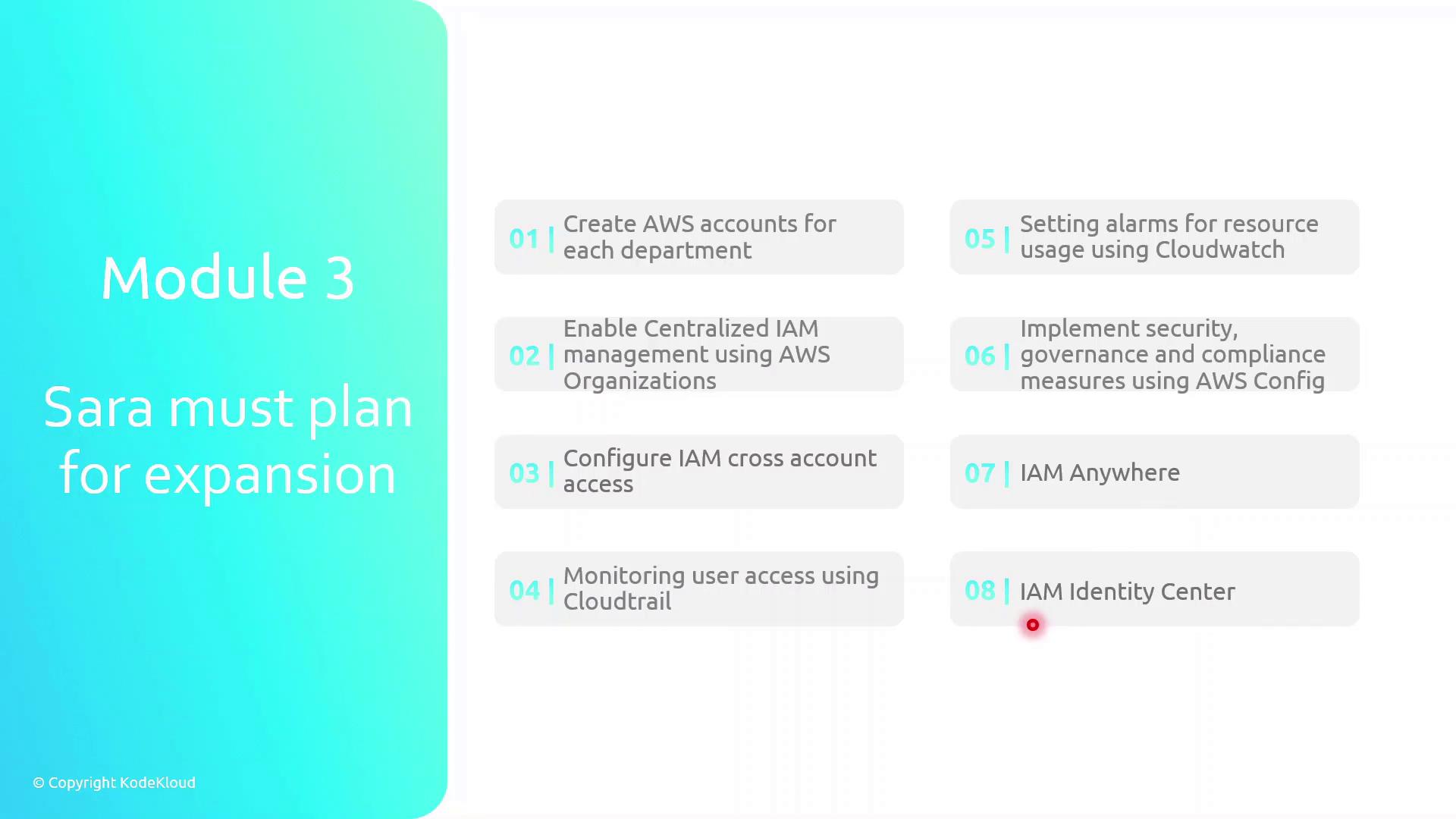
- Create separate AWS accounts for each department to enforce resource isolation
- Enable centralized IAM management using AWS Organizations
- Configure IAM cross-account access for seamless resource sharing
- Monitor user activity and API calls with AWS CloudTrail
- Set up usage and performance alarms in AWS CloudWatch
- Implement security governance and compliance with AWS Config
- Leverage IAM Anywhere to grant on-premises access to AWS resources
- Use IAM Identity Center for unified single sign-on (SSO) into AWS
Establishing individual AWS accounts per team is a best practice for isolating billing, permissions, and resource usage.
Be cautious when configuring cross-account roles: overly permissive trust policies can expose your resources to unintended access.
Links and References
- AWS Organizations User Guide
- AWS IAM Best Practices
- Logging AWS API Calls with CloudTrail
- AWS Config Developer Guide
- AWS Identity Center (SSO) Documentation