

Why Create an AWS Account?
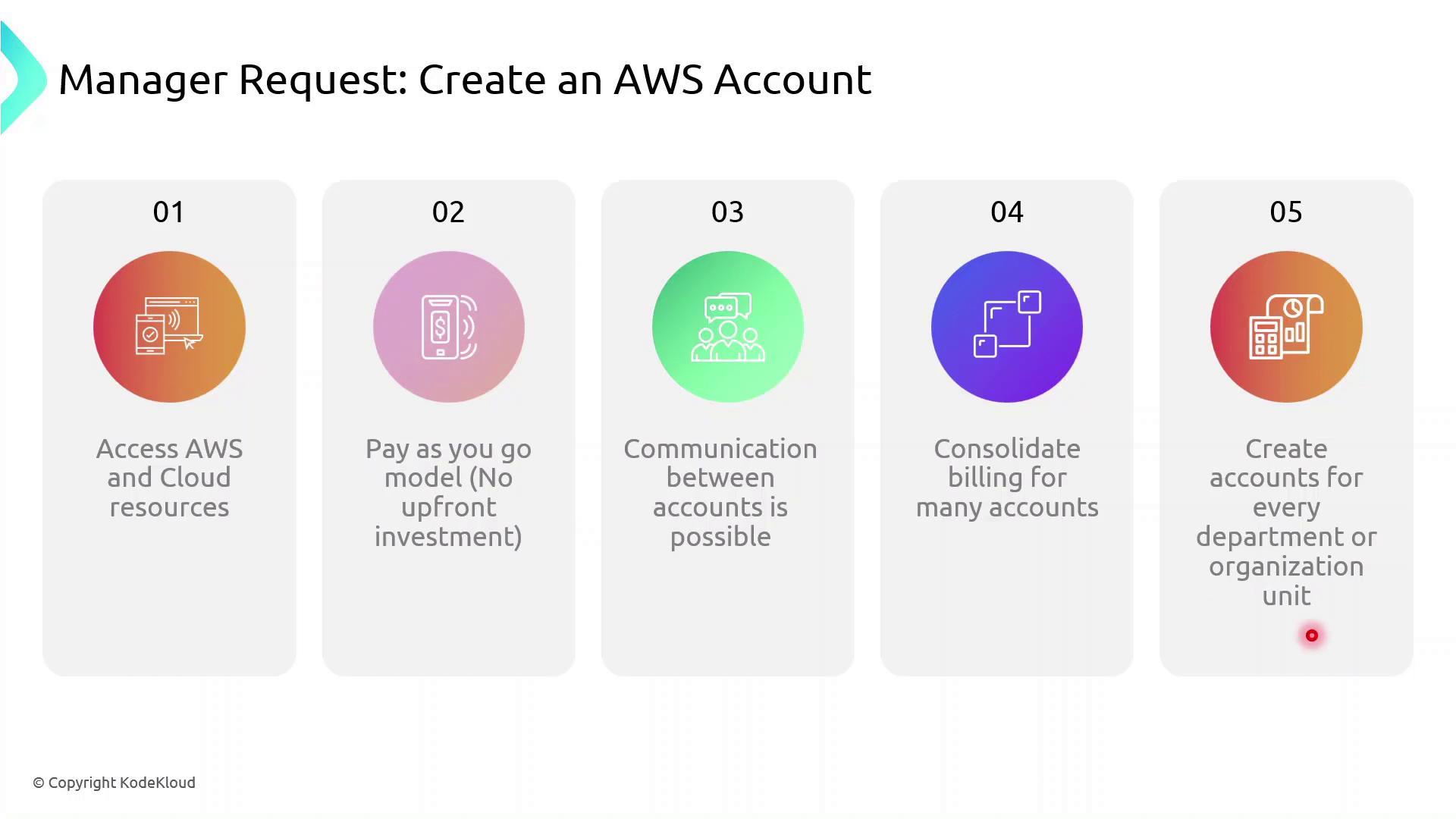
- Instant access to cloud services (compute, storage, databases, and more)
- Flexible, pay-as-you-go pricing with no long-term commitments
- Strong isolation between development, testing, and production environments
- Consolidated billing across multiple accounts for streamlined cost management
- Secure cross-account resource sharing and access control
Key Benefits of AWS Accounts
Demo: Creating an AWS Account
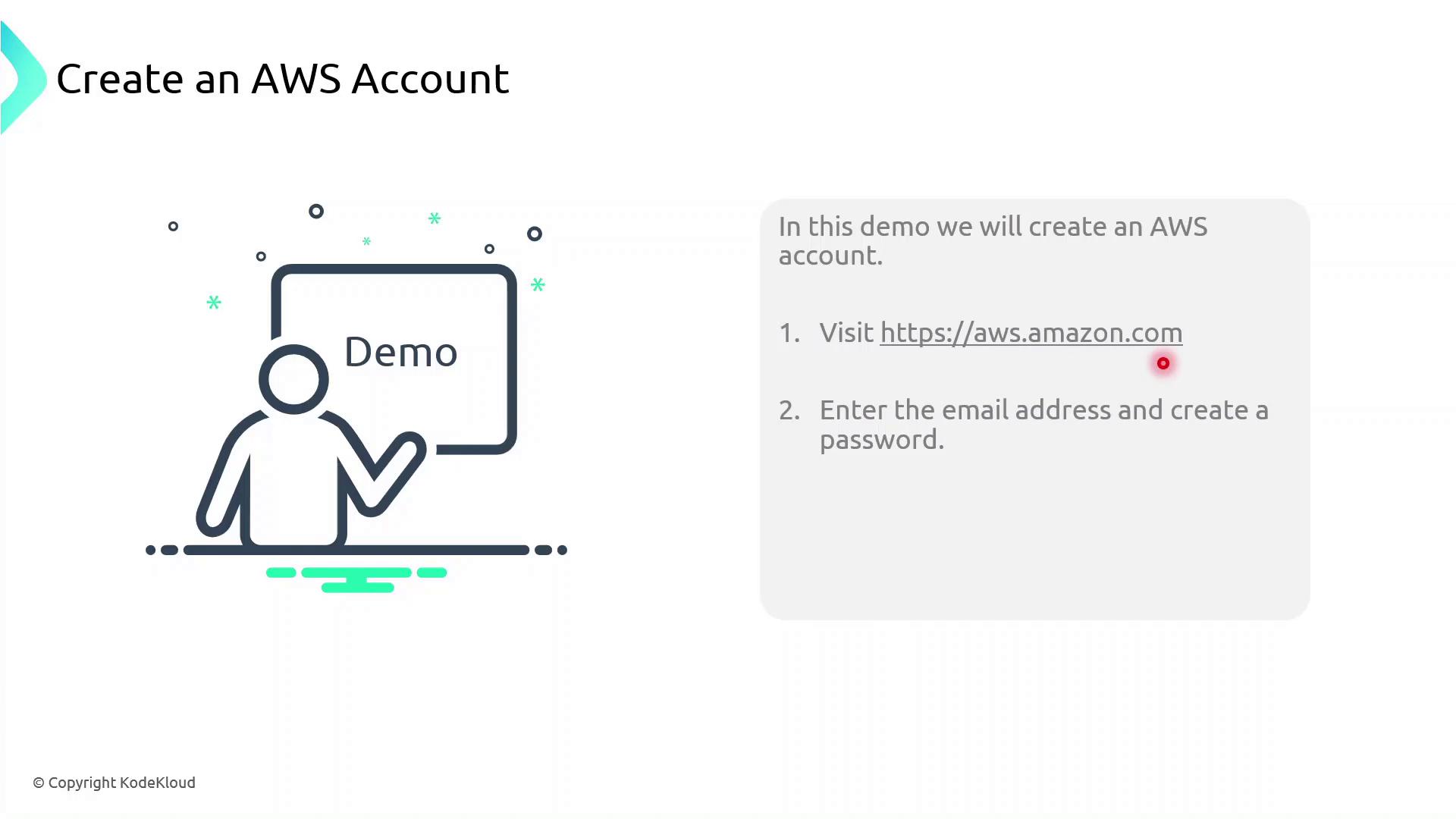
Follow these steps to register and activate your AWS account:- Open your web browser and navigate to https://aws.amazon.com.
- Click Create an AWS Account.
- Enter a valid email address and choose a strong password.
- Specify an account name (alias) to identify your AWS account.
- Complete the registration form with contact details, payment information, and identity verification.
- After receiving confirmation, sign in as the root user using your registered email.
Avoid using the root user for daily operations. Create IAM users with the least privilege necessary and manage permissions through AWS IAM.
Next Steps
- Create IAM groups, users, and roles for granular access control
- Enable multi-factor authentication (MFA) on the root account and IAM users
- Set up AWS Organizations for consolidated billing and policy management
- Explore AWS Cost Explorer and Budgets to monitor spending