In this lesson, you’ll learn how to track and audit S3 access using AWS CloudTrail. When an IAM user performs actions—like deleting an object in an S3 bucket—you need to know who did it, when it happened, and exactly which operation was called. AWS CloudTrail records all API calls to your AWS resources, making this audit process straightforward.Documentation Index
Fetch the complete documentation index at: https://notes.kodekloud.com/llms.txt
Use this file to discover all available pages before exploring further.
Make sure CloudTrail is enabled across all regions before you begin so that no API activity goes unrecorded.
Why Audit S3 Access?
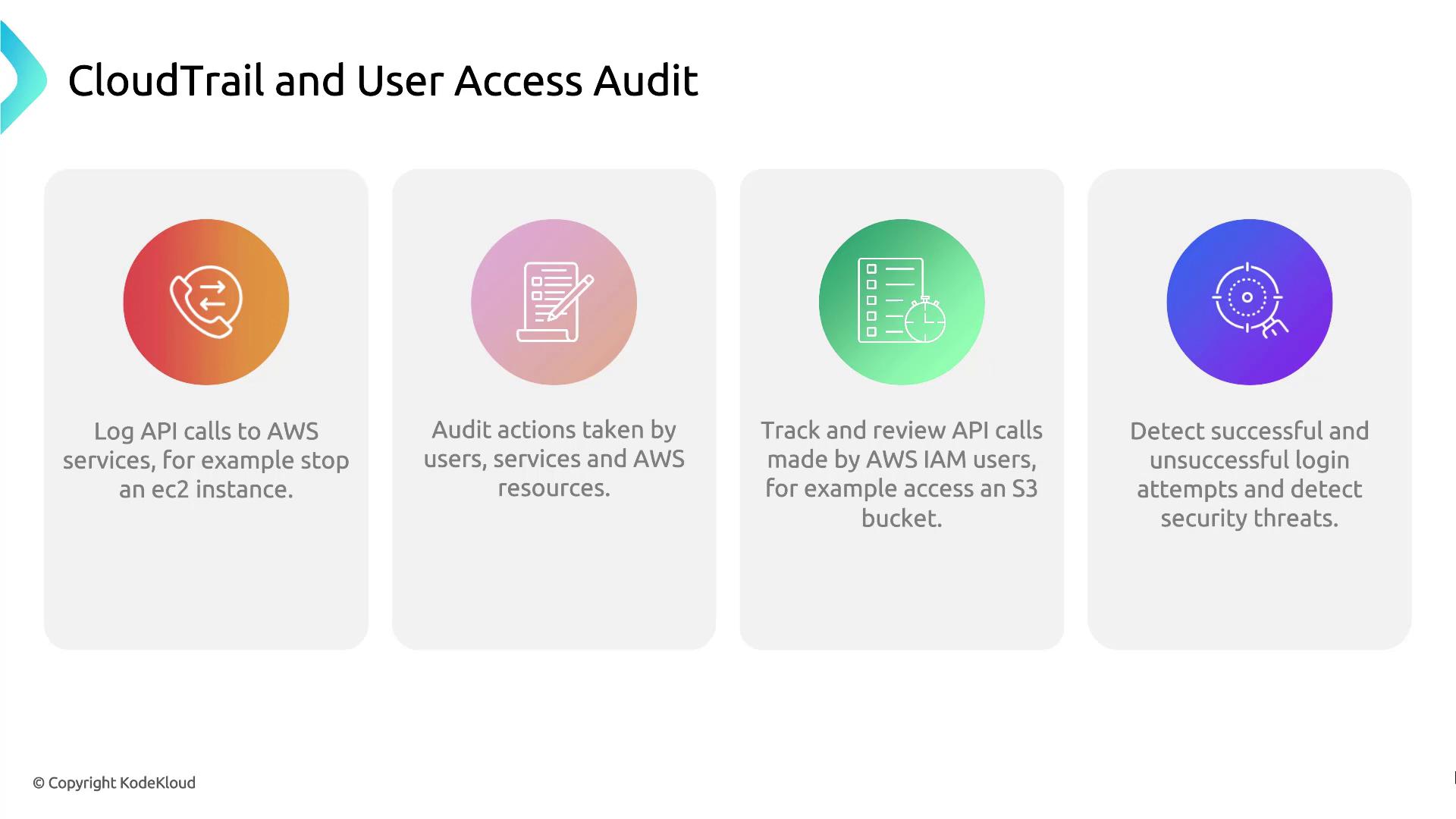
By analyzing CloudTrail logs, you can:| Feature | Description |
|---|---|
| API call logging | Capture every AWS API request, whether from users, services, or resources. |
| Action auditing | Review who performed which operations on your resources. |
| API call tracking | Filter logs by IAM users, resources, or specific event names. |
| Security event detection | Identify both successful and failed login attempts. |

Demo: Use CloudTrail to Audit User Access
Follow these steps to search the event history in the CloudTrail console:- Sign in to the AWS Management Console and open CloudTrail.
- In the sidebar, select Event history.
- Use the filter bar to narrow down by Event name, Username, or Resource name.
- Click an individual event to view details such as the request time, source IP, and whether the request succeeded or failed.