In this tutorial, we’ll walk through attaching a resource-based policy to an existing S3 bucket in your AWS account. You’ll learn how to use the Policy Generator, customize the JSON, and apply it to grant fine-grained access.Documentation Index
Fetch the complete documentation index at: https://notes.kodekloud.com/llms.txt
Use this file to discover all available pages before exploring further.
1. Navigate to the S3 Console
- Open the AWS Management Console and go to S3.
- Click Buckets and use the filter to find company1-sales.
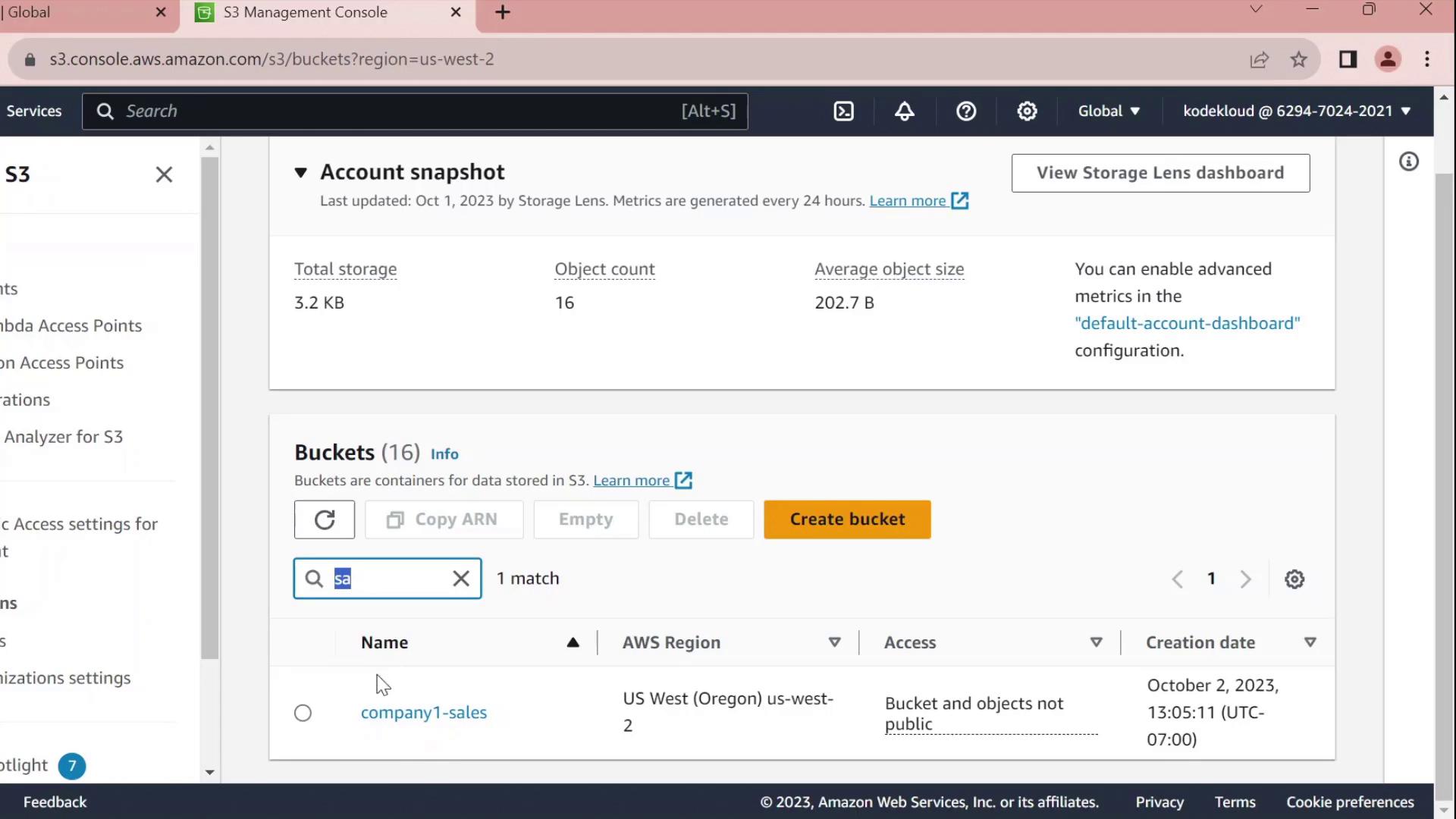
- Select company1-sales and switch to the Permissions tab.
- Scroll to Bucket policy and click Edit.
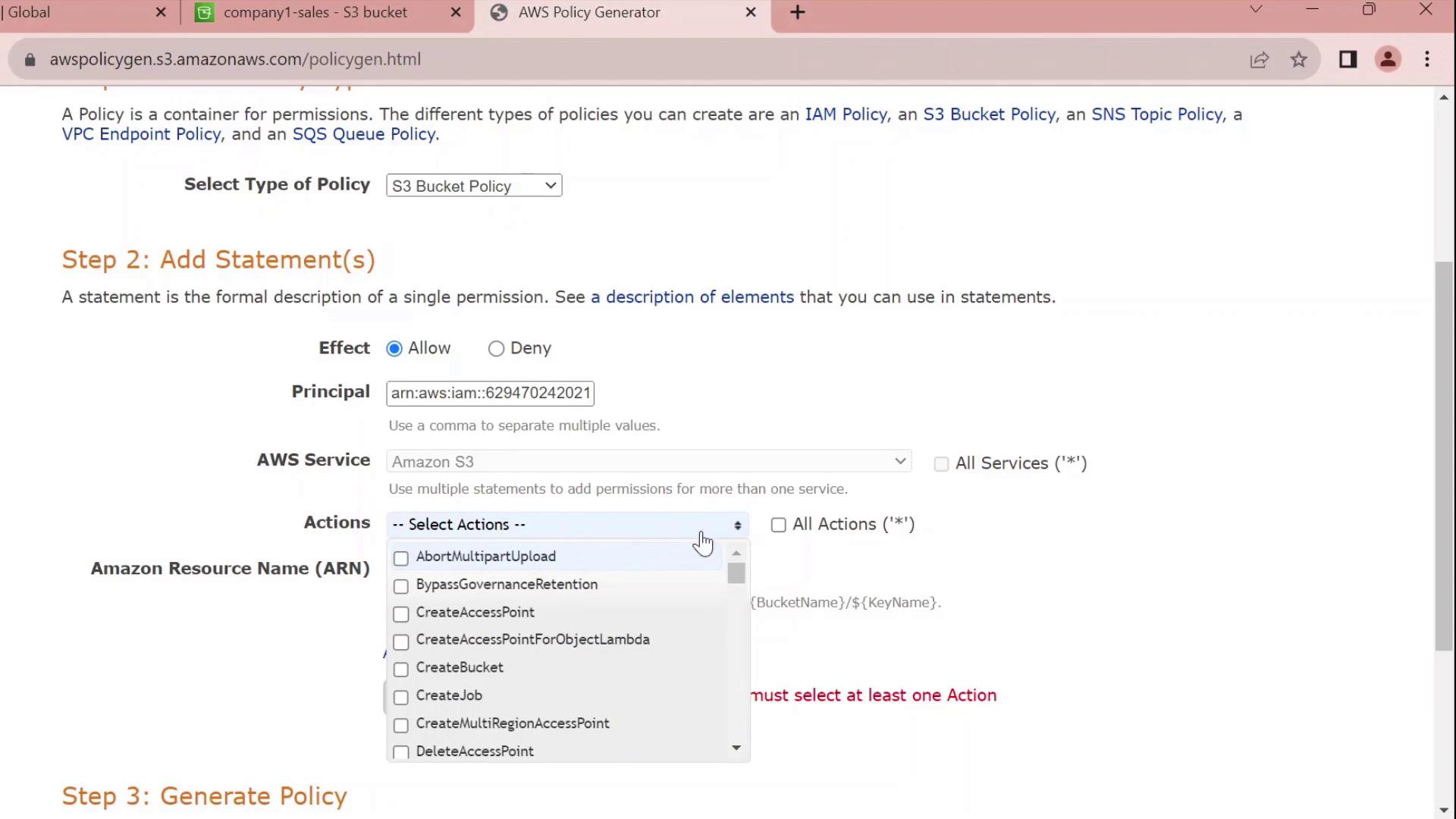
- At the top of the editor, choose Policy Generator instead of writing raw JSON.
2. Generate a Bucket Policy
In the Policy Generator form:| Field | Value |
|---|---|
| Effect | Allow |
| Principal | arn:aws:iam::629470242021:user/john |
| Service | S3 |
| Actions | All Actions (s3:*) |
| Resource | arn:aws:s3:::company1-sales |

3. Review and Customize the JSON
The generator outputs a JSON policy similar to this:Customize the Statement ID
Replace the auto-generated SID with something meaningful, for exampleJohnFullAccessToCompany1SalesBucket:
By default, this policy grants permissions only on the bucket itself. To allow object-level actions (e.g.,
GetObject, PutObject), add the ARN arn:aws:s3:::company1-sales/* to the Resource array.4. Apply the Policy
- Copy the finalized JSON.
- Paste it into the Bucket policy editor.
- Click Save changes.
company1-sales bucket.
Policy Statement Elements
| Element | Description | Example |
|---|---|---|
| Sid | Unique identifier for the statement | JohnFullAccessToCompany1SalesBucket |
| Effect | Allow or Deny the action | Allow |
| Principal | The IAM user, role, or service | arn:aws:iam::629470242021:user/john |
| Action | The S3 operations permitted | s3:* |
| Resource | The bucket or object ARNs | arn:aws:s3:::company1-salesarn:aws:s3:::company1-sales/* |