

Scenario: Organizing Roles and Permissions
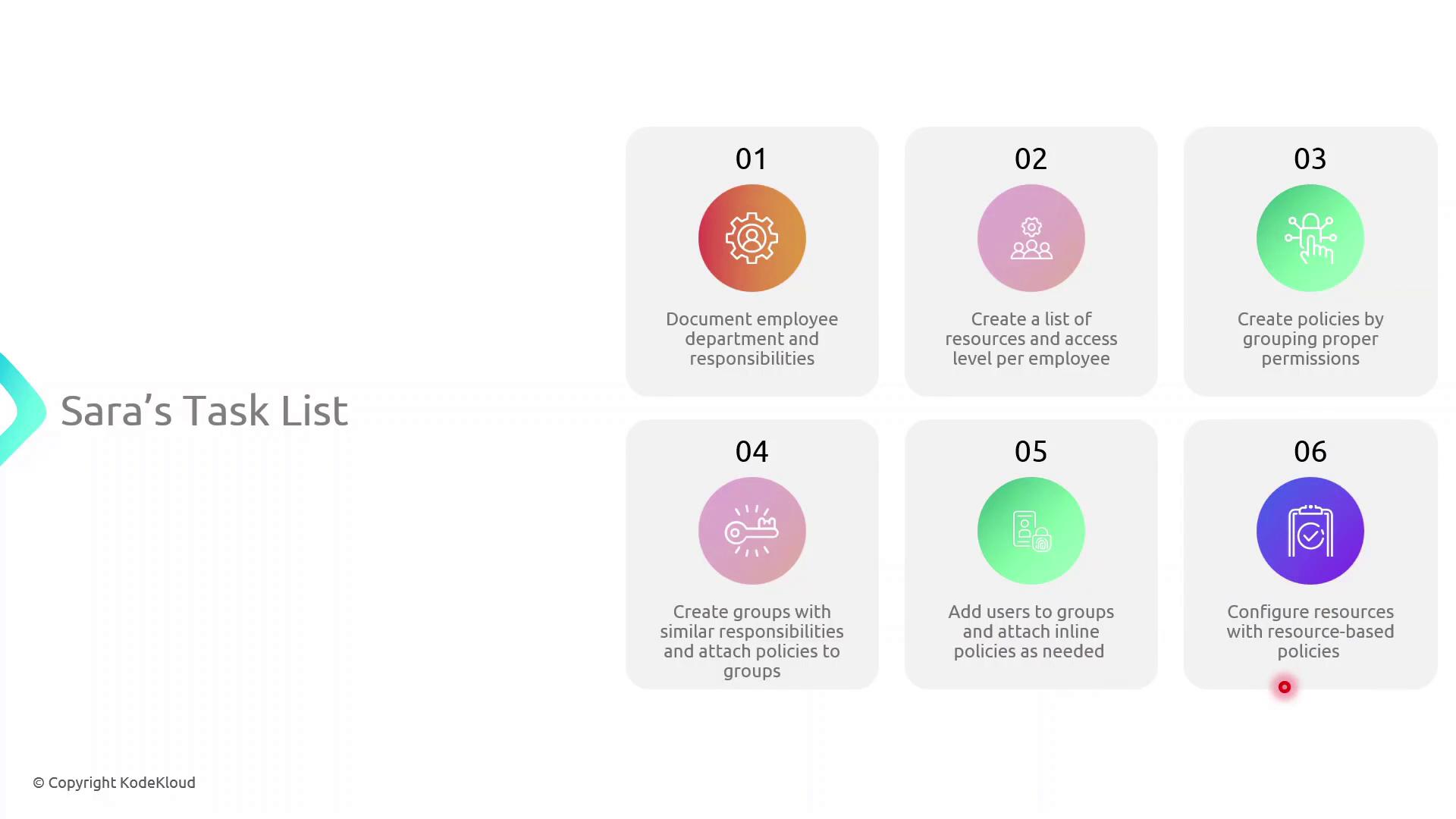
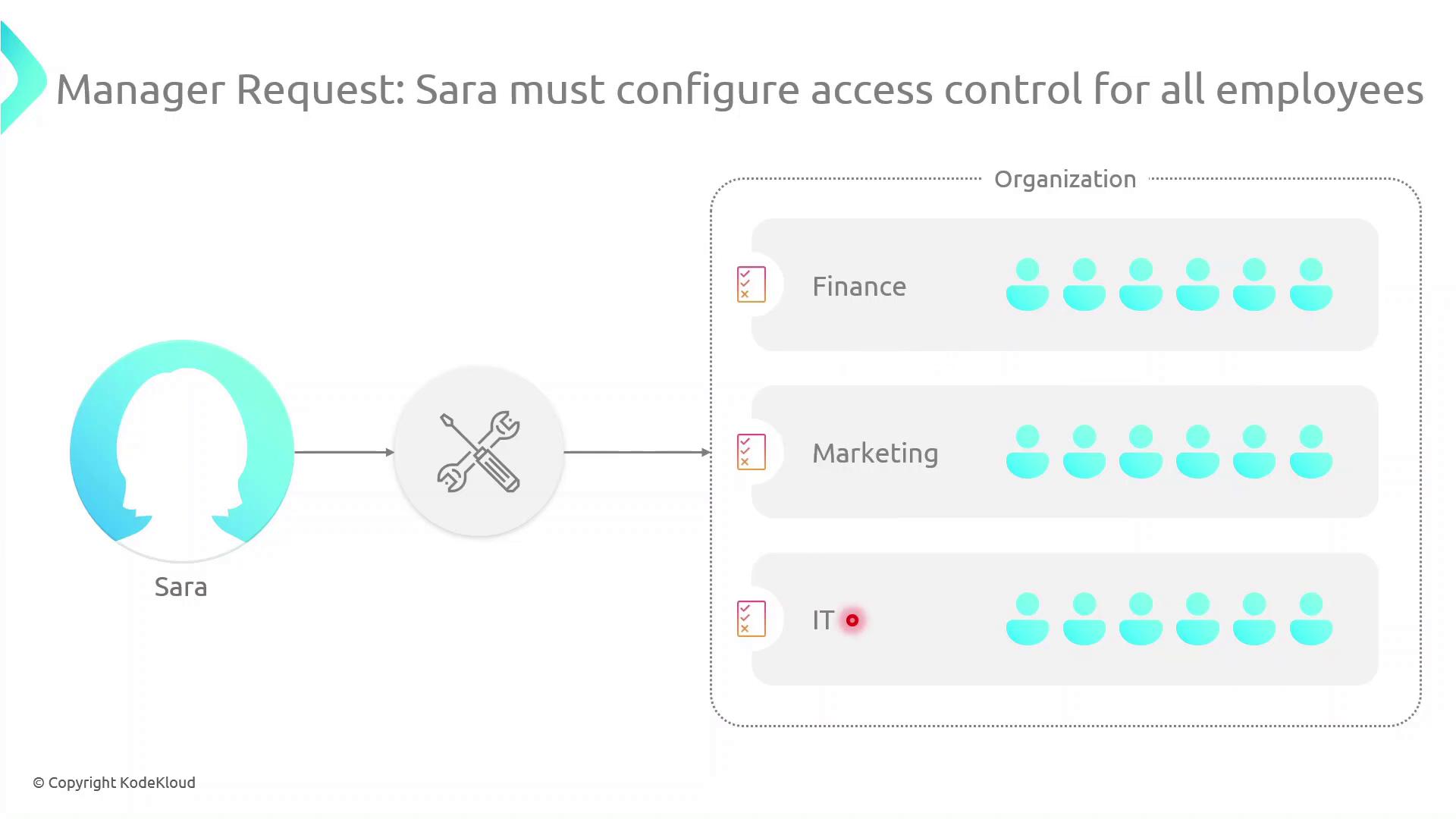
Sarah must implement access controls across multiple departments. Her workflow includes:- Mapping each department and listing team members’ responsibilities (e.g., John in HR handles onboarding).
- Identifying required AWS resources and permission levels for every user.
- Crafting IAM policies—collections of permissions tied to resources.
- Creating IAM groups for teams with similar roles and attaching the appropriate policies.
- Attaching inline policies to users, groups, or roles for unique scenarios.
- Applying resource-based policies (e.g., for S3 buckets) where needed.
Types of Identity-Based Policies
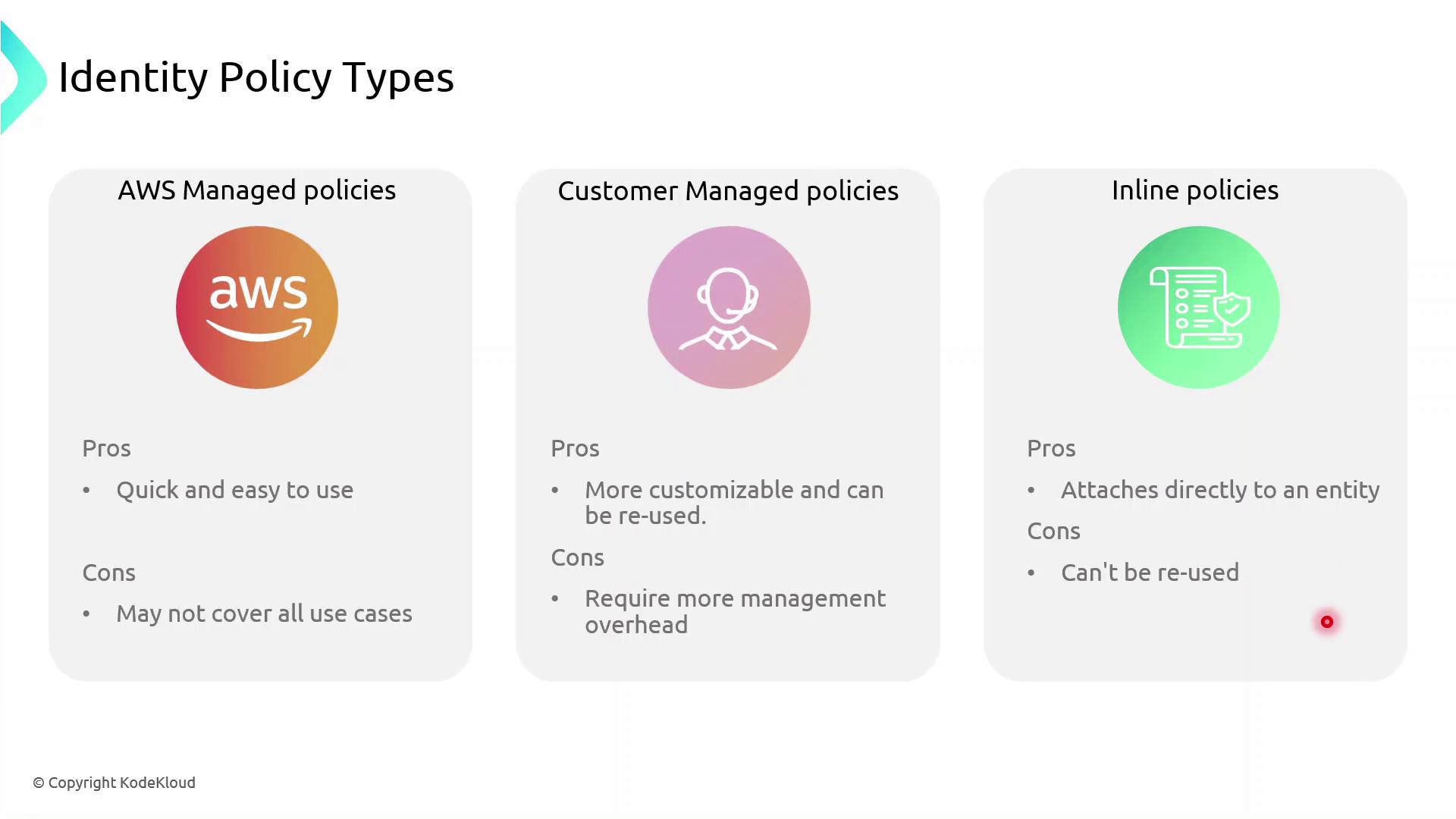
AWS IAM supports three identity-based policy types:- AWS Managed Policies: Predefined and maintained by AWS.
- Customer Managed Policies: Custom, reusable policies you create and maintain.
- Inline Policies: Embedded within a single user, group, or role; not reusable.
Policy Comparison Table
AWS managed policies simplify administration, but they may not cover every custom scenario. Use customer managed policies for greater control, and reserve inline policies for exceptional cases.
Inline vs Managed: Key Differences
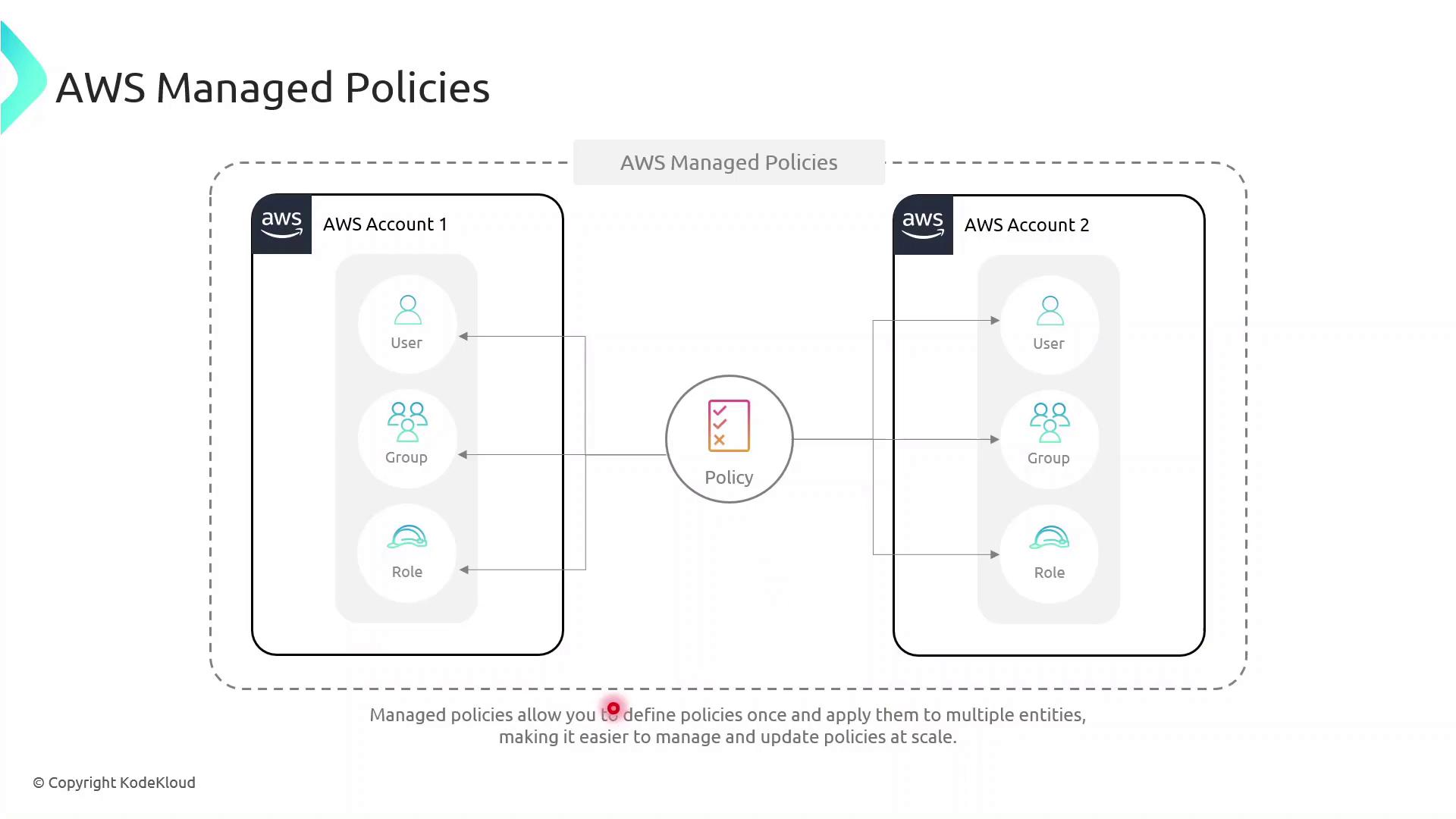
- Inline Policies attach directly to a single IAM entity (user, group, or role).
- AWS Managed Policies exist as separate objects and can be attached to multiple entities, even across AWS accounts, reducing duplication.
Demo: Granting Temporary S3 Access
In this example, we give the DevOps engineer, Alice, limited S3 access until year-end using a customer managed policy with a date-based condition. Create the JSON policy documenttemporary_s3_access_policy.json:
Replace
123456789012 with your actual AWS account ID before running these commands.Next Steps
- Explore multi-factor authentication (MFA) to add an extra layer of security.
- Learn about identity federation and STS for single sign-on.
- Configure AWS Resource Access Manager to share resources across accounts.
- Set up VPC endpoints to control network traffic to AWS services.