

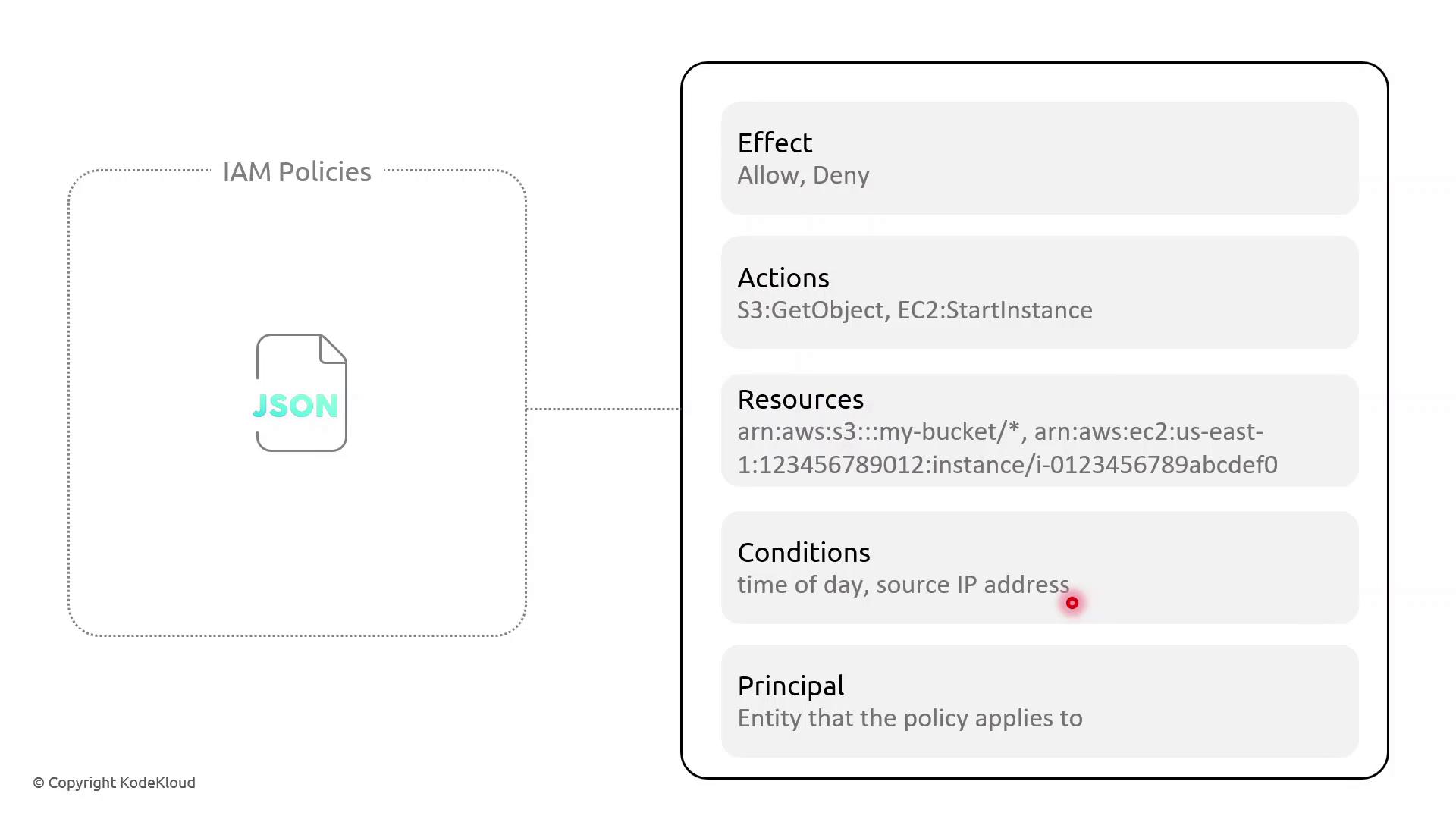
Key Policy Elements
Example: Resource-Based Policy with Time and IP Conditions
This resource-based policy denies all actions on all resources unless the request originates from specified IP ranges and occurs between 09:00–17:00 UTC:AWS IAM requires full ISO 8601 date/time strings (for example,
2023-01-01T09:00:00Z). To enforce recurring daily time constraints, consider pairing policies with AWS Lambda functions or scheduled Amazon CloudWatch Events.Policy Breakdown
- Effect: Deny all actions when conditions aren’t met.
- NotIpAddress: Blocks requests outside the trusted IP CIDRs.
- DateLessThan and DateGreaterThan: Restrict access before 09:00 UTC or after 17:00 UTC.
Demo Scenario: Enforcing Access Hours
Sarah supervises a team of junior solution architects and needs to limit their administrative tasks to business hours from managed networks. Follow these steps in the AWS IAM console:- Open Policies and choose Create policy.
- Paste the JSON above, adjust the IP ranges, and set your UTC window.
- Review, name the policy (e.g.,
RestrictedBusinessHours), and save. - Attach this policy to the IAM group or role for Sarah’s team.