

What You’ll Learn
- IAM Users: Create dedicated accounts for individuals to access AWS via Management Console, CLI, or SDKs.
- AWS CLI & SDKs: Automate IAM operations and integrate AWS services into your applications.
- IAM Groups: Simplify permission management by grouping users and attaching policies.
- IAM Roles: Grant short-term permissions to AWS resources without storing long-term credentials.
- Identity Policies: Define JSON-based permissions and attach them to users, groups, or roles.
- Resource-Based Policies: Attach permissions directly to AWS resources (e.g., S3 buckets, SQS queues).
- Session Policies: Scope down permissions for a single session to enforce tighter control.
- Permission Boundaries: Limit the maximum permissions an IAM entity can acquire, enforcing least-privilege.
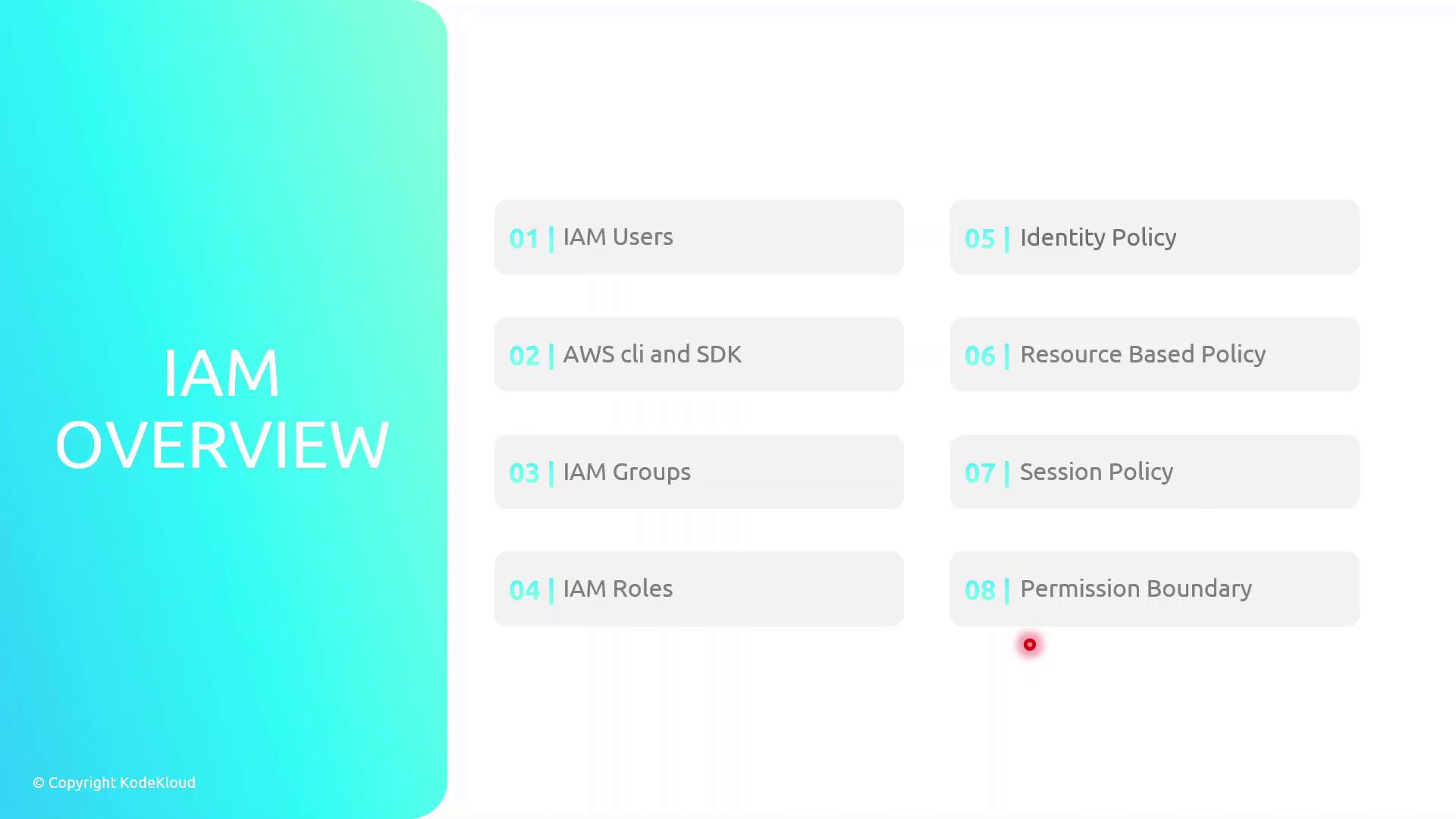
Key IAM Components
Use permission boundaries to enforce least-privilege at scale. They act as an upper-limit guardrail, even if an identity has broader permissions via attached policies.
Meet Sara: A Real-World Example
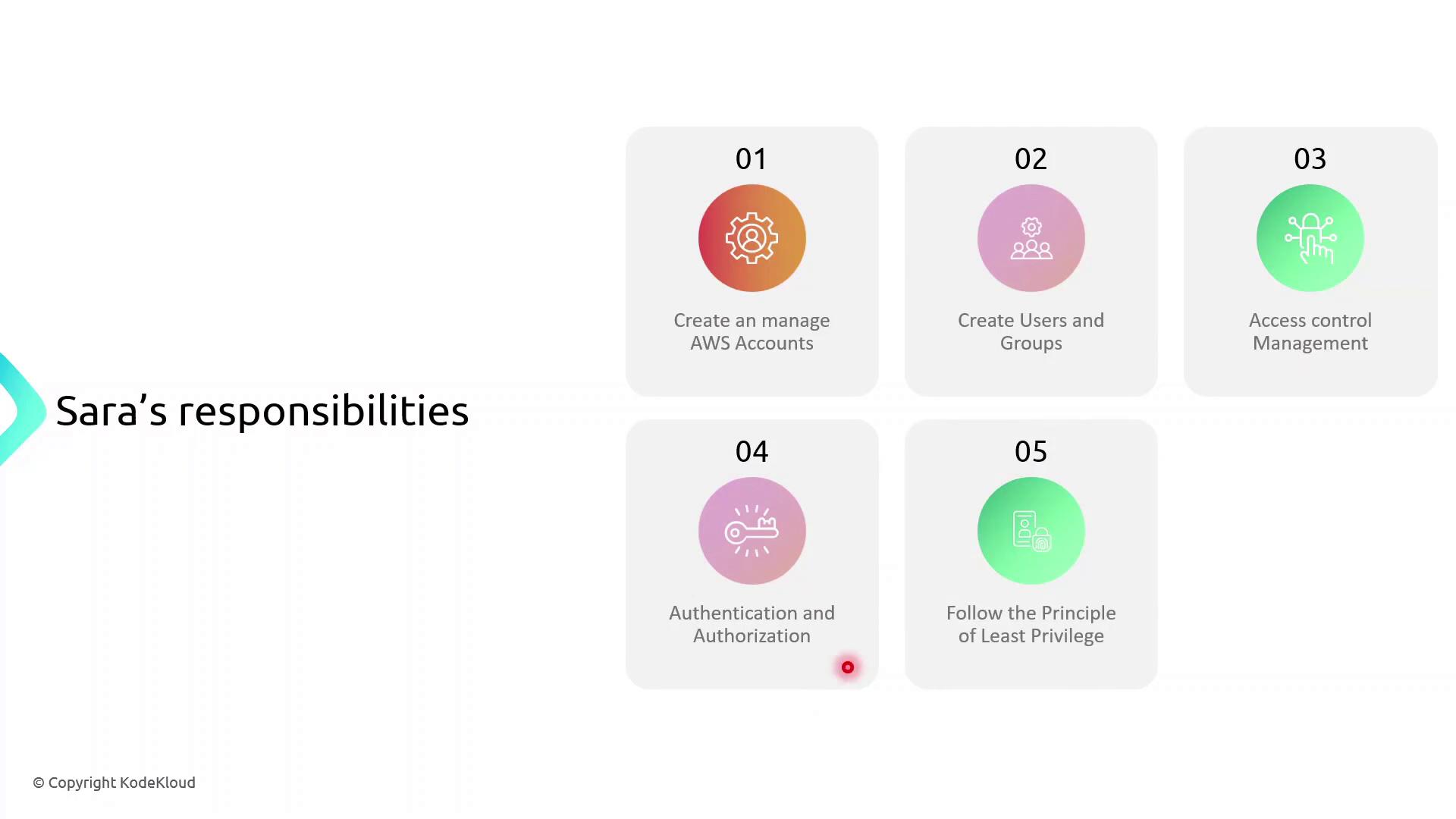
To illustrate how IAM works in practice, follow Sara, an AWS Solutions Architect, as she:- Creates and manages AWS accounts
- Defines IAM users, groups, and roles
- Configures fine-grained access control
- Implements authentication and authorization flows
- Applies the principle of least privilege in every step
- Audits and monitors user access and policy changes
Next Steps: AWS Account Setup
Now that you understand the IAM landscape, proceed with:- Configuring your AWS root user for MFA
- Creating your first IAM user and group
- Attaching managed policies to your group
- Verifying permissions via AWS CLI