

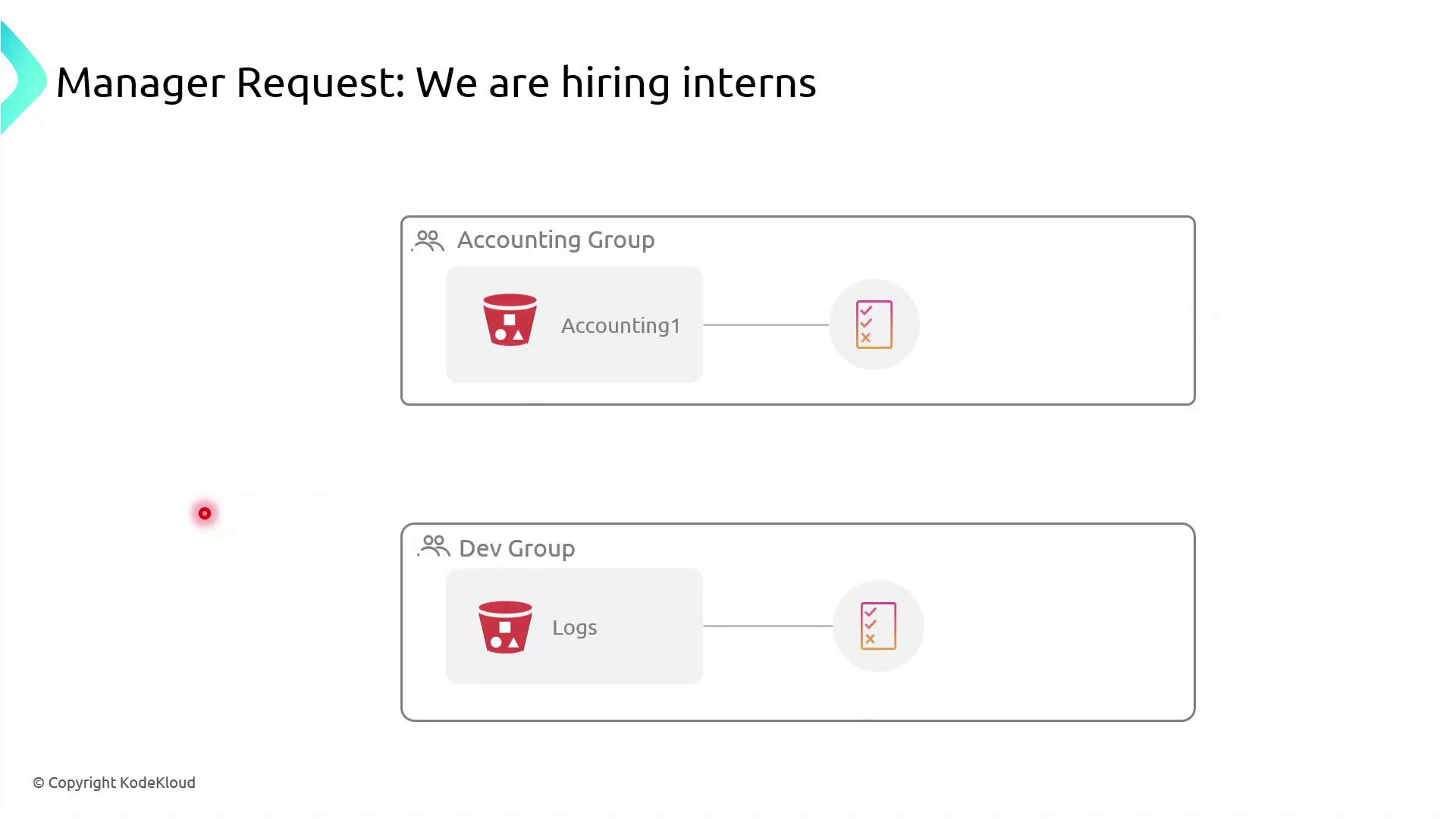
- Accounting interns could view or modify confidential financial data.
- Dev interns could access or change log files in S3.
What Is a Permission Boundary?
A permission boundary is an advanced IAM feature that specifies the upper limit of permissions an identity (user or role) can have. No matter how many permissions you attach via identity-based or group policies, the boundary ensures the principal cannot exceed its scope.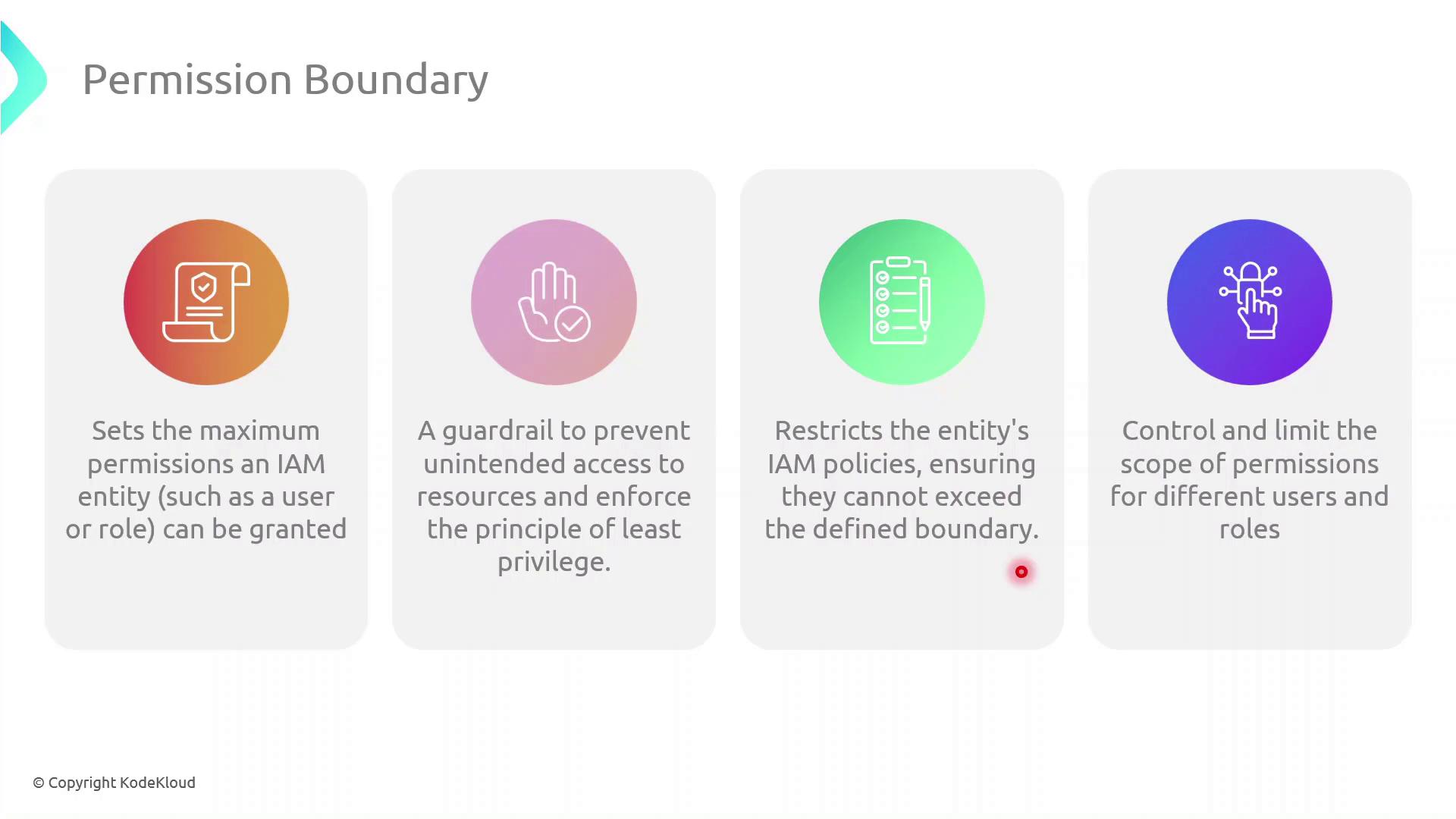
Permission boundaries do not grant permissions by themselves. They only restrict the maximum permissions that an IAM principal can utilize.
Step-by-Step: Create and Attach a Permission Boundary
Follow these steps in the AWS Management Console: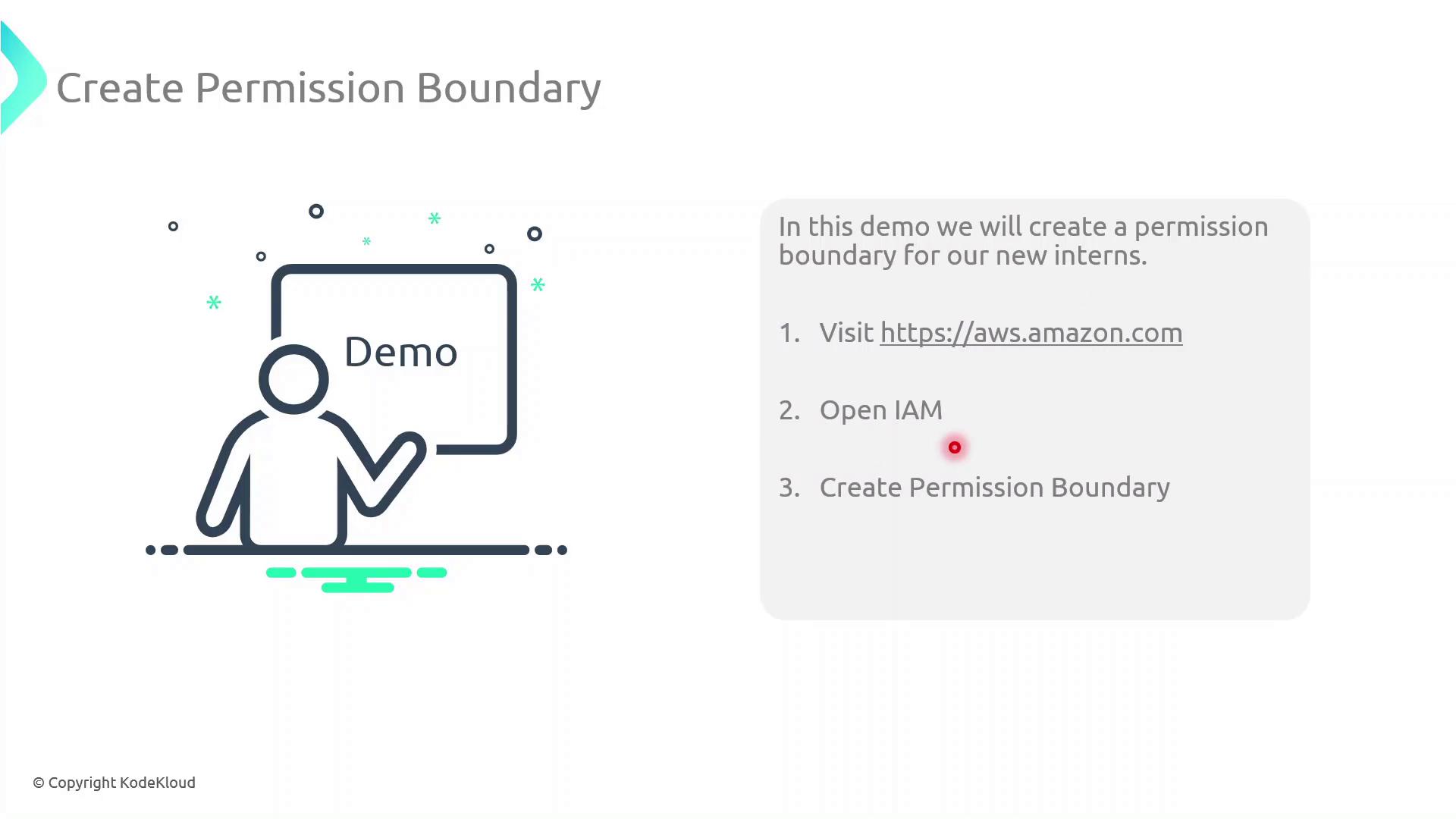
Even if an intern’s group policy grants broader access, they cannot exceed the actions allowed by their permission boundary.
Assigning Interns to Groups
Once the boundary is in place:- Attach the
InternBoundaryPolicyas a permissions boundary to each intern’s IAM user. - Add the intern to the relevant group (Accounting or Dev).
- The intern inherits group permissions, but all actions are capped by the boundary.