

s3:GetObject action, but now needs permission to upload files (s3:PutObject). We’ll create a session policy, attach the upload permissions to it, and generate temporary credentials that enforce both the user’s existing rights and the new session policy.
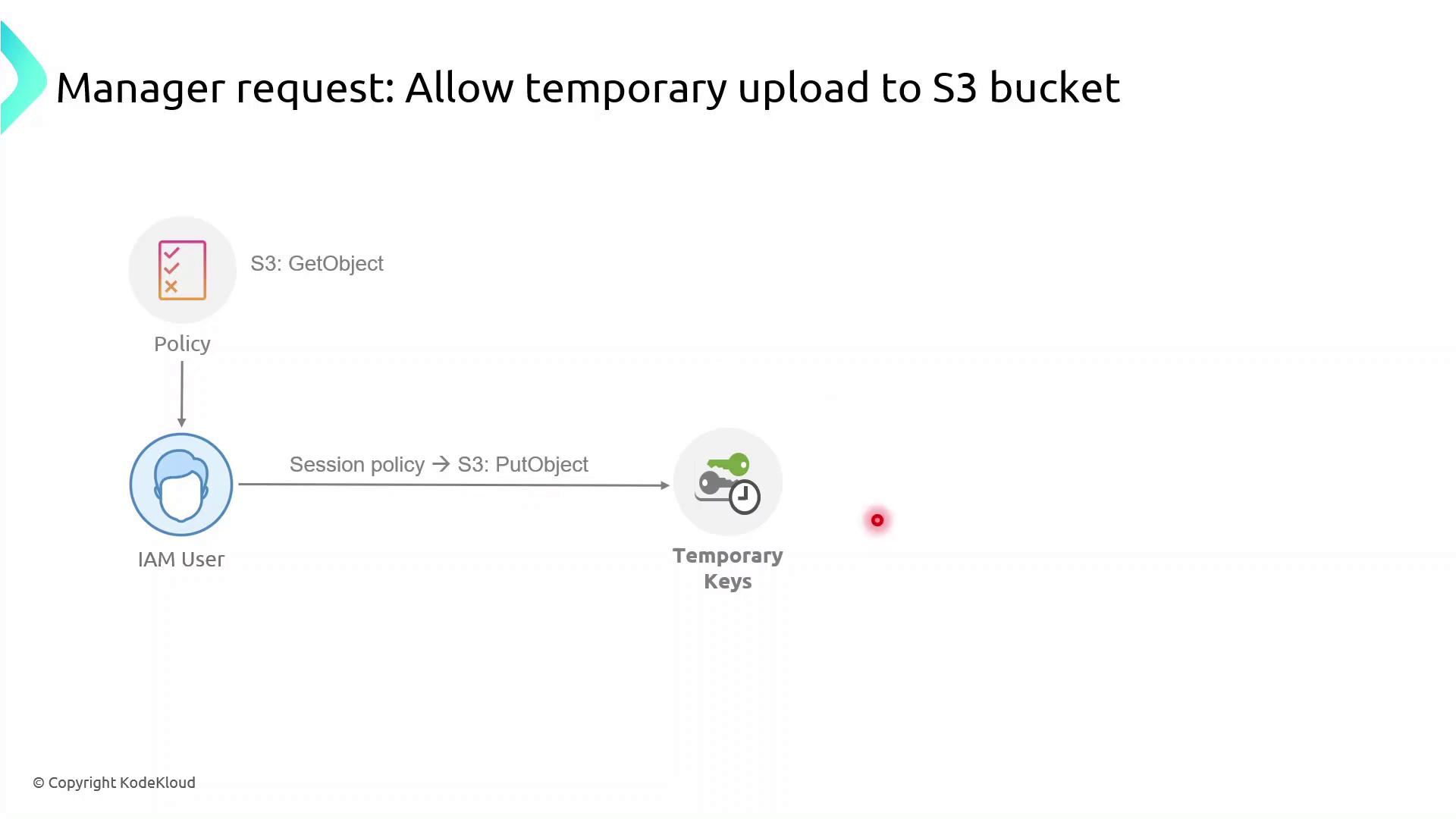
What Are Session Policies?
Session policies are inline JSON policies you pass when you assume a role. They:- Define the maximum permissions an IAM principal can have during a session
- Are temporary and apply only for the session’s duration
- Further restrict permissions granted by identity or resource policies
- Enable fine-grained, scenario-specific access control
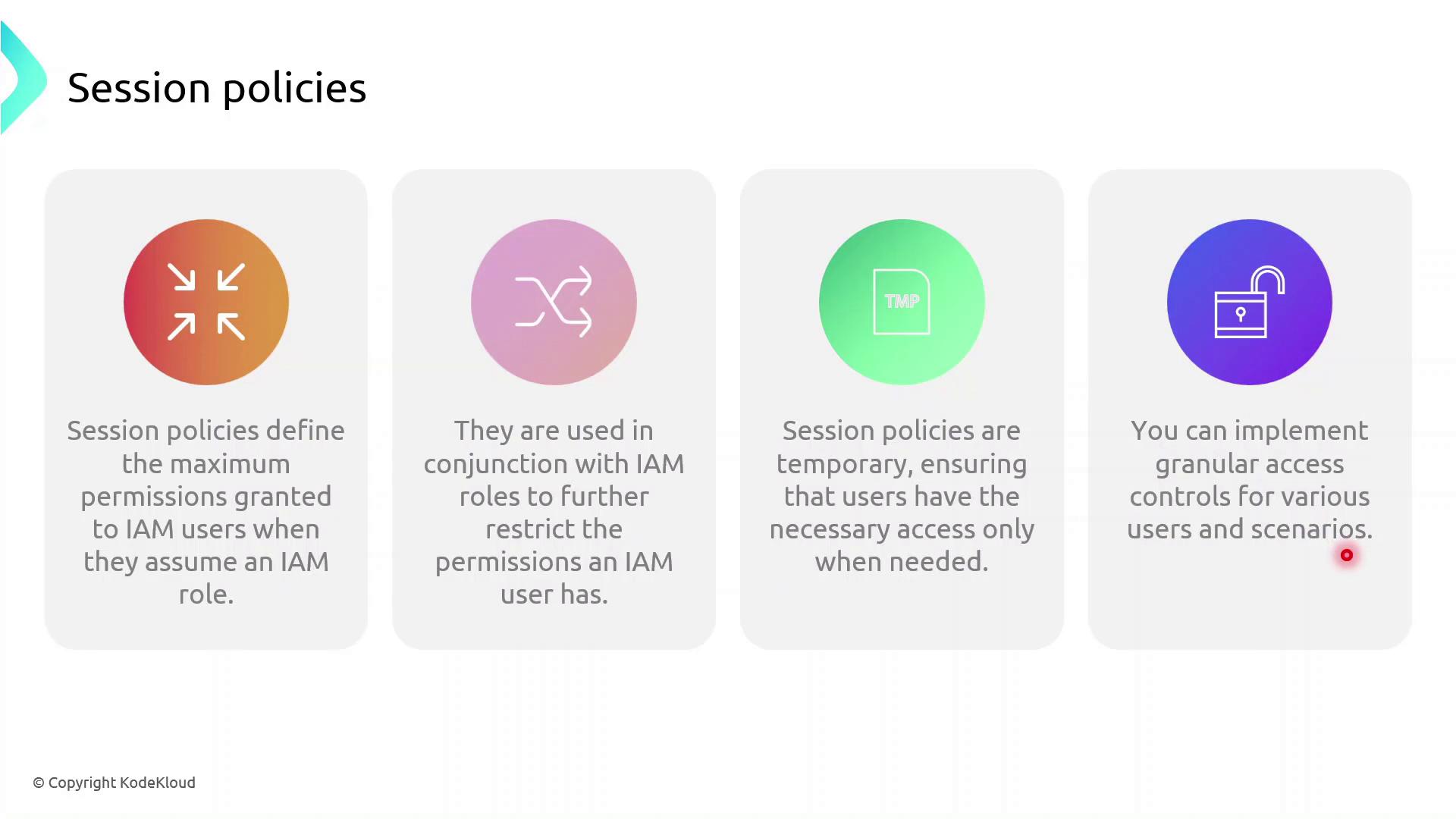
Session policies never grant more permissions than allowed by the user’s identity or resource policies. They only tighten the scope for the session.
Demo: Granting Temporary Upload Access
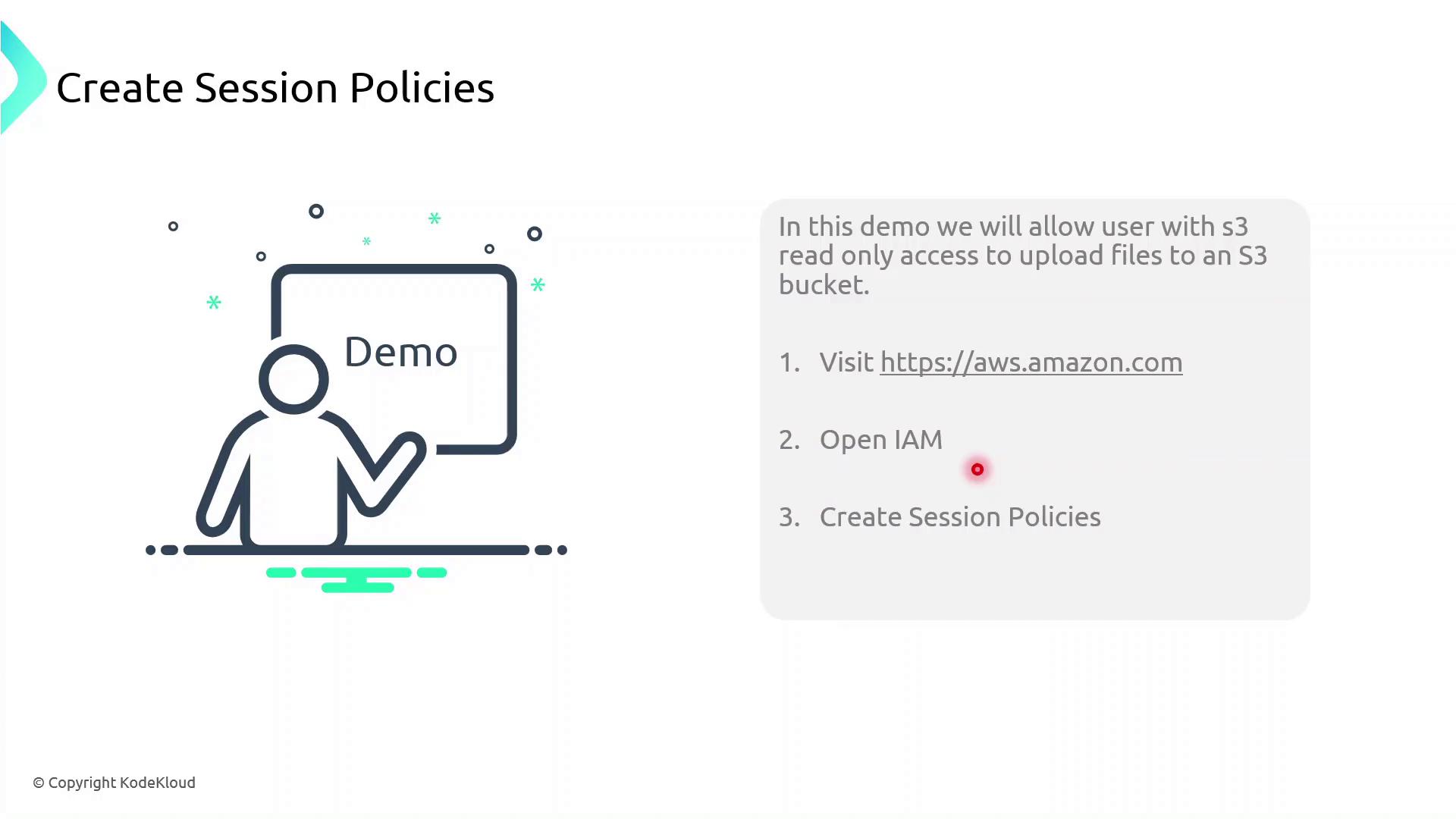
In this demo, we will:- Identify an IAM user with read-only S3 access
- Create a session policy granting
s3:PutObject - Assume a role with that session policy to obtain temporary credentials
- Verify the ability to upload objects to the bucket
1. Create the Session Policy JSON
Save the following JSON assession-policy.json. Replace YOUR_BUCKET_NAME with your actual bucket name.
2. Assume the Role with Session Policy
Use the AWS CLI to assume the role and apply your session policy:3. Export Temporary Credentials
These credentials are temporary. Do not commit them to source control or share them publicly.