

Integration with On-Premises Active Directory Domain Services
Azure AD B2B enhances your on-premises Active Directory Domain Services by enabling collaboration with guest users from other organizations. It does this by leveraging a secure invitation process that ensures only trusted participants gain access.The Invitation Process
Azure AD B2B uses an invitation-based system to onboard external users. When a guest receives an invitation—sent to their email address (for example, chris@gmail.com)—they are guided through a sign-in process. Depending on the account configuration, the guest may need to authenticate using their Microsoft Account or Outlook password.If the invitation process is not clearly understood, remember that the external user must complete the same secure steps as internal users to ensure compliance with your organization’s access policies.
Secure Access and Conditional Access Policies
After accepting the invitation and signing in, additional security measures come into play. Administrators can enforce Conditional Access policies that may include Multifactor Authentication (MFA) or other access restrictions to ensure that only authorized users are allowed access.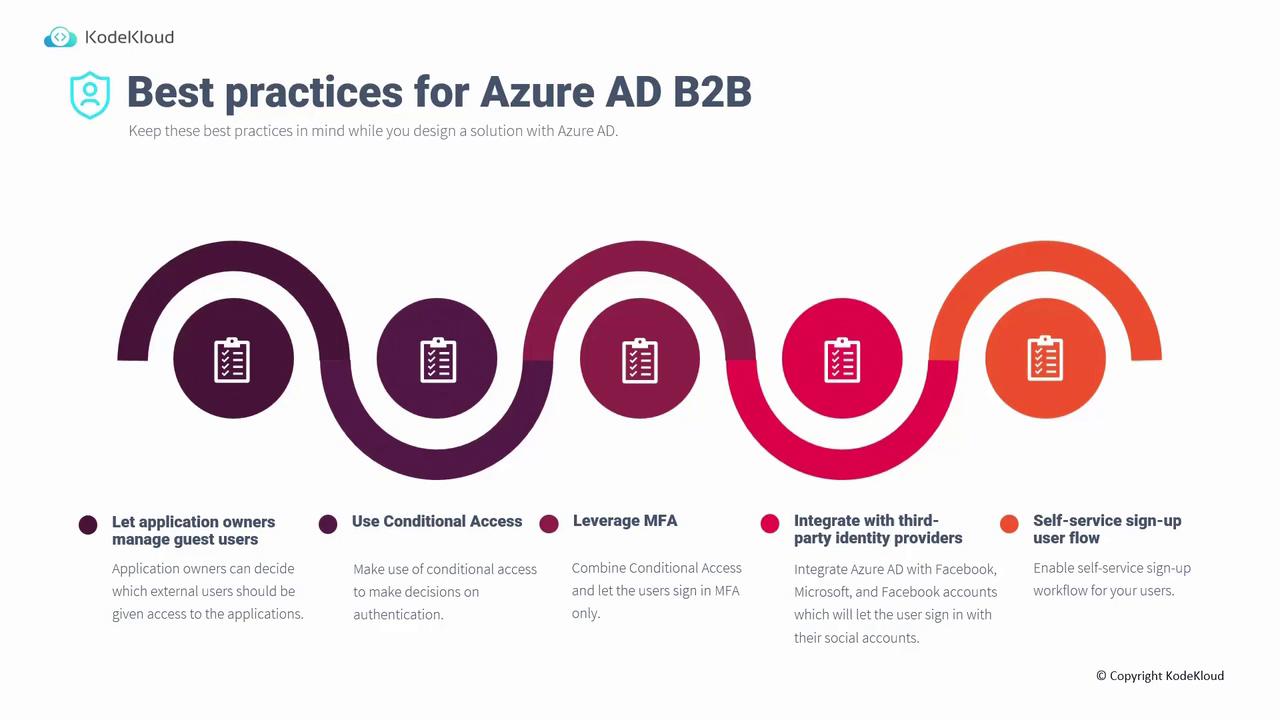
Additional Security and User Flow Considerations
Ensure that all external user access complies with your organization’s security protocols, including regular reviews of guest access and MFA policies.