This lesson explores application fundamentals from operations and software development perspectives, emphasizing development, deployment, and troubleshooting with hands-on labs.
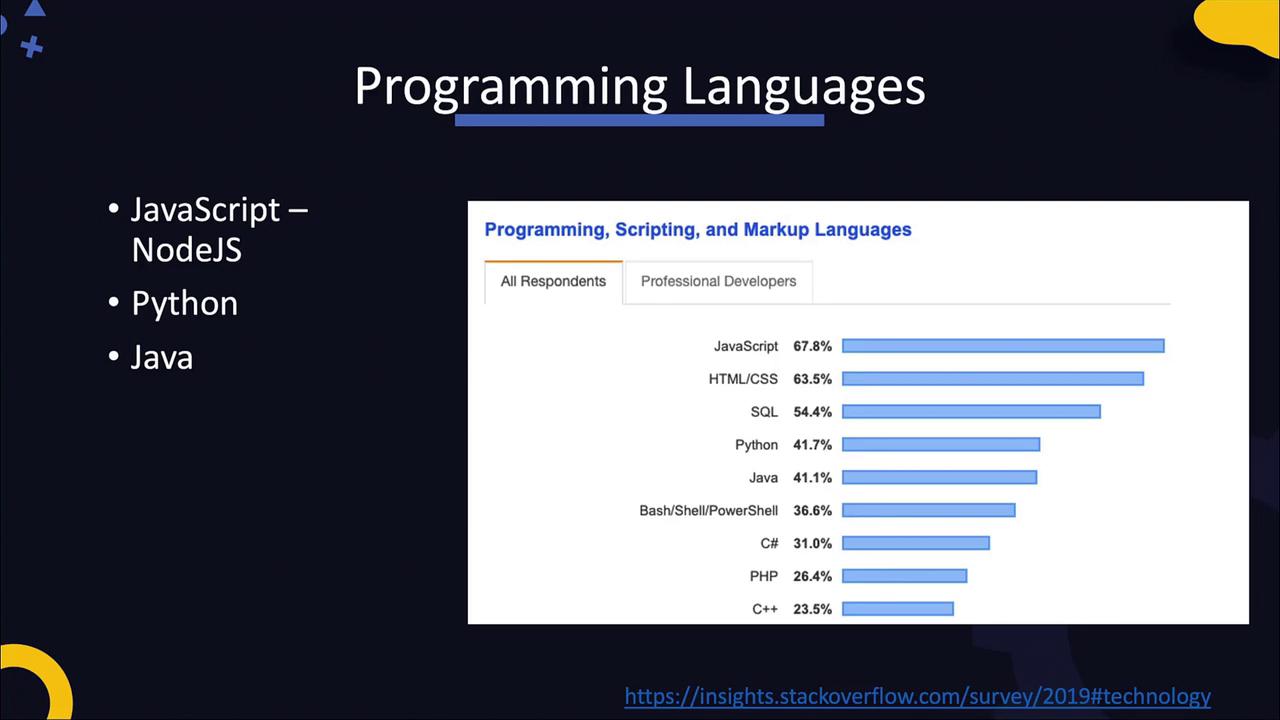
In this lesson, we explore the fundamentals of applications from both an operations and software development perspective. As a DevOps engineer, you must be adept at performing operational tasks and understanding the principles behind application development. Rather than focusing on advanced coding techniques, this lesson emphasizes how applications are developed, built, deployed, and troubleshooted. Every lecture is paired with hands-on labs that allow you to practice with real-world application source code.We will also examine the compilation process, discuss what constitutes source code, and explain how it is transformed into machine code. This high-level overview aims to demystify the various stages involved in modernizing and containerizing applications in DevOps and cloud environments.There are countless programming languages available today. For this discussion, we focus on a few of the most popular languages based on insights from the Stack Overflow 2019 survey. Consider the following diagram which lists popular languages:
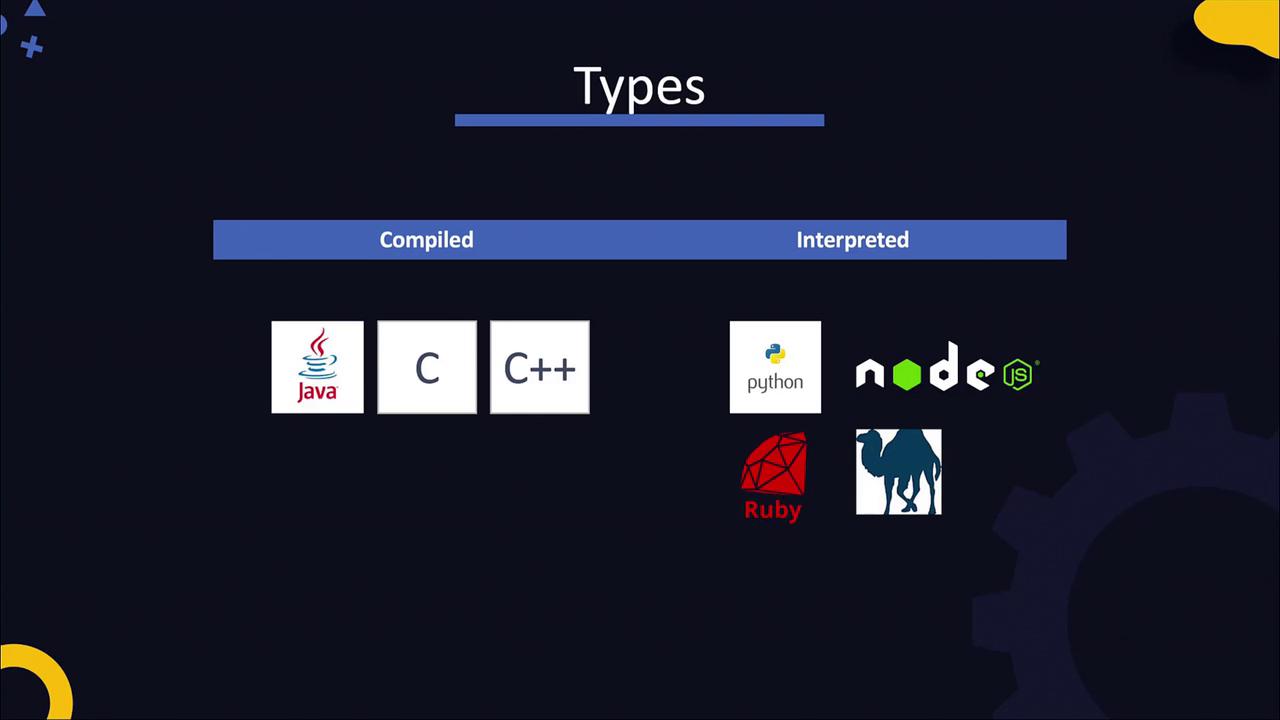
From the survey, after filtering out databases, scripting, and markup languages, JavaScript, Python, and Java emerge as the front runners. For JavaScript-based server-side applications, we will use the Node.js framework.Applications can be built using either compiled or interpreted programming languages. Understanding these differences from a DevOps perspective is essential, as it impacts how you build, test, and deploy applications.
Languages such as Java, C, and C++ follow a two-step process. First, you write the source code and then compile it into machine code. For example, consider the following simple Java program:Save the code in a file named MyClass.java:
public class MyClass { public static void main(String[] args) { System.out.println("Hello World"); }}
Compile the source code with:
javac MyClass.java
This command generates a compiled file named MyClass.class. Finally, run the program using:
In contrast, interpreted languages like Python execute the source code directly using an interpreter, eliminating the explicit compilation step. Consider this sample Python application:Save the code in a file named main.py:
Although languages like Python do not require manual compilation, the Python interpreter internally compiles the source code into an intermediate bytecode (stored as a .pyc file). This bytecode is then executed by the Python Virtual Machine (VM), which converts it into machine code that your computer can process.
Below is an illustration of how Python source code is transformed into bytecode and then executed as machine code:
The Python Virtual Machine ensures a consistent runtime environment, allowing your application to run seamlessly on different systems without requiring separate builds.
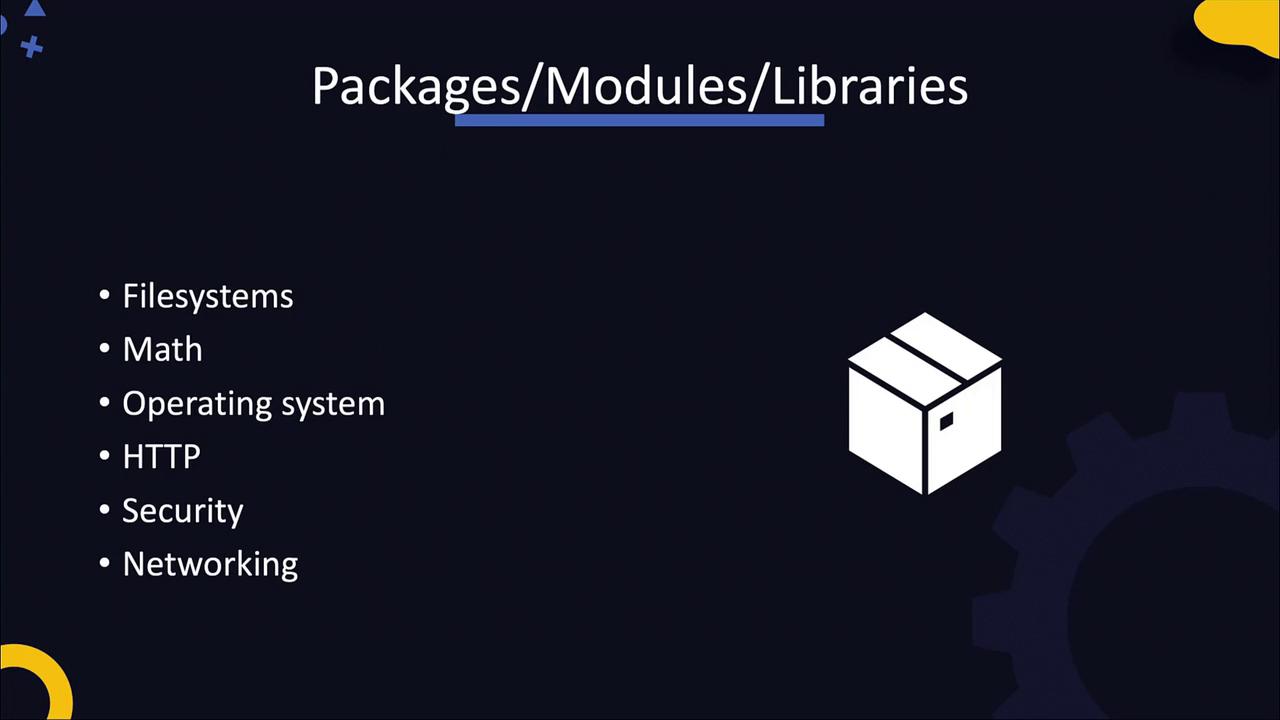
Developers frequently share reusable code in the form of packages, modules, or libraries. These packages can handle diverse functionalities such as filesystem operations, mathematical computations, OS interactions, web server setup, and more.
Applications depend on these packages, and managing them efficiently is crucial in DevOps. Tools such as NPM for Node.js and PIP for Python are used to manage these dependencies, helping prevent issues during the build process.
Once an application is developed, it typically undergoes a series of stages including development, building, testing, and delivery. DevOps practices strongly emphasize automating these stages through Continuous Integration and Continuous Deployment (CI/CD) pipelines. Having a clear understanding of what is being automated is key to successfully implementing automation in your workflows.The following table summarizes several components crucial to modern application development in a DevOps context:
In the upcoming sections, we will dive deeper into specific application types, including Python, Java, and Node.js. We will also explore popular web servers like Apache and NGINX, along with databases. Ultimately, you will work through an end-to-end application deployment that covers the entire software development lifecycle, with practical labs to reinforce these concepts.That concludes this lecture. In the next session, we will focus on Java and explore its critical elements in greater detail. See you there!