

Linux Basics
Begin your journey by mastering fundamental Linux commands and the command-line interface (CLI). In this section, you will also get acquainted with the vi editor, an essential tool for editing configuration files in Linux. Below is an example demonstrating basic file creation and content manipulation:Lab Environment and Troubleshooting
At KodeKloud, our courses include embedded labs that provide a ready-to-use environment. However, you may also wish to set up your own persistent lab environment for development, experimentation, and troubleshooting. This section guides you in creating a custom lab environment, with particular focus on resolving common challenges, such as network configuration issues in VirtualBox.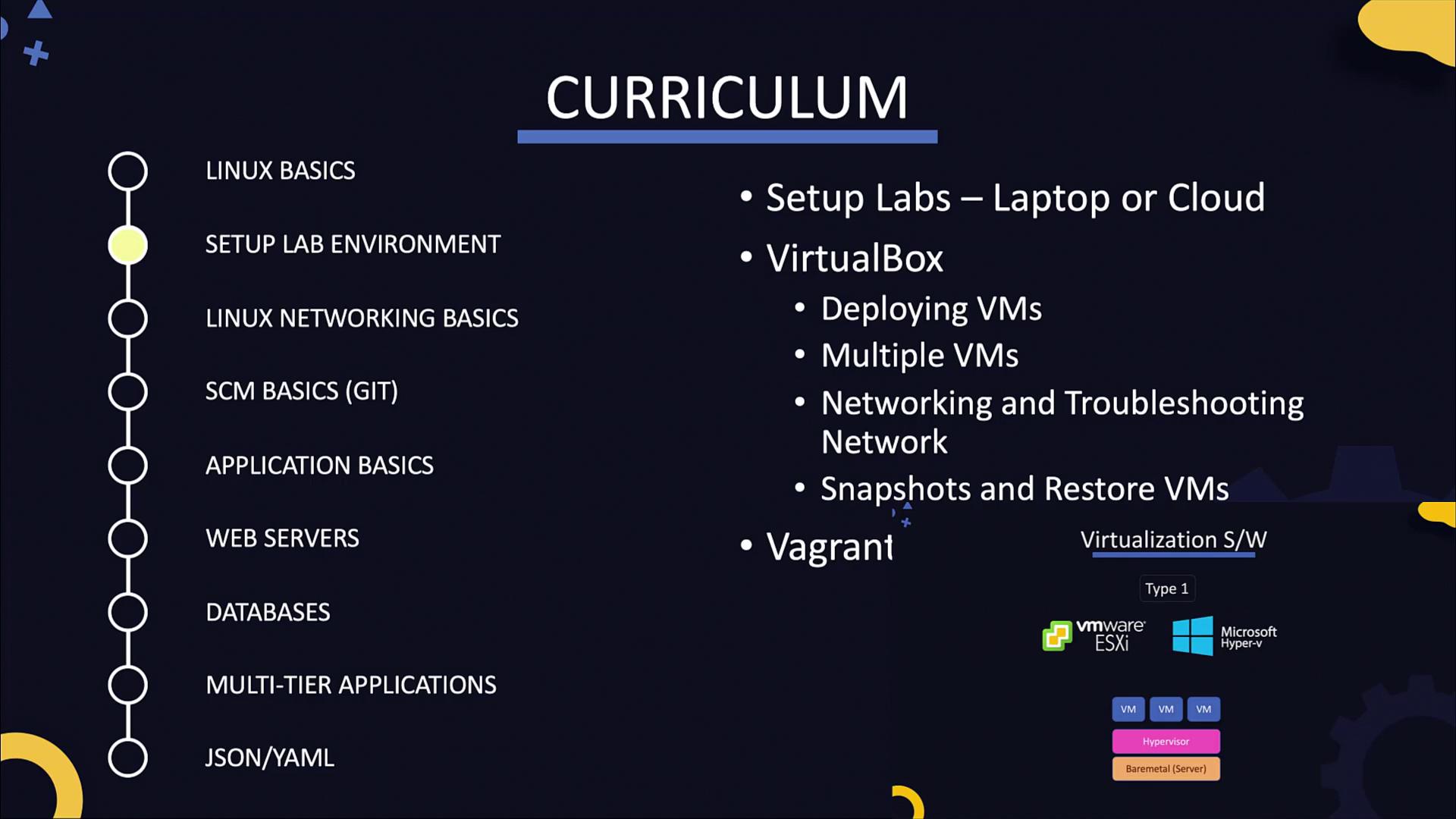
Networking in Linux
Networking in Linux can be complex, but this section simplifies it by covering key topics such as:- Configuring network interfaces and IP addresses.
- Troubleshooting connectivity issues, including problems where a virtual machine loses internet access or when multiple VMs struggle to communicate.
- Configuring routing and DNS settings.
Source Code Management
In modern DevOps and cloud environments, interactions with source code repositories are vital. This section introduces popular source code management tools like Git. You will gain hands-on experience with essential Git commands for pulling, modifying, and pushing code changes.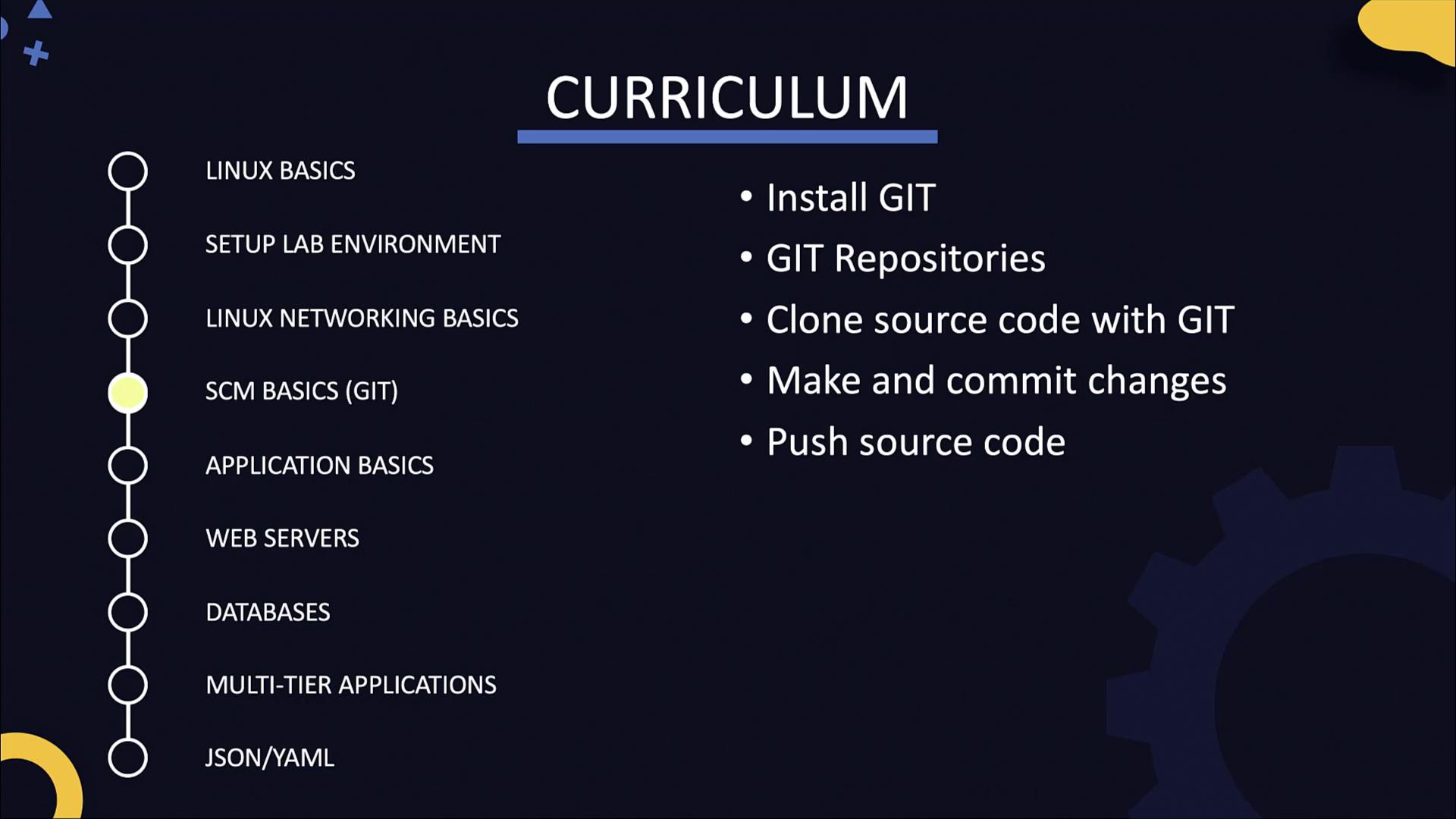
Applications and Build Process
This section focuses on the application lifecycle—covering development through deployment. It is aimed at non-developers and those with little or no coding experience. You will learn about widely used applications including Python, NodeJS, and Java, which serve as examples for understanding build pipelines and automation in a DevOps environment.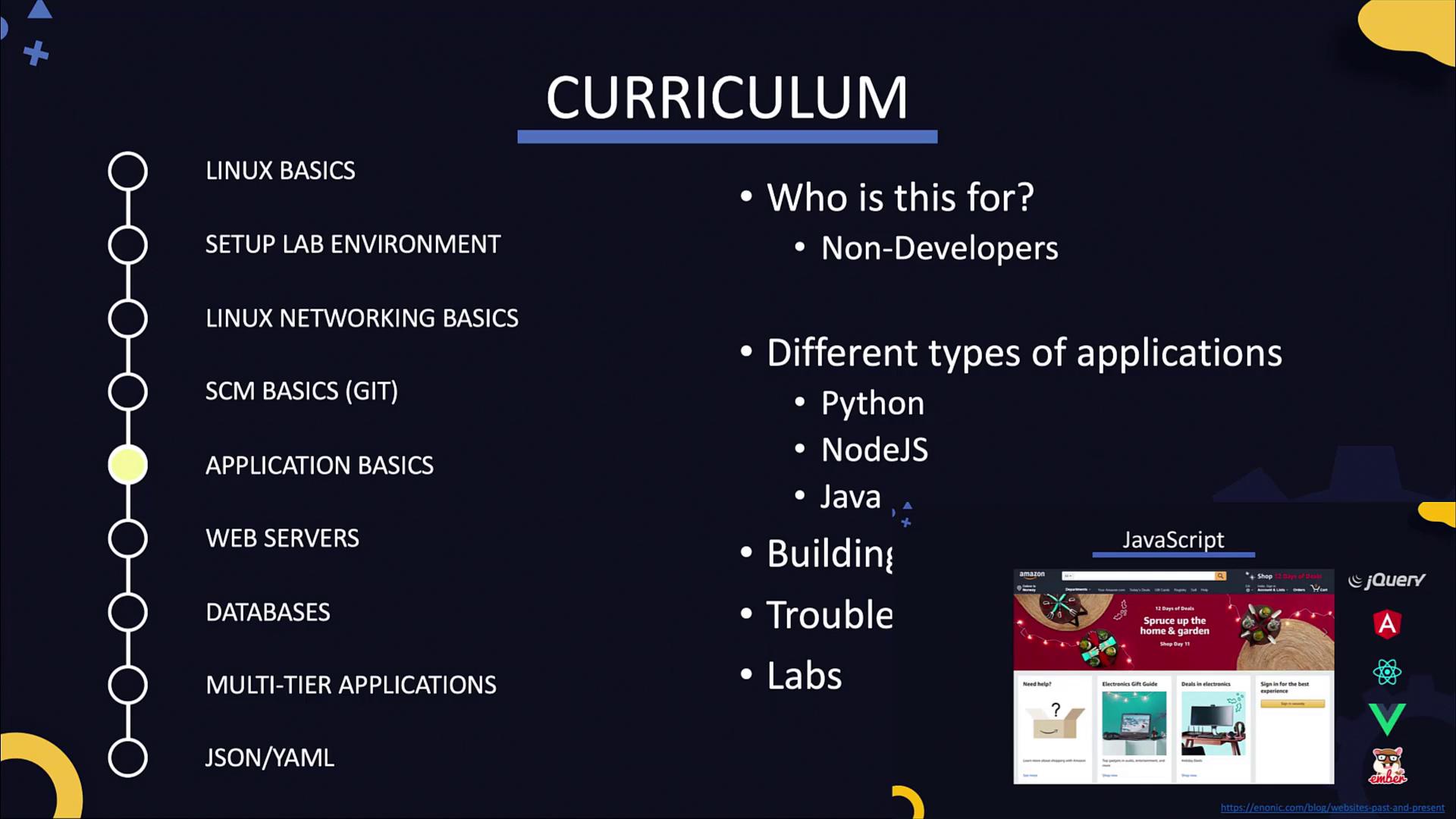
Web Servers
Delve into the fundamentals of web servers and web frameworks. You will explore popular web server technologies such as Apache, HTTPD, NGINX, Gunicorn, and PM2. The section covers topics such as selecting IP addresses and ports, configuring server interfaces, and securing web servers with SSL/TLS certificates. For instance, consider this simple Flask application: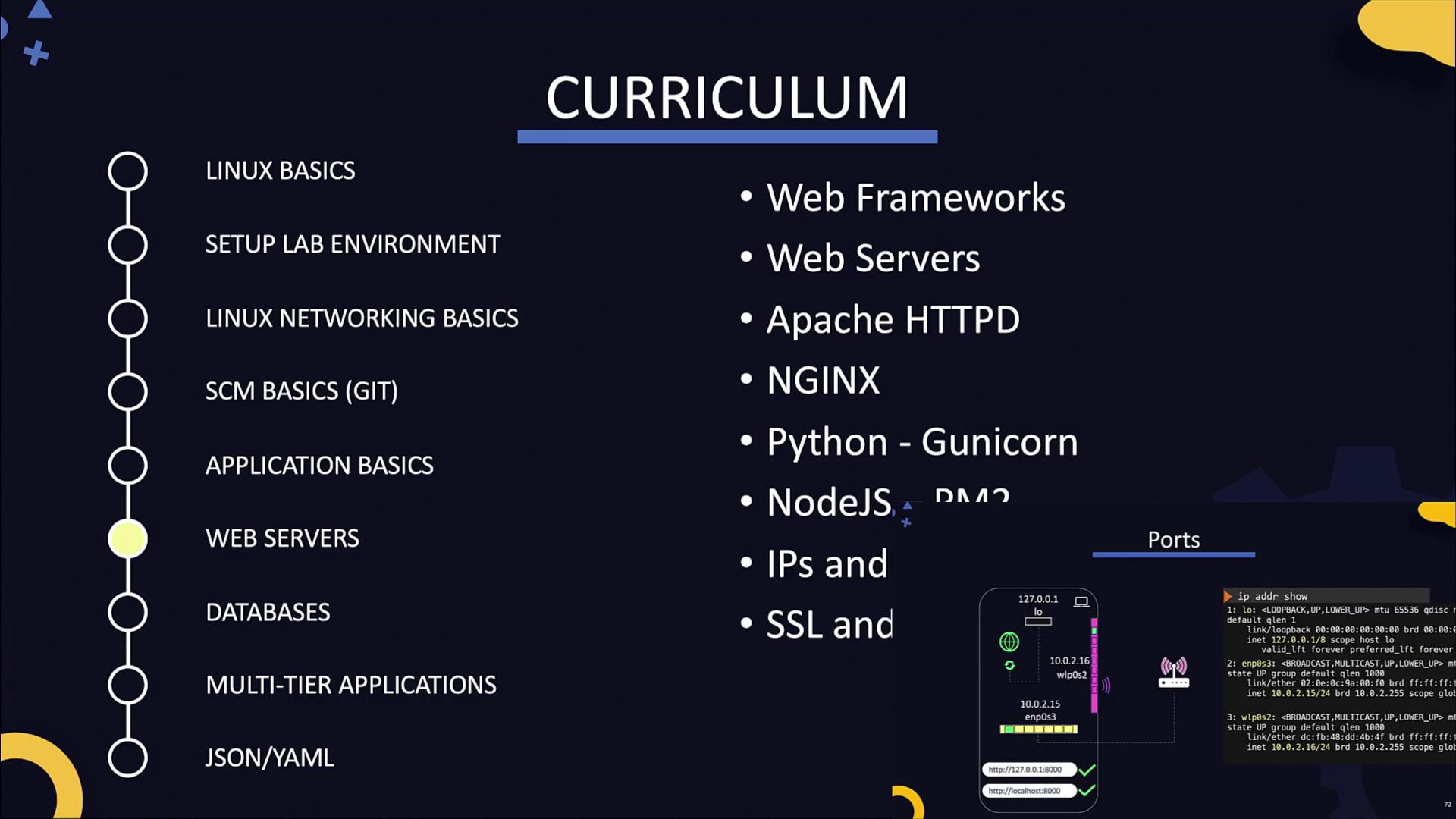
Databases
Gain an understanding of different database types, such as MySQL and MongoDB, and learn how web servers interface with these databases. This section emphasizes essential administration tasks over advanced SQL queries. For example, installing and managing MySQL on a Linux system is demonstrated below:Ensure you replace placeholder values in SQL commands with actual database names, user names, and permissions as required.
Multi-Tier Application Deployment and Data Structures
Integrate the skills learned throughout the course by deploying a multi-tier LAMP stack application. This practical project includes setting up a web front end, a web server, and a database server. You will also explore common data structures such as JSON and YAML. These data formats are essential in configuration tools like Ansible, Docker, and Kubernetes.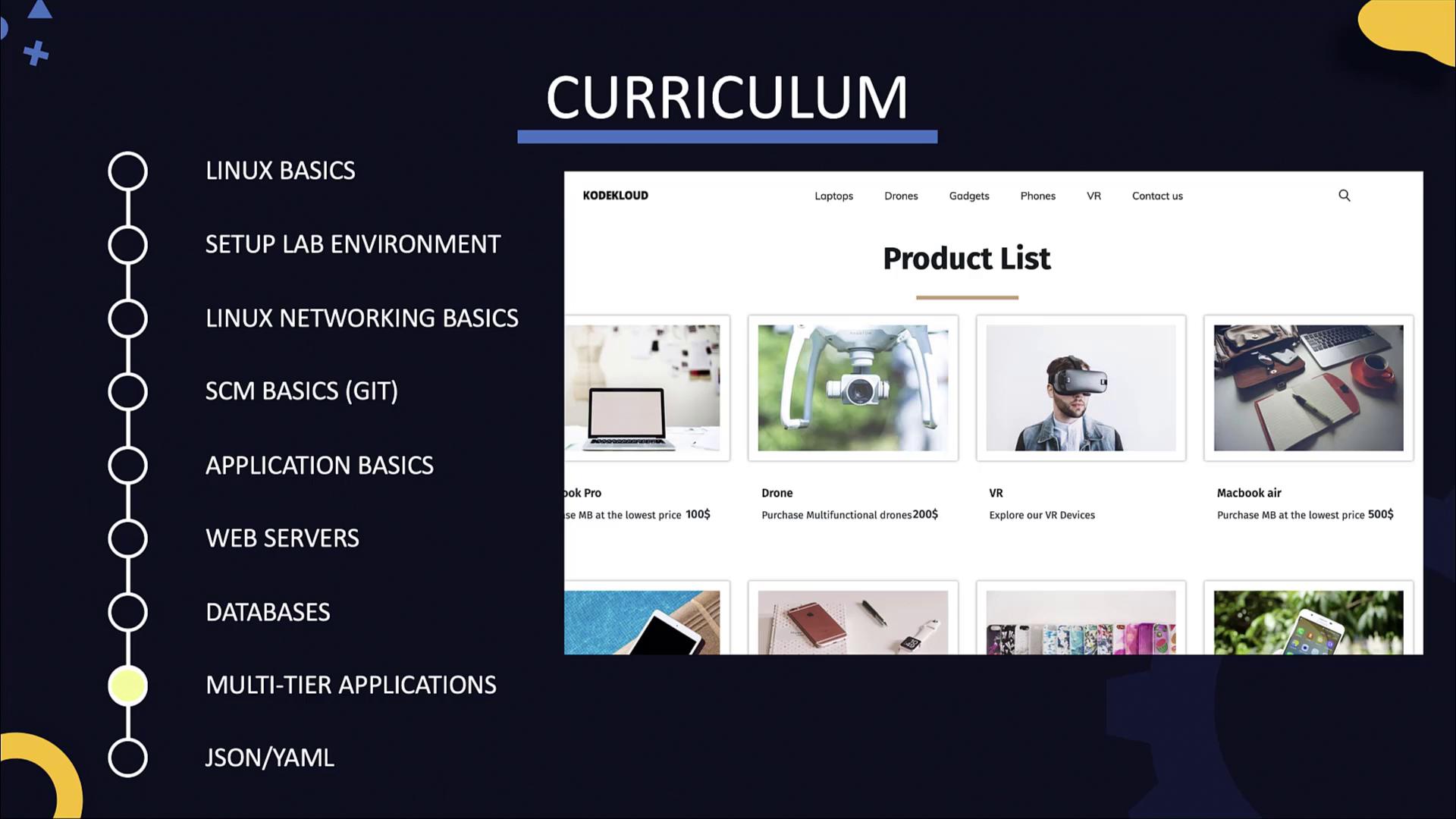
When you’re ready, dive into the lab exercises and detailed demonstrations to reinforce your understanding of DevOps fundamentals. Enjoy the lesson and happy learning!