This article provides an introduction to Node.js and its role in full-stack development, highlighting its server-side capabilities and installation instructions.
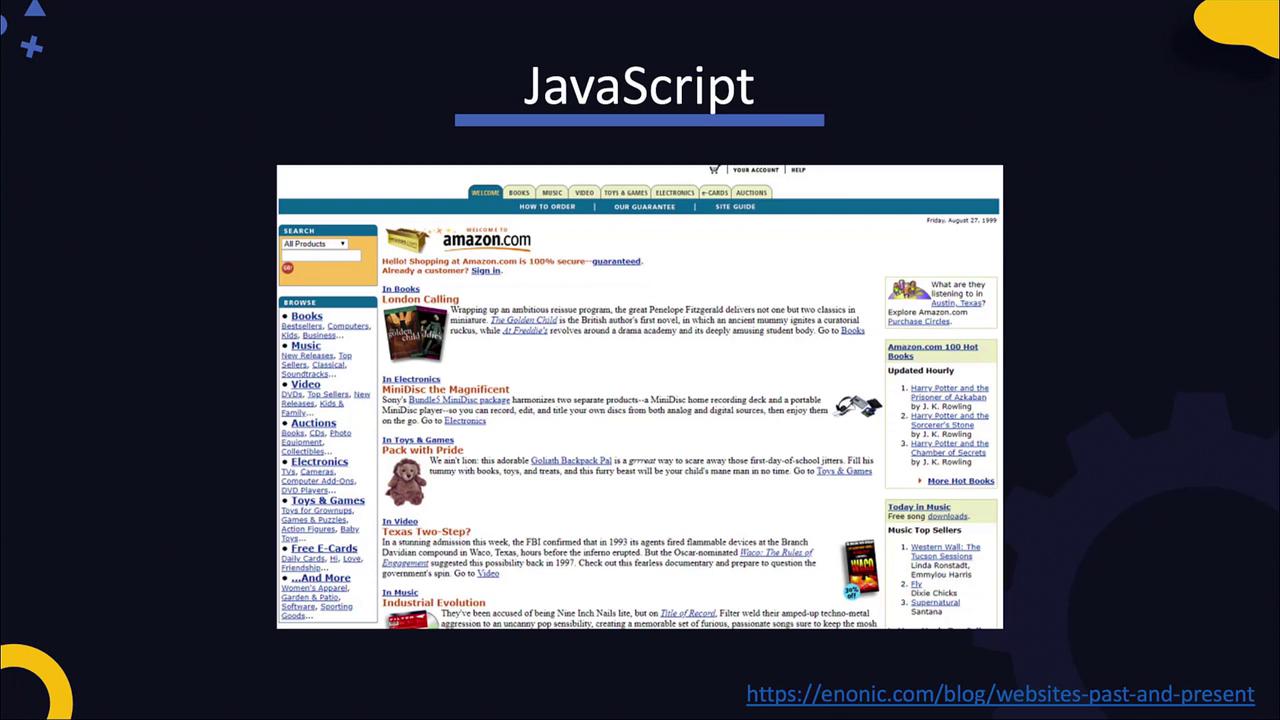
This article provides an introduction to Node.js, explains its role in modern full-stack development, and briefly reviews the evolution of JavaScript. Initially, web pages were simple—mainly consisting of text links, basic HTML code, and a few images with minimal CSS-based styling.
JavaScript transformed web development by enabling interactive and dynamic web pages. With JavaScript, developers built features like calculators, animations, games, and dynamic graphs directly in the browser. This innovation led to the emergence of popular client-side frameworks such as jQuery, AngularJS, ReactJS, VueJS, EmberJS, and BackboneJS. These frameworks run on the client side—executing code on the users’ systems—while the back-end was traditionally handled by languages like Java, Python, or Ruby.Node.js revolutionized this landscape by allowing JavaScript to run on the server side. This means developers can now build full-stack applications using JavaScript alone, unifying client-side and server-side development. Node.js is a server-side JavaScript environment that efficiently handles a large number of concurrent connections through its non-blocking I/O model. Moreover, it is open-source, free, and compatible with multiple platforms, including Windows, Linux, Unix, and macOS.
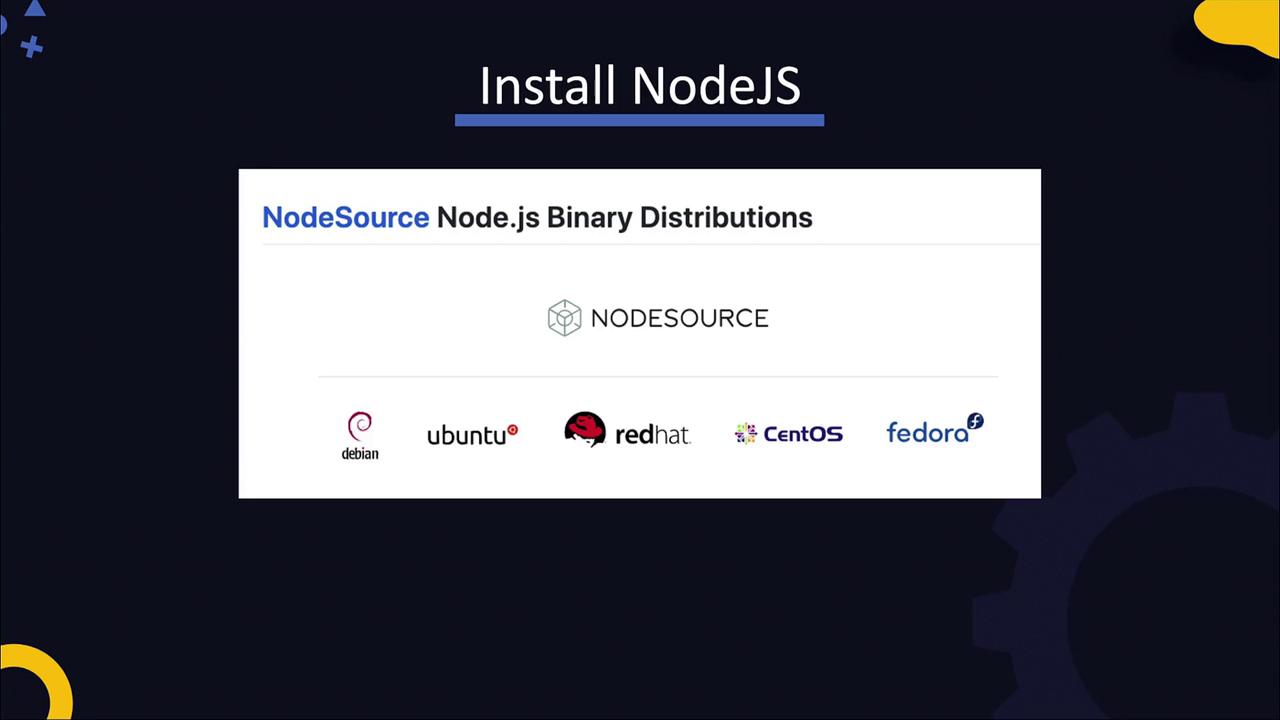
As of this recording, the latest Node.js version is 13. For Linux users, the NodeSource repository offers binary distributions for a variety of flavors. Below is an example of how to install Node.js on CentOS.First, add the repository for Node.js and then execute the following command to complete the installation:
Once Node.js is installed, verify the installation using the command-line utility:
node -v
The command should output something similar to:
V13.10.1
Next, run a simple Node.js application to see it in action:
node add.js
Expected output:
Addition : 15
Below is the content of the sample “add.js” file:
// Returns the addition of two numberslet add = function(a, b) { return a + b;};const a = 10, b = 5;console.log("Addition : " + add(a, b));
This article focuses on deploying a Node.js application using pre-existing code. For further practice, try installing Node.js and running a simple application on your local machine.
In the next article, we will explore additional Node.js features and dive deeper into package management. Stay tuned for more advanced topics and best practices.